How Google Maps Impacts Dental Patient Growth
For many dental practices, Google Maps has become the new front door.
Before a patient visits your website, calls your office, or reads about your services, they often see your practice on Google Maps. They compare your reviews, photos, location, hours, and how easy it is to contact you. In many cases, that first Maps impression determines whether they choose your office or the dental practice down the street.
For independent dental practice owners, dentists, and office managers, Google Maps is no longer just a directory listing. It is a patient acquisition channel, a reputation platform, a call generator, and a key part of the new patient journey.
Google Maps Is Where High-Intent Dental Searches Happen
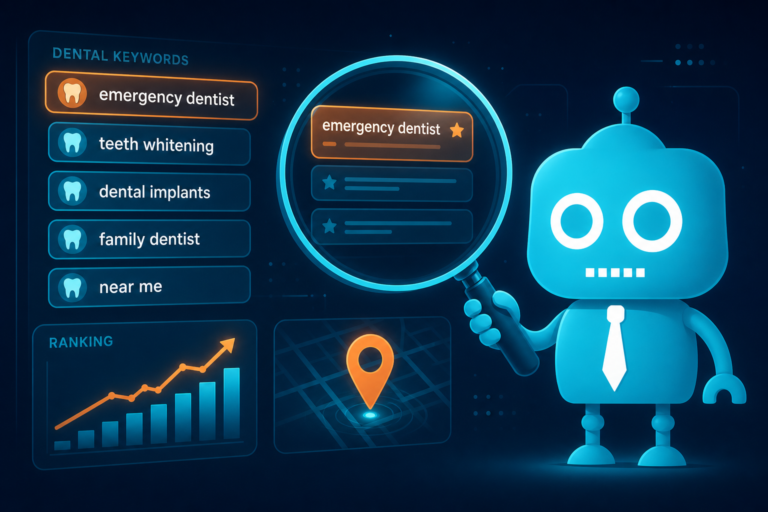
When someone searches for a dentist on Google Maps, they usually have local intent. That means they are not casually browsing. They are looking for a provider nearby and may be ready to book.
Common local intent searches include:
- “dentist near me”
- “emergency dentist near me”
- “pediatric dentist in [city]”
- “dental implants near me”
- “Invisalign dentist [city]”
- “family dentist accepting new patients”
These searches are valuable because they often come from people with an immediate need. A parent may be looking for a new family dentist. A patient with tooth pain may need an emergency appointment. Someone comparing cosmetic options may be researching practices that offer veneers or clear aligners.
If your practice does not appear prominently when these searches happen, you may be losing new patient opportunities before a person ever reaches your website.
The Map Pack Can Drive New Patient Growth
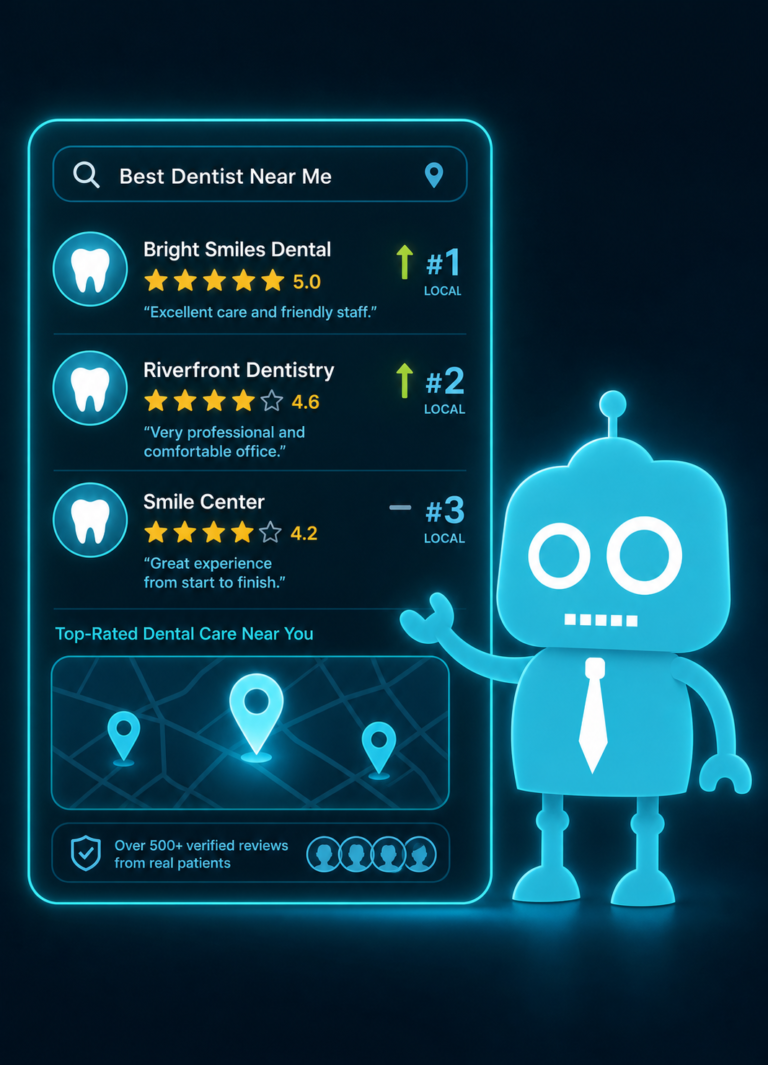
The “map pack” is the group of local business results that appears near the top of Google search results, usually with a map and three highlighted listings. For dental practices, this section can be one of the most important areas of visibility online.
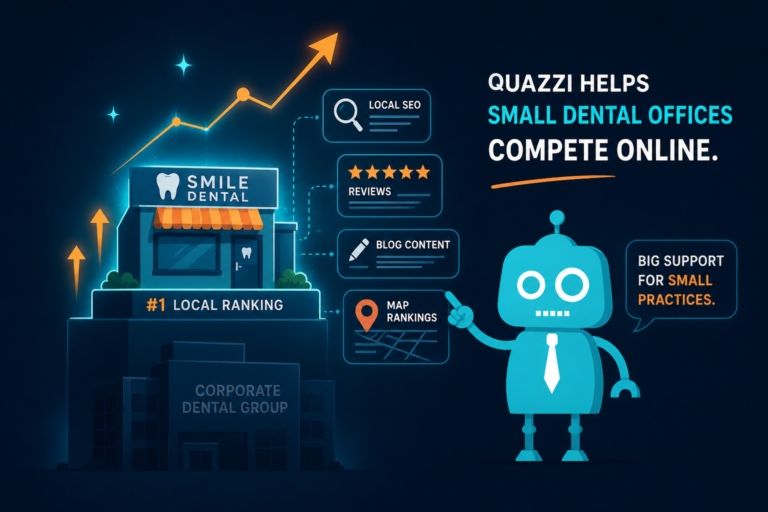
When a potential patient searches “dentist near me,” the map pack often appears above traditional website results. That means a well-optimized Google Business Profile can help your practice get seen before larger competitors, directories, or national dental brands.
Why Map Pack Visibility Matters for Dentists
Map pack visibility can influence:
- How many calls your front desk receives
- How many people request directions to your office
- How many potential patients click through to your website
- How much trust patients feel before contacting you
- How often your practice is compared against nearby competitors
For example, if your practice appears in the top three results for “emergency dentist near me,” and your listing shows strong reviews, current hours, quality photos, and a clear phone number, you are in a strong position to earn that call.
If your listing is incomplete, has few reviews, or lacks recent updates, the patient may move on quickly.
Reviews Are One of the Biggest Trust Signals on Google Maps
Dental care is personal. Patients want to know they can trust the provider, the team, and the overall experience. Reviews on Google Maps help create that trust before the patient ever walks through your door.
A practice with a strong review profile can stand out even in a competitive market. Patients often compare ratings, review count, and recent comments when choosing between nearby dentists.
What Patients Look for in Dental Reviews
Potential patients are not only looking at your star rating. They are reading for clues about the experience, such as:
- Was the front desk helpful?
- Was the dentist gentle and clear?
- Did the office run on time?
- Was the practice good with nervous patients?
- Were financial options explained clearly?
- Was the hygienist thorough and friendly?
- Did the office help with emergencies quickly?
This is why review generation should be part of your front desk and patient follow-up process. After a successful visit, your team can send a simple review request by SMS or email through your CRM or patient communication system.
The best review strategy is consistent and ethical. Ask happy patients at the right time, make the process easy, and respond professionally to reviews when appropriate.
Photos Help Patients Picture Themselves in Your Office
Photos are often overlooked, but they play a major role in how patients judge a dental practice on Google Maps.
A listing with no photos, outdated images, or poor-quality pictures can make a practice feel less welcoming. On the other hand, professional and authentic photos help patients feel more comfortable before they schedule.
Important Photos for Dental Practices
Your Google Business Profile should include photos that reflect the actual patient experience, such as:
- Exterior photo of your building or entrance
- Reception area
- Treatment rooms
- Team photos
- Dentist portraits
- Technology, such as scanners or imaging equipment
- Comfort features, such as TVs, blankets, or sedation options
- Parking or building access if helpful
For dental offices located in medical buildings, shopping centers, or shared professional spaces, exterior and parking photos are especially useful. They reduce confusion and make it easier for new patients to find you.
Photos can also support your brand. A pediatric dental office may want bright, friendly images. A cosmetic practice may want polished, modern visuals. A family dental practice may want warm, approachable team photos.
Categories Help Google Understand Your Dental Practice
Google Business Profile categories help Google understand what your practice does and which searches you should appear for. Choosing the right categories is essential for Maps visibility.
Your primary category should match your core service. For many general practices, that is “Dentist.” But depending on your practice, additional categories may also be relevant.
Examples of Dental Categories
- Dentist
- Cosmetic dentist
- Emergency dental service
- Pediatric dentist
- Orthodontist
- Dental implants periodontist
- Oral surgeon
- Teeth whitening service
Categories should be accurate. If you are a general dentist who offers cosmetic services, “Cosmetic dentist” may be appropriate as a secondary category. If you do not provide emergency care or same-day appointments, you should not position yourself as an emergency dental service.
The goal is to help Google match your practice with the right patient searches while avoiding confusion or mismatched expectations.
Proximity Still Matters, But It Is Not the Only Factor
Proximity is a major factor in Google Maps results. If a patient searches “dentist near me,” Google considers how close each practice is to that searcher’s location.
This means your practice may rank differently for different people, even when they search the same phrase. Someone one mile away may see your office near the top. Someone across town may see other practices first.
However, proximity is not the only factor. Google also considers relevance and prominence. That means your categories, services, reviews, website, profile completeness, and overall online presence can influence your visibility.
How Dental Practices Can Compete Beyond Location
You cannot move your building closer to every patient, but you can strengthen the signals Google and patients care about:
- Keep your Google Business Profile complete and accurate
- Use the right categories and services
- Build a steady flow of quality reviews
- Add useful photos regularly
- Make sure your website supports your dental services and location
- Create location-specific and service-specific website content
- Ensure your name, address, and phone number are consistent online
For example, a practice that wants more dental implant patients should have both a strong Google listing and a high-quality dental implant page on its website. Google Maps may generate the click, but the website needs to build confidence and convert that interest into an appointment request.
Calls from Google Maps Listings Are Critical New Patient Opportunities
One of the most valuable actions on Google Maps is the phone call. Many potential patients do not want to fill out a form first. They want to call, ask questions, and see if your practice can help.
This makes front desk operations a major part of Google Maps performance. A listing can generate the call, but your team has to convert the call into an appointment.
Common Questions Patients Ask After Finding You on Maps
- “Are you accepting new patients?”
- “Do you take my insurance?”
- “Can I get in today?”
- “How much does a consultation cost?”
- “Do you offer payment plans?”
- “Where exactly are you located?”
- “Do you treat children?”
Your front desk should have clear call scripts and quick answers for these questions. Calls from Google Maps are often high-intent. If the call goes to voicemail, if the patient is placed on hold too long, or if the team does not ask for the appointment, the practice may lose the lead.
Dental offices can improve conversion by tracking call volume, missed calls, booking rates, and source attribution. If your CRM or phone system can show which calls came from Google Maps, you can better understand how your listing contributes to new patient growth.
Website Clicks from Google Maps Need a Strong Landing Experience
Many patients click from Google Maps to the practice website before calling. They want to verify services, meet the dentist, review insurance information, or see if the practice feels professional.
This is where website quality becomes essential. Google Maps may open the front door, but your website needs to welcome the patient in.
What Patients Expect After Clicking from Maps
A dental website should quickly answer the questions that matter most to new patients:
- Where are you located?
- Are you accepting new patients?
- What services do you provide?
- Who are the dentists?
- How do I book an appointment?
- Do you accept my insurance?
- Do you offer emergency or same-day care?
- Do you provide financing or membership plans?
If a patient clicks from Google Maps and lands on a slow, outdated, confusing, or non-mobile-friendly website, they may return to the map and choose another office.
This is especially important because most Maps activity happens on mobile devices. Your website should load quickly, display properly on phones, and make it easy to call, request an appointment, or send a message.
Directions Requests Show Real-World Patient Interest
Directions requests are another important signal from Google Maps. When someone taps “Directions,” they may be planning a visit, checking commute time, or confirming that your office is convenient.
For dental practices, directions are especially important for:
- New patient appointments
- Emergency dental visits
- Parents bringing children to the office
- Older patients who need easy access and parking
- Patients comparing convenience between multiple practices
Make sure your address is correct, your map pin is placed accurately, and your website includes practical location details. If your office is hard to find, include notes such as “Located next to the pharmacy,” “Entrance on the north side of the building,” or “Free parking available behind the office.”
These small details reduce frustration and help new patients arrive on time.
Your Google Maps Listing and Website Should Work Together
Google Maps should not be treated separately from your website, CRM, review process, or front desk workflow. It is part of a larger new patient acquisition system.
A patient may discover your practice on Maps, read your reviews, view your photos, click your website, fill out a form, receive an automated text, and then speak with your front desk. Every step should feel connected and professional.
Example: A New Patient Journey from Google Maps
Here is a common path for a high-intent patient:
- The patient searches “emergency dentist near me.”
- Your practice appears in the map pack.
- The patient sees strong reviews and current office hours.
- They click your website to confirm emergency services.
- Your mobile website loads quickly and shows a clear “Call Now” button.
- The patient calls the office.
- Your front desk confirms availability and schedules the appointment.
- Your CRM sends an SMS confirmation and intake form.
- After the visit, your automation sends a review request.
That is how Google Maps becomes more than a listing. It becomes the starting point of a measurable patient acquisition process.
Website Quality After Maps Clicks Can Make or Break Conversion
Many dental practices focus on getting more traffic but overlook what happens after the click. If your Google Maps listing generates website visits but the site does not convert, growth will be limited.
A strong dental website should support conversion with:
- Fast mobile performance
- Clear appointment buttons
- Clickable phone numbers
- Simple lead capture forms
- Service pages for high-value treatments
- Trust-building dentist and team bios
- Patient reviews and testimonials
- Insurance, financing, and membership plan information
- Emergency dental care details when applicable
- CRM integration for follow-up
For example, if a patient clicks from Maps after searching “dental implants near me,” sending them to a generic homepage may not be enough. A dedicated dental implants page with treatment information, benefits, candidacy details, financing options, and a consultation request form will usually perform better.
The same applies to Invisalign, veneers, sedation dentistry, pediatric dentistry, emergency dental care, and other important services.
Google Maps Data Can Help You Improve Operations
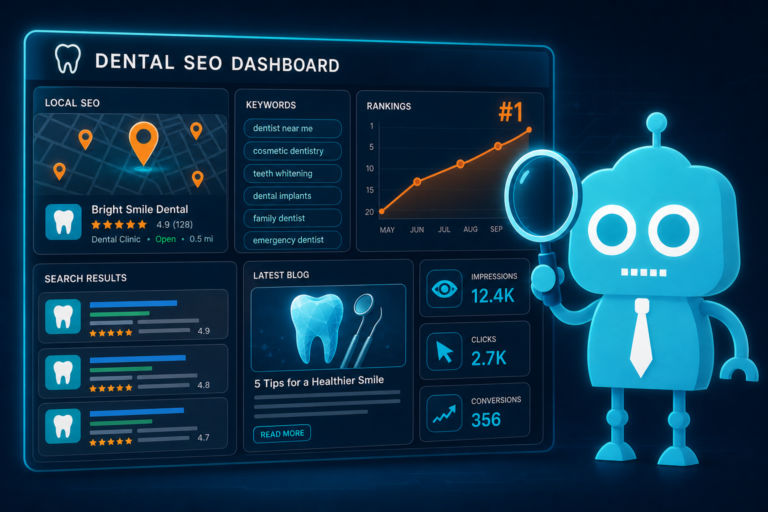
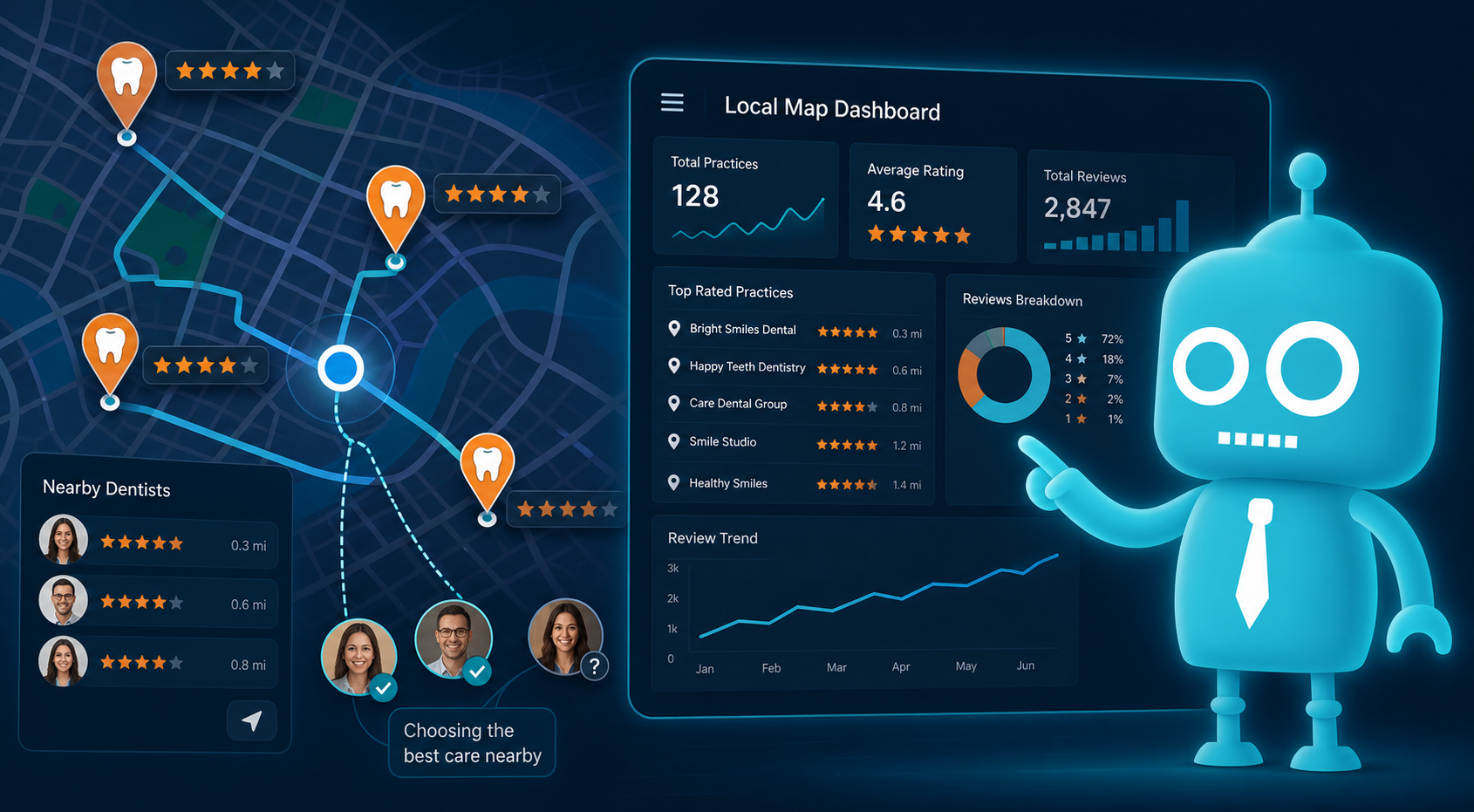
Google Business Profile insights can show how patients interact with your listing. While the available data may change over time, dental practices can often review actions such as calls, website clicks, direction requests, search terms, and profile views.
This data can help you make smarter decisions.
Practical Questions to Ask Each Month
- Which searches are leading people to our listing?
- Are calls increasing or decreasing?
- Are we missing calls during lunch, evenings, or busy mornings?
- Are website clicks turning into form submissions?
- Are direction requests coming from nearby neighborhoods we should target?
- Are patients mentioning Google when they call?
- Do our reviews reflect the patient experience we want to promote?
Office managers can use this information to improve scheduling coverage, follow-up workflows, review requests, and marketing priorities. Practice owners can use it to understand which services and locations are generating demand.
How to Strengthen Your Google Maps Presence
Improving Google Maps performance is not about one trick. It is about building a complete, trustworthy, and conversion-focused presence.
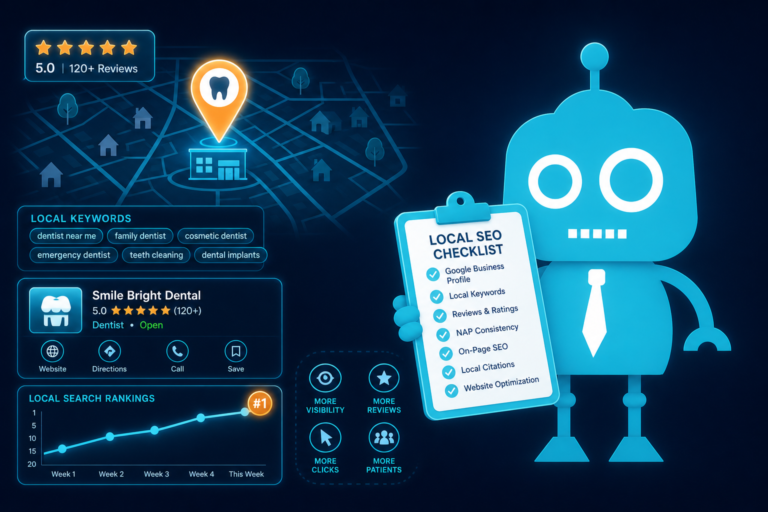
Google Maps Checklist for Dental Practices
- Claim and verify your Google Business Profile
- Confirm your name, address, phone number, and hours are accurate
- Select the most accurate primary and secondary categories
- Add detailed services that match what your practice offers
- Upload high-quality photos of your office, team, and exterior
- Build a consistent review request process
- Respond to reviews professionally when appropriate
- Make sure your website is fast and mobile-friendly
- Use clear calls to action for calls and appointment requests
- Connect website forms to your CRM or patient communication system
- Use SMS and email automation for appointment follow-up
- Track calls, forms, website clicks, and booked appointments
When these pieces work together, your Google Maps presence becomes a stronger growth engine for the practice.
The New Front Door Needs a Strong First Impression
Patients used to judge a dental practice first by its physical entrance, signage, and reception area. Those things still matter. But today, many patients form their first impression on Google Maps.
They see your reviews before they meet your team. They view your photos before they see your waiting room. They compare your location before they ask for an appointment. They click your website before they decide to call.
That means Google Maps is often the new front door of your dental practice. The stronger that front door looks and functions, the more likely patients are to take the next step.
Build a Better Digital Front Door with CreateTheSite.com
If your Google Maps listing is generating clicks but your website is outdated, slow, or difficult to use on mobile, you may be losing new patients who were already interested in your practice.
CreateTheSite.com helps dental practices build a stronger digital front door with modern website design, reliable hosting, mobile optimization, lead capture forms, CRM integrations, SMS and email automation, appointment follow-up, and ongoing website support.
Whether your goal is to convert more Google Maps clicks, capture more new patient requests, improve follow-up, or present a more professional online experience, CreateTheSite.com can help your dental practice turn online visibility into scheduled appointments.
Ready to improve what patients see after they find you on Google Maps? Visit CreateTheSite.com to learn how a better website and smarter patient follow-up system can support your practice growth.