Local SEO Strategies for Dentists: Treat Your Online Presence Like a City Growth Plan
For a dental practice, local SEO is not just about “ranking higher on Google.” It is a growth plan for your city, town, and nearby neighborhoods.
Every search represents a real person with a specific need: a parent looking for a children’s dentist, a professional searching for Invisalign near work, a patient with a toothache who needs same-day help, or a family comparing dentists before switching providers.
If your practice wants more new patients, your local SEO strategy should map directly to how people search, where they live, what services they need, and how your front desk converts those inquiries into appointments.
This guide breaks down practical local SEO strategies for dentists, independent dental practice owners, and office managers who want to turn their website, Google Business Profile, reviews, and local visibility into a stronger new patient pipeline.
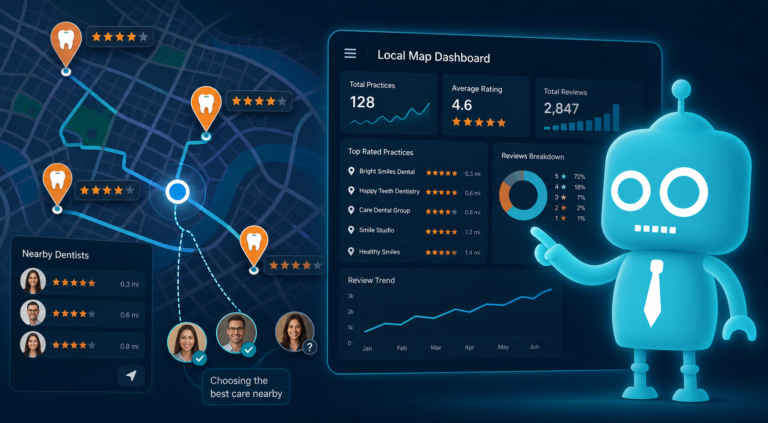
Think of Local SEO as a Neighborhood-by-Neighborhood Growth Plan
Many dental practices approach SEO too broadly. They try to rank for “dentist near me” without thinking about the actual communities they serve.
A better approach is to build your online presence around your real growth areas:
- The city where your practice is located
- Nearby neighborhoods and suburbs
- High-value services you want to grow
- Patient types you serve, such as families, seniors, children, or cosmetic dentistry patients
- Search intent, such as emergencies, insurance questions, new patient exams, or specific treatments
For example, a dental practice in Scottsdale may not only want to rank for “dentist in Scottsdale.” It may also want visibility for searches like:
- “emergency dentist near Old Town Scottsdale”
- “Invisalign dentist in North Scottsdale”
- “family dentist near McCormick Ranch”
- “dental implants Scottsdale AZ”
- “dentist accepting new patients near me”
This is where local SEO becomes more strategic. You are not just optimizing pages. You are creating digital entry points for every part of your market.
Optimize Your Google Business Profile Like a New Patient Conversion Tool
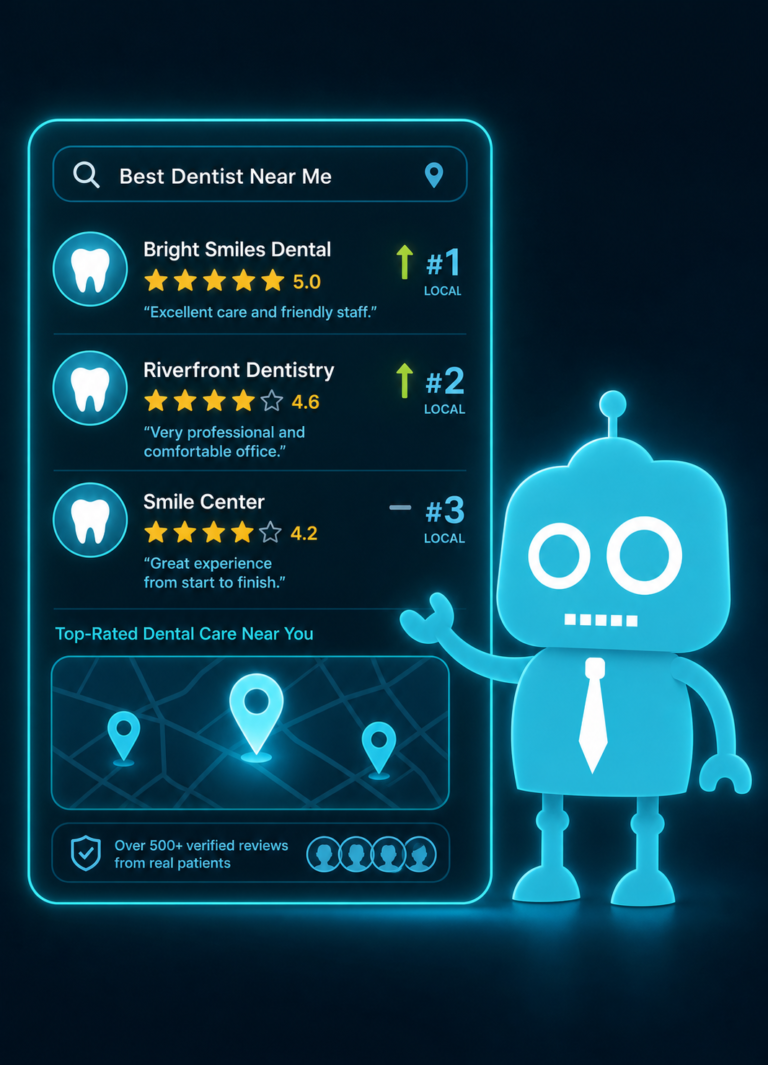
Your Google Business Profile is often the first impression a potential patient has of your practice. It appears in Google Maps, local search results, and “near me” searches. For many dental offices, it drives more phone calls than the website itself.
That means your profile should not be treated like a basic listing. It should be managed like a front door to your practice.
Complete Every Important Profile Field
Make sure your Google Business Profile includes accurate and detailed information, including:
- Practice name
- Primary phone number
- Address
- Website URL
- Office hours
- Holiday hours
- Primary category, such as “Dentist”
- Secondary categories, such as “Cosmetic Dentist,” “Dental Implants Periodontist,” or “Emergency Dental Service” when appropriate
- Services offered
- Practice description
- Photos of the office, team, treatment rooms, and exterior
For dental practices, accuracy matters. If a patient calls after seeing that your office is open, but your hours are wrong, that creates frustration and lost trust before they ever meet you.
Add Service Details That Match Patient Searches
Google allows you to list services inside your profile. Use this section to align with how patients search.
Examples include:
- Dental cleaning
- New patient exam
- Emergency dental care
- Same-day crowns
- Dental implants
- Invisalign or clear aligners
- Teeth whitening
- Root canal treatment
- Tooth extraction
- Children’s dentistry
Each service should be written in plain language. Avoid overly clinical descriptions that patients may not search for.
Use Google Posts to Promote Timely Updates
Google Posts can highlight office updates, special announcements, educational content, or seasonal reminders.
Practical examples for dentists include:
- “Now accepting new patients in [City]”
- “Back-to-school dental checkups available”
- “What to do if you crack a tooth”
- “Meet our new hygienist”
- “Invisalign consultations available this month”
These posts keep your profile active and give patients more reasons to choose your office.
Create Service Pages for the Treatments You Want to Grow
If your website only has one general “Services” page, you are making it harder for Google and patients to understand what your practice offers.
Each major dental service should have its own dedicated page. This helps your website rank for specific searches and gives patients the information they need to take the next step.
Examples of Dental Service Pages
A strong dental website may include individual pages for:
- General dentistry
- Preventive dentistry
- Dental cleanings and exams
- Emergency dentistry
- Cosmetic dentistry
- Teeth whitening
- Porcelain veneers
- Dental implants
- Dental crowns
- Same-day crowns
- Root canals
- Tooth extractions
- Dentures
- Invisalign or clear aligners
- Pediatric dentistry
Each service page should answer the questions patients actually ask before booking.
What Every Service Page Should Include
A high-converting dental service page should include:
- A clear headline with the service and location
- A short explanation of who the service is for
- Symptoms or signs the patient may need treatment
- What to expect during the appointment
- Benefits of treatment
- Insurance or financing information when relevant
- Trust signals, such as reviews, technology, or dentist credentials
- A strong call-to-action to call, request an appointment, or complete a form
For example, an emergency dentistry page should not be vague. It should clearly mention toothaches, broken teeth, swelling, knocked-out teeth, lost crowns, and same-day appointment availability if your practice offers it.
The goal is simple: match the patient’s urgent need and make it easy to contact your office.
Build City and Location Pages for Your Real Service Area
City pages and neighborhood pages help your practice show up for searches outside your immediate address area. But they must be useful, specific, and honest.
Do not create dozens of thin pages that simply swap out city names. Google can recognize low-quality location pages, and patients can too.
When City Pages Make Sense
City or neighborhood pages are useful when your practice genuinely serves patients from those areas.
For example, if your dental office is in Plano, you may serve patients from:
- Frisco
- Allen
- McKinney
- Richardson
- North Dallas
Each page should explain why patients from that area choose your practice, how far you are from that community, what services are commonly requested, and how to schedule.
What to Include on a Strong Location Page
A quality city page may include:
- “Dentist near [City/Neighborhood]” in the page title or heading
- Driving distance or nearby landmarks
- Services available to patients from that area
- Office hours and appointment options
- Insurance, financing, or new patient information
- Reviews from patients in the area if available
- A map or directions section
- A clear appointment request form or phone number
For instance, a page targeting “Family Dentist Near West Loop Chicago” could mention nearby schools, busy commuter schedules, evening appointment availability, and family block scheduling if your office offers it.
That kind of detail makes the page more useful and more likely to convert visitors into patients.
Use Reviews as a Local Ranking and Conversion System
Reviews influence both local SEO and patient decision-making. A dental practice with strong reviews is more likely to earn trust before a patient ever calls.
For dentists, reviews are especially powerful because many people feel anxious about dental care. They want reassurance that the dentist is gentle, the hygienists are friendly, the front desk is helpful, and the office does not feel intimidating.
Make Review Requests Part of Front Desk Operations
Review generation should not be random. It should be built into your patient workflow.
Practical review request moments include:
- After a successful new patient appointment
- After a cosmetic case is completed
- After Invisalign treatment milestones
- After an emergency patient is relieved of pain
- After a parent compliments the team
- After a patient thanks the hygienist or front desk
The best process is simple: train the team to recognize happy patients, then send a review link by SMS or email while the experience is still fresh.
Use SMS and Email Automation for Review Requests
A CRM or patient communication system can automate review requests after completed appointments. This helps your team stay consistent without manually sending every message.
A simple review request message might say:
“Thank you for visiting our office today. We appreciate the opportunity to care for your smile. If you had a positive experience, would you mind leaving us a Google review? It helps local patients find our practice.”
Keep the message personal, short, and easy to complete from a phone.
Respond to Reviews Professionally
Responding to reviews shows that your practice is active and attentive. For positive reviews, thank the patient in a warm but privacy-conscious way. Avoid mentioning specific treatment details.
For negative reviews, stay professional. Do not argue publicly or reveal patient information. A simple response can invite the person to contact the office directly so the matter can be addressed offline.
Create Local Blog Content That Supports Patient Education
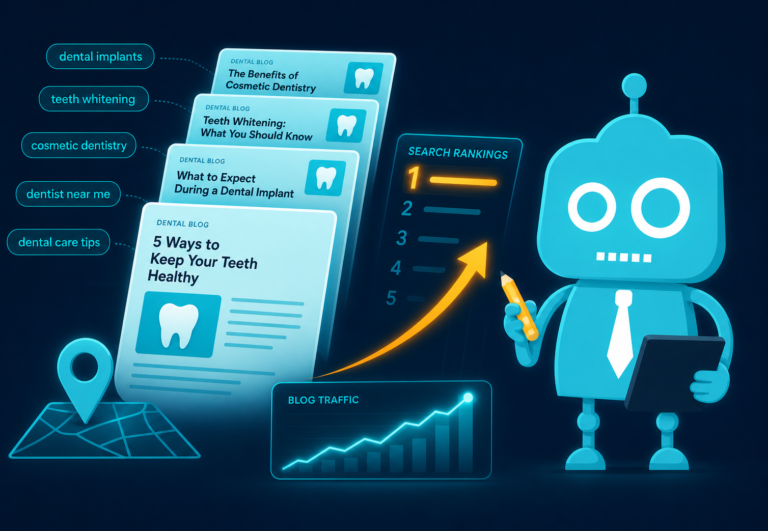
Blogging is not about publishing random dental tips. For local SEO, your blog should answer questions that patients in your area are already asking.
Use your blog to support your city growth plan, service pages, and patient conversion process.
Local Dental Blog Topic Ideas
Here are practical blog ideas for dental practices:
- “What to Do If You Have a Dental Emergency in [City]”
- “How Often Should Families in [City] Schedule Dental Cleanings?”
- “Invisalign vs. Braces: What Adults in [City] Should Know”
- “Best Questions to Ask When Choosing a Dentist in [Neighborhood]”
- “Why Your Gums Bleed When Brushing and When to Call a Dentist”
- “Dental Implant Consultation: What to Expect at Our [City] Office”
- “How to Use Your Dental Benefits Before the End of the Year”
- “Back-to-School Dental Checklist for Parents in [City]”
These articles can rank for long-tail searches, support internal links to your service pages, and give your front desk team helpful resources to send to patients.
Connect Blog Content to Appointment Requests
Every blog post should have a next step. If an article explains tooth pain, link to your emergency dentistry page. If it discusses clear aligners, link to your Invisalign consultation page.
Add calls-to-action such as:
- “Call our office if you are experiencing dental pain.”
- “Request an Invisalign consultation.”
- “Schedule a new patient exam.”
- “Ask our team about insurance and financing options.”
Educational content should not only inform. It should help patients confidently take action.
Improve Website Speed for Mobile Patients Ready to Book
Most local dental searches happen on mobile devices. If your website is slow, cluttered, or difficult to navigate, patients may leave before calling.
Website speed affects SEO, user experience, and conversion rates. A patient with a toothache is not going to wait for a slow page to load.
Speed Issues That Hurt Dental Websites
Common problems include:
- Large uncompressed images
- Outdated themes or plugins
- Cheap or slow hosting
- Too many tracking scripts
- Auto-playing videos
- Poor mobile design
- Unclear navigation
Your website should load quickly, especially on service pages and appointment pages. It should also make the phone number, appointment form, and location easy to find.
Design for Mobile Conversions
A mobile-friendly dental website should include:
- Click-to-call buttons
- Simple appointment request forms
- Clear office hours
- Easy-to-find address and map links
- Fast-loading service pages
- Visible emergency appointment information
- Trust signals near calls-to-action
Remember: local SEO gets people to your website. Conversion-focused design turns them into scheduled patients.
Add Schema Markup to Help Search Engines Understand Your Practice
Schema markup is structured data added to your website code. It helps search engines understand important details about your practice, services, reviews, location, and business information.
For dental SEO, schema can support better visibility in search results and reduce confusion about your practice details.
Useful Schema Types for Dental Practices
Common schema types include:
- LocalBusiness schema
- Dentist schema
- Organization schema
- FAQ schema
- Review schema, when used appropriately
- Service schema
- Breadcrumb schema
For example, Dentist schema can include your practice name, address, phone number, hours, website, accepted payment methods, and geographic area served.
Use FAQ Schema on Service Pages
Many dental service pages include common patient questions. FAQ schema can help search engines understand those questions and answers.
Examples for an emergency dentistry page:
- “What qualifies as a dental emergency?”
- “Can I get a same-day dental appointment?”
- “What should I do if I knock out a tooth?”
- “Do you treat tooth infections?”
These questions are also helpful for patients and front desk staff. They reduce uncertainty and can increase appointment requests.
Track Calls and Forms So You Know What Is Producing Patients
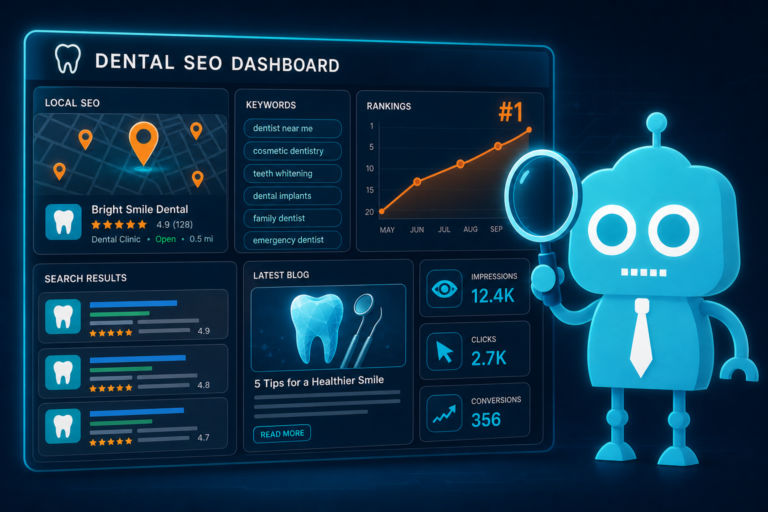
Local SEO should be measured by more than rankings. The real question is: are more qualified patients contacting your office?
Call and form tracking help you understand which pages, campaigns, and search terms are driving new patient opportunities.
Track Phone Calls from Your Website
Many dental practices rely heavily on phone calls. If your website has click-to-call buttons, those interactions should be tracked.
Useful call tracking insights include:
- Which pages generate the most calls
- What time of day calls happen
- How many calls are answered or missed
- Whether calls come from Google Business Profile, organic search, or ads
- Which services generate the most phone inquiries
This information can help practice owners and office managers improve staffing, front desk scripts, and follow-up processes.
Track Appointment Request Forms
Website forms should connect to your internal workflow. If a patient submits a form for an emergency appointment or Invisalign consultation, the team should receive it quickly and follow up promptly.
Forms can also feed into a CRM system, where leads can be tagged by service, location, source, and status.
For example:
- Source: Google organic search
- Page: Dental implants service page
- Lead type: Implant consultation
- Status: New lead
- Follow-up: SMS and email sequence
This turns your website from a digital brochure into a measurable patient acquisition system.
Automate Follow-Up Without Losing the Human Touch
Not every patient books immediately. Some compare options, check insurance, or wait until they have time to call back.
SMS and email automation can help your practice follow up with patients who submit forms but do not schedule right away.
Examples include:
- Confirmation that the request was received
- A reminder to schedule
- Insurance or financing information
- Links to service pages or FAQs
- Post-appointment review requests
Automation should support your front desk, not replace it. The best results happen when technology and team follow-up work together.
Build Local Backlinks That Reflect Real Community Presence
Local backlinks are links from other websites in your area. They help search engines understand that your practice is connected to the community.
For dentists, the best local backlinks often come from real relationships, sponsorships, partnerships, and local involvement.
Local Backlink Opportunities for Dental Practices
Consider opportunities such as:
- Local chamber of commerce directories
- School sponsorship pages
- Youth sports team sponsorships
- Community event pages
- Local health and wellness directories
- Partnerships with orthodontists, pediatricians, or other healthcare providers
- Local business association websites
- Charity event pages
- Local news mentions
For example, if your practice sponsors a local elementary school fundraiser, ask if the school or event website can include your practice name, website link, and a short description.
These links are often more valuable than generic directory links because they show local relevance.
Create Link-Worthy Local Resources
You can also earn links by publishing useful local resources.
Examples include:
- A guide to dental emergencies in your city
- A parent’s guide to children’s dental visits
- A local oral health checklist for seniors
- A community dental benefits reminder before year-end
These resources can be shared with local organizations, schools, and community groups.
Maintain Listing Consistency Across the Web
Listing consistency means your practice name, address, phone number, website, and business details are accurate across online directories.
This is often called NAP consistency: name, address, and phone number.
For dental practices, inconsistent listings can confuse both Google and patients. If one directory shows an old address, another shows a previous phone number, and another lists incorrect hours, local visibility and patient trust can suffer.
Important Listings for Dentists
Your practice information should be accurate on platforms such as:
- Google Business Profile
- Bing Places
- Apple Maps
- Yelp
- Healthgrades
- Zocdoc, if used
- WebMD
- Local chamber directories
- Insurance provider directories
- Dental association directories
Audit Listings After Major Practice Changes
Always audit your listings after changes such as:
- Moving offices
- Changing phone systems
- Updating office hours
- Adding a new dentist
- Changing the practice name
- Launching a new website
- Adding or removing services
Accurate listings help patients find you, call you, and arrive at the right location without friction.
Align Local SEO With Your Front Desk and Patient Workflow
Local SEO does not stop when a patient clicks your website or calls your office. The final outcome depends on your conversion process.
If your local SEO is working, your office may receive more calls, form submissions, and appointment requests. Your team needs a process to handle them effectively.
What Happens After the Lead Comes In?
Ask these questions:
- Are calls answered during business hours?
- Are missed calls returned quickly?
- Do form submissions go to the right team member?
- Does the front desk know which services the patient is asking about?
- Are leads tracked in a CRM?
- Are follow-up messages sent by SMS or email?
- Are patients reminded to complete forms before the appointment?
- Are happy patients asked for reviews after the visit?
A strong local SEO strategy brings more opportunities to your practice. A strong operational process turns those opportunities into booked appointments and long-term patients.
A Practical Local SEO Plan for Dental Practices
If you are not sure where to start, use this simple priority list.
First 30 Days
- Audit and optimize your Google Business Profile
- Check listing consistency across major directories
- Improve your homepage title, headings, and local content
- Add clear calls-to-action and click-to-call buttons
- Set up basic call and form tracking
- Start requesting Google reviews consistently
Next 60 Days
- Create or improve core service pages
- Add FAQs to high-value service pages
- Improve mobile speed and usability
- Add schema markup
- Build city or neighborhood pages for real service areas
- Connect forms to your CRM or patient follow-up workflow
Ongoing Growth
- Publish local blog content monthly
- Earn local backlinks through community involvement
- Monitor Google Business Profile performance
- Review call recordings or call outcomes when available
- Track which services and pages generate new patient inquiries
- Continue review generation and reputation management
Local SEO is not a one-time project. It is an ongoing growth system for your dental practice and the communities you serve.
Turn Your Dental Website Into a Local Growth Engine
The most successful dental practices do not treat local SEO as a checklist. They treat it as a city and neighborhood growth plan.
Your Google Business Profile helps patients discover you. Your service pages explain what you offer. Your city pages expand your reach. Your reviews build trust. Your website speed and mobile experience help patients take action. Your CRM, forms, calls, SMS, and email follow-up help your team convert interest into appointments.
When all of these pieces work together, your online presence becomes more than a website. It becomes a new patient acquisition system.
How CreateTheSite.com Helps Dental Practices Grow Online
CreateTheSite.com helps dental practices build modern, conversion-focused websites designed for local visibility and patient acquisition.
Our team supports dental offices with professional website design, reliable hosting, mobile optimization, lead capture forms, CRM integrations, SMS and email automation, appointment follow-up, and ongoing website support.
Whether you are updating an outdated dental website, improving your local SEO foundation, or trying to turn more website visitors into scheduled patients, CreateTheSite.com can help you create a stronger digital front door for your practice.
If your dental office is ready for a website that supports local growth, improves patient communication, and helps your team capture more opportunities, visit CreateTheSite.com to learn how we can help.