How Automated Appointment Reminders Reduce No-Shows
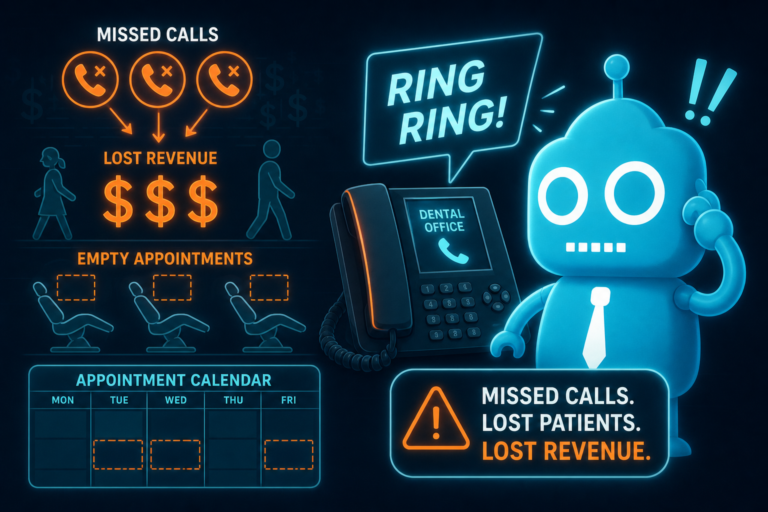
For independent dental practices, a missed appointment is not just an empty chair. It is lost production, disrupted provider time, unused operatory capacity, and a preventable gap in the schedule.
Automated appointment reminders help protect production by making it easier for patients to remember, confirm, reschedule, and follow through. When reminders are connected to your website, CRM, forms, and front desk workflow, they become more than a courtesy. They become a practical system for keeping the schedule full.
For dentists, office managers, and front desk teams, the goal is simple: reduce avoidable no-shows, fill openings faster, and create a smoother patient experience from the first website visit to the completed appointment.
Why No-Shows Hurt Dental Practice Production
Every dental appointment represents planned production. A hygiene visit, new patient exam, crown seat, implant consult, or restorative procedure all require time, staffing, rooms, supplies, and provider availability.
When a patient does not show up, the practice loses more than the fee for that visit. The impact can ripple through the day.
- Hygiene production drops when recall appointments are missed.
- Doctor time is wasted when treatment appointments are left open.
- Case acceptance slows when consults and follow-ups are delayed.
- New patient acquisition becomes less efficient when booked appointments do not convert into completed visits.
- The front desk spends more time chasing patients instead of supporting check-ins, insurance, reviews, and scheduling.
For example, if a practice loses two hygiene appointments per day at $175 each, that is $350 in daily lost production. Over a 16-day clinical month, that can equal $5,600 in preventable schedule gaps before considering treatment that may have been diagnosed during those visits.
Automated dental appointment reminders reduce those losses by helping patients take action before the appointment slot is lost.
Why Patients Forget Dental Appointments
Most no-shows are not caused by bad intentions. Patients are busy. They book appointments weeks or months in advance, then life gets in the way.
Common reasons patients forget or miss dental appointments include:
- They scheduled the visit six months ago during their last cleaning.
- They forgot to add the appointment to their calendar.
- They changed phones, emails, jobs, or daily routines.
- They are nervous about treatment and avoid calling to cancel.
- They are unsure about insurance, cost, or appointment length.
- They cannot easily reach the office during business hours.
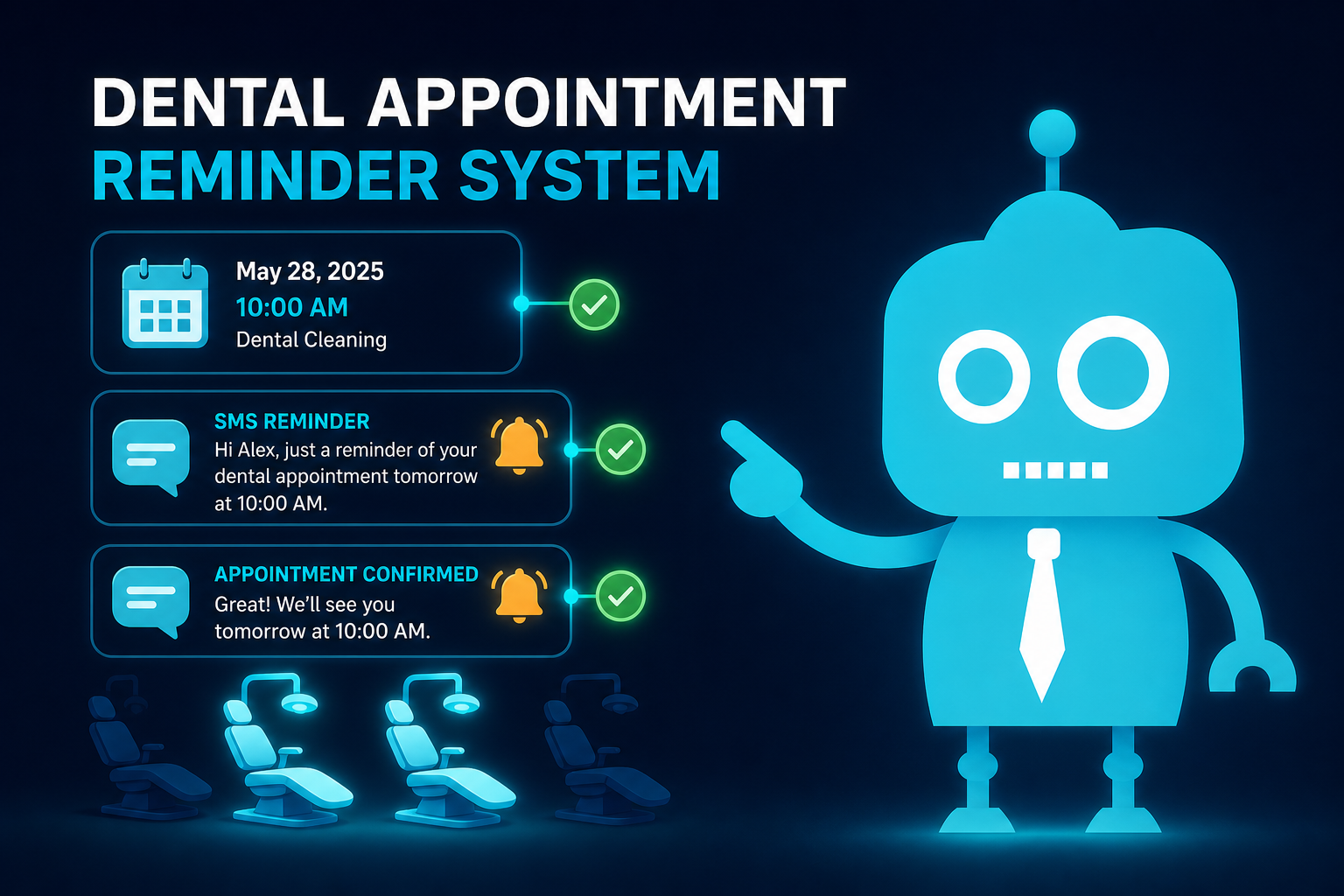
This is why one reminder is rarely enough. A reliable reminder system uses multiple touchpoints, such as SMS, email, confirmation links, and reschedule options, to meet patients where they are.
Automated Appointment Reminders Protect Production
The best appointment reminder systems do more than notify patients. They protect the schedule by creating a clear workflow:
- The patient receives a reminder.
- The patient confirms, cancels, or reschedules.
- The front desk sees the status update.
- Openings are identified early.
- The practice fills gaps using a waitlist or follow-up campaign.
This workflow gives your team more time to react. Instead of discovering a no-show at 10:00 a.m., your office may know the day before that a patient cannot make it. That gives the front desk an opportunity to fill the opening with another patient who is ready to come in.
SMS Reminders: The Fastest Way to Reach Dental Patients
SMS reminders are one of the most effective tools for reducing dental no-shows because patients usually see text messages quickly.
Text reminders are especially useful for:
- New patient appointments
- Hygiene recall visits
- Emergency dental visits
- Same-week treatment appointments
- Consultations for implants, Invisalign, veneers, or cosmetic dentistry
Practical SMS Reminder Example
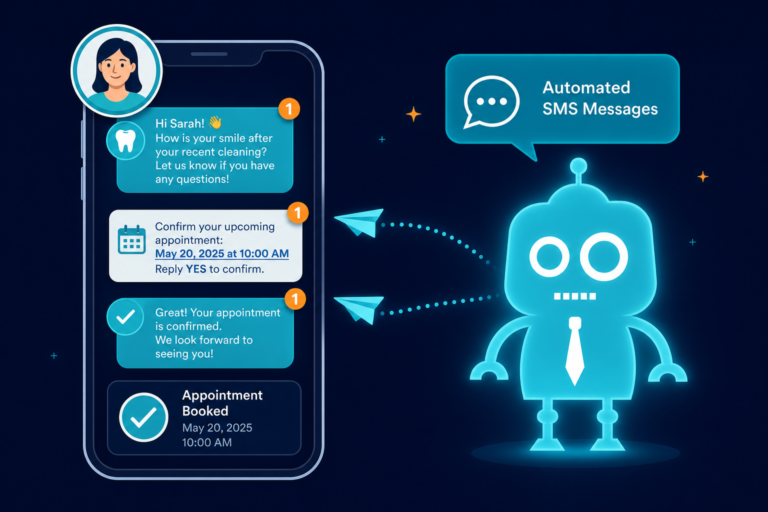
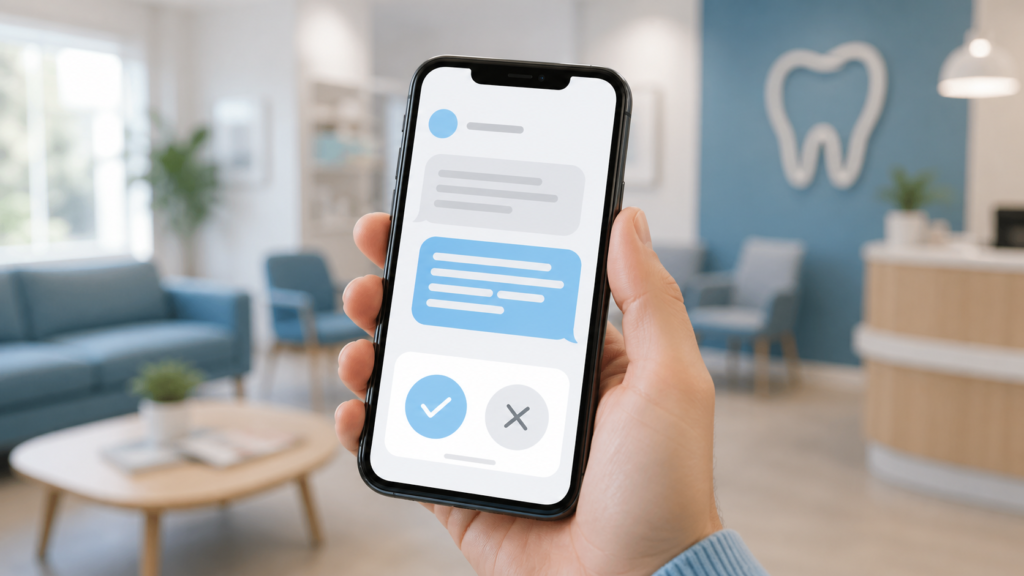
A simple reminder can include the appointment time, location, and a confirmation prompt:
Hi Sarah, this is Bright Creek Dental. Your appointment is scheduled for Tuesday at 2:00 PM. Reply C to confirm or call us if you need help. We look forward to seeing you.
For many dental offices, SMS works well because it reduces the need for manual reminder calls. Patients can confirm quickly, and the front desk can focus on higher-value tasks.
SMS Works Best When It Is Timely
A strong SMS reminder schedule may include:
- A confirmation text when the appointment is booked
- A reminder 3 to 5 days before the appointment
- A final reminder 24 hours before the appointment
- A same-day reminder for selected appointment types
The timing can vary by practice. A high-volume hygiene schedule may need different automation than a specialty procedure schedule. The key is to remind early enough to save the opening if the patient needs to reschedule.
Email Reminders: Useful for Details, Forms, and Preparation
Email reminders are ideal when the patient needs more information than a text message can comfortably provide.
Dental practices can use email reminders to include:
- Appointment date and time
- Office address and parking instructions
- New patient forms
- Insurance information requests
- Pre-op or post-op instructions
- Links to update medical history
- Information about what to expect during the visit
How Email Supports New Patient Conversion
When a new patient books through your dental website, the confirmation email becomes part of your conversion process. It reassures the patient that the appointment was received and gives them clear next steps.
For example, a new patient email might include:
- A welcome message from the practice
- A link to complete online forms
- A map and directions to the office
- A reminder to bring insurance information
- A short explanation of the first visit experience
This reduces uncertainty, which helps patients show up prepared instead of delaying or canceling.
Confirmation Workflows Help the Front Desk Prioritize
A confirmation workflow is the process your office uses to track who has confirmed, who has not responded, and who may need personal follow-up.
Without a confirmation workflow, the front desk often works from memory, sticky notes, or manual call lists. That creates unnecessary stress and makes it easier for unconfirmed patients to slip through.
With automated confirmation workflows, your team can quickly see:
- Confirmed appointments
- Unconfirmed appointments
- Patients who clicked to reschedule
- Patients who need a phone call
- Open appointment slots
Example: A Better Morning Huddle
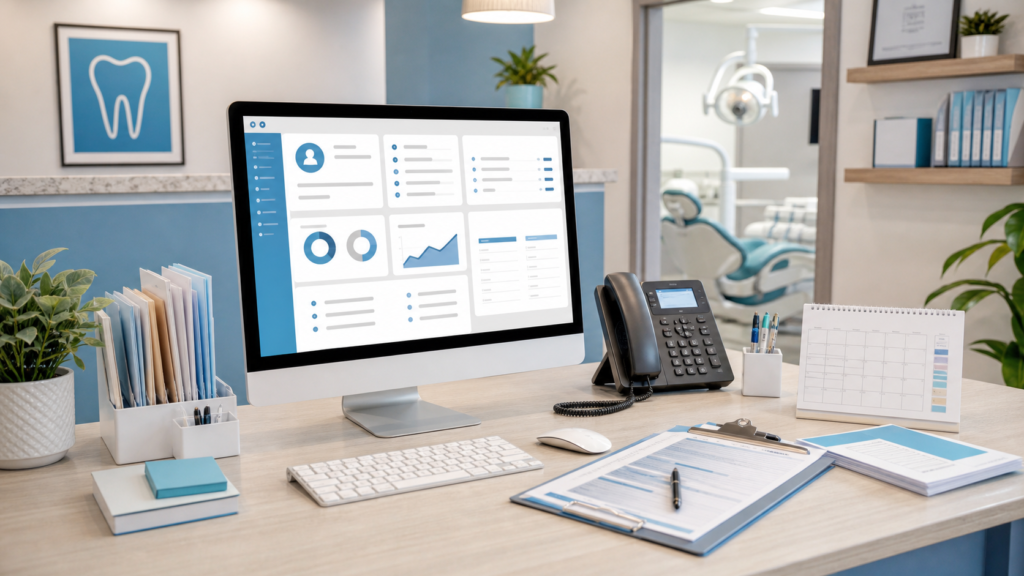
Instead of asking, “Did anyone confirm tomorrow’s schedule?” your office manager can review a clear dashboard or CRM activity log.
The team can identify three unconfirmed hygiene patients, one treatment patient who requested to reschedule, and two openings that can be offered to waitlist patients. That is a much stronger position than reacting after the patient fails to arrive.

Reschedule Links Reduce Silent Cancellations
Some patients miss appointments because rescheduling feels inconvenient. They may think, “I’ll call later,” then forget. Others may avoid calling because they feel embarrassed about canceling.
Adding a reschedule link to SMS and email reminders gives patients an easier path.
Instead of disappearing, the patient can click a link and request another time. This gives the practice early notice and keeps the patient connected to care.
Why Reschedule Links Matter for Dental Practices
Reschedule links can help protect production by turning a potential no-show into a manageable schedule change.
They are especially useful for:
- Busy working professionals
- Parents scheduling around school and activities
- Patients with dental anxiety
- New patients who booked online after hours
- Patients who need to move hygiene appointments
The goal is not to encourage cancellations. The goal is to capture changes early enough that your team can fill the opening.
Waitlist Opportunities: Turn Cancellations Into Filled Chairs
Automated reminders are even more powerful when paired with a waitlist strategy.
If a patient cancels or reschedules, your team can use that opening to contact patients who want sooner appointments. This is a practical way to reduce dead time in the schedule.
Dental Waitlist Examples
A waitlist can include patients such as:
- A hygiene patient who wants an earlier cleaning
- A new patient who requested the first available appointment
- A patient waiting to start crown treatment
- An emergency patient who could come in if a slot opens
- A cosmetic dentistry lead who requested a consultation
When your CRM, website forms, and appointment communication are connected, these opportunities become easier to manage. The front desk does not have to search through old notes or remember who asked for an earlier time. The system can help organize the follow-up.
Using SMS to Fill Same-Week Openings
For example, if a hygiene appointment opens tomorrow at 11:00 a.m., your office can send a message to a short list of patients:
Hi Mark, Bright Creek Dental had a cleaning appointment open tomorrow at 11:00 AM. Reply YES if you would like us to check availability for you.
This approach is simple, efficient, and production-focused. It helps replace lost appointments with patients who already want care.
Front Desk Efficiency: Less Chasing, More Patient Support
Manual reminder calls take time. For a busy dental front desk, that time competes with check-ins, insurance verification, treatment plan questions, billing conversations, phone calls, reviews, and new patient inquiries.
Automated reminders reduce repetitive tasks so the front desk can focus on work that requires human judgment.
Automation can help with:
- Sending appointment reminders
- Collecting confirmations
- Identifying unconfirmed patients
- Sending form completion links
- Following up after missed appointments
- Requesting reviews after completed visits
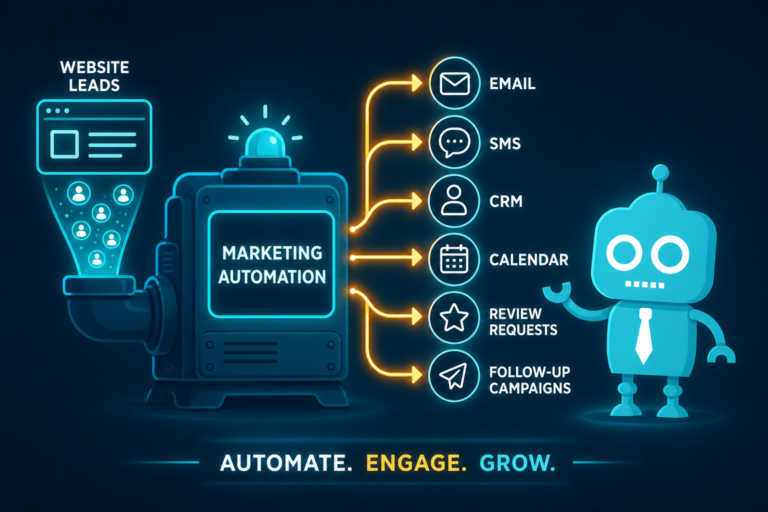
- Routing website leads into a CRM

Automation Does Not Replace the Front Desk
The strongest dental practices use automation to support the front desk, not replace it.
Your team still handles personal conversations, financial questions, anxious patients, insurance details, and complex scheduling decisions. Automation simply removes repetitive outreach and gives the team better visibility.
That means fewer last-minute surprises and more time to create a positive patient experience.
Appointment Reminders and Dental Website Conversion
No-show reduction starts before the appointment is ever scheduled. It often begins on your website.
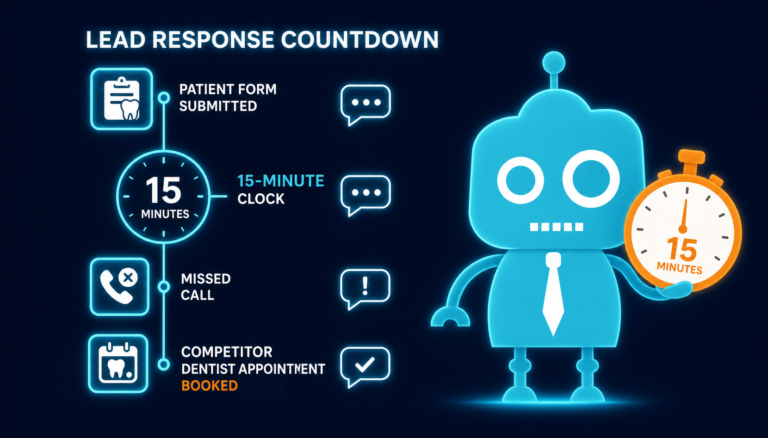
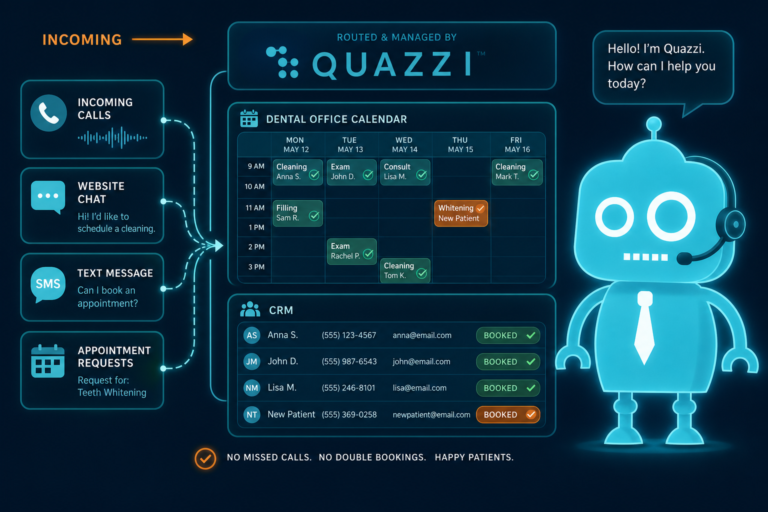
If a prospective patient visits your site, submits a form, and does not receive a fast response, the opportunity can go cold. If they do book but never receive a confirmation, they may question whether the appointment was actually scheduled.
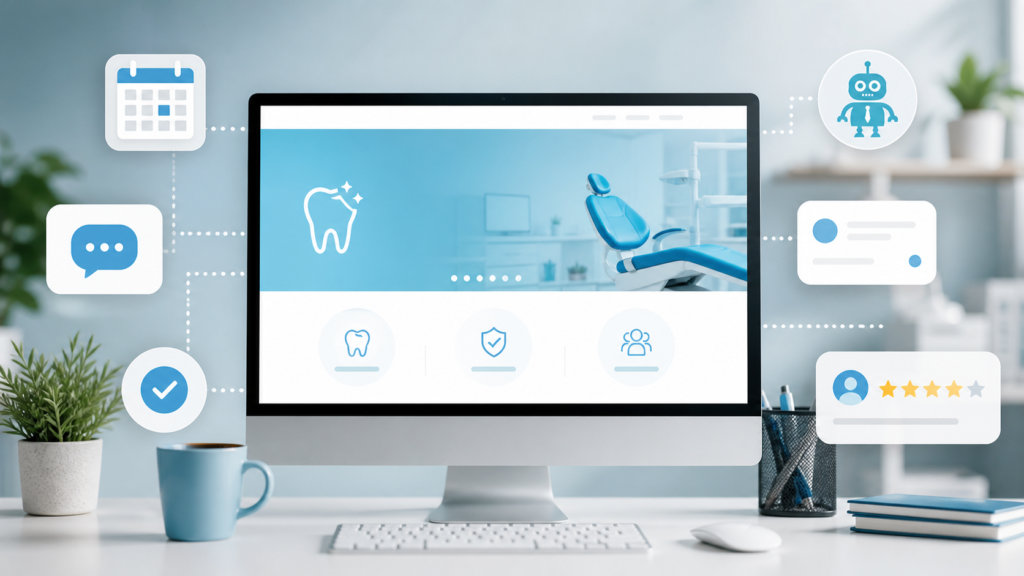
A modern dental website should support appointment follow-up with:
- Clear call-to-action buttons
- Mobile-friendly appointment request forms
- CRM or practice management integrations
- Automated confirmation emails
- SMS follow-up for new patient leads
- Tracking for form submissions and calls
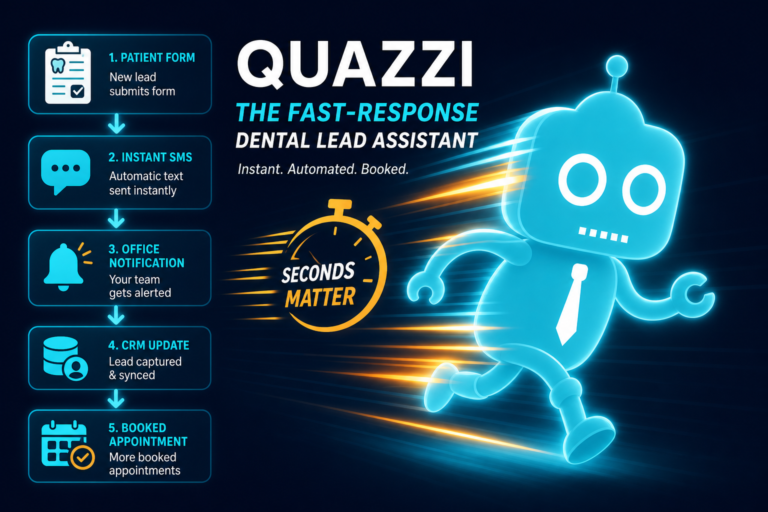
When your website and reminder system work together, new patient acquisition becomes more reliable. Leads are captured, follow-up happens quickly, and patients receive clear communication before the appointment.
How CRM Systems Improve Appointment Follow-Up
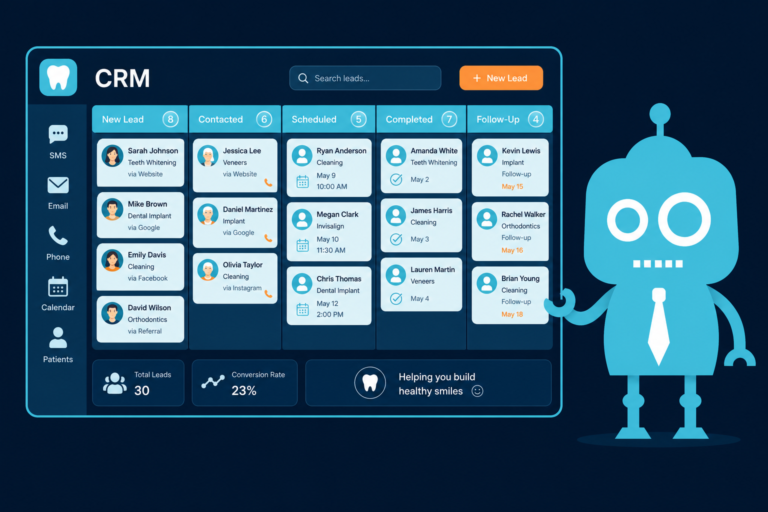
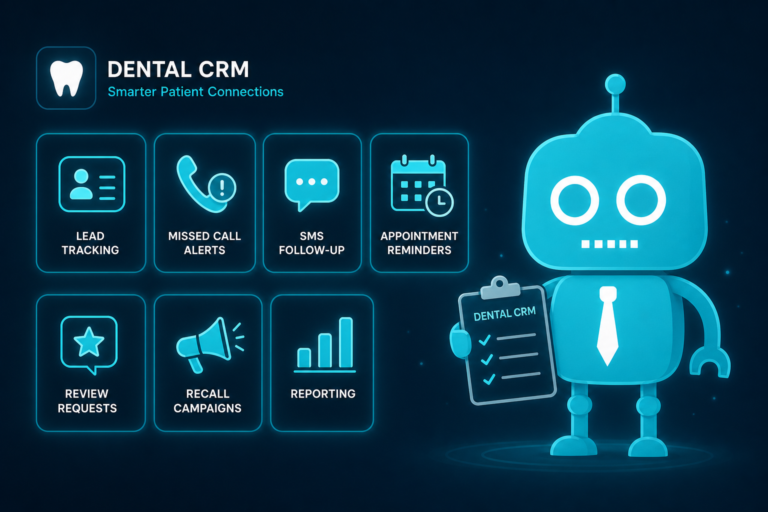
A CRM system helps dental practices manage patient leads, appointment requests, follow-ups, and communication history.
For independent dental practices, a CRM can be especially useful for tracking:
- New patient form submissions
- Missed calls from prospective patients
- Appointment requests from the website
- Pending confirmations
- Patients who need rescheduling
- Review requests after completed visits
This matters because many no-shows and lost opportunities happen during handoffs. A patient submits a form after hours. A front desk team member calls once but does not reach them. The patient forgets. The appointment never happens.
CRM-connected SMS and email automation can help close those gaps.
Reviews and Follow-Up After the Appointment
Appointment reminders are part of a larger patient communication system. After a patient completes a visit, follow-up automation can help strengthen the relationship.
For example, your practice can send:
- Post-visit care instructions
- Review requests for satisfied patients
- Links to schedule pending treatment
- Recall reminders for future hygiene visits
- Follow-up messages for unscheduled treatment plans
This supports retention and reputation. More completed appointments can lead to more review opportunities, better online visibility, and stronger patient trust.
Best Practices for Dental Appointment Reminder Automation
To get the most from automated appointment reminders, dental practices should use a thoughtful system rather than random messages.
1. Use Both SMS and Email
Text messages are great for quick confirmations. Emails are better for details, forms, and instructions. Together, they create a stronger communication experience.
2. Send Reminders Early Enough to Save the Slot
A reminder sent one hour before the appointment may help some patients remember, but it does not give the practice much time to fill the opening. Include reminders several days in advance.
3. Make Confirmation Simple
Patients should be able to confirm with one click, one tap, or a short reply. Complicated instructions reduce response rates.
4. Include Reschedule Options
If patients need to move an appointment, make it easy for them to tell you before the slot is wasted.
5. Track Unconfirmed Patients
Automation should help your front desk see who still needs attention. The system should not simply send reminders into the void.
6. Connect Website Leads to Follow-Up
Appointment reminders are more effective when new patient requests from your website flow into a CRM or follow-up system.
7. Keep Messages Clear and Professional
Patients should immediately understand who the message is from, when the appointment is, and what action to take.
A Practical Reminder Workflow for Dental Practices
Here is a simple workflow an independent dental practice can use:
- At booking: Send an immediate confirmation by email or SMS.
- One week before: Send a reminder with forms or preparation instructions.
- Three days before: Send an SMS confirmation request.
- One day before: Send a final reminder with time and location.
- If unconfirmed: Trigger a front desk call task.
- If rescheduled: Offer the opening to waitlist patients.
- After the visit: Send follow-up instructions or a review request.
This kind of system helps protect production by reducing preventable gaps and giving the team time to act when the schedule changes.
Automated Reminders Are a Production Protection Tool
Dental appointment reminders are often viewed as basic patient communication. But for a growing practice, they are also a production protection tool.
They help prevent avoidable no-shows, reduce front desk workload, improve new patient follow-through, and create more predictable scheduling. When connected to your website, CRM, SMS/email automation, and review workflows, reminders support both operations and growth.
The practices that benefit most are the ones that treat reminders as part of a complete patient journey: from website visitor, to appointment request, to confirmed patient, to completed visit, to long-term recall.
Build a Better Dental Website and Follow-Up System with CreateTheSite.com
If your dental website is generating leads but your follow-up process feels manual, inconsistent, or disconnected, CreateTheSite.com can help.
CreateTheSite.com helps dental practices with modern website design, secure hosting, mobile optimization, lead capture forms, CRM integrations, SMS and email automation, appointment follow-up, and ongoing website support.
That means your website can do more than look professional. It can help convert visitors into appointment requests, route leads to your team, support automated reminders, and reduce preventable gaps in your schedule.
For independent dental practice owners, dentists, and office managers, the right digital system can make the front desk more efficient and the schedule more reliable.
Ready to modernize your dental website and improve appointment follow-up? Visit CreateTheSite.com to learn how a better website and automation system can help your practice protect production and grow with confidence.