How Automated SMS Follow-Ups Increase Dental Bookings
Most dental practices do not lose new patients because people are uninterested. They lose them because timing breaks down.
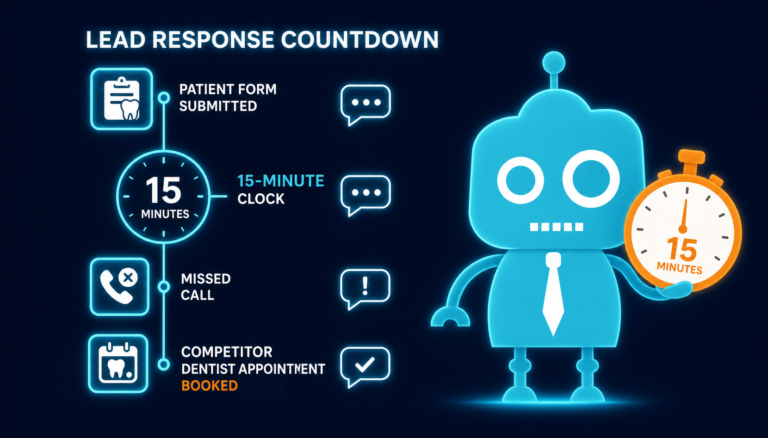
A potential patient visits your website during lunch, fills out a form after hours, calls while your front desk is helping someone else, or says, “I’ll check my calendar and call back.” By the time your team responds by phone or email, that patient may have already booked with another dentist.
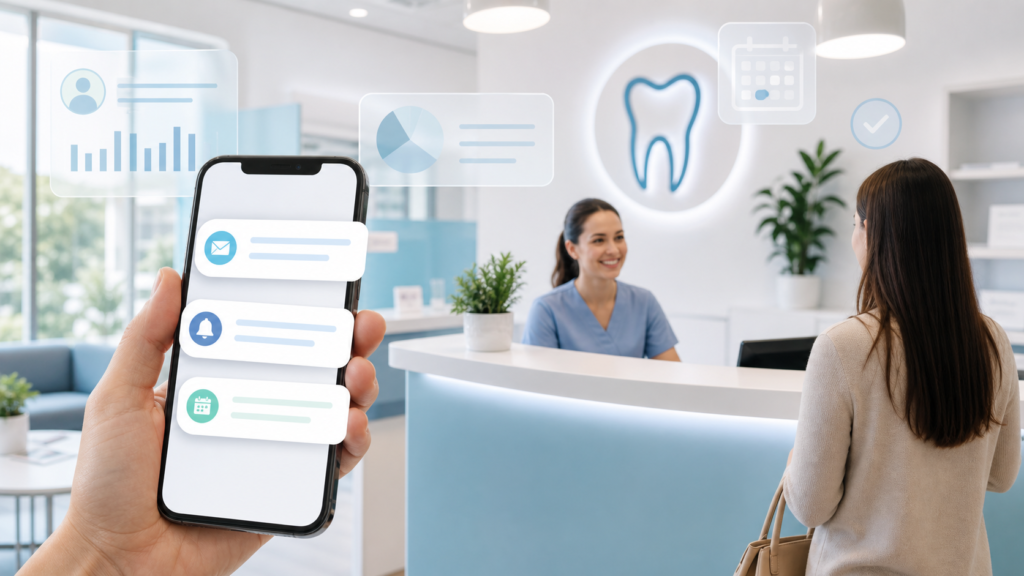
This is where automated SMS follow-up helps. Text messaging works because it matches how patients actually behave: they move quickly, check their phones often, and expect simple confirmation when they take action online.
For independent dental practices, automated SMS is not just a convenience. It can improve new patient acquisition, website conversion, appointment scheduling, recall response, review generation, and front desk efficiency.
Why SMS Follow-Up Works for Dental Practices
Patients are not always sitting at a desk checking email. They are at work, in school pickup lines, at the grocery store, or scrolling on their phone between tasks. When they need a dentist, they often act in short bursts.
They may search for:
- “dentist near me accepting new patients”
- “emergency dentist open today”
- “dental implants consultation”
- “Invisalign dentist near me”
- “kids dentist appointment”
When they land on your dental website, they want a quick next step. If they request an appointment or ask a question, a fast text response reassures them that your office received their request and will follow up.
SMS follow-up is powerful because it reaches patients at the moment of intent, not hours later when their motivation has faded.
Faster Attention Than Email
Email still has a place in dental marketing and patient communication, especially for newsletters, treatment education, and longer messages. But when the goal is to get a patient’s attention quickly, SMS usually performs better.
Many patients ignore promotional emails, miss confirmation emails, or let them sit unread. A text message is more immediate. It appears on the lock screen and is easy to read in seconds.
Practical dental example
A patient completes a website form asking about a same-week cleaning appointment. If your practice sends only an email confirmation, that message may be overlooked. If the patient receives an immediate text saying, “Thanks for contacting Maple Family Dental. We received your appointment request and will text or call shortly,” they know your office is responsive.
That small moment of confirmation can keep the patient engaged while your front desk team reviews availability.
Instant Reassurance After a Website Form Submission
Dental appointment requests often involve uncertainty. Patients wonder:
- Did the form go through?
- Will someone call me?
- Do they take my insurance?
- Can I get in before my toothache gets worse?
- Are they accepting new patients?
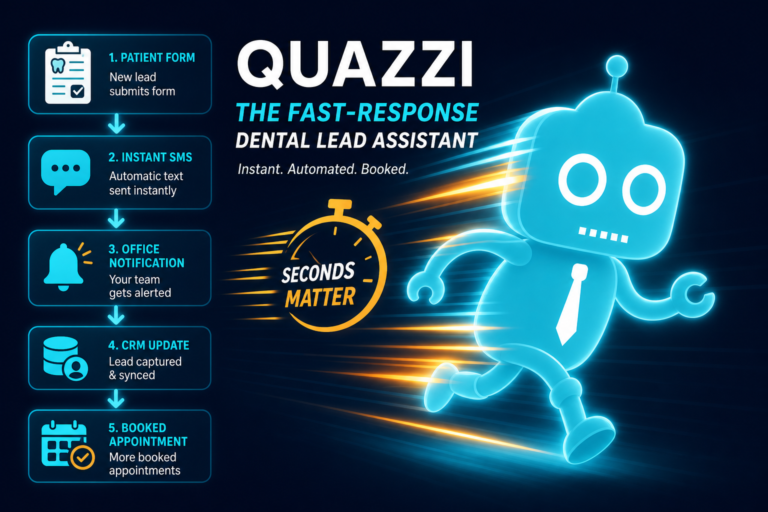
An automated SMS follow-up provides instant reassurance. It confirms that the patient’s request has been received and gives them a clear expectation for what happens next.
Example automated text
“Hi Sarah, thanks for contacting Bright Smile Dental. We received your appointment request. Our team will follow up during business hours to help you schedule. If this is urgent, please call us at (555) 123-4567.”
This type of message is simple, helpful, and specific. It reduces anxiety and prevents patients from submitting multiple forms or contacting another practice because they are unsure whether your office received their request.
Appointment Request Confirmation Improves Website Conversion
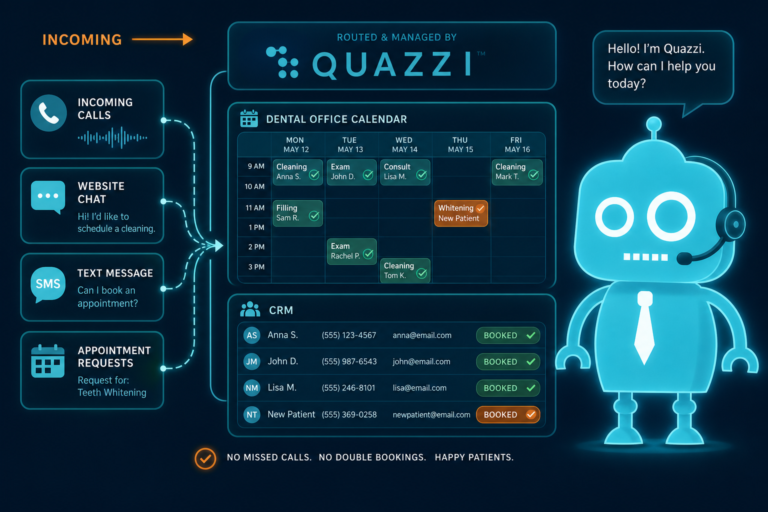
Your dental website should do more than look professional. It should convert visitors into booked appointments. That means every lead capture form, call button, and appointment request should connect smoothly to your front desk workflow or CRM system.
When a patient requests an appointment online, an automated SMS confirmation can bridge the gap between website activity and actual scheduling.
What appointment request confirmation can include
- Confirmation that the request was received
- Your practice name and phone number
- Expected response time
- A note about business hours
- A link to complete new patient paperwork, if appropriate
- A reminder to call for dental emergencies
This makes your practice feel organized and attentive before the patient ever walks through the door.
Why this matters for independent dental offices
Independent practices often compete with corporate dental groups that have centralized call centers and large marketing budgets. Automated SMS follow-up helps level the playing field by making your practice respond quickly, even when your front desk team is busy.
Missed Call Text-Back Captures Patients Who Might Otherwise Move On
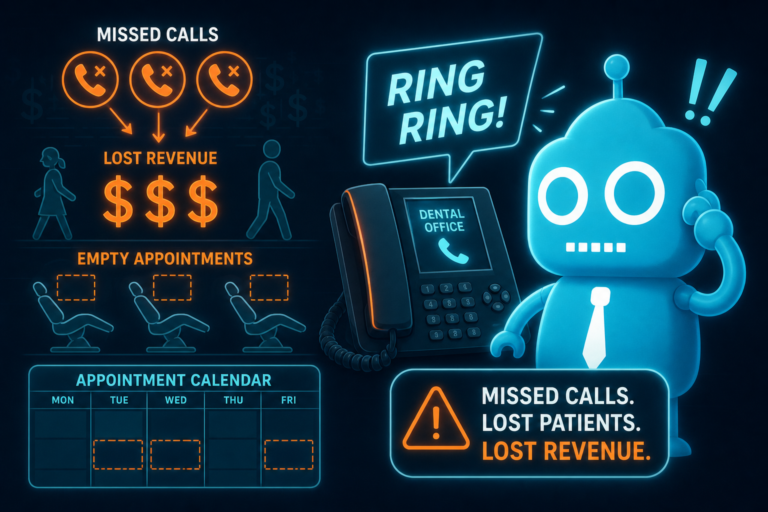
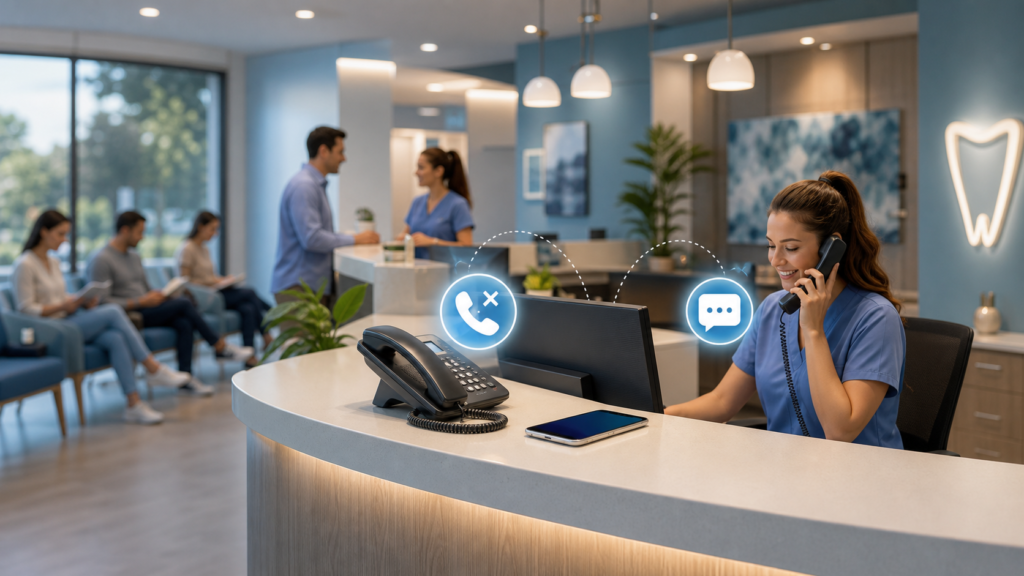
Missed calls are one of the biggest hidden leaks in dental practice growth. A patient who calls your office is often highly motivated. They may need a new patient exam, emergency visit, cosmetic consultation, or insurance question answered.
But if the call is missed, they may not leave a voicemail. Many people simply hang up and call the next dentist in the search results.
Automated missed call text-back helps recover those opportunities.
Example missed call text-back
“Hi, this is Green Valley Dental. Sorry we missed your call. How can we help you today? Reply here and our team will follow up as soon as possible.”
This gives the patient an easy way to continue the conversation without calling again. It also helps your front desk team prioritize follow-up when they return to the phone.
How missed call text-back helps the front desk
- Reduces lost new patient calls
- Captures patient intent before they contact a competitor
- Creates a written record of the inquiry
- Allows staff to respond when available
- Improves the patient experience during busy hours
For dental practices that receive calls during lunch, after hours, or while the front desk is checking out patients, missed call text-back can make a measurable difference.
Reminder Texts Reduce No-Shows and Last-Minute Confusion
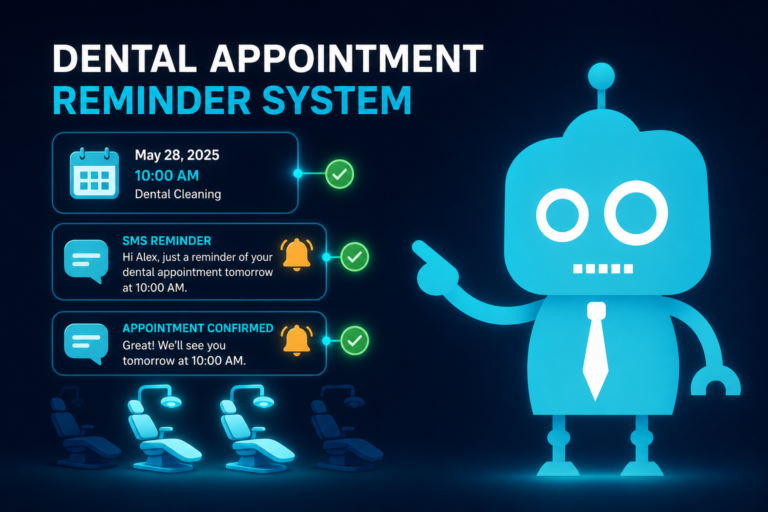
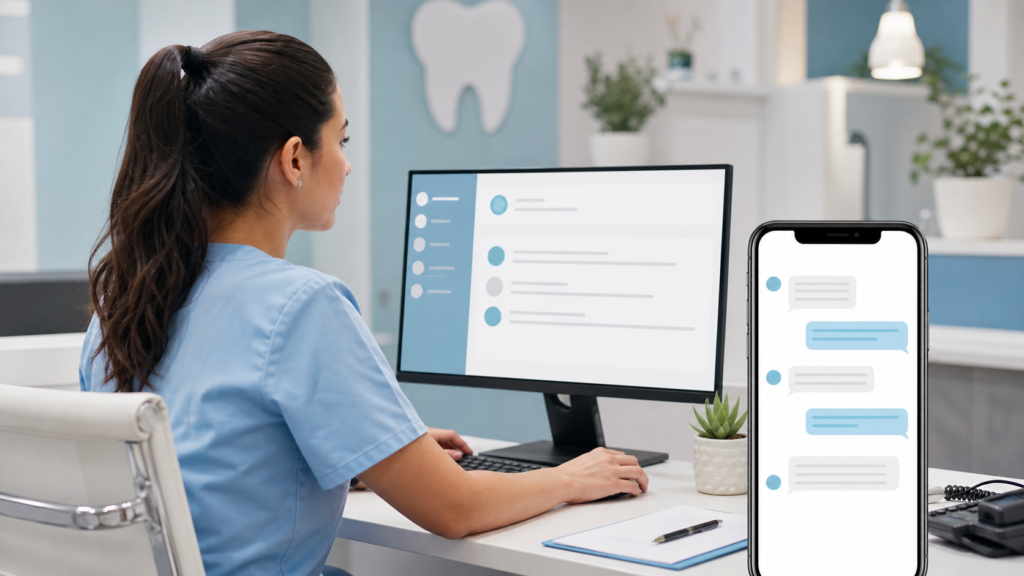
Appointment reminder texts are one of the most common and valuable uses of SMS automation in dental offices. Patients are busy. Even responsible patients forget appointments, misplace reminder cards, or forget whether their visit is at 10:00 or 10:30.
Automated reminder texts help reduce no-shows and late arrivals by putting appointment information where patients are most likely to see it.
Effective dental appointment reminders
A good reminder text should be clear and brief:
“Reminder: You have an appointment with Oak Street Dental on Tuesday, March 12 at 2:00 PM. Reply C to confirm or call (555) 123-4567 if you need to reschedule.”
Depending on your practice management software and CRM setup, reminder workflows may include:
- A reminder several days before the appointment
- A confirmation request
- A same-day reminder
- Instructions for paperwork or arrival time
- Reschedule links or phone number prompts
Why timing matters
The best reminder sequence is not random. It should match patient behavior. A reminder too early can be forgotten. A reminder too late may not give the patient enough time to adjust their schedule. Many practices benefit from a combination of 48-hour and same-day reminders.
Unbooked Lead Follow-Up Turns Interest Into Appointments
Not every patient books immediately. Some ask about insurance and then disappear. Some start a website form but do not complete the scheduling process. Some call after hours. Some are comparing providers for implants, veneers, Invisalign, dentures, or emergency care.
Without follow-up, those leads often go cold.
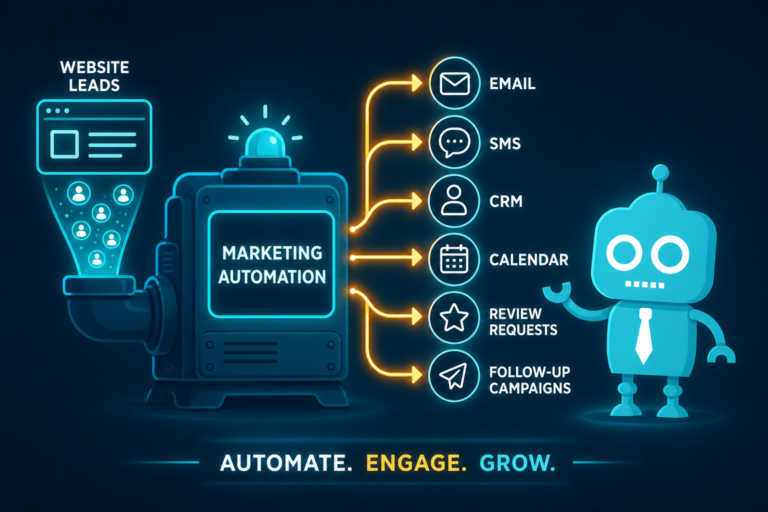
Automated SMS and email workflows can help your practice stay in touch with unbooked leads without adding more manual tasks to the front desk.
Examples of unbooked dental leads
- A website visitor requests information about dental implants but does not schedule
- A parent asks if your practice sees children but does not book
- A patient asks about emergency availability after hours
- A cosmetic dentistry lead asks about veneers and then stops responding
- A new patient form is started but not completed
Example unbooked lead follow-up text
“Hi Jason, this is Riverbend Dental. We wanted to follow up on your appointment request. Would you like help finding a time for your new patient visit?”
This message is not pushy. It simply reopens the conversation. For many patients, that is enough to move forward.
How CRM systems improve follow-up
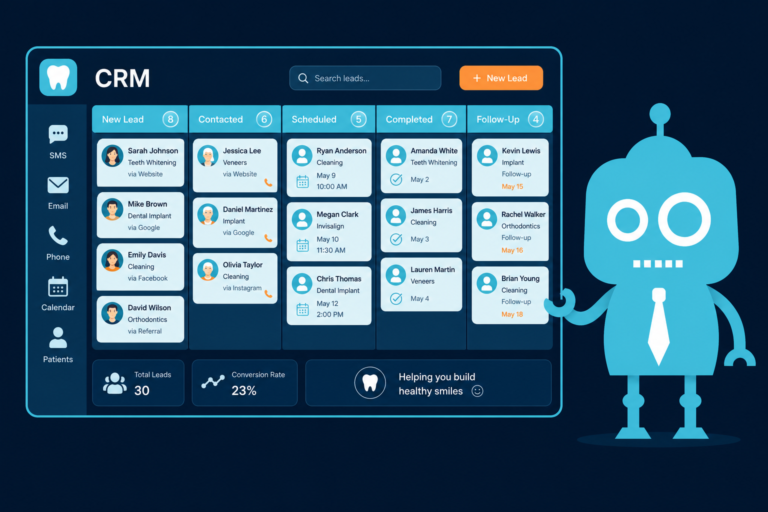
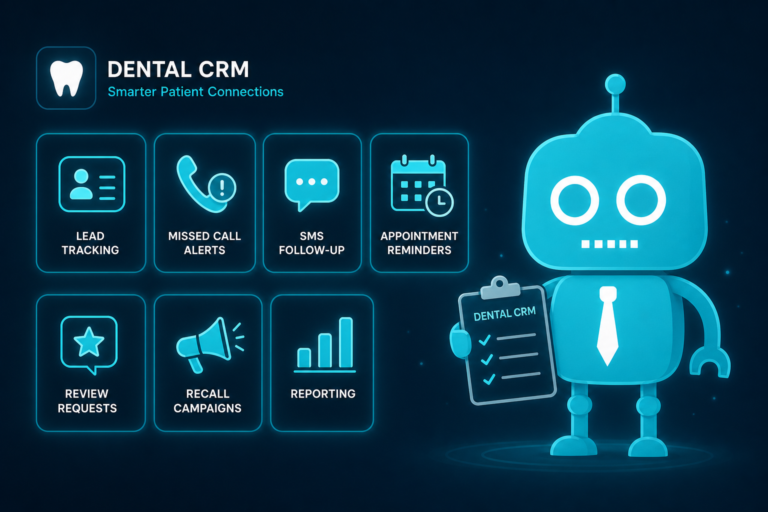
When your dental website forms connect to a CRM, your team can track where leads come from, what service they asked about, and whether they booked. SMS and email automation can then send the right message at the right time.
For example, an emergency dentistry inquiry should receive a different follow-up sequence than a cosmetic consultation lead. A good CRM workflow helps your practice avoid one-size-fits-all communication.
Review Requests Build Trust After Positive Visits
Online reviews are critical for dental practices. Patients often compare reviews before choosing a dentist, especially for new patient exams, cosmetic treatment, implants, pediatric dentistry, and emergency care.
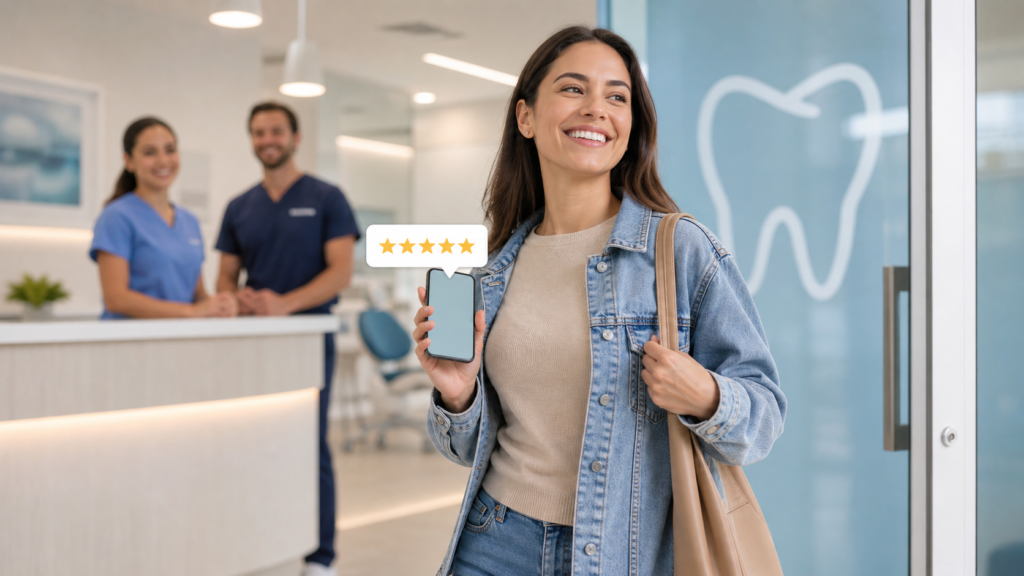
The best time to request a review is shortly after a positive appointment, while the experience is still fresh. Automated SMS review requests make this easy.
Example review request text
“Hi Maria, thank you for visiting Lakeside Dental today. If you had a positive experience, would you mind leaving us a quick Google review? It helps other patients find our practice: [review link]”
This works because it matches patient timing. The patient just interacted with your team, remembers the visit, and can leave a review from their phone in a few taps.
Review request best practices for dentists
- Send requests soon after the appointment
- Use a direct link to your Google Business Profile review page
- Keep the message polite and optional
- Do not pressure patients or offer incentives for reviews
- Monitor reviews and respond professionally
Consistent review generation can improve local SEO, increase trust, and help your dental website convert more visitors into patients.
Recall Reminders Bring Existing Patients Back
New patient acquisition is important, but growth also depends on keeping existing patients active. Hygiene recall is one of the most reliable production drivers in a dental practice, yet many patients fall behind on cleanings because they forget to schedule.
Automated recall reminders help reactivate patients who are due or overdue for preventive care.
Example recall reminder text
“Hi David, you’re due for your dental cleaning at Northside Family Dental. Reply here or call (555) 123-4567 and we’ll help you find a convenient appointment time.”
Recall texts are effective because they remove friction. The patient does not need to search for your number, remember when they are due, or wait for a postcard. They can respond directly from their phone.
Where recall reminders fit into patient communication
A strong recall system may include a combination of:
- SMS reminders
- Email reminders
- Phone calls for high-priority patients
- Postcards for certain demographics
- CRM task reminders for the front desk
SMS should not necessarily replace every other method. Instead, it should support a broader patient communication strategy that helps your team reach patients in the way they are most likely to respond.
SMS Consent Is Essential
Dental practices must handle SMS communication responsibly. Before sending automated text messages, your practice should have proper patient consent and clear opt-out options.
Consent is not just a legal checkbox. It builds trust. Patients should understand when they are agreeing to receive text messages and what types of messages they may receive.
Where to collect SMS consent
- Website appointment request forms
- New patient paperwork
- Online scheduling forms
- Patient portal registration
- Verbal consent documented by staff, where appropriate
Example consent language for a dental website form
“By submitting this form, you agree that [Practice Name] may contact you by phone, text message, or email regarding your appointment request. Message and data rates may apply. Reply STOP to opt out.”
Your exact language should be reviewed for compliance with applicable laws and industry requirements. Dental practices should also avoid sending sensitive health information by text unless their systems, policies, and patient authorizations support it.
SMS compliance basics for dental offices
- Get consent before sending automated texts
- Include opt-out instructions where appropriate
- Use secure systems and reputable providers
- Be careful with protected health information
- Train staff on how text communication should be used
- Keep messages professional and relevant
Done correctly, SMS automation can improve communication while respecting patient privacy and preferences.
How Automated SMS Supports the Front Desk
Automated SMS does not replace your front desk team. It supports them.
Dental office managers know how many tasks compete for attention: checking patients in and out, answering insurance questions, collecting payments, managing schedule changes, handling calls, and coordinating treatment plans.
SMS automation handles routine communication so your team can focus on higher-value conversations.
Front desk tasks SMS can help streamline
- Confirming online appointment requests
- Following up on missed calls
- Sending appointment reminders
- Checking in with unbooked leads
- Requesting reviews after visits
- Sending recall reminders
- Prompting patients to complete forms
This reduces manual follow-up and helps prevent leads from slipping through the cracks.
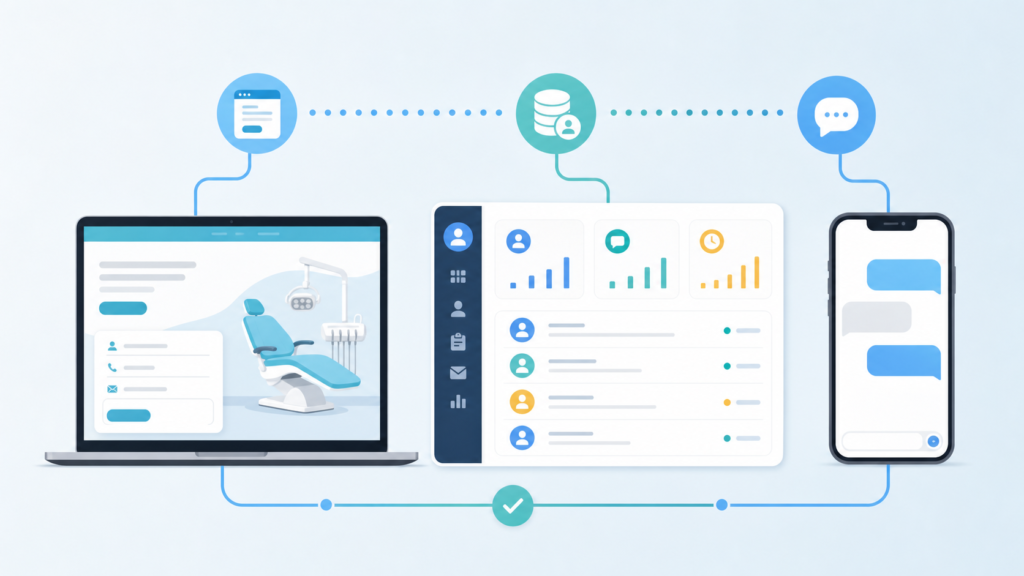
How SMS and Email Automation Work Together
SMS is excellent for quick attention and immediate action. Email is better for longer explanations, treatment education, financing information, and multi-step nurture campaigns.
The strongest dental marketing systems often use both.
Example workflow for a dental implant consultation lead
- Immediate SMS: Confirms the consultation request and tells the patient the office will follow up
- Follow-up email: Explains what to expect during an implant consultation
- Next-day SMS: Asks if the patient would like help choosing an appointment time
- CRM task: Alerts the front desk to call if the patient has not responded
This type of workflow keeps communication timely without overwhelming the patient.
What to Automate First in a Dental Practice
If your practice is new to SMS automation, start with the highest-impact workflows. You do not need to automate everything at once.
Recommended starting points
- Website form confirmation: Immediately reassure new patient leads that their request was received.
- Missed call text-back: Recover high-intent callers who may not leave a voicemail.
- Appointment reminders: Reduce no-shows and schedule confusion.
- Unbooked lead follow-up: Convert more inquiries into appointments.
- Review requests: Build local trust and improve online visibility.
- Recall reminders: Bring inactive patients back into the schedule.
Each workflow should be connected to your actual front desk process. Automation works best when it supports how your team already schedules, confirms, and follows up with patients.
Common Mistakes to Avoid
Automated SMS can be highly effective, but it needs to be implemented thoughtfully.
Sending messages without clear consent
Always make sure patients have agreed to receive text communication. Consent should be clear, documented, and easy to manage.
Using vague messages
A message like “We received your request” is better than nothing, but a message that includes your practice name, next step, and contact number is much more helpful.
Over-texting patients
SMS is personal. Too many messages can feel intrusive. Keep texts relevant, timely, and useful.
Not connecting SMS to your CRM or scheduling process
If text replies are not monitored or routed correctly, patients can still fall through the cracks. Make sure your team knows where replies go and who is responsible for responding.
Ignoring after-hours opportunities
Many patients search for a dentist in the evening or on weekends. Automated SMS can keep those leads warm until your office reopens.
SMS Follow-Up Works Because It Matches Patient Timing
The biggest advantage of automated SMS is not just speed. It is timing.
SMS meets patients when they are already taking action: after submitting a form, missing a call, leaving an appointment, realizing they are overdue, or deciding they need a dentist soon.
For dental practices, this creates a smoother path from interest to appointment. Patients feel acknowledged. The front desk gets support. Website leads are less likely to go cold. Reviews become easier to collect. Recall becomes more consistent.
In a competitive local dental market, those small timing improvements can add up to more booked appointments and a better patient experience.
Build a Dental Website and Follow-Up System That Converts
Your website, forms, CRM, and follow-up messages should work together. A modern dental website should not simply display your services. It should help patients take action and help your team respond quickly.
CreateTheSite.com helps dental practices create modern, conversion-focused websites backed by the systems needed to turn visitors into booked patients.
How CreateTheSite.com helps dental practices
- Modern dental website design
- Reliable website hosting
- Mobile optimization for patients searching on phones
- Lead capture forms for appointment requests and service inquiries
- CRM integrations to organize and track new patient leads
- SMS and email automation for follow-up workflows
- Appointment request confirmation and follow-up
- Missed call and unbooked lead support
- Ongoing website support and updates
If your dental practice is investing in marketing but losing leads because follow-up is slow, disconnected, or manual, CreateTheSite.com can help you build a better system. The goal is simple: make it easier for patients to contact you, easier for your team to respond, and easier for more appointment requests to become booked visits.
Ready to improve your dental website and follow-up process? Visit CreateTheSite.com to learn how a modern website, CRM integration, and SMS/email automation can help your practice convert more patient interest into scheduled appointments.