The Future of Dental Office Automation
Dental office automation is no longer a “nice-to-have” upgrade for large DSOs or high-volume practices. It is becoming normal infrastructure for independent dental offices that want to compete, grow, and operate efficiently.
Patients expect fast responses, easy scheduling, helpful reminders, and a smooth digital experience. At the same time, front desk teams are handling calls, insurance questions, no-shows, reviews, recalls, website leads, and treatment follow-ups.
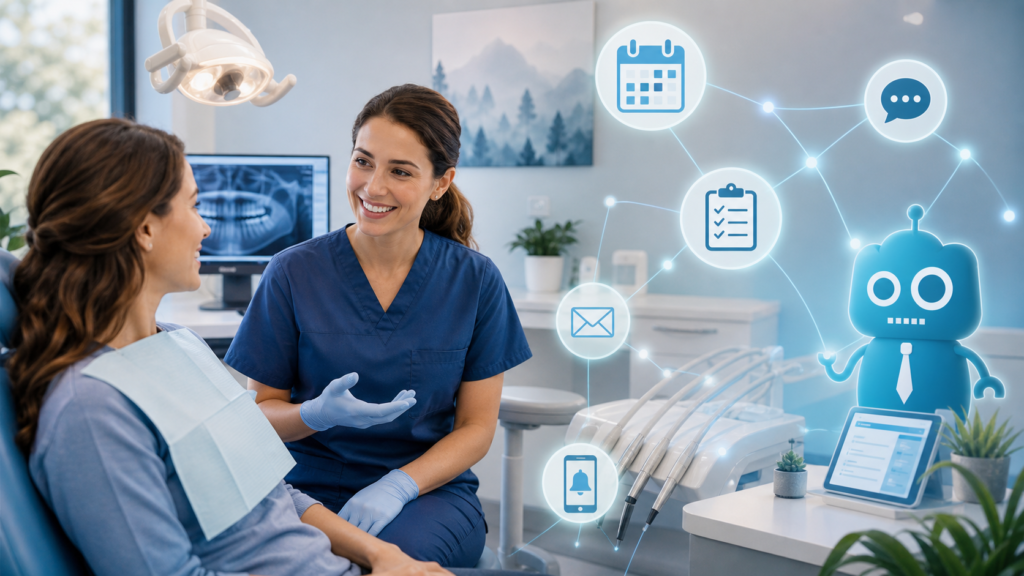
The future of dental office automation is not about replacing people. It is about giving your team better systems so they can spend less time chasing tasks and more time creating a better patient experience.

Why Automation Is Becoming Standard Infrastructure in Dental Practices
For years, dental offices treated automation as a collection of separate tools: an online scheduling widget, a reminder system, an email platform, or a review request app. That approach is changing.
Modern dental practices are starting to view automation as core infrastructure, just like their phone system, practice management software, website, and imaging technology.
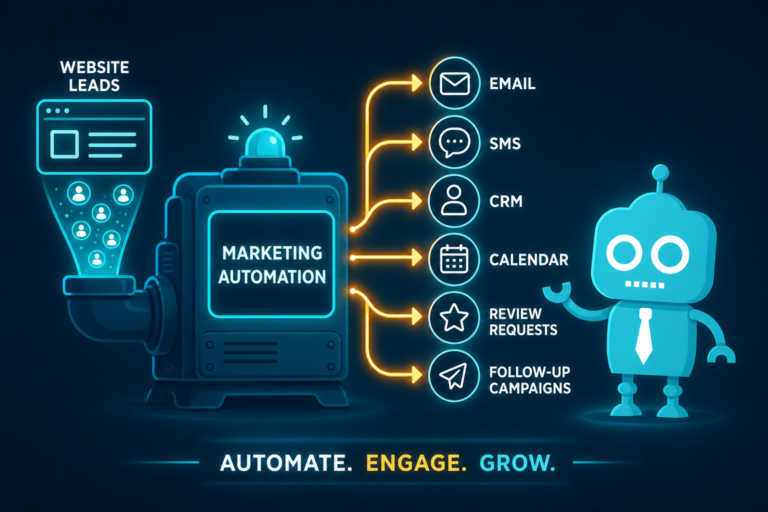
When automation is connected to your website, CRM, scheduling process, SMS/email campaigns, and front desk workflows, it helps your practice:
- Respond to new patient inquiries faster
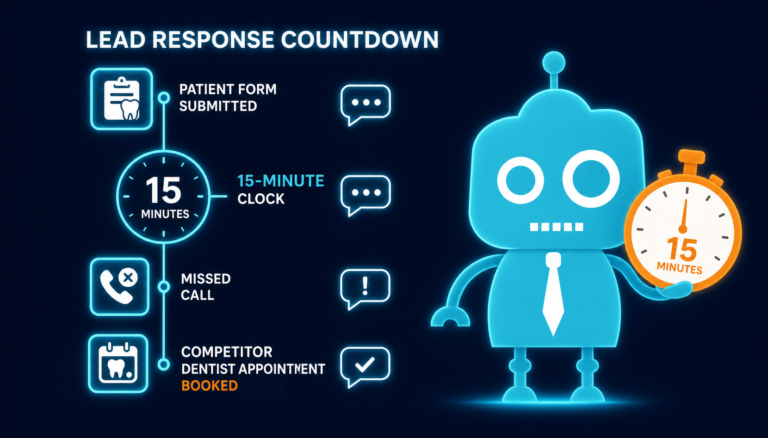
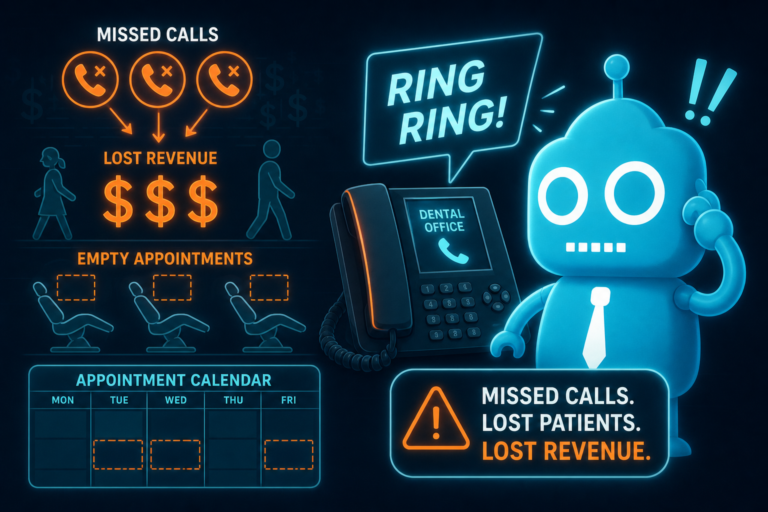
- Reduce missed calls and lost leads
- Improve appointment confirmation rates
- Reactivate overdue patients
- Generate more reviews consistently
- Track marketing performance more clearly
- Support the front desk without overwhelming them
In other words, automation is becoming part of the operational foundation of a successful dental practice.
AI Receptionists: A New Layer of Front Desk Support
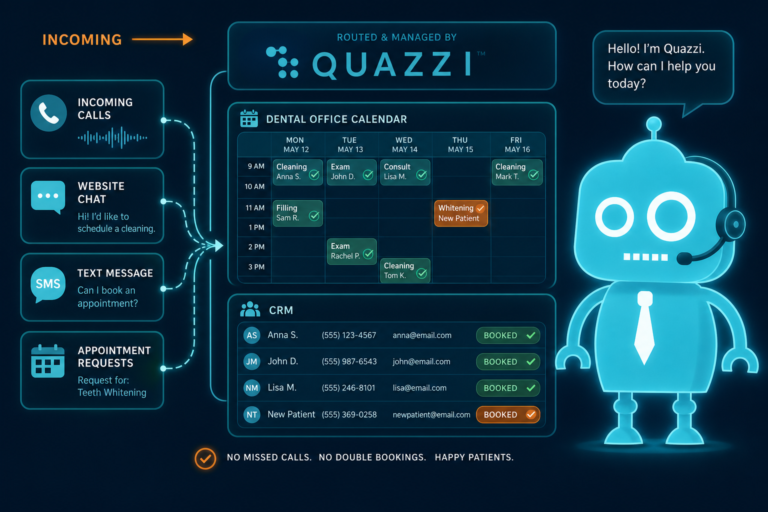
AI receptionists are one of the most visible examples of dental office automation. They can answer common questions, collect patient information, route inquiries, and help patients take the next step when your team is unavailable.
For independent dental practices, this can make a major difference during lunch hours, after-hours website visits, busy call periods, or staff shortages.
Practical example
A potential new patient visits your dental website at 8:45 p.m. because they are looking for a cosmetic dentist or need an emergency appointment. Instead of leaving a voicemail or bouncing to another practice, an AI receptionist or website chat assistant can collect their name, phone number, treatment interest, insurance status, and preferred appointment time.
That information can then flow into your CRM or inbox so your front desk team can follow up first thing in the morning.
Where AI receptionists help most
- Answering basic questions about services, location, hours, and accepted insurance
- Capturing new patient leads from the website
- Reducing abandoned inquiries after business hours
- Helping prioritize urgent appointment requests
- Supporting busy front desk teams during peak call times
The key is to use AI as a support layer, not as a complete substitute for a trained dental receptionist. Complex treatment questions, financial concerns, and upset patients still require a human touch.
Online Scheduling: Reducing Friction for New and Existing Patients
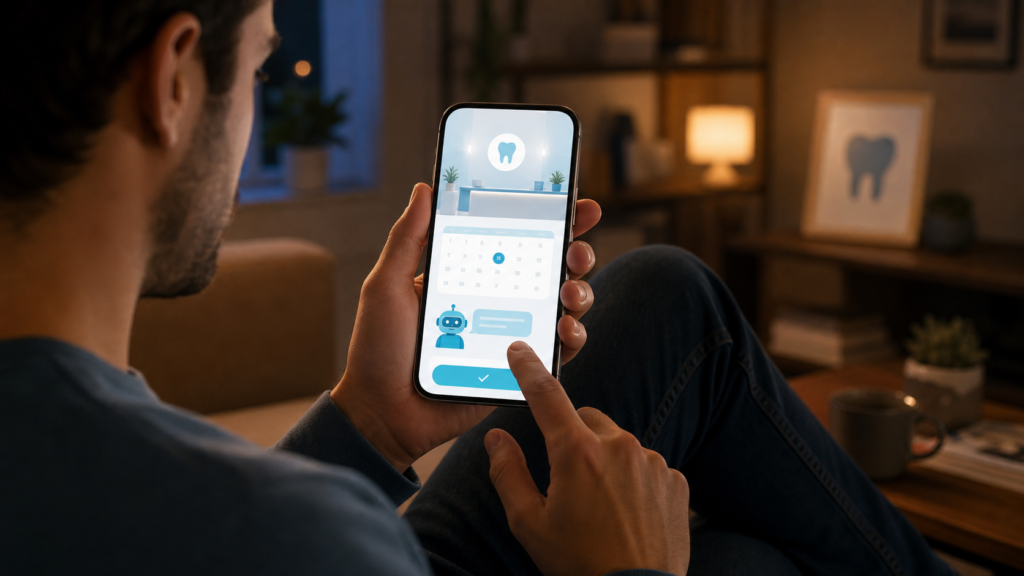
Online scheduling is becoming an expected feature for dental practices. Patients are used to booking restaurants, hair appointments, telehealth visits, and service calls online. Dentistry is moving in the same direction.
For new patient acquisition, online scheduling can directly impact website conversion. If someone lands on your website from Google, reads about your services, and decides they want to book, the next step should be simple.
Effective online scheduling should be easy to find
Your website should include clear appointment buttons in key locations, such as:
- The header navigation
- The homepage hero section
- Service pages such as dental implants, Invisalign, veneers, and emergency dentistry
- The contact page
- Mobile sticky buttons
Practical example
A patient searching for “emergency dentist near me” lands on your emergency dentistry page. A clear “Request an Appointment” button opens a short form asking about pain level, preferred timing, and contact information. That request is automatically routed to your front desk with a high-priority tag.
This type of workflow helps the team respond quickly without forcing every patient into the same generic contact form.
Smart Reminders: More Than Basic Appointment Confirmations
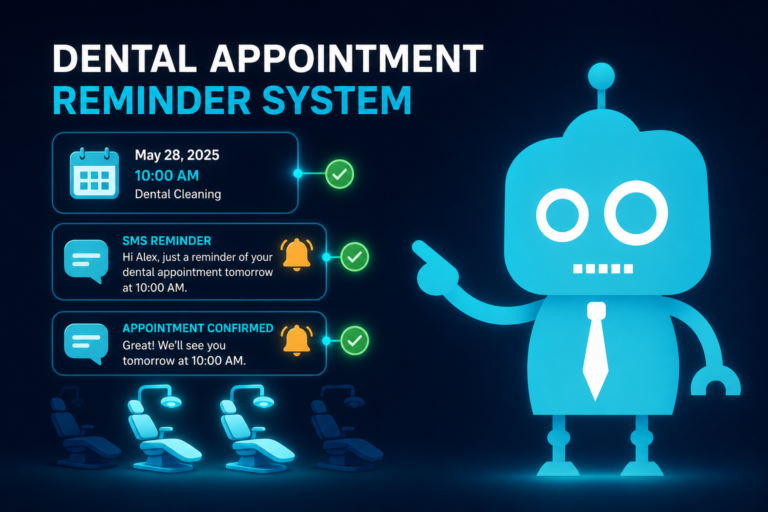
Appointment reminders are one of the most common forms of dental automation, but the future is smarter and more personalized.
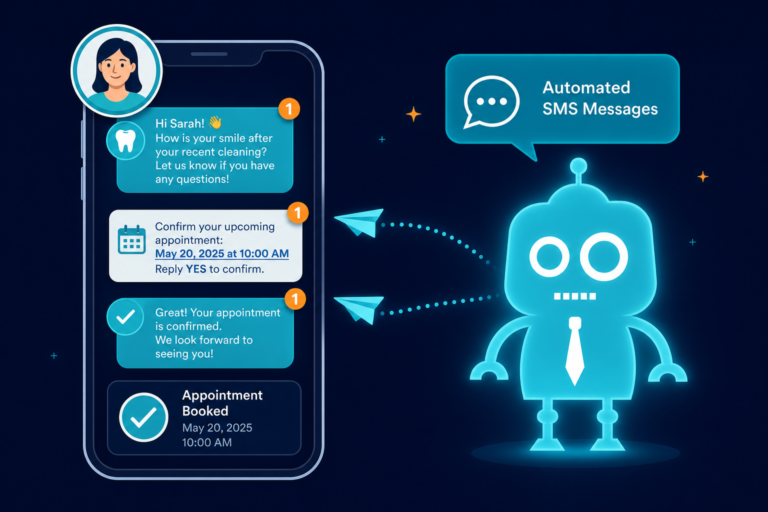
Instead of sending the same generic reminder to everyone, dental practices can use SMS and email automation based on appointment type, patient status, timing, and behavior.
Examples of smart reminder workflows
- New patient reminder with a link to complete forms before the visit
- Hygiene appointment reminder with parking instructions and arrival details
- Treatment appointment reminder with pre-op instructions
- Missed appointment follow-up with a rescheduling link
- Unconfirmed appointment alert sent to the front desk for manual follow-up
Smart reminders help reduce no-shows, improve schedule reliability, and create a smoother patient experience before the patient ever walks through the door.
CRM Workflows: Turning Dental Leads Into Scheduled Patients
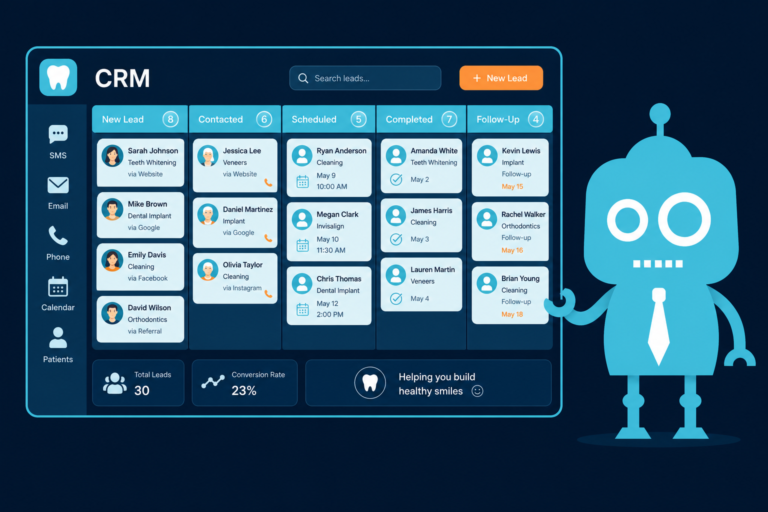
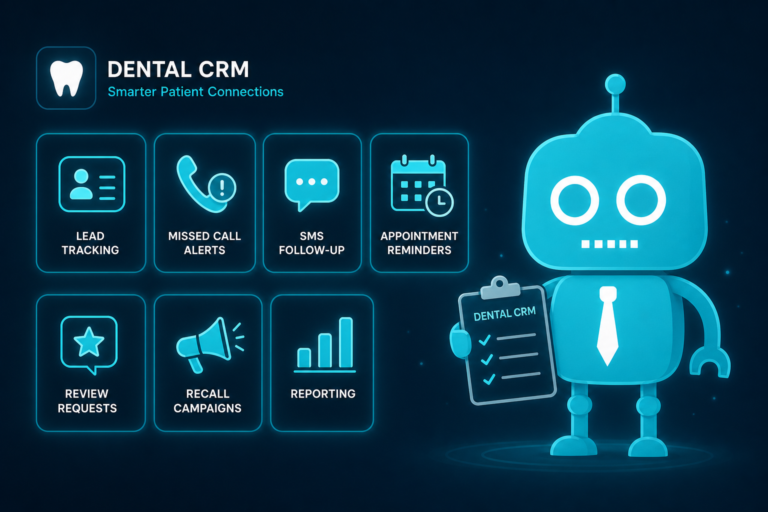
A dental CRM system helps organize leads, patient inquiries, follow-ups, and communication history. For independent practices, this is especially valuable because many new patient opportunities are lost between the website, phone calls, email inbox, and front desk notes.
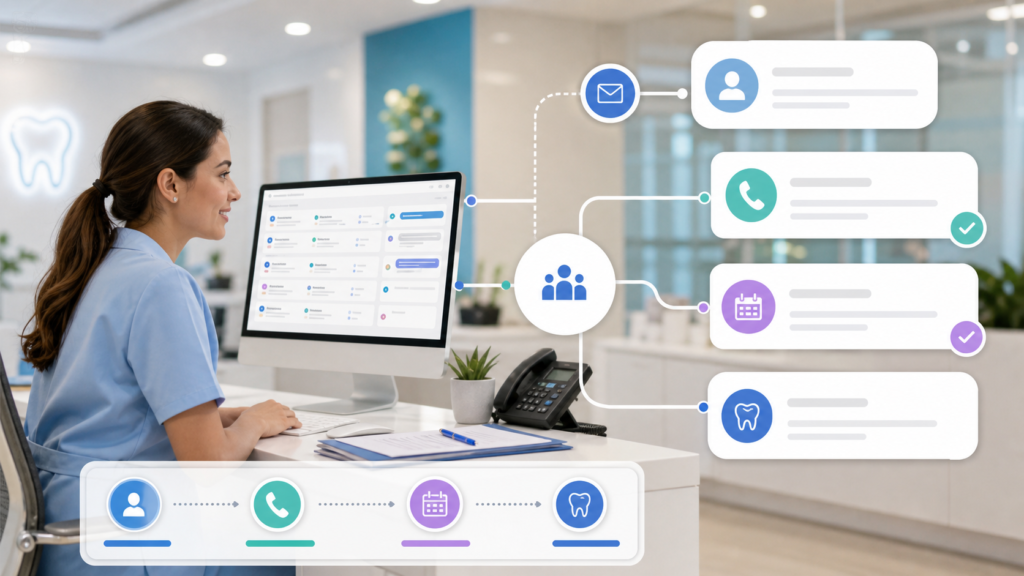
CRM workflows make the process more structured. Instead of relying on memory or sticky notes, your practice can create automated steps for different types of inquiries.
Common dental CRM workflow stages
- New website lead
- Contact attempted
- Appointment requested
- Appointment scheduled
- No response
- Treatment consultation completed
- Treatment accepted
- Treatment follow-up needed
Practical example
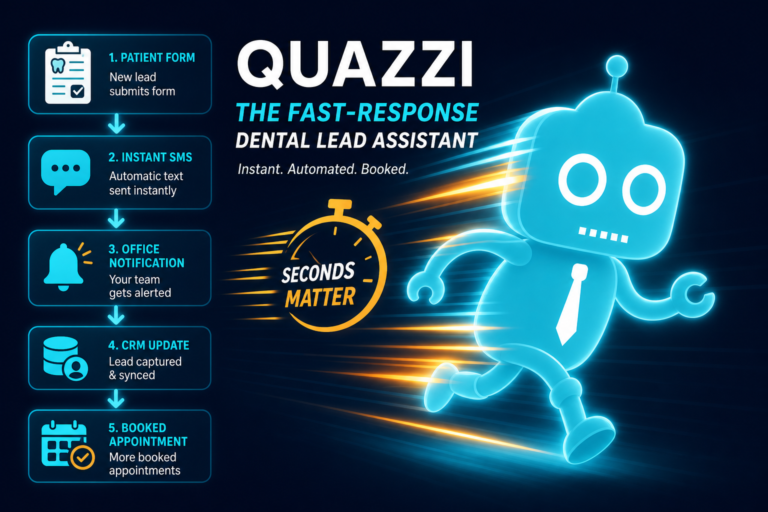
A patient submits a form for dental implants. The CRM automatically creates a lead, sends a thank-you text, notifies the treatment coordinator, and starts a follow-up sequence if the patient does not schedule within 24 hours.
This prevents high-value leads from slipping through the cracks and gives your team a clear process to follow.
Review Automation: Building Trust Without Constant Manual Requests
Online reviews are critical for dental practice growth. Patients often compare reviews before choosing a dentist, especially for services like cosmetic dentistry, dental implants, Invisalign, sedation dentistry, and emergency care.
Review automation helps practices request feedback consistently without depending on the front desk to remember after every visit.
How review automation works
After a completed appointment, the patient receives a short SMS or email asking about their experience. Satisfied patients can be directed to leave a public review on Google. Patients with concerns can be routed to a private feedback form so the practice can respond appropriately.
Best practices for dental review requests
- Send requests soon after positive appointments
- Keep the message short and personal
- Make the review link easy to access on mobile
- Avoid pressuring patients or offering incentives
- Monitor reviews and respond professionally
Consistent review automation strengthens local SEO, improves patient trust, and helps your practice stand out in Google search results.
Recall Campaigns: Automating Patient Reactivation
Recall is one of the biggest opportunities for dental office automation. Most practices have patients who are overdue for hygiene visits, exams, periodontal maintenance, or recommended treatment.
Manual recall calls are important, but they are time-consuming. Automation allows your practice to stay in touch at scale through SMS, email, and task reminders for your team.
Examples of recall automation
- Six-month hygiene reminders
- Overdue patient reactivation campaigns
- Periodontal maintenance reminders
- Unscheduled treatment follow-up
- Family appointment reminders
Practical example
A patient is 60 days overdue for a cleaning. The system sends a friendly text with a scheduling link. If the patient does not respond, a follow-up email is sent three days later. If there is still no response, the CRM creates a task for the front desk to call personally.
This human-plus-automation approach keeps recall active without putting all the pressure on your team.
Lead Scoring: Prioritizing the Right Dental Opportunities
Not every website lead has the same urgency or value. A patient requesting an emergency appointment today may need immediate attention. A patient researching veneers may need nurturing. A patient asking about insurance may require a different response.
Lead scoring helps dental teams prioritize follow-up based on patient behavior, inquiry type, and readiness to schedule.
Lead scoring factors for dental practices
- Service requested, such as implants, Invisalign, veneers, or emergency dentistry
- How quickly the patient wants an appointment
- Whether the patient provided a phone number
- Website pages viewed before submitting a form
- Insurance or payment information provided
- Repeat visits to the website
Practical example
A visitor views your dental implant page, financing page, and before-and-after gallery before submitting a consultation request. That lead can be scored higher than someone who only asks a general question through the contact form.
Lead scoring helps your team focus attention where it is most likely to result in a scheduled appointment or accepted treatment plan.

Website Personalization: Making Dental Websites More Relevant
Dental websites are becoming more dynamic. Instead of showing every visitor the same generic message, practices can personalize content based on what the visitor is looking for.
This matters because a patient looking for emergency dentistry has different needs than a patient researching cosmetic veneers or a parent looking for family dental care.
Examples of dental website personalization
- Showing emergency appointment prompts on emergency dentistry pages
- Displaying implant consultation calls-to-action on dental implant content
- Offering Invisalign financing information on orthodontic pages
- Showing new patient specials or forms to first-time visitors
- Using location-specific content for multi-location practices
Website personalization can improve conversion because it makes the next step more relevant. The goal is not to overwhelm visitors with pop-ups. The goal is to guide them toward the right action at the right time.
Reporting Dashboards: Seeing What Is Actually Working
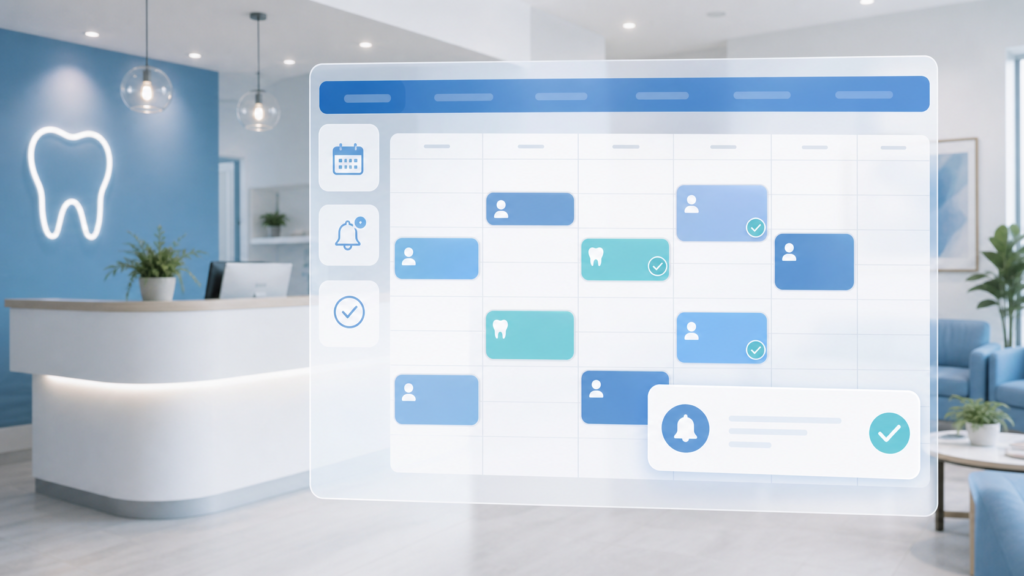
Automation is most valuable when you can measure performance. Reporting dashboards help dental practice owners and office managers understand what is happening across marketing, scheduling, patient communication, and follow-up.
Without clear reporting, it is difficult to know whether your website is generating leads, your reminders are reducing no-shows, or your recall campaigns are bringing patients back.
Useful dashboard metrics for dental practices
- Website visitors and conversion rate
- Form submissions and phone call leads
- Appointment requests by service type
- New patient leads by source
- Response time to new inquiries
- Appointment confirmation rate
- No-show and cancellation trends
- Recall campaign performance
- Review request and review completion rates
Practical example
Your dashboard shows that your Invisalign page gets strong traffic but few appointment requests. That may indicate the page needs a clearer call-to-action, better financing information, stronger patient testimonials, or a shorter consultation form.
Good reporting turns automation from a background tool into a decision-making system.
The Human + Automation Balance
The best dental practices will not be fully automated. They will be intelligently automated.
Patients still want warmth, empathy, and confidence from real people. A nervous patient considering sedation dentistry, a parent calling about a child’s dental pain, or a patient confused about treatment costs needs human support.
Automation should handle repetitive tasks, organize communication, and create faster handoffs. Your team should handle relationship-building, judgment, reassurance, and complex conversations.
What automation should handle
- Initial lead capture
- Appointment reminders
- Routine follow-ups
- Review requests
- Recall campaigns
- Basic routing and tagging
- Reporting and visibility
What humans should handle
- Complex scheduling issues
- Treatment questions
- Financial discussions
- Anxious or upset patients
- Case acceptance conversations
- Patient relationship management
The goal is not to make your dental office feel robotic. The goal is to make your systems dependable so your team can be more present, responsive, and patient-focused.
How Independent Dental Practices Can Start Automating
You do not need to automate everything at once. In fact, the best approach is usually to start with the bottlenecks that are costing your practice the most time or revenue.
Step 1: Identify where patients are being lost
Look at your current process. Are website leads going unanswered? Are calls being missed? Are new patient forms slowing down check-in? Are overdue patients not being contacted? Are happy patients not being asked for reviews?
Step 2: Connect your website to your follow-up process
Your dental website should not simply be an online brochure. It should capture leads, route appointment requests, connect to your CRM, and support follow-up through SMS and email automation.
Step 3: Automate one workflow at a time
Start with a high-impact workflow such as new patient inquiry follow-up, online scheduling, review requests, or recall campaigns. Once that workflow is working smoothly, expand from there.
Step 4: Keep your team involved
Automation works best when your front desk, office manager, treatment coordinator, and doctors understand how it supports the patient journey. Your systems should make their work easier, not add confusion.
The Future Is a More Connected Dental Office
The future of dental office automation is not a single tool. It is a more connected practice infrastructure.
Your website, CRM, scheduling process, SMS/email automation, review requests, recall campaigns, and reporting dashboards should work together. When they do, your practice can respond faster, convert more website visitors into patients, reduce administrative friction, and create a better experience from the first click to the follow-up visit.
For independent dental practice owners, dentists, and office managers, this is an opportunity to build a more efficient and competitive practice without losing the personal care patients value most.
Build a More Automated Dental Website With CreateTheSite.com
Your dental website should be more than a digital business card. It should be a modern patient acquisition and communication hub that supports your front desk, captures leads, and helps patients take action.
CreateTheSite.com helps dental practices with modern website design, secure hosting, mobile optimization, lead capture forms, CRM integrations, SMS/email automation, appointment follow-up, and ongoing website support.
Whether you want to improve new patient conversion, connect your website to your CRM, add smarter forms, streamline follow-up, or make your site easier to manage, CreateTheSite.com can help you build the infrastructure your practice needs for the future of dental office automation.
Ready to turn your dental website into a smarter growth system? Visit CreateTheSite.com to learn how a modern, automation-ready website can support your practice, your team, and your patients.