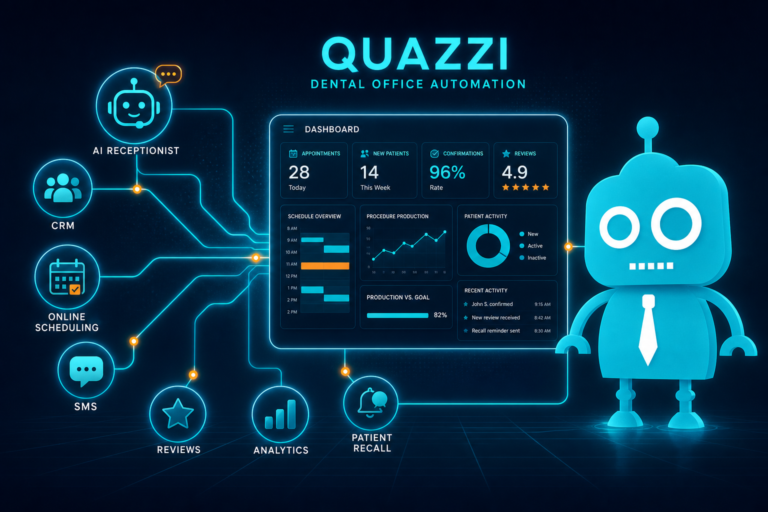
How CRM Automation Helps Dental Practices Grow
Growth in a dental practice does not come only from getting more website traffic, running ads, or posting on social media. Growth happens when your practice can quickly organize and act on every opportunity that comes in.
That opportunity might be a new patient form submission, a phone inquiry about Invisalign, a missed hygiene patient, a whitening lead from Google Ads, or a happy patient who would leave a review if asked at the right time.
Without a system, these opportunities often get buried in email inboxes, sticky notes, voicemail, spreadsheets, or the memory of a busy front desk team. CRM automation helps dental practices capture, organize, follow up, and measure those opportunities so fewer patients slip through the cracks.
For independent dental practice owners, dentists, and office managers, a CRM can become the operational bridge between your website, front desk, marketing, and patient communication.
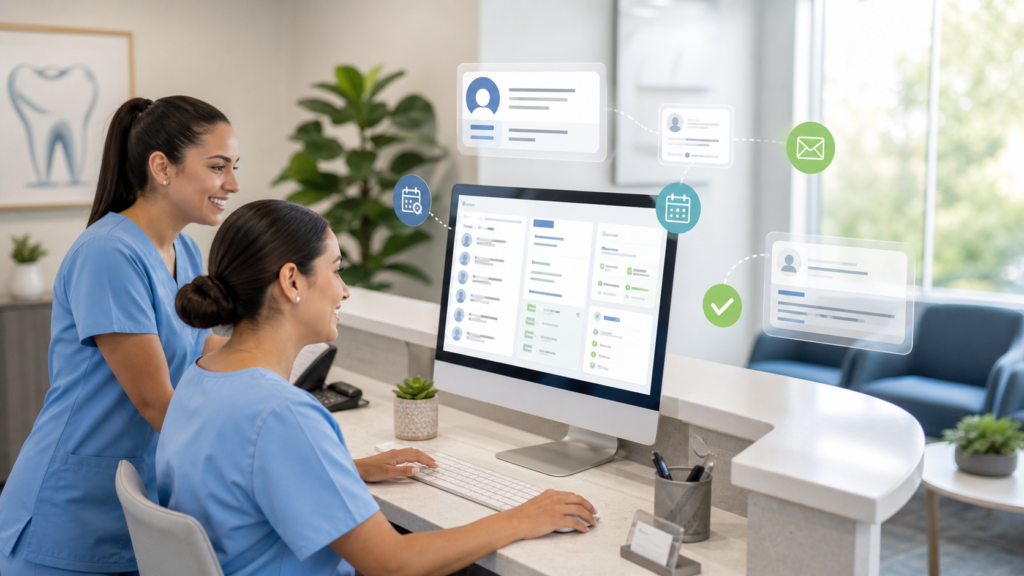
What Is CRM Automation for Dental Practices?
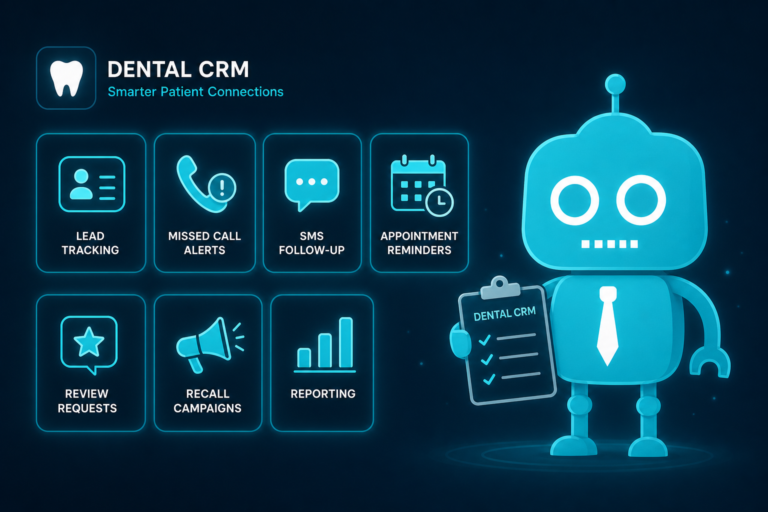
A CRM, or customer relationship management system, helps your dental practice manage prospective and existing patient relationships. CRM automation uses rules, workflows, email, SMS, reminders, and reporting to reduce manual work and improve follow-up consistency.
In a dental office, CRM automation can help with:
- Capturing new patient inquiries from your website
- Organizing leads by treatment interest, urgency, and source
- Sending instant SMS or email follow-ups
- Reminding staff to call unbooked patients
- Nurturing patients who are not ready to schedule
- Reactivating overdue patients
- Requesting reviews after completed appointments
- Tracking which marketing channels produce booked appointments
The goal is not to replace your front desk team. The goal is to help them act faster, stay organized, and focus on the conversations that move patients toward appointments.
The Real Growth Problem: Missed Opportunities
Many dental practices think they have a traffic problem when they actually have a follow-up problem.
Your website may already be getting visitors. Your Google Business Profile may already be generating calls. Your ads may already be producing form submissions. But if those opportunities are not responded to quickly, tracked clearly, and followed up with consistently, growth stalls.
Common missed opportunities include:
- A new patient form arrives after hours and no one responds until the next afternoon
- A patient asks about dental implants but is treated like a general inquiry
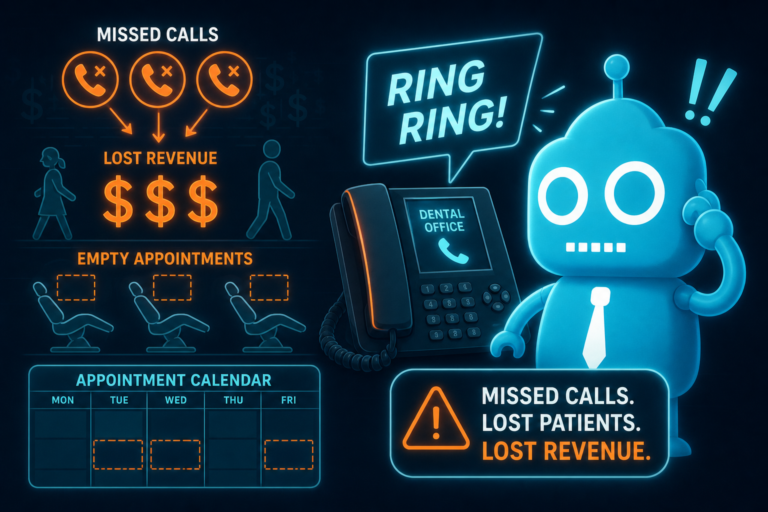
- A missed call from a high-intent prospect is not returned promptly
- An Invisalign lead receives one voicemail and no further follow-up
- A patient cancels hygiene and is never placed into a reactivation workflow
- A satisfied patient leaves happy but is never asked for a review
CRM automation helps your practice turn these scattered moments into organized, trackable opportunities.
Lead Capture: Turning Website Visitors Into Patient Opportunities
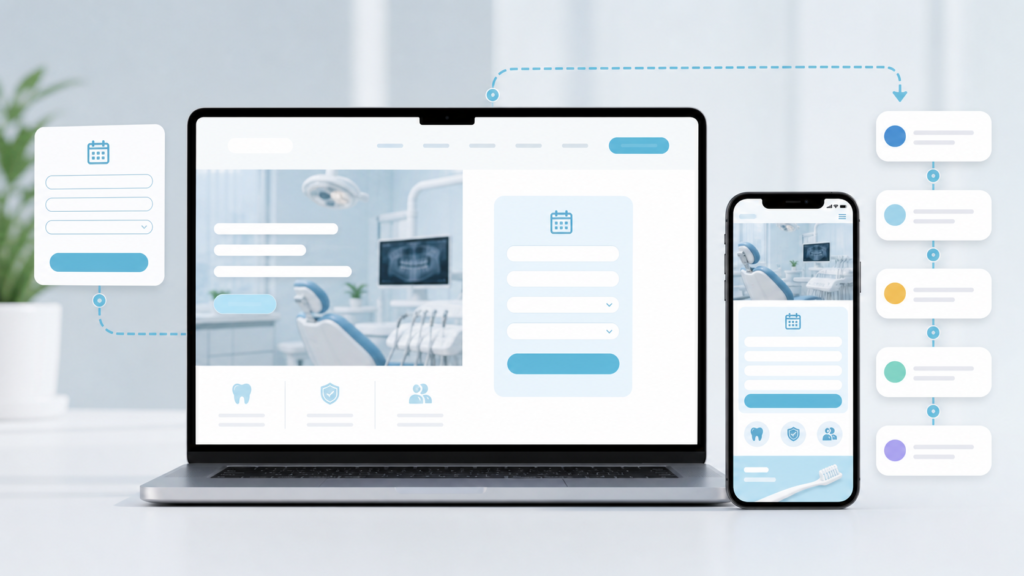
Your dental website should do more than look professional. It should convert visitors into leads and feed those leads into a system your team can act on.
Effective lead capture starts with clear forms and calls to action. For example:
- New patient appointment request forms
- Emergency dental care request forms
- Cosmetic consultation forms
- Dental implant inquiry forms
- Invisalign or clear aligner consultation forms
- Second opinion request forms
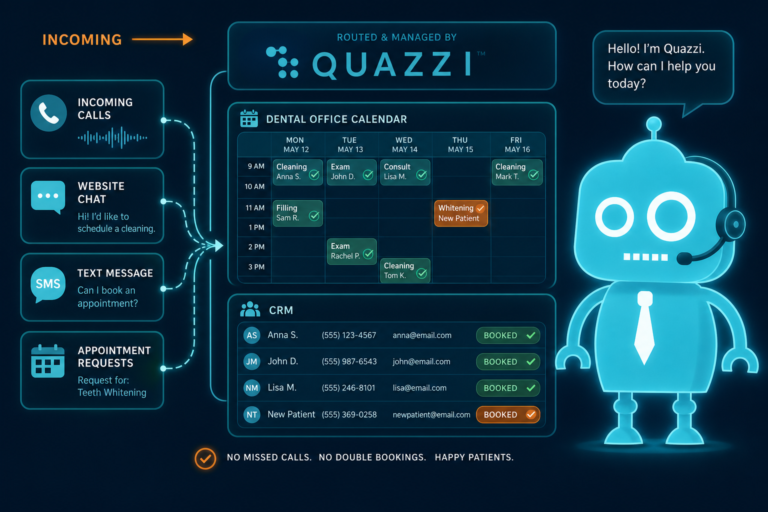
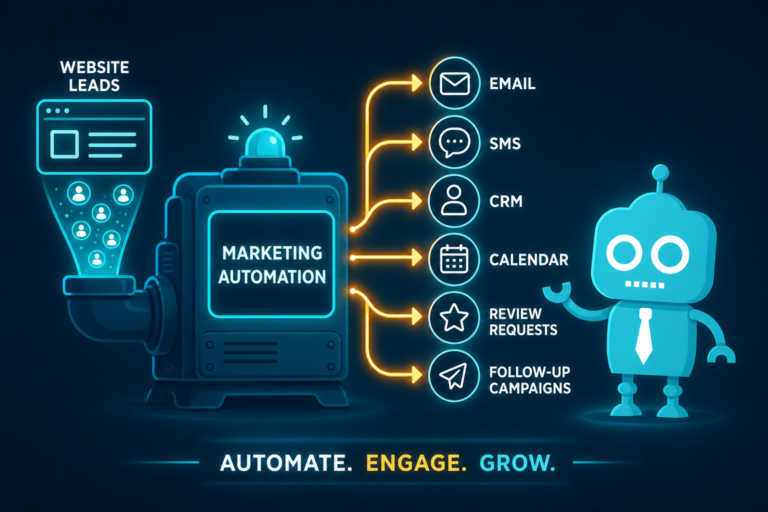
When a form is connected to a CRM, each submission can automatically create a new contact or lead. Instead of sitting in a general inbox, the inquiry is stored with key details such as name, phone number, email, treatment interest, preferred appointment time, and message.
Practical example
A patient visits your website at 9:30 p.m. and fills out a form asking about same-week emergency dental care. With CRM automation, that inquiry can be captured instantly, tagged as “Emergency,” and routed to the appropriate follow-up workflow. Your office manager can see it first thing in the morning, and the patient may also receive an immediate confirmation message letting them know the practice received the request.
That is a much better experience than a generic “Thank you” page and a delayed response.
Inquiry Organization: Keeping Every Lead in the Right Place
Dental inquiries are not all the same. A patient asking about a chipped tooth has different urgency than someone comparing whitening options. A patient interested in implants may require education, financing information, and multiple touchpoints before booking.
CRM automation helps organize inquiries by category, so your team knows what to do next.
Common lead categories for dental practices include:
- New patient exam
- Emergency dentistry
- Cosmetic dentistry
- Dental implants
- Invisalign or orthodontics
- Teeth whitening
- Insurance questions
- Second opinions
- Unbooked consultations
This organization allows your front desk team to prioritize properly. High-urgency leads can be handled quickly, while longer-consideration leads can enter nurturing workflows.
Why this matters for front desk operations
Your front desk is often managing check-ins, phones, insurance questions, treatment plan coordination, hygiene recalls, and scheduling. A CRM gives the team a structured view of open opportunities instead of forcing them to search through emails, notes, and missed call logs.
When every inquiry has a status, owner, source, and next step, accountability becomes easier.

Instant Follow-Up: Responding While Interest Is High
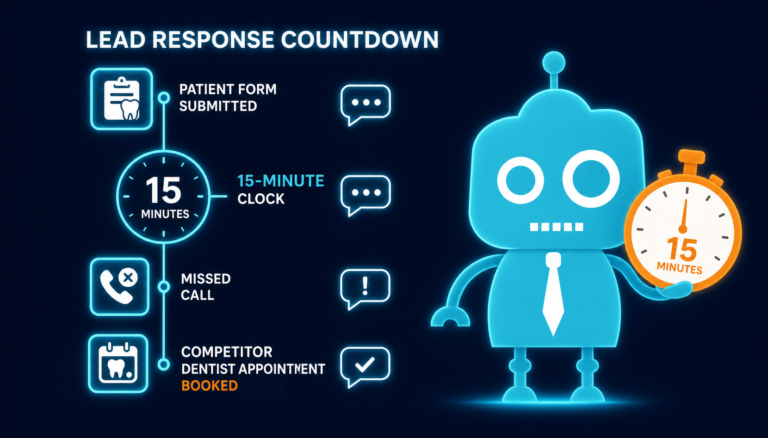
Speed matters in new patient acquisition. When someone submits a form or requests an appointment, they are actively thinking about dental care. If your practice waits too long, that patient may call another office.
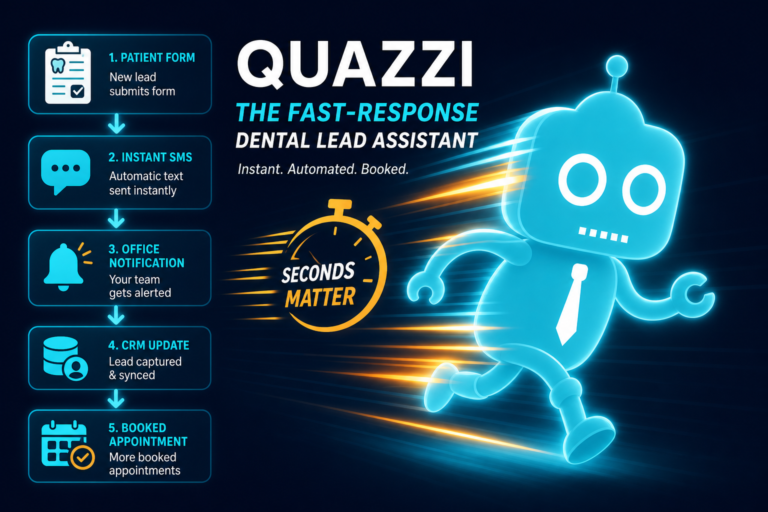
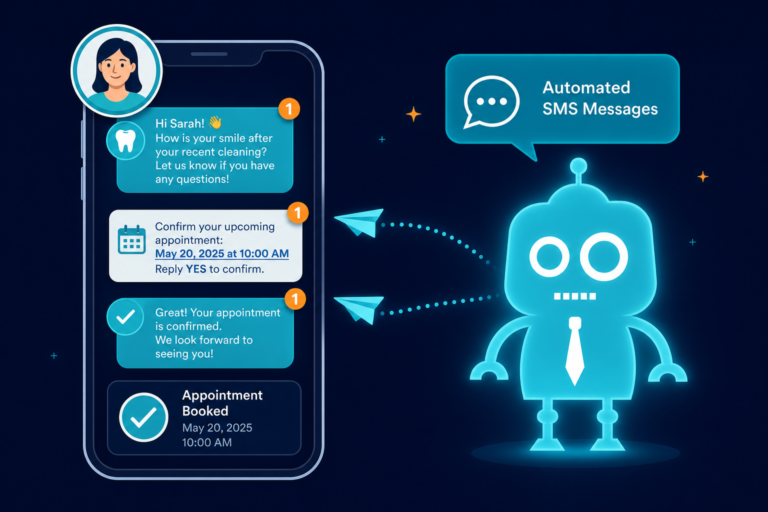
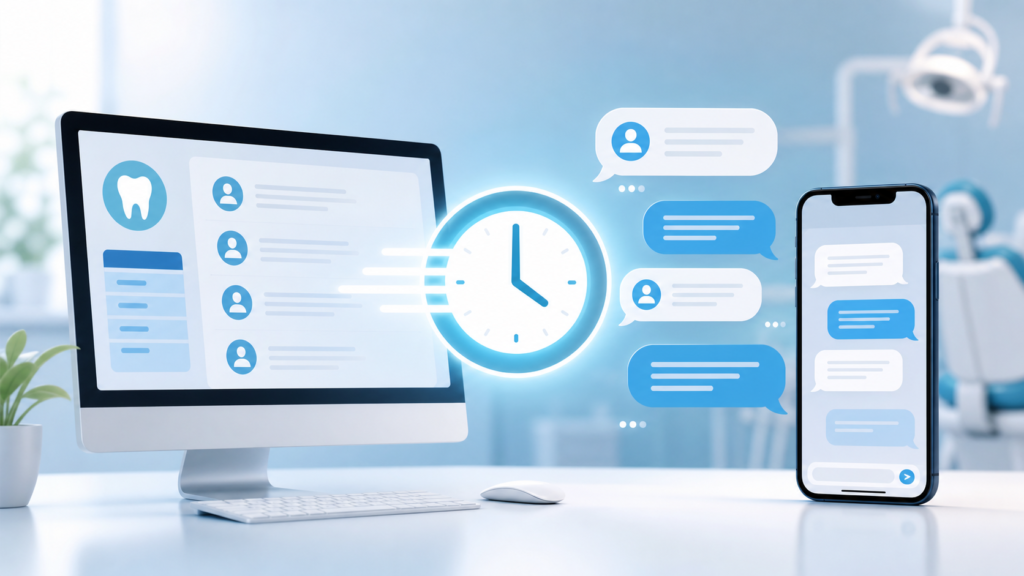
CRM automation allows your practice to send instant SMS and email follow-ups, even when your team is busy or the office is closed.
An instant follow-up might say:
Hi Sarah, thanks for contacting Bright Smiles Dental about Invisalign. We received your request and our team will follow up shortly. If you would like to call us directly, you can reach us at (555) 123-4567.
This simple message confirms that the inquiry was received and keeps the patient engaged.
Instant follow-up does not replace personal contact
Automation should support your team, not make communication feel robotic. A good workflow sends a fast confirmation, then creates a staff task to call the patient personally.
For example:
- Patient submits website form
- CRM sends instant SMS and email confirmation
- Front desk receives a task to call within 15 minutes during business hours
- If the patient does not answer, the CRM schedules another follow-up reminder
This combination of automation and human follow-up helps improve appointment conversion.
Lead Source Tracking: Knowing What Actually Brings in Patients
Many practices spend money on SEO, Google Ads, social media, local sponsorships, direct mail, and referral campaigns. But if leads are not tracked properly, it is difficult to know which channels are generating real appointments.
CRM automation can help track where each inquiry came from, such as:
- Google organic search
- Google Ads
- Google Business Profile
- Facebook or Instagram
- Email campaign
- Referral page
- Dental implant landing page
- Invisalign landing page
- Direct website visit
This information helps practice owners make better marketing decisions. Instead of asking, “Are our ads working?” you can ask, “How many implant consultation requests came from Google Ads, and how many became booked appointments?”
Website conversion becomes easier to measure
When your website forms are connected to a CRM, you can see which pages and campaigns produce inquiries. For example, if your dental implant page receives traffic but few form submissions, the issue may be the page content, call to action, offer, or mobile experience.
Tracking helps you improve the entire patient acquisition process, not just marketing spend.
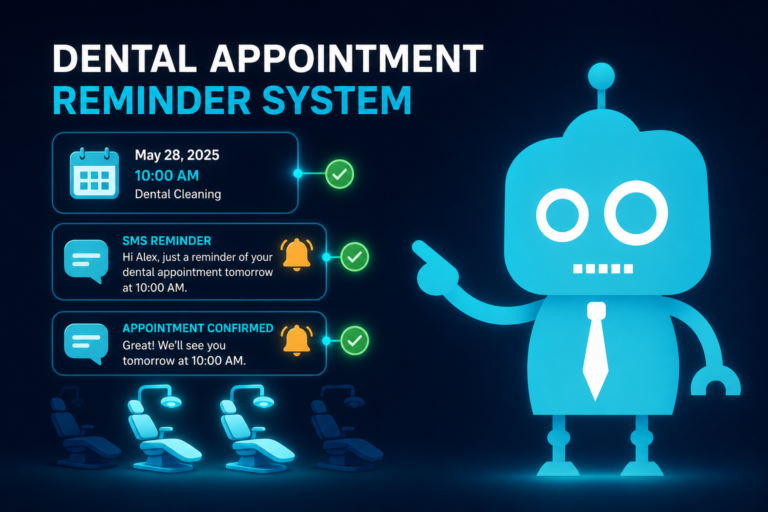
Staff Reminders: Making Follow-Up Consistent
Even the best front desk team can forget a follow-up when the day gets busy. CRM reminders help make important tasks visible and repeatable.
Staff reminders can be created for:
- Calling a new patient lead
- Following up on an unbooked consultation
- Sending financing information
- Checking whether a patient received a treatment estimate
- Calling a patient after a missed appointment
- Following up after a cancelled hygiene visit
- Requesting a review after a completed appointment
For office managers, this creates better oversight. You can see which leads are new, which have been contacted, which are waiting on patient response, and which need attention.
Practical example
A patient requests a cosmetic consultation but says they need to check their schedule. The front desk marks the lead as “Interested, Not Booked.” The CRM automatically creates a reminder to follow up in two days. If the patient still does not book, the system can send a helpful email with before-and-after case examples, financing information, or a link to schedule a consultation.
Without reminders, that opportunity might disappear. With automation, it stays active.
Nurturing Unbooked Patients: Staying Helpful Without Chasing
Not every patient books immediately. Some need to talk with a spouse, review costs, check insurance, compare providers, or build confidence before moving forward.
CRM automation allows your practice to nurture unbooked patients with relevant SMS and email follow-ups.
Nurture workflows can be designed around treatment interest. For example:
Dental implant inquiries
- Email 1: What to expect at a dental implant consultation
- Email 2: Common questions about implant cost and financing
- Email 3: Benefits of replacing missing teeth sooner rather than later
- SMS reminder: “Would you like help finding a consultation time?”
Invisalign inquiries
- Email 1: How clear aligner treatment works
- Email 2: Invisalign for adults with busy schedules
- Email 3: What happens during a smile consultation
- SMS reminder: “We still have consultation openings this week.”
New patient exam inquiries
- Email 1: What to bring to your first appointment
- Email 2: Insurance and payment information
- Email 3: Meet the dentist and care team
The key is to be useful, not pushy. Patients should feel informed and supported, not pressured.
Reactivation: Bringing Overdue Patients Back
Growth is not only about new patients. Many dental practices have a large base of inactive or overdue patients who already know the office but have fallen out of routine care.
CRM automation can help with reactivation campaigns for patients who are overdue for hygiene, exams, treatment, or follow-up appointments.
Examples include:
- Patients overdue for a cleaning by six months or more
- Patients who cancelled and never rescheduled
- Patients with unscheduled treatment plans
- Patients who completed emergency care but never returned for comprehensive care
- Patients who started a consultation process but did not move forward
Reactivation message example
Hi Mark, we noticed you may be due for your dental cleaning. We would be happy to help you get back on the schedule. Reply here or call us at (555) 123-4567 to find a convenient time.
A simple, well-timed message can bring patients back into care and improve schedule stability.

Review Requests: Building Trust After Positive Visits
Online reviews play a major role in how new patients choose a dental practice. A strong Google review profile can improve trust, increase website clicks, and help your practice stand out in local search results.
The challenge is that happy patients often do not leave reviews unless they are asked at the right time.
CRM automation can send review requests after completed appointments, especially when the patient had a positive experience. These requests can be sent by SMS or email with a direct link to your preferred review platform.
Review request example
Hi Jessica, thank you for visiting our office today. We’re glad we could help with your appointment. If you had a positive experience, would you mind sharing a quick Google review? It helps other patients find our practice.
Review automation helps make reputation building part of your normal workflow instead of something the team remembers only occasionally.
Reporting: Seeing Which Opportunities Turn Into Growth
CRM reporting helps practice owners and office managers understand what is happening between marketing, follow-up, and booked appointments.
Useful dental CRM reports may include:
- Number of new website leads by month
- Leads by treatment interest
- Leads by source or campaign
- Response time by staff member or team
- Booked appointments from website forms
- Unbooked leads still needing follow-up
- Reactivated patients from campaigns
- Review requests sent and reviews received
- Conversion rate from inquiry to appointment
This gives you a clearer picture of your growth engine. You can identify bottlenecks, improve staff processes, and invest more confidently in marketing channels that produce actual patients.
Practical example
If your report shows that emergency dental leads book quickly but cosmetic consultation leads remain unbooked, your team can adjust the cosmetic follow-up process. Maybe those patients need more education, financing details, before-and-after examples, or a lower-friction consultation request form.
Reporting turns assumptions into decisions.
How CRM Automation Supports the Front Desk
Some dental teams worry that automation will complicate operations. When set up correctly, it should do the opposite.
CRM automation can reduce repetitive tasks and help the front desk focus on patient conversations. Instead of manually sending every reminder, searching for old inquiries, or trying to remember who needs a callback, the system keeps the next steps organized.
For example, a front desk workflow might look like this:
- A patient submits a new patient form on the website
- The CRM creates a lead and tags the source as “Website”
- The patient receives an instant SMS confirmation
- The front desk receives a task to call the patient
- The lead is marked as booked, unbooked, or needs follow-up
- If unbooked, the patient enters a nurture sequence
- If booked and seen, the patient may receive a review request
This kind of workflow keeps the patient journey moving without relying entirely on memory or manual tracking.

CRM Automation and Website Conversion Work Together
Your website and CRM should not operate separately. Your website attracts and converts visitors. Your CRM helps your team act on those conversions.
A modern dental website should include:
- Clear calls to action for new patients
- Mobile-friendly appointment request forms
- Fast loading pages
- Service-specific pages for high-value treatments
- Trust signals such as reviews, dentist bios, and patient-friendly content
- CRM-connected forms that route inquiries to the right workflow
When your website is designed for conversion and connected to CRM automation, every inquiry becomes easier to track and follow up on.
Best Practices for Dental CRM Automation
CRM automation works best when it is simple, practical, and aligned with how your office actually operates.
Start with your highest-value opportunities
Begin with the workflows that matter most. For many practices, this includes new patient forms, emergency inquiries, implant consultations, Invisalign leads, hygiene reactivation, and review requests.
Use SMS carefully and professionally
SMS is effective because patients read texts quickly. Keep messages short, helpful, and relevant. Make sure your practice follows applicable consent, privacy, and communication requirements.
Do not over-automate personal moments
Patients still want to feel cared for by real people. Use automation to support personal follow-up, not eliminate it.
Keep lead statuses simple
A complicated CRM can become difficult to manage. Common statuses like “New,” “Contacted,” “Booked,” “Unbooked,” “Nurturing,” and “Closed” are often enough to start.
Review reports regularly
Set a monthly rhythm to review lead sources, conversion rates, open opportunities, and follow-up performance. This helps your team improve over time.
CRM Automation Helps Dental Practices Act on Growth Opportunities
Dental practice growth is not just about generating more attention. It is about acting on the opportunities already coming through your website, phone lines, campaigns, and patient base.
CRM automation helps your practice capture leads, organize inquiries, respond quickly, track sources, remind staff, nurture unbooked patients, reactivate overdue patients, request reviews, and report on performance.
When these pieces work together, your practice becomes more consistent. Patients receive faster responses. Your front desk has clearer priorities. Your marketing becomes easier to measure. And more opportunities turn into booked appointments.
Build a Dental Website and Follow-Up System That Works Together
CreateTheSite.com helps dental practices build modern websites that are designed to convert visitors into patient opportunities and support better follow-up.
Our services include modern dental website design, secure hosting, mobile optimization, lead capture forms, CRM integrations, SMS and email automation, appointment follow-up workflows, and ongoing website support.
Whether your practice needs a better new patient website, stronger lead capture, improved follow-up automation, or a more organized system for managing inquiries, CreateTheSite.com can help you put the right foundation in place.
If your dental practice is ready to turn more website visitors and patient inquiries into booked appointments, visit CreateTheSite.com to learn how we can help.