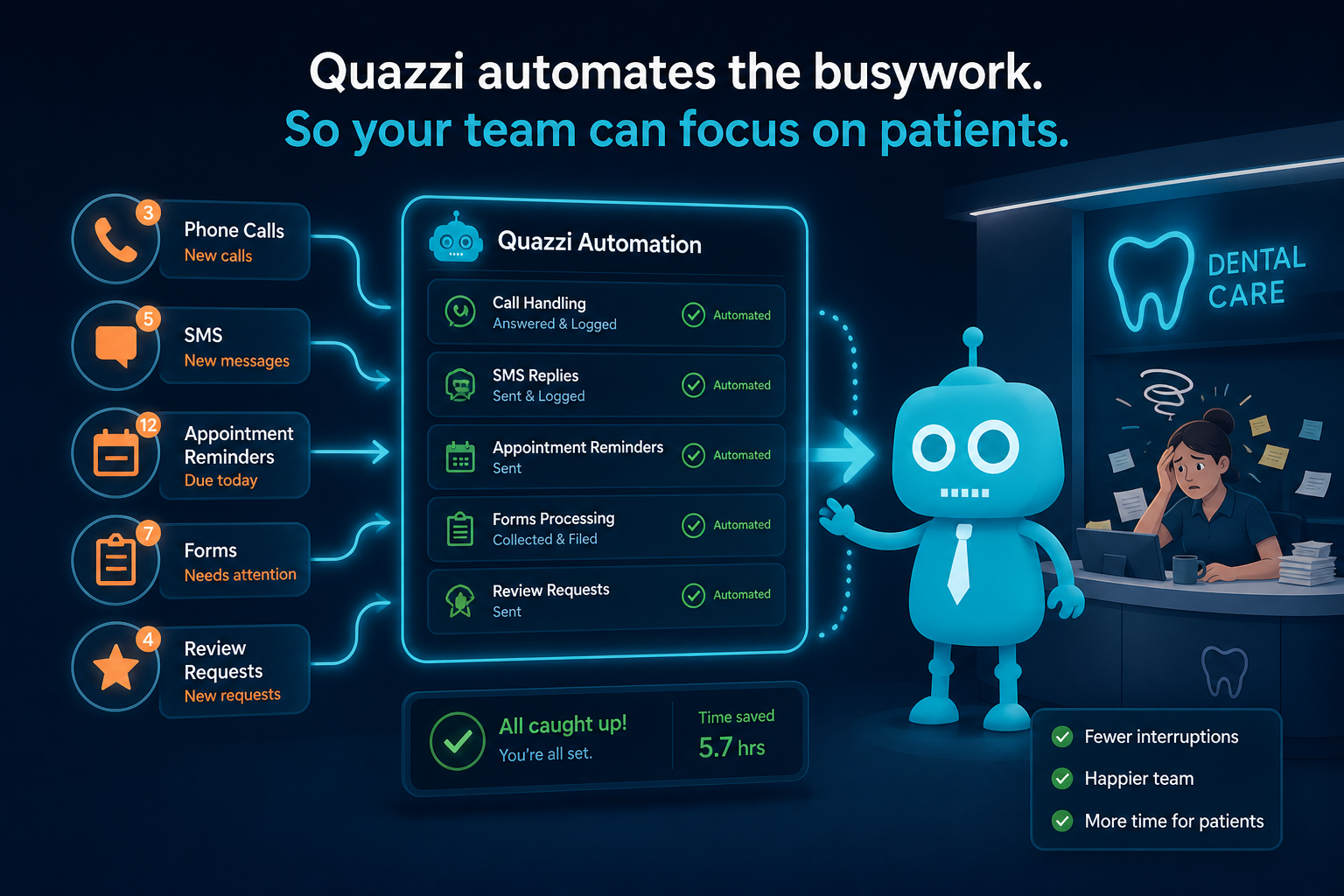
How Automation Reduces Front Desk Burnout
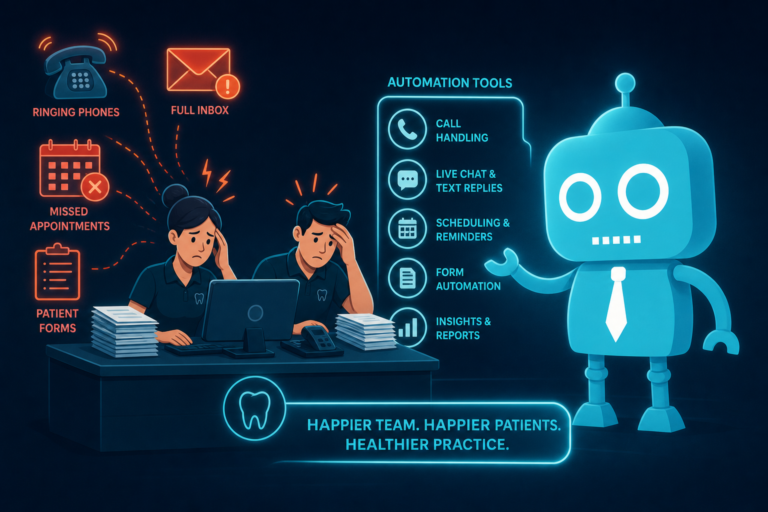
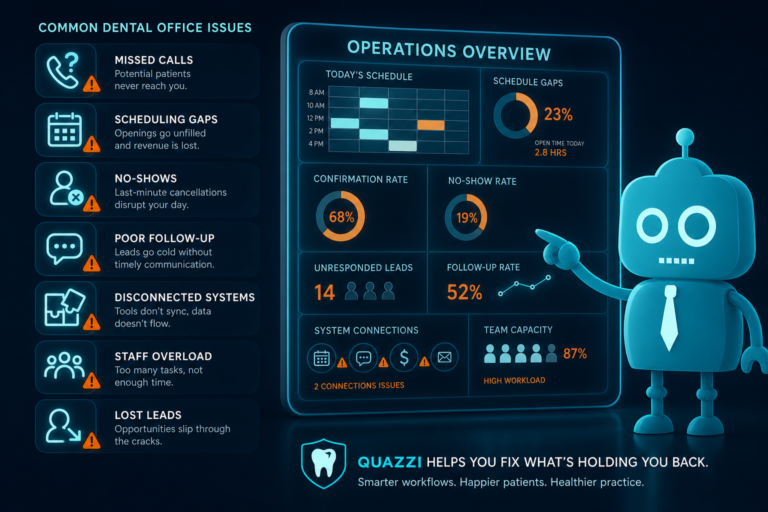
In a busy dental practice, the front desk is expected to answer phones, schedule appointments, verify information, follow up with leads, calm anxious patients, collect forms, request reviews, manage reminders, and keep the day moving.
That is a lot of mental load.
For independent dental practices, front desk burnout often does not come from one big problem. It comes from hundreds of repetitive tasks piling up every week. The same phone questions. The same missed calls. The same reminder calls. The same follow-up notes. The same “Did you get our form?” conversation.
Automation does not replace a great front desk team. It gives them room to breathe.
When used correctly, automation reduces repetitive work, improves patient communication, supports new patient acquisition, and helps your office run with less stress. The goal is not to make your practice feel robotic. The goal is to let your team focus on the conversations and patient moments that actually need a human.
Why Front Desk Burnout Happens in Dental Practices
Dental front desk teams operate at the center of patient communication. They are responsible for first impressions, scheduling, patient questions, insurance coordination, cancellations, reminders, reviews, and follow-up.
Even in a well-run office, the day can become reactive very quickly.
- A new patient calls while the team is checking out another patient.
- A hygiene patient needs to reschedule.
- Someone asks if you accept their insurance.
- A missed call turns into a lost implant consultation lead.
- A patient forgets to complete forms before arriving.
- The doctor asks if post-op patients were followed up with.
- A happy patient leaves without being asked for a Google review.
None of these tasks are unusual. That is the problem. They happen constantly.
Automation helps by handling predictable communication in the background, so your front desk can stay focused on high-value patient interactions.
Automation Should Reduce Repetitive Work, Not Add More Software Stress
Many dental offices hesitate to adopt automation because they imagine another complicated system to manage. That concern is fair.
Bad automation creates more clicks, more confusion, and more disconnected tools. Good automation works quietly behind the scenes.
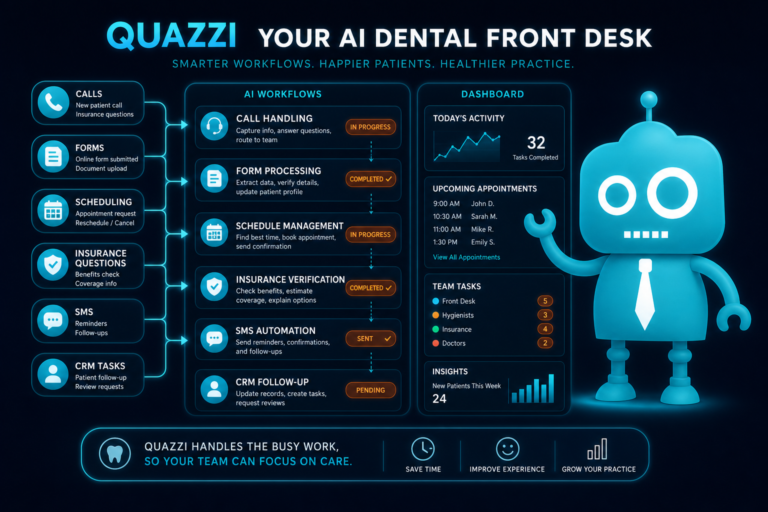
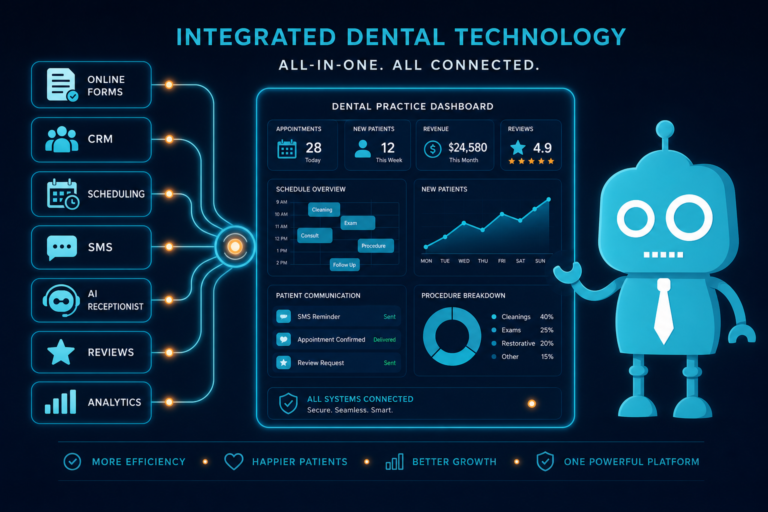
The right setup connects your website, lead capture forms, CRM system, phone workflows, SMS/email reminders, and patient follow-up process. Instead of asking staff to remember every step manually, your systems help move patients through the right communication path.
For example, when a new patient fills out a consultation form on your website, the process should not depend on a sticky note or someone remembering to call tomorrow. The lead should automatically enter your CRM, notify the front desk, send a confirmation message to the patient, and create a follow-up reminder if no appointment is booked.
That is the kind of automation that reduces burnout.
1. Repetitive Calls: Let Your Team Stop Answering the Same Questions All Day
Dental front desks receive many calls that are important but repetitive. Common examples include:
- “Are you accepting new patients?”
- “Do you take my insurance?”
- “What are your hours?”
- “Where are you located?”
- “How much is a cleaning?”
- “Do you offer emergency appointments?”
- “Can I get a whitening consultation?”
Each call may only take a few minutes, but across a full week, repetitive calls can consume hours of front desk time.
How automation helps
Your dental website can answer common questions clearly before patients call. A strong FAQ section, service pages, insurance information, and online appointment request forms can reduce unnecessary phone volume.
For example, instead of forcing every potential patient to call and ask about emergency dentistry, your website can include a dedicated emergency dental page with clear details about availability, what to do next, and a simple call or request button.
This does not eliminate phone calls. It makes the calls more qualified and less repetitive.
2. Appointment Reminders: Reduce No-Shows Without Manual Chasing
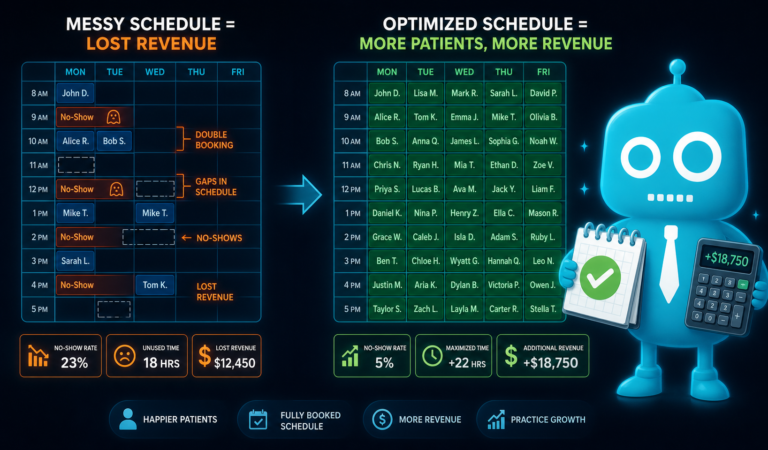
Appointment reminders are one of the most practical uses of dental automation. No-shows and last-minute cancellations hurt production, disrupt schedules, and create stress for the front desk.
When reminders are handled manually, staff may need to call patients one by one, leave voicemails, track confirmations, and update the schedule throughout the day.
How automation helps
SMS and email appointment reminders can automatically go out before the visit. For example:
- One reminder sent one week before the appointment
- Another reminder sent 48 hours before
- A final same-day reminder for certain appointment types
Patients can confirm by text, and your team can focus on the patients who have not responded instead of manually contacting everyone.
This is especially valuable for hygiene schedules, consultations, new patient exams, and high-value procedures where missed appointments create larger gaps in the day.
3. Review Requests: Build Your Reputation Without Awkward Manual Follow-Up
Online reviews matter for dental practices. A strong Google review profile can help improve local search visibility, increase trust, and convert more website visitors into new patients.
But asking for reviews manually is easy to forget. The front desk may be busy checking out patients, answering calls, or solving scheduling issues. Even when the patient had a great experience, the review request often does not happen.
How automation helps
Automated review requests can be sent by SMS or email after completed appointments. The message should feel personal, simple, and easy to act on.
For example:
“Thank you for visiting our office today. If you had a great experience, would you mind sharing a quick Google review? It helps other local patients find our practice.”
This creates a consistent review generation process without adding another task to the front desk checklist.
For dental practices competing locally for services like implants, Invisalign, cosmetic dentistry, emergency care, and family dentistry, consistent review growth can directly support new patient acquisition.
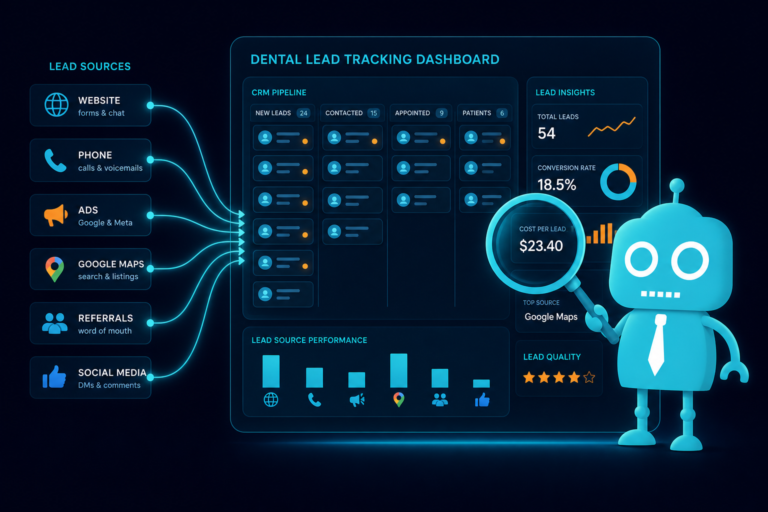
4. Lead Follow-Up: Stop Letting Website Inquiries Go Cold
Your dental website should not just look good. It should convert visitors into patient opportunities.
When someone fills out a new patient form, implant consultation request, Invisalign inquiry, emergency appointment request, or smile makeover form, speed matters. If your office waits too long, that patient may contact another practice.
This is where many independent practices lose opportunities. Not because the team does not care, but because the front desk is already overloaded.
How automation helps
Lead follow-up automation can instantly respond when someone submits a form on your website.
A good workflow may include:
- An instant confirmation text or email to the patient
- A notification to the office team
- A CRM entry with the patient’s name, contact details, and requested service
- A follow-up reminder if the lead has not been contacted
- A second automated message if the patient does not respond
For example, if someone requests an implant consultation at 8:30 p.m., they should immediately receive a message confirming that your office received the request. That quick response builds confidence, even if your team follows up the next morning.
Automation keeps leads warm until a human can step in.
5. Missed Call Text-Back: Recover Opportunities When the Front Desk Is Busy
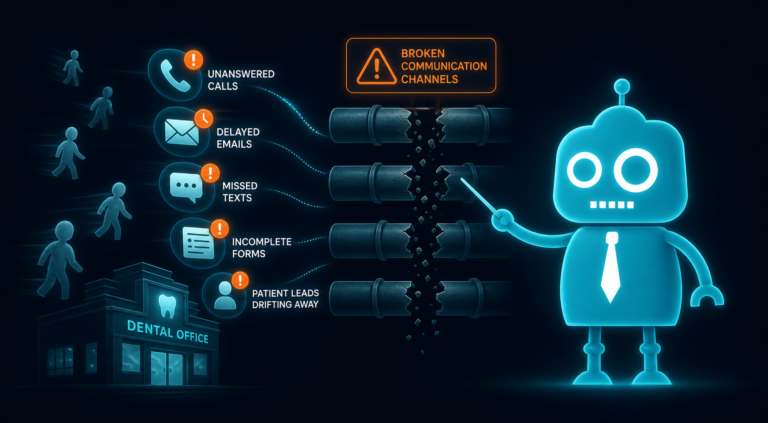
Missed calls are one of the most overlooked sources of lost revenue in dental practices.
Patients call during lunch, after hours, during busy check-in times, or while the front desk is already on another line. Some will leave a voicemail. Many will not. New patients, especially, may simply call the next office on Google.
How automation helps
Missed call text-back automation sends an immediate SMS when a call is missed.
For example:
“Hi, this is Maple Dental. Sorry we missed your call. How can we help? Reply here and our team will follow up shortly.”
This small automation can make a major difference. It tells the patient that your office is responsive and gives them another way to communicate without waiting on hold or leaving a voicemail.
For practices focused on emergency dentistry, cosmetic consultations, implants, or new patient growth, missed call text-back can help prevent high-intent leads from slipping away.
6. Patient FAQs: Give Patients Answers Before They Pick Up the Phone
A well-built dental website should act like a helpful extension of the front desk.
Patients often need simple answers before they feel ready to schedule. If your website does not provide those answers, they will call, hesitate, or leave.
Useful dental FAQ topics include:
- New patient appointment expectations
- Insurance and payment options
- Emergency dental care
- Cosmetic dentistry options
- Dental implant consultation process
- Invisalign or clear aligner treatment
- Pediatric or family dentistry policies
- Cancellation policies
- Accepted forms of payment
- Patient forms and what to bring
How automation helps
FAQ content can reduce repetitive calls and improve website conversion. It can also support AI receptionist tools and chatbot-style website assistants by giving them accurate information to reference.
The key is to write FAQs in plain language. Patients do not want clinical jargon. They want to know what happens next, what it costs, whether they are a fit, and how to schedule.
7. Form Submissions: Make New Patient Intake Easier for Everyone
Paper forms create friction for patients and extra work for staff. Patients arrive early, fill out forms in the waiting room, miss required fields, or forget information. The front desk then has to review, scan, file, or manually enter details.
Online forms can make intake smoother, especially for new patients and consultation-based services.
How automation helps
Website forms can collect important details before the appointment, including:
- Name and contact information
- Preferred appointment times
- Reason for visit
- Insurance details
- New patient status
- Service interest, such as implants, Invisalign, whitening, or emergency care
When connected to a CRM or practice workflow, form submissions can automatically notify the team and organize leads or patients by category.
For example, an Invisalign inquiry can be tagged differently from a general cleaning request. An emergency dental form can be prioritized for faster follow-up. A new patient exam request can trigger a welcome message with next steps.
This reduces manual sorting and helps the front desk respond with more confidence.
8. CRM Reminders: Keep Follow-Up From Living in Someone’s Head
Many dental practices rely heavily on memory, notes, spreadsheets, or task lists to manage follow-up. That may work when volume is low, but it becomes stressful as the practice grows.
A CRM system helps organize patient leads, follow-up tasks, and communication history. It is especially useful for practices investing in website marketing, SEO, paid ads, cosmetic cases, implant consultations, or membership plan inquiries.
How automation helps
CRM reminders can automatically prompt the team when a lead needs attention.
Examples include:
- Call new implant lead within 15 minutes during business hours
- Follow up with Invisalign inquiry after 24 hours if no response
- Send second message to unscheduled new patient lead after two days
- Remind office manager to check consultation status after one week
- Trigger reactivation campaign for patients overdue for hygiene
This keeps follow-up organized and reduces the pressure on staff to remember every open loop.
For office managers, CRM automation also provides better visibility. Instead of wondering whether leads are being followed up with, they can see what stage each opportunity is in.
9. AI Receptionist Support: Help Patients When Your Team Is Unavailable
AI receptionist support is becoming more common in dental practices, especially for handling routine communication after hours or during peak call times.
The best use of AI receptionist support is not to replace your staff. It is to protect their time and capture information when they are unavailable.
How AI receptionist support can help
- Answer common questions about office hours, location, and services
- Collect new patient information
- Help route emergency inquiries
- Provide appointment request options
- Support after-hours website visitors
- Reduce voicemail volume
- Assist with basic service information
For example, if a patient visits your website at 10:00 p.m. looking for an emergency dentist, an AI receptionist or automated assistant can collect their information, explain the next step, and alert your team.
That means your practice is not completely dependent on business hours to capture patient interest.
Where Automation Has the Biggest Impact on Dental Front Desk Operations
Automation is most effective when it supports the busiest, most repetitive parts of the front desk workflow.
High-impact areas include:
- New patient inquiries: Respond quickly and organize leads automatically.
- Appointment confirmations: Reduce manual reminder calls and no-shows.
- Missed calls: Send instant text-backs to keep patients engaged.
- Review requests: Build your online reputation consistently.
- Website forms: Capture better information before the first conversation.
- CRM follow-up: Keep leads from being forgotten.
- Patient FAQs: Reduce repetitive questions and improve website conversion.
- After-hours support: Capture opportunities when staff are not available.
These improvements do not just help your team. They improve the patient experience.
Patients get faster responses, clearer instructions, easier scheduling, and better communication. Staff get fewer repetitive interruptions and more control over their day.
Practical Example: A Better New Patient Workflow
Consider a patient searching online for a cosmetic dentist. They visit your website, read about veneers, check your reviews, and submit a consultation request.
Without automation, that form may sit in an inbox until someone has time to check it. If the office is busy, follow-up may happen hours later or the next day.
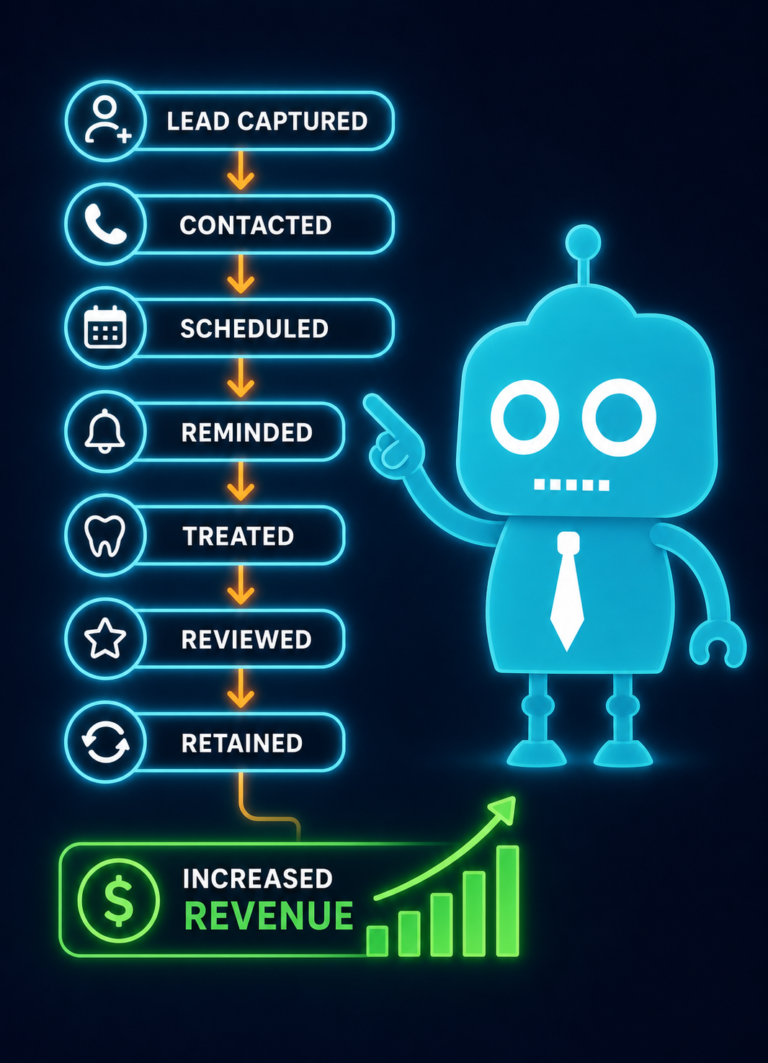
With automation, the workflow can look like this:
- The patient submits a consultation form on your website.
- They immediately receive a text confirming the request.
- The front desk receives a notification.
- The lead is added to the CRM and tagged as “Cosmetic Consultation.”
- A task is created for the team to call the patient.
- If the patient does not schedule, an automated follow-up message is sent.
- After the visit, the patient receives a review request.
This creates a smooth experience for the patient and a clear process for your team.
No guessing. No sticky notes. No lost inquiries.
Automation Helps Staff Breathe
The front desk is often the emotional shock absorber of a dental practice. They handle patient anxiety, schedule changes, complaints, insurance confusion, and constant interruptions.
When automation removes repetitive tasks, staff have more energy for the work that requires empathy, judgment, and personal attention.
They can take a breath before answering the next call. They can focus on the patient standing in front of them. They can follow up with a high-value consultation lead without feeling buried by reminder calls. They can end the day with fewer loose ends.
That matters.
A less overwhelmed front desk can create a better patient experience, improve team morale, and support practice growth.
How to Start Automating Without Overwhelming Your Team
You do not need to automate everything at once. In fact, the best approach is usually to start with the areas causing the most repetition or missed opportunity.
Start with these questions:
- What questions does our front desk answer over and over?
- How many calls do we miss each week?
- How quickly do we follow up with website leads?
- Are appointment reminders taking too much staff time?
- Are we consistently asking happy patients for reviews?
- Do new patient forms create delays at check-in?
- Are leads tracked in a CRM or scattered across inboxes and notes?
Once you identify the biggest pressure points, you can build automation around them.
For many dental practices, the best starting points are missed call text-back, appointment reminders, website lead forms, review requests, and CRM follow-up reminders. These are practical, measurable, and directly connected to patient communication and revenue.
Automation Should Feel Human, Clear, and Helpful
Dental automation works best when the messages sound like your practice.
Patients should not feel like they are being pushed through a cold system. They should feel guided.
Good dental automation should be:
- Timely: Patients receive the right message at the right moment.
- Clear: Instructions are simple and easy to follow.
- Personal: Messages use friendly language and relevant details.
- Useful: Every message helps the patient take the next step.
- Connected: Website forms, CRM, SMS, email, and follow-up systems work together.
When automation is done well, patients may not even notice the system behind it. They simply experience a practice that communicates well.
Build a Dental Website and Automation System That Supports Your Front Desk
Your website should be more than an online brochure. It should help your dental practice attract new patients, answer common questions, capture leads, support follow-up, and reduce repetitive front desk work.
That is where CreateTheSite.com can help.
CreateTheSite.com helps dental practices with modern website design, reliable hosting, mobile optimization, lead capture forms, CRM integrations, SMS/email automation, appointment follow-up, and ongoing website support.
Whether you want to improve new patient conversion, reduce missed opportunities, automate review requests, connect website forms to your CRM, or make your front desk workflow easier, CreateTheSite.com can build a system designed around how dental offices actually operate.
Your team deserves tools that help them breathe. Your patients deserve communication that feels clear and responsive. Your practice deserves a website and automation setup that works in the background while your team focuses on care.
Ready to make your dental website and front desk workflow work smarter? Visit CreateTheSite.com to learn how modern website design and practical automation can support your practice growth without overwhelming your team.