How Dental Practices Lose Patients Before They Ever Call
“Most dental practices think they lose new patients on the phone.
A missed call. A rushed front desk conversation. A scheduling conflict. A patient who says, “I’ll call back,” and never does.
But in many cases, the practice lost that patient earlier.
Before the phone rang.
Before the contact form was submitted.
Before the office even knew the person existed.”
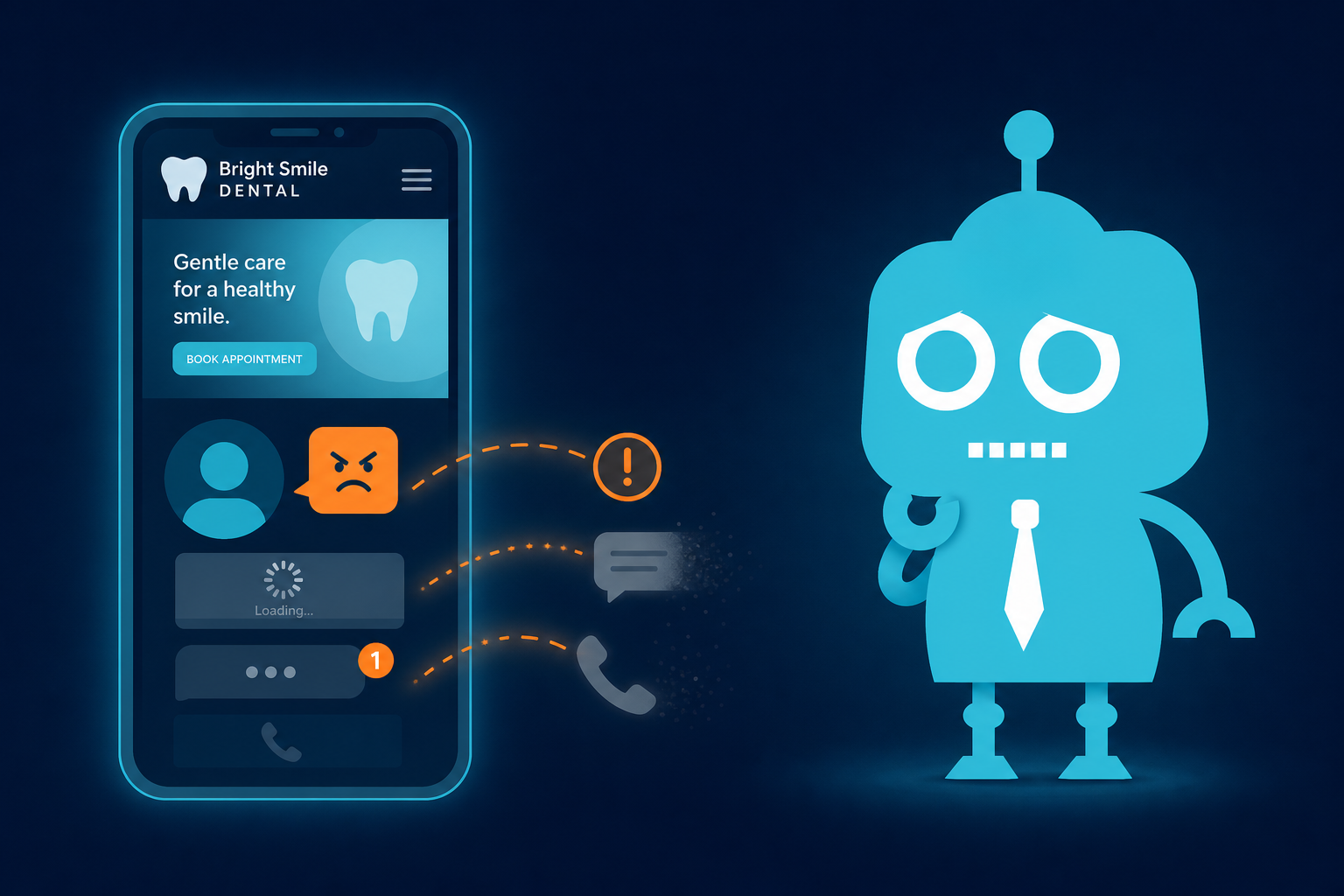
Today’s dental patients often make silent decisions online. They compare your website, reviews, location, hours, services, and overall professionalism before reaching out. If something creates doubt, friction, or confusion, they simply leave and choose another dentist.
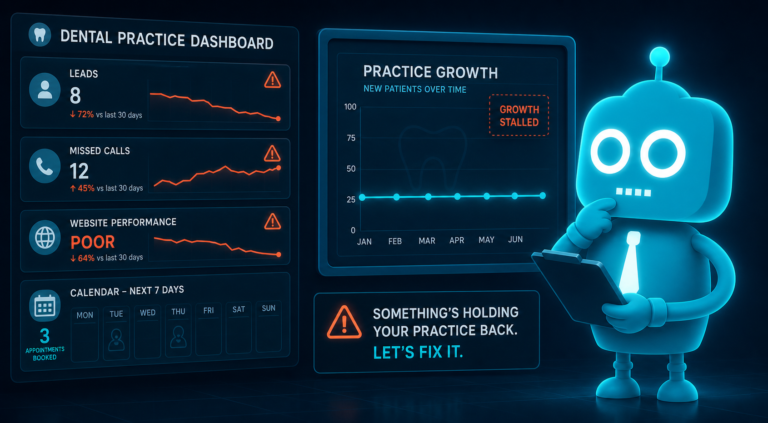
For independent dental practice owners, dentists, and office managers, this is one of the biggest hidden leaks in new patient acquisition: patients are not always saying no to your team. They may be saying no to your online experience.

The Silent Decision-Making Process in Dental Marketing
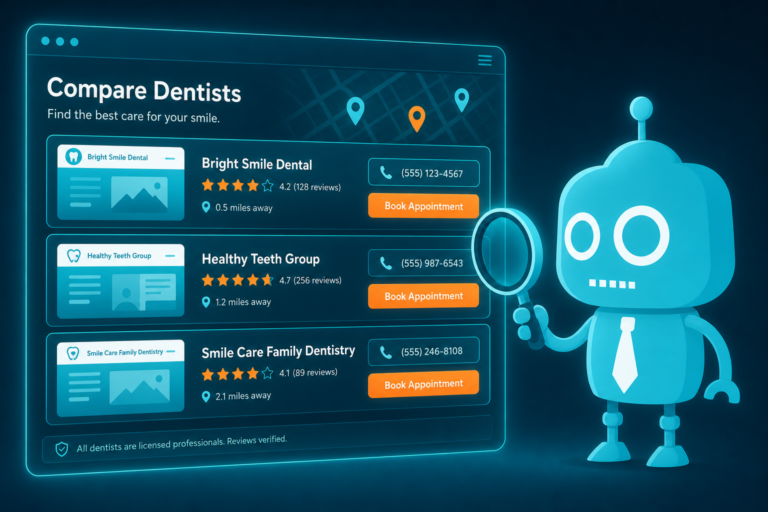
New patients rarely start by calling the first dental office they see.
They search, compare, scan, and judge quickly. A patient looking for a new dentist might open several tabs at once and evaluate each practice in a matter of minutes.
They may be asking themselves questions like:
- Does this office look professional and modern?
- Do they provide the service I need?
- Are they accepting new patients?
- Do they take my insurance or offer financing?
- Can I trust this dentist?
- Is it easy to schedule?
- Will this be a smooth experience?
If your website, reviews, or contact process fails to answer these questions, the patient may never call.
This is why dental website conversion matters. Your website is not just an online brochure. It is often the first interaction a prospective patient has with your practice. It must build confidence, reduce uncertainty, and make the next step easy.
Website Red Flags That Push Dental Patients Away
Your website can either reassure new patients or create hesitation.
Many dental practices have websites that technically exist but do not actively convert visitors into scheduled appointments. The design may be outdated, the content may be thin, or the calls to action may be unclear.

Common Dental Website Red Flags
- An outdated design that makes the practice feel behind the times
- Old staff photos or missing provider information
- Service pages with little detail
- No clear “Request Appointment” or “Call Now” button
- Stock photos that feel impersonal
- Broken links or forms that do not work
- No mention of new patient availability
- No insurance, financing, or payment information
For example, if a patient is searching for dental implants and lands on a page with two vague sentences and no next step, they may assume your practice is not focused on implants. Even if your dentist is highly experienced, the website failed to communicate that expertise.
The same applies to emergency dentistry. A patient with tooth pain is looking for speed, reassurance, and clarity. If your emergency dental page does not clearly say whether same-day appointments are available, what number to call, and what to expect, the patient will likely move on.
Weak Reviews Create Doubt Before the First Conversation
Reviews are one of the strongest trust signals in dental marketing.
Patients know that dental care is personal. They want to feel safe. They want to know the dentist is gentle, the front desk is helpful, billing is clear, and appointments run smoothly.
If your reviews are weak, outdated, inconsistent, or difficult to find, prospective patients may hesitate.
Review Problems That Hurt New Patient Conversion
- Low average rating compared to nearby competitors
- Very few total reviews
- No recent reviews within the last few months
- Unanswered negative reviews
- Repeated complaints about billing, wait times, or front desk attitude
- Reviews that do not mention specific services or patient experiences
A practice with 4.8 stars and 300 recent reviews will often feel safer than a practice with 4.3 stars and 18 reviews, even if the clinical quality is similar.
This does not mean every review must be perfect. In fact, a few negative reviews can appear normal. What matters is the pattern and how the practice responds.
A thoughtful response to a negative review shows professionalism. Silence can look like indifference.
Practical Example
Imagine a parent searching for a family dentist. They find your practice, but the most recent review is from eight months ago. Then they see another local practice with multiple recent reviews mentioning friendly hygienists, gentle cleanings, easy scheduling, and a great experience for children.
That parent may never call your office, even if you would have been a great fit.
This is where review generation systems, CRM workflows, and SMS/email follow-up can help. After a positive appointment, automated messages can invite satisfied patients to leave a review while the experience is fresh.
Hard-to-Find Contact Information Costs Appointments
If a patient has to hunt for your phone number, address, or appointment request form, your website is creating friction.
Dental patients are often busy, anxious, or in pain. They are not always patiently browsing. They want a clear path to action.
Your Contact Information Should Be Easy to Find
At minimum, every dental practice website should make the following information highly visible:
- Phone number
- Office address
- Business hours
- Emergency availability, if applicable
- Appointment request button
- New patient forms or instructions
- Insurance and payment details
Your phone number should be clickable on mobile devices. Your address should connect to maps. Your contact form should be simple and reliable.
Do not bury essential contact details in the footer only. Many patients will not scroll that far.
Front Desk Impact
Clear contact information also helps the front desk. When patients know where you are located, what your hours are, and what to expect before calling, the conversation is more efficient.
Instead of spending the first few minutes answering basic questions, your team can focus on scheduling, insurance clarification, and patient needs.
Poor Mobile Experience Sends Patients to Competitors
Most dental searches happen on mobile devices.
A patient might search for “dentist near me,” “emergency dentist open today,” or “Invisalign dentist in [city]” from their phone. If your website loads slowly, displays poorly, or makes buttons hard to tap, you may lose them instantly.
Mobile Issues That Hurt Dental Website Conversion
- Text that is too small to read
- Buttons that are difficult to tap
- Images that load slowly
- Menus that are hard to use
- Forms that are too long
- Phone numbers that are not clickable
- Pages that shift or break on smaller screens
A poor mobile experience does more than frustrate visitors. It can also affect SEO performance. Search engines want to send users to websites that are fast, secure, and mobile-friendly.
For dental practices, mobile optimization is not optional. It directly affects visibility, patient trust, and appointment requests.
Practical Example
A patient searching for a same-day crown or urgent tooth extraction is unlikely to pinch and zoom through a clunky website. If another practice has a fast mobile site with a clear “Call Now” button, that practice has the advantage.
Missing Online Booking Creates Unnecessary Friction
Not every patient wants to call.
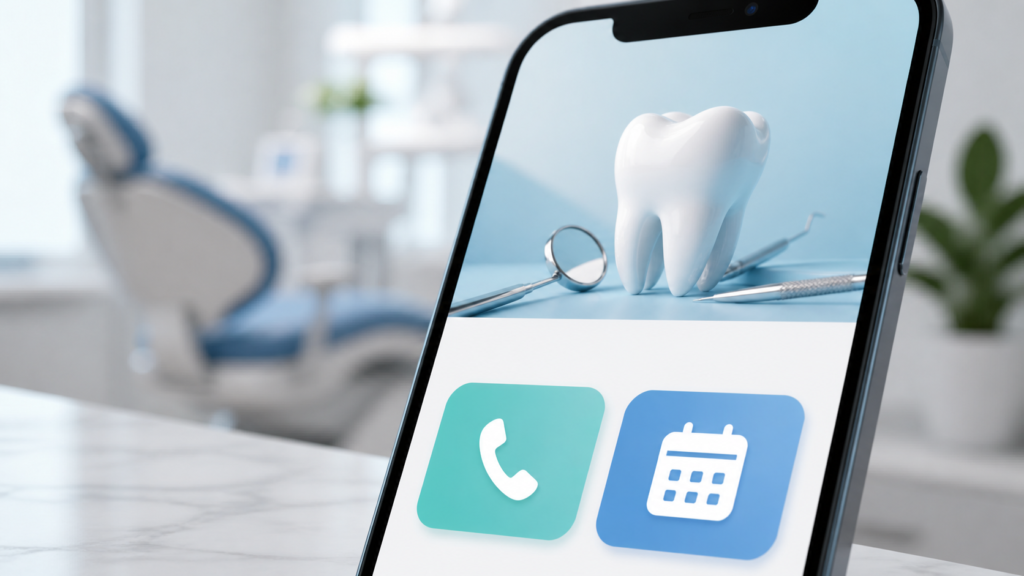
Some are at work. Some are researching after hours. Some simply prefer digital scheduling. If your practice only offers phone-based appointment requests, you may be losing patients who would have scheduled online.
Online booking does not have to mean giving patients full control over your schedule. Many dental practices use appointment request forms, CRM integrations, or scheduling tools that allow the front desk to confirm availability before finalizing the visit.
Why Online Booking Matters
- Patients can request appointments outside office hours
- Fewer leads are lost when the phones are busy
- The front desk receives structured patient information
- Follow-up can be automated through SMS or email
- New patient inquiries can be tracked in a CRM
This is especially important for high-intent visitors. If someone is ready to schedule a consultation for veneers, implants, clear aligners, or an emergency appointment, the website should capture that interest immediately.
Lead Capture Forms Should Be Simple
A dental appointment form should not feel like a tax document.
For new patient lead capture, start with the essentials:
- Name
- Phone number
- Email address
- Preferred appointment time
- Service needed
- Brief message
Once the inquiry is submitted, the system should notify the practice quickly. Ideally, the lead should also enter a CRM or follow-up workflow so the front desk does not have to rely on memory, sticky notes, or inbox searching.

Trust Gaps Prevent Patients From Taking the Next Step
Dental patients are not only choosing a provider. They are choosing someone they trust with their health, comfort, appearance, and money.
If your website does not build trust, patients may leave quietly.
Common Trust Gaps on Dental Websites
- No dentist biography or credentials
- No team photos
- No explanation of treatment philosophy
- No before-and-after examples where appropriate
- No patient testimonials
- No mention of technology or comfort options
- No clear information about insurance or financing
- No HIPAA-conscious privacy or form handling
Patients want to know who they are visiting. A generic website with no human connection can make the practice feel distant or interchangeable.
Strong trust signals include real photos of the office, friendly team introductions, detailed service pages, patient-focused language, and clear explanations of what happens during the first visit.
Specific Trust Builders for Dental Practices
- For family dentistry: Explain how your team helps children, parents, and anxious patients feel comfortable.
- For cosmetic dentistry: Show smile transformation examples and explain the consultation process.
- For implants: Discuss experience, technology, treatment planning, and financing options.
- For emergency dentistry: Clearly state how quickly patients should call and what symptoms require urgent care.
- For new patients: Explain what to bring, how long the first visit takes, and how insurance verification works.
The goal is to reduce uncertainty. The more confident a patient feels, the more likely they are to call, request an appointment, or book online.
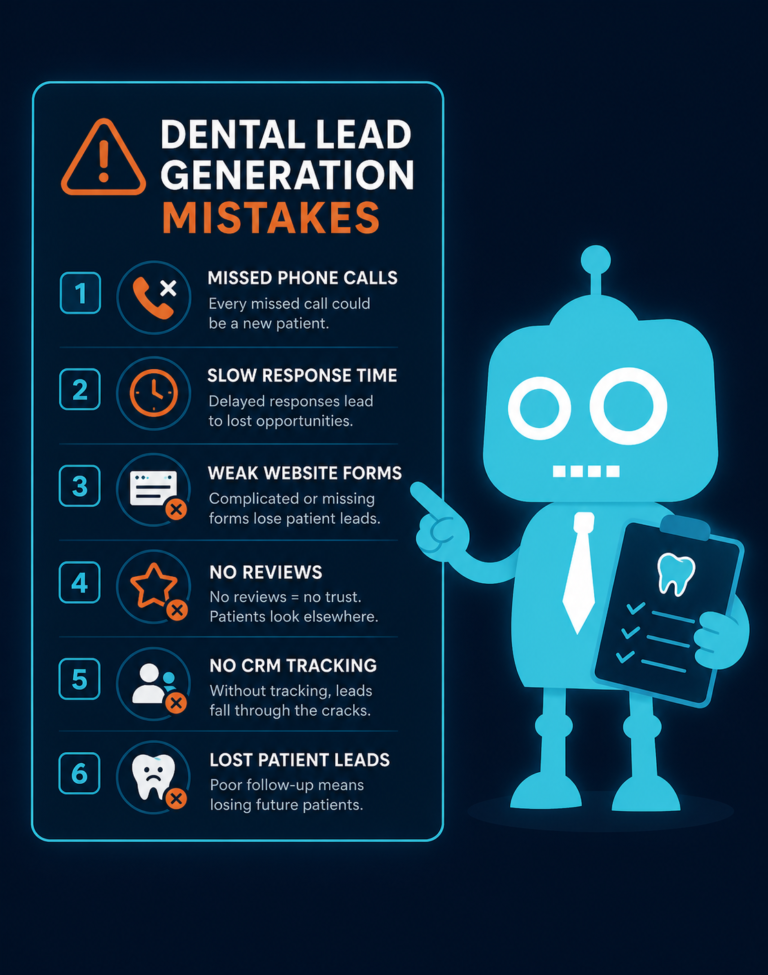
Your Front Desk Can Only Convert the Leads It Receives
Front desk training is important. Phone skills matter. Response time matters.
But your team cannot convert patients who never make contact.
If your website discourages visitors, if your reviews create doubt, or if your forms are difficult to use, your front desk may never get the opportunity to help.
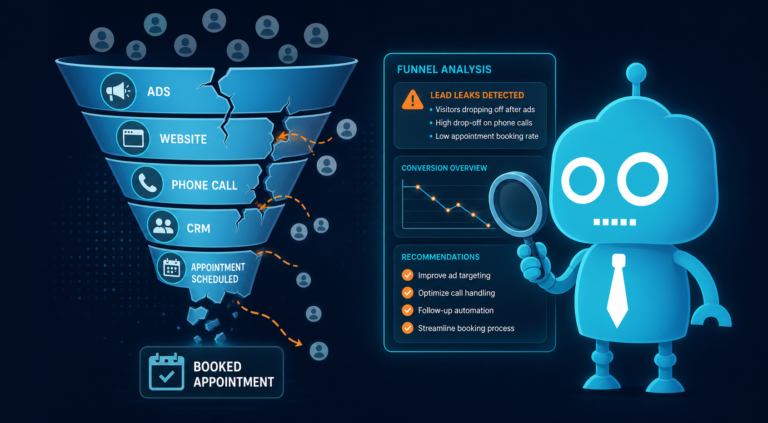
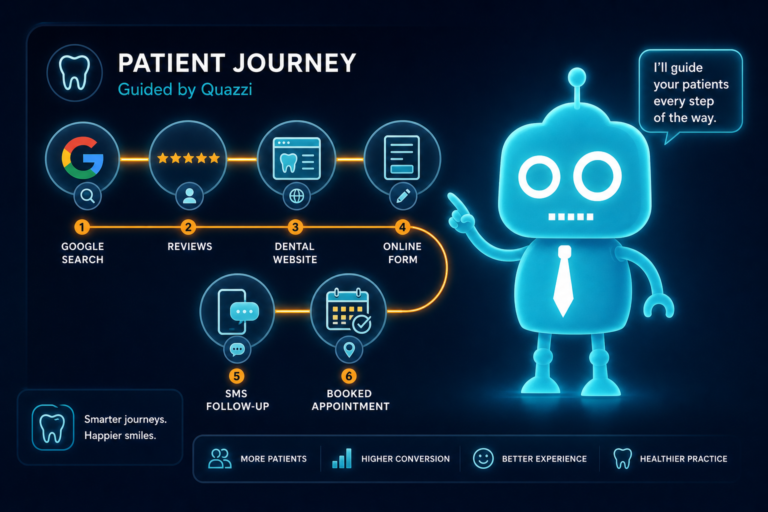
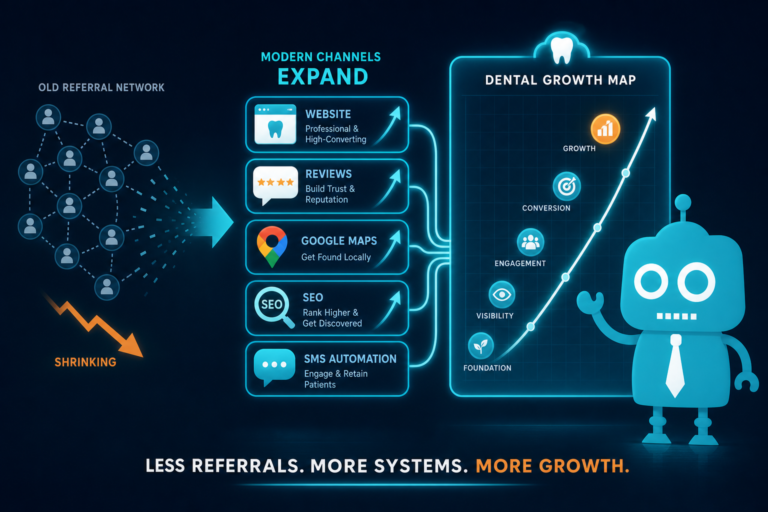
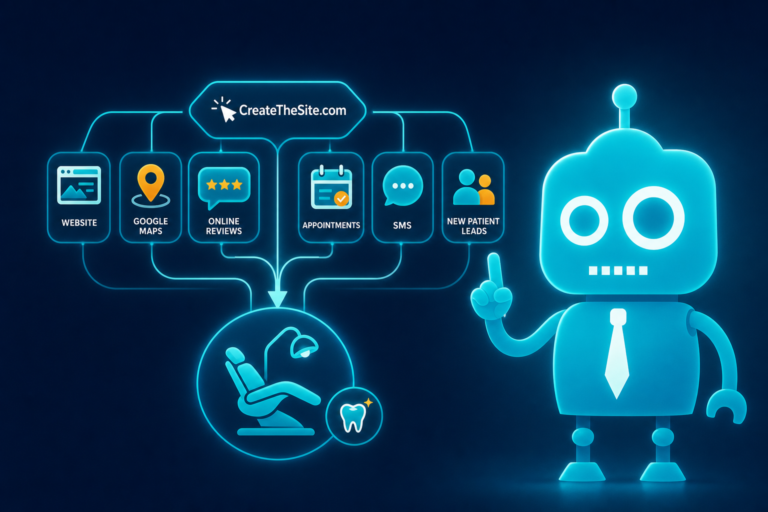
This is why dental marketing should connect the full patient journey:
- Search visibility
- Website design
- Mobile experience
- Review management
- Lead capture forms
- CRM tracking
- SMS and email follow-up
- Front desk response
- Appointment confirmation
When these pieces work together, fewer patients fall through the cracks.
How to Find Where Patients Are Dropping Off
Independent dental practices do not need to guess where they are losing patients. A few practical checks can reveal major conversion issues.
1. Search for Your Practice Like a New Patient
Use your phone and search terms a patient might use, such as:
- “dentist near me”
- “emergency dentist in [city]”
- “family dentist near [neighborhood]”
- “dental implants [city]”
- “Invisalign dentist [city]”
Look at what patients see first. Compare your website, reviews, and Google Business Profile to nearby competitors.
2. Test Your Website on a Phone
Can you call with one tap? Can you request an appointment easily? Does the site load quickly? Are the pages easy to read?
If the experience feels frustrating to you, it is likely frustrating to patients.
3. Submit Your Own Contact Form
Test your appointment request form. Confirm that the submission goes to the right person and that your team receives the information quickly.
If no one knows where the form goes, that is a serious lead management problem.
4. Review Your Follow-Up Process
What happens after a patient submits a form?
Does the front desk call once? Is there an SMS follow-up? Is there an email confirmation? Is the inquiry tracked in a CRM?
Many practices lose leads not because patients are uninterested, but because follow-up is inconsistent.
5. Check Review Recency
If your last positive review is several months old, build a review request process. Automated SMS and email review requests can help create a steady flow of fresh patient feedback.

Small Improvements Can Create More New Patient Opportunities
You do not always need a massive marketing overhaul to improve patient acquisition.
Sometimes the biggest gains come from removing friction.
For example:
- Adding a prominent “Request Appointment” button
- Making the phone number clickable on mobile
- Improving page speed
- Adding real team photos
- Updating dentist bios
- Creating stronger service pages
- Adding online appointment requests
- Connecting forms to a CRM
- Setting up SMS/email follow-up for new leads
- Requesting reviews after completed visits
Each improvement helps more silent visitors become known prospects. More importantly, it helps more prospects become scheduled patients.
Turn Silent Website Visitors Into Scheduled Dental Patients
Patients often leave before your dental office knows they existed.
They leave because the website feels outdated. Because reviews are weak. Because the phone number is hard to find. Because the site does not work well on mobile. Because there is no online booking option. Because they do not feel enough trust to take the next step.
The good news is that these problems can be fixed.
A modern dental website should do more than look nice. It should help patients feel confident, make scheduling easy, capture leads reliably, and support your front desk with better systems.

How CreateTheSite.com Helps Dental Practices Capture More New Patient Leads
CreateTheSite.com helps dental practices build modern, patient-friendly websites designed to support new patient acquisition and improve online conversion.
For independent dental practice owners, dentists, and office managers, CreateTheSite.com can help with:
- Modern dental website design
- Secure website hosting
- Mobile optimization
- Fast-loading pages
- Lead capture forms
- CRM integrations
- SMS and email automation
- Appointment follow-up workflows
- Review-focused website elements
- Ongoing website support and updates
If your practice is getting traffic but not enough appointment requests, or if you are not sure how many potential patients are leaving silently, your website may be the first place to improve.
CreateTheSite.com can help you create a stronger online experience that builds trust, captures patient interest, and gives your front desk better opportunities to schedule new patients.
Visit CreateTheSite.com to learn how a better dental website and smarter follow-up systems can help your practice turn more online visitors into real appointments.