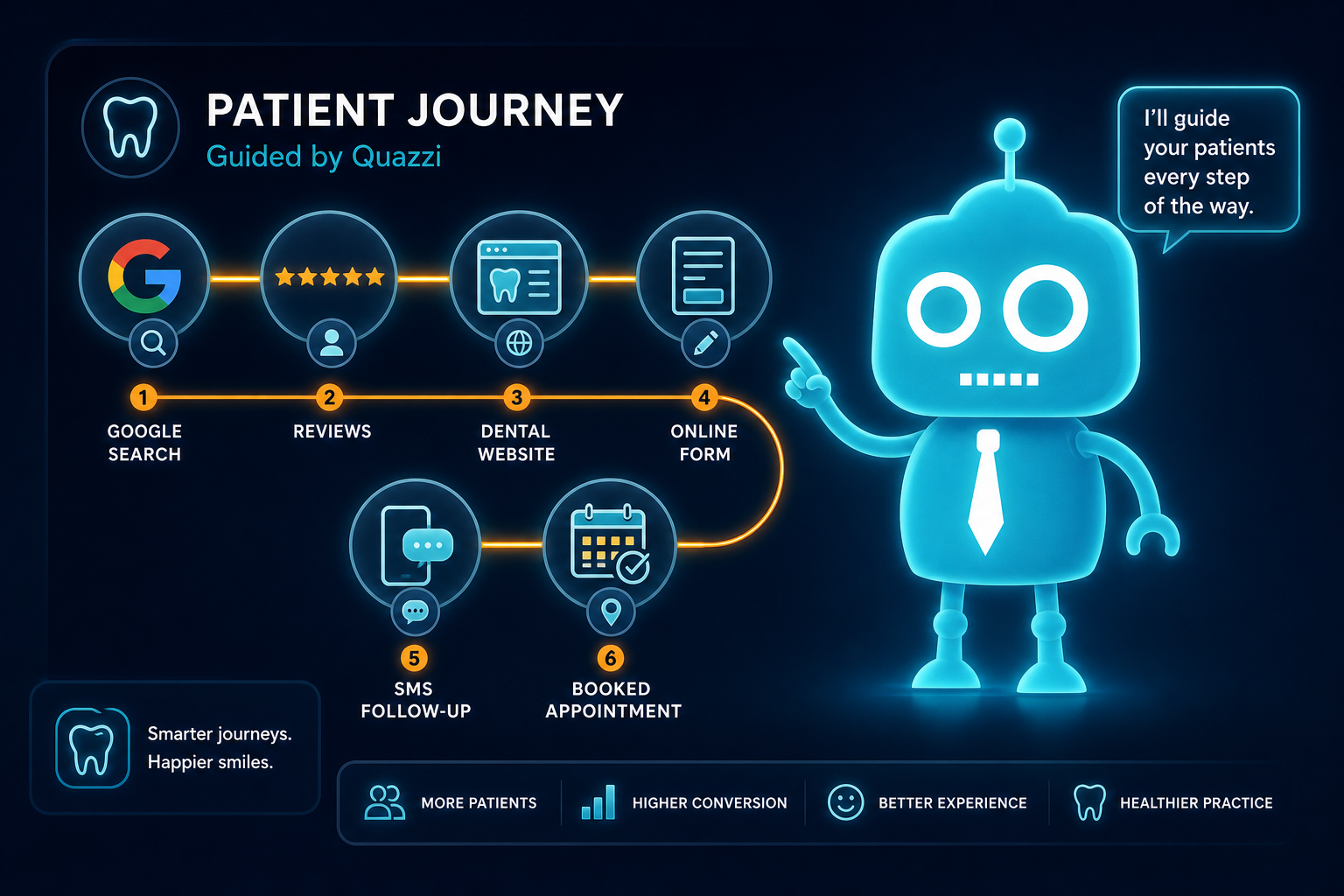
The Modern Dental Patient Journey Explained
Today’s dental patient rarely chooses a practice after one phone call or one website visit. They move through a series of small decisions: noticing a dental problem, searching Google, comparing websites, reading reviews, checking insurance, booking, receiving reminders, attending the appointment, and deciding whether to return.
For independent dental practice owners, dentists, and office managers, understanding this journey is essential. It affects new patient acquisition, website conversion, front desk efficiency, review growth, recall success, and long-term retention.
This guide maps the complete modern dental patient journey from dental need to loyal patient, with practical examples your practice can use to improve each step.
Why the Dental Patient Journey Has Changed

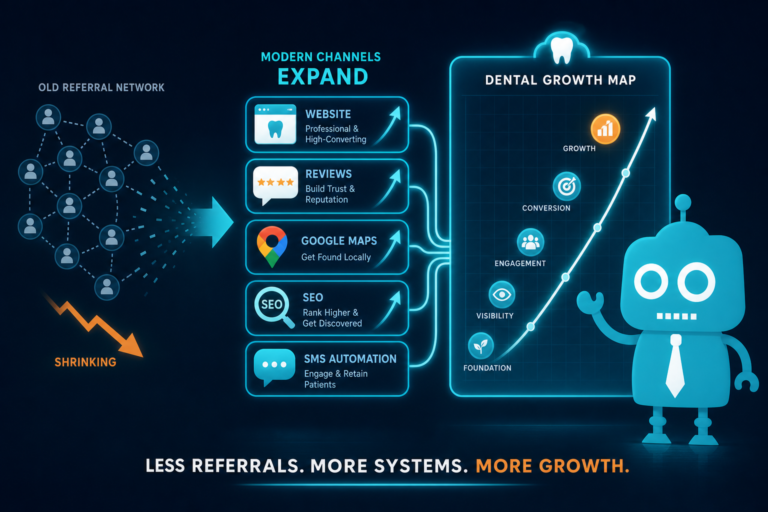
In the past, many patients found a dentist through family referrals, insurance directories, or driving past a local office. Those still matter, but today’s journey is more digital, more mobile, and more comparison-driven.
A patient may search “emergency dentist near me” on their phone, visit three dental websites, read Google reviews, check whether you accept their insurance, and book online without ever calling your office.
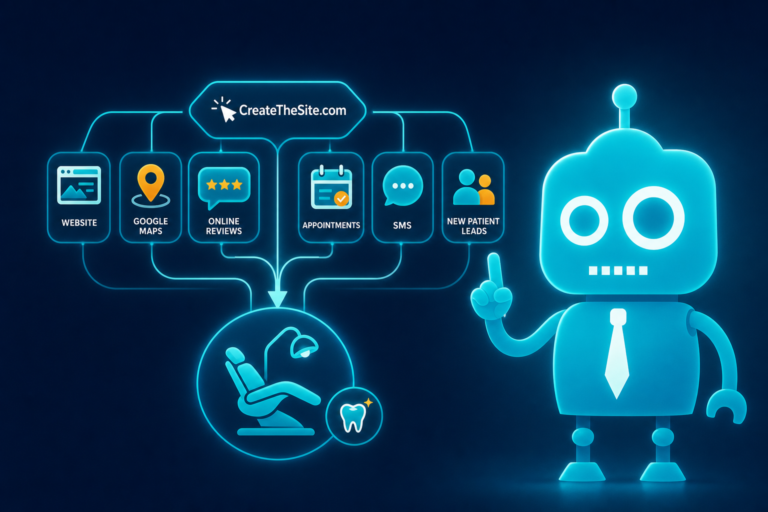
That means your website, reviews, online forms, automated follow-up, and front desk systems all work together as part of your patient acquisition process.
Stage 1: Problem Awareness
The patient journey begins before a Google search. It starts when someone becomes aware of a dental need.
Common dental triggers
- Tooth pain or swelling
- A broken crown, filling, or tooth
- Bleeding gums
- Interest in teeth whitening or cosmetic dentistry
- Need for a routine cleaning after moving to a new area
- A child needing their first dental visit
- Insurance benefits expiring at the end of the year
At this stage, the patient may not know exactly what treatment they need. They are trying to understand the urgency, cost, and who they can trust.
What your practice should do
Create website content that matches real patient concerns. Instead of only listing “Restorative Dentistry,” build pages or sections that answer practical questions such as:
- “What should I do if I have a broken tooth?”
- “Do bleeding gums mean I need periodontal treatment?”
- “How soon should I see a dentist for tooth pain?”
- “What are my options for replacing a missing tooth?”
This type of content helps patients connect their problem to your services and improves your chances of appearing in relevant local dental searches.
Stage 2: Google Search
Once a patient recognizes a need, they usually turn to Google. This is where local SEO becomes critical for dental practices.
Common dental searches
- “dentist near me”
- “family dentist in [city]”
- “emergency dentist near me”
- “cosmetic dentist in [city]”
- “dental implants [city]”
- “dentist that accepts [insurance name]”
The patient may see Google Maps results, local service ads, organic website listings, and review snippets. Your practice needs to be visible, credible, and easy to contact from this search experience.

What your practice should optimize
- Google Business Profile: Keep your hours, phone number, services, photos, and appointment link updated.
- Local SEO pages: Include location-specific content for your city, neighborhood, and service areas.
- Service pages: Create individual pages for high-value services such as dental implants, Invisalign, crowns, veneers, and emergency dentistry.
- Mobile experience: Most dental searches happen on phones, so your site must load quickly and display clearly on mobile devices.
Example: If your office offers same-day emergency visits, your website and Google Business Profile should make that obvious. A patient in pain will not dig through five pages to find out whether you can help today.
Stage 3: Website Comparison
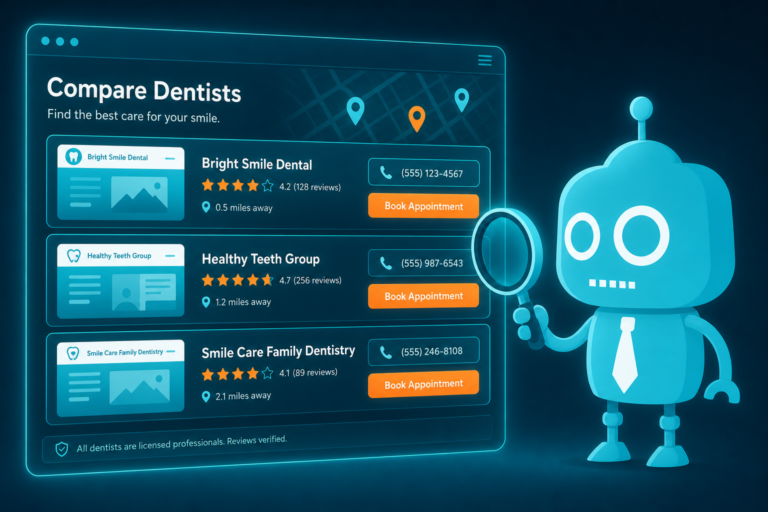
After finding several dental practices online, patients compare websites. This stage often determines whether they call, book, or move on to another office.
Your dental website is not just a brochure. It is a conversion tool. It should answer questions, build trust, and make the next step easy.
What patients look for on a dental website
- Clear services and treatment options
- Doctor bios and team photos
- Office location and hours
- Accepted insurance or payment information
- New patient forms
- Online booking or request an appointment options
- Reviews and testimonials
- Before-and-after photos where appropriate
- Emergency appointment availability
Website conversion details that matter
Small website details can have a major impact on new patient conversion.
- Click-to-call buttons: Make it easy for mobile users to call with one tap.
- Sticky booking buttons: Keep “Request Appointment” visible as patients scroll.
- Short lead capture forms: Ask only for essential information at first: name, phone, email, reason for visit, and preferred time.
- Trust signals: Include dentist credentials, associations, technology, patient reviews, and years in the community.
- Fast page speed: A slow dental website can lose patients before they ever see your services.
Example: A parent searching for a family dentist wants to know if you see children, whether your office feels welcoming, if appointment times work with school schedules, and whether your team is friendly. Your website should answer those questions quickly.
Stage 4: Review Validation
Even if your website looks professional, many patients will validate their decision by reading reviews. Google reviews are especially important because they appear directly in search results and map listings.
What patients look for in reviews
- Friendly front desk interactions
- Gentle hygienists and dentists
- Clear explanations of treatment
- Reasonable wait times
- Help with insurance questions
- Positive experiences with anxious patients
- Successful emergency visits
Patients are not only looking at your star rating. They are reading the language people use to describe your practice. A review that says, “They explained my crown options clearly and helped me understand my insurance estimate” can be more persuasive than a generic five-star rating.
How to strengthen review validation
- Ask satisfied patients for reviews consistently.
- Use SMS or email review requests after appointments.
- Respond professionally to positive and negative reviews.
- Feature selected testimonials on your website.
- Train the front desk to identify happy patients who may be willing to leave feedback.
Review generation should not be random. It should be part of your patient communication workflow.

Stage 5: Insurance and Payment Questions
Before contacting your office, many patients want to know one thing: “Can I afford this?”
Insurance and payment questions are one of the biggest friction points in the dental patient journey. If your website does not address them clearly, patients may choose a practice that does.
Common patient questions
- Do you accept my dental insurance?
- Are you in-network or out-of-network?
- Do you offer payment plans?
- Do you accept CareCredit or other financing?
- How much does a new patient exam cost?
- Is there a membership plan for patients without insurance?
How to reduce financial uncertainty
Your website does not need to list every fee, but it should provide clear guidance. Consider adding an “Insurance and Payment Options” page that explains:
- Major insurance plans accepted
- How your team helps verify benefits
- Financing options
- In-house membership plans if available
- A simple form for insurance questions
Example: A patient who needs a crown may be nervous about cost. A page that says, “Our team will help estimate your benefits before treatment and review payment options with you” can reduce anxiety and increase appointment requests.
Stage 6: Contact or Booking
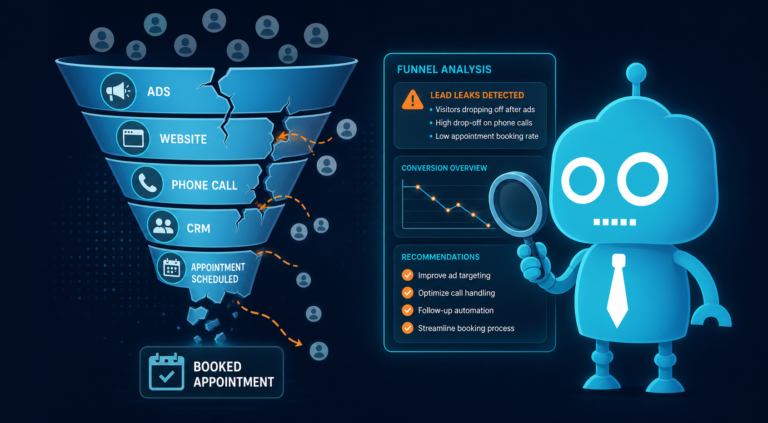
Once a patient is ready to take action, the booking experience needs to be simple. This is where many dental practices lose new patients.
If the phone goes unanswered, the voicemail is full, the contact form is too long, or no one follows up quickly, the patient may call the next office on Google.
Modern booking options patients expect
- Click-to-call from mobile
- Online appointment request form
- Live chat or website messaging
- Text messaging options
- Clear office hours
- Fast response from the front desk
Best practices for dental lead capture
- Keep forms short: Do not ask for unnecessary details before the first conversation.
- Send instant confirmations: Let patients know their request was received.
- Route leads to the right team member: New patient inquiries should not sit in a general inbox.
- Track lead sources: Know whether patients came from Google, ads, social media, referrals, or email campaigns.
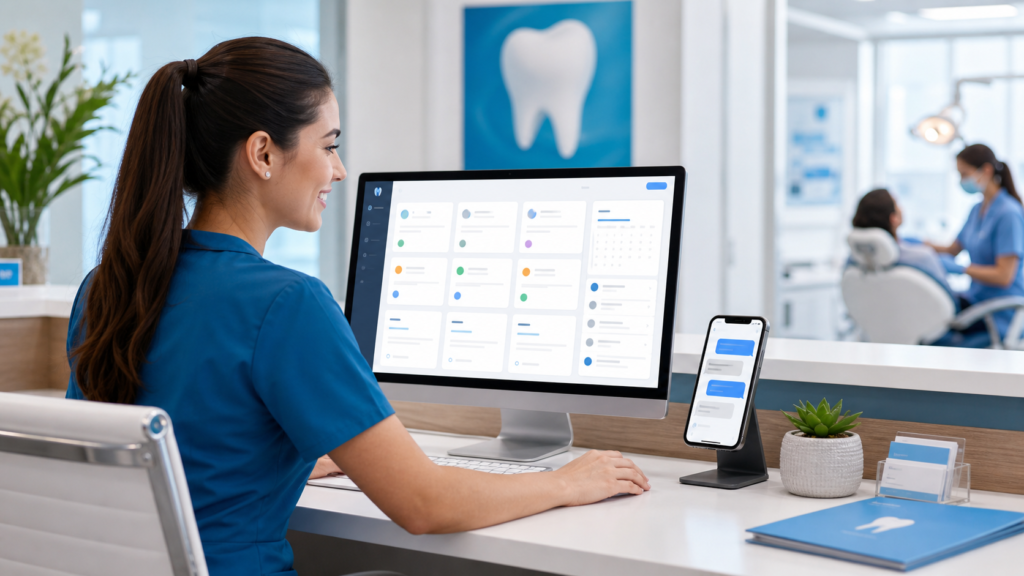
- Use a CRM: A customer relationship management system can help your team track inquiries, follow-ups, no-responses, and booked appointments.
Example: If a patient submits a website form at 9:00 p.m., an automated SMS or email can confirm receipt immediately. The next morning, your front desk sees the lead in the CRM and follows up before the patient contacts another practice.
Stage 7: Follow-Up After the First Inquiry
Not every patient books immediately. Some submit a form and wait. Others call after hours. Some ask about insurance and then hesitate. This is why follow-up is a critical part of dental new patient acquisition.
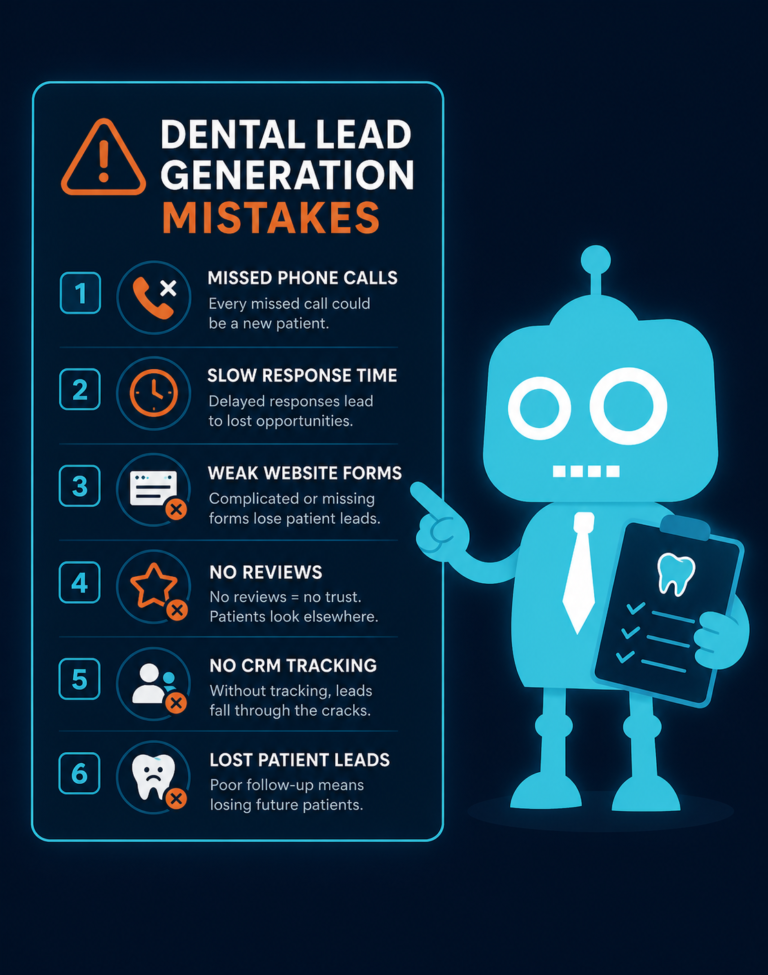
Where follow-up often breaks down
- Missed calls are not returned quickly.
- Website form submissions are buried in email.
- Insurance questions are not tracked.
- The front desk does not know which leads are still open.
- No one follows up with patients who did not schedule.
How CRM systems improve follow-up
A CRM can help your office manage new patient opportunities more consistently. Instead of relying on sticky notes or memory, your team can see where each inquiry stands.
- New lead received
- Contact attempted
- Insurance information requested
- Appointment offered
- Appointment scheduled
- No response
- Follow-up needed
For dental practices, the goal is not to automate away personal service. The goal is to make sure every potential patient receives timely, helpful communication.
Stage 8: Appointment Reminders
Once the appointment is scheduled, the patient journey continues. Appointment reminders reduce no-shows, improve schedule stability, and create a smoother experience for patients and staff.
Effective dental appointment reminder workflows
- Confirmation email immediately after booking
- SMS reminder several days before the appointment
- Second reminder 24 hours before the visit
- Link to complete new patient forms online
- Instructions about parking, arrival time, and insurance card
Automated SMS and email reminders are especially helpful for busy front desks. They reduce manual calls and give patients convenient ways to confirm or reschedule.
Practical example
A new patient books a hygiene appointment for next Thursday. They receive:
- An immediate email confirmation with the date, time, address, and new patient form link
- A text reminder three days before the visit asking them to confirm
- A text reminder 24 hours before the visit with parking details and a note to bring their insurance card
This type of communication makes the office feel organized before the patient ever walks in.
Stage 9: The First Appointment Experience
The first visit determines whether a new patient becomes a long-term patient. Marketing may get them in the door, but the in-office experience earns trust.
What patients notice during the first visit
- How they are greeted
- Whether the office runs on time
- How clearly treatment is explained
- Whether financial details are presented respectfully
- How comfortable they feel asking questions
- Whether the dentist and team seem rushed
The front desk, hygienists, assistants, treatment coordinators, and dentists all shape the patient’s perception of the practice.
How to connect marketing promises to operations
If your website says you offer “gentle, patient-centered care,” the office experience must match. If your Google reviews praise your team for clear communication, that should be reinforced at every visit.
A strong patient journey is not just digital. It is the alignment between your online presence and your real-world patient experience.
Stage 10: Review Request

After a successful appointment, the next step is asking for a review. This is one of the most valuable moments in the patient journey because the experience is still fresh.
When to ask for a dental review
- After a positive new patient visit
- After a completed cosmetic case
- After emergency treatment that relieved pain
- After a patient compliments the team
- After a successful hygiene or recall visit
How to ask without feeling pushy
The best review requests are simple and appreciative. For example:
“We’re glad you had a good visit today. If you have a moment, we’d really appreciate your feedback on Google. It helps other local patients find our office.”
This can be followed by an automated SMS or email with a direct review link. The easier you make the process, the more likely patients are to leave a review.
Stage 11: Recall and Retention
The patient journey does not end after one appointment. Long-term practice growth depends on recall and retention.
A patient who comes in once but never returns is a missed opportunity. A loyal patient who returns every six months, accepts recommended treatment, refers family members, and leaves reviews is far more valuable than a single new patient visit.
Common recall challenges
- Patients leave without scheduling their next hygiene visit.
- Unscheduled treatment is not followed up on.
- Recall reminders are inconsistent.
- Patients change insurance or move and are not re-engaged.
- The front desk is too busy to manually contact overdue patients.
Retention systems that work
- Pre-schedule hygiene visits: Encourage patients to book their next cleaning before leaving.
- Automated recall reminders: Use SMS and email to remind patients when they are due.
- Unscheduled treatment follow-up: Track patients who received treatment plans but did not schedule.
- Reactivation campaigns: Contact patients who have not visited in 12, 18, or 24 months.
- Personalized messaging: Segment communication for hygiene, periodontal maintenance, orthodontics, implants, and cosmetic consults.
Example: A patient is due for a cleaning in June but never scheduled. Your system sends an email reminder, then a text message, then alerts the front desk to call if there is no response. This creates multiple opportunities to bring the patient back without relying entirely on manual tracking.
How to Improve the Complete Dental Patient Journey
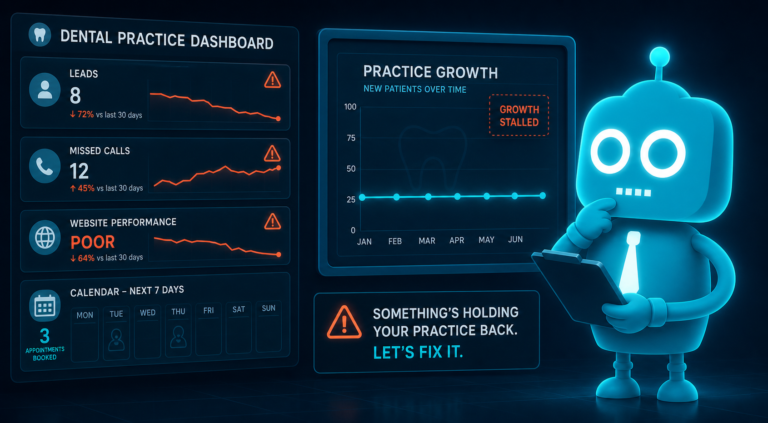
When you map the patient journey from dental need to loyal patient, you can see where growth is won or lost. Every stage should be intentional.
Key areas to audit in your practice
- Search visibility: Can patients find you on Google for your most important services?
- Website clarity: Does your site answer common patient questions quickly?
- Mobile conversion: Is it easy to call, book, or submit a form from a phone?
- Review presence: Do your reviews support the patient’s decision to choose you?
- Insurance information: Are payment and benefit questions addressed clearly?
- Lead management: Are inquiries tracked and followed up consistently?
- Reminder automation: Are appointment reminders reducing no-shows?
- Recall systems: Are patients being brought back at the right time?
A modern dental practice does not need more disconnected tools. It needs a connected patient journey where the website, CRM, SMS/email automation, reviews, and front desk workflow support each other.
The Patient Journey Is a Practice Growth System
New patient acquisition is not only about getting more website traffic. It is about guiding the right patients from awareness to action, then turning that first visit into a long-term relationship.
For independent dental practices, this is a major opportunity. Many offices still have outdated websites, slow follow-up, limited automation, and inconsistent review requests. Improving these areas can create a better patient experience while also helping the practice grow.
The practices that win online are not always the largest. They are often the ones that make each step easier for patients: find the office, trust the team, ask questions, book quickly, show up prepared, leave a review, and return for ongoing care.

How CreateTheSite.com Helps Dental Practices Modernize the Patient Journey
CreateTheSite.com helps dental practices build a stronger digital foundation for new patient acquisition, website conversion, and long-term retention.
Our team supports dental offices with modern website design, secure hosting, mobile optimization, lead capture forms, CRM integrations, SMS/email automation, appointment follow-up, and ongoing website support.
Whether your current dental website is outdated, your front desk needs a better way to manage online inquiries, or your practice wants to improve follow-up and recall communication, CreateTheSite.com can help you create a more connected patient journey.
A better website is not just about looking professional. It should help patients find you, trust you, contact you, book with confidence, and stay engaged with your practice.
Ready to improve your dental patient journey? Visit CreateTheSite.com to learn how we can help your practice turn more online visitors into loyal patients.