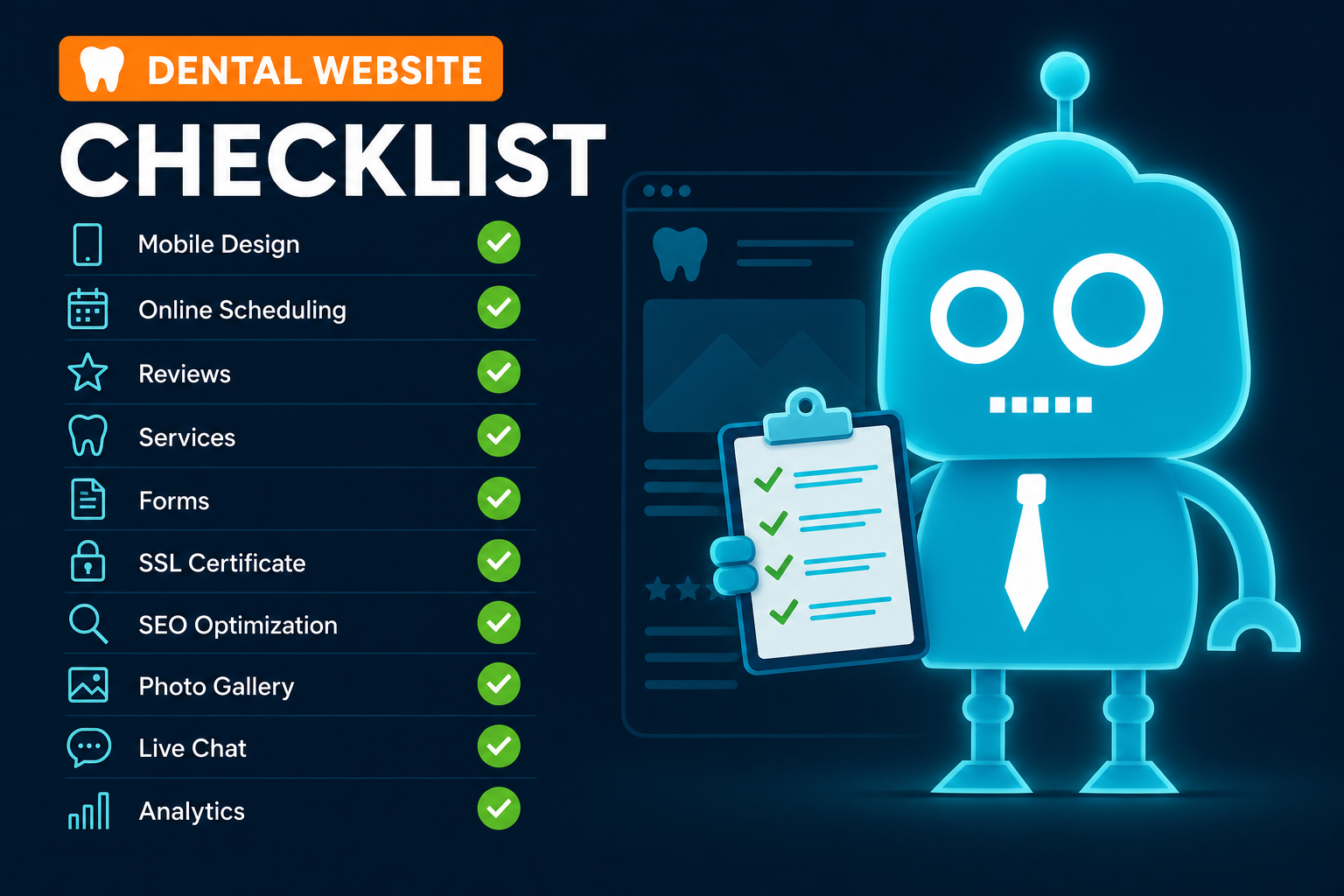
10 Features Every Modern Dental Website Needs
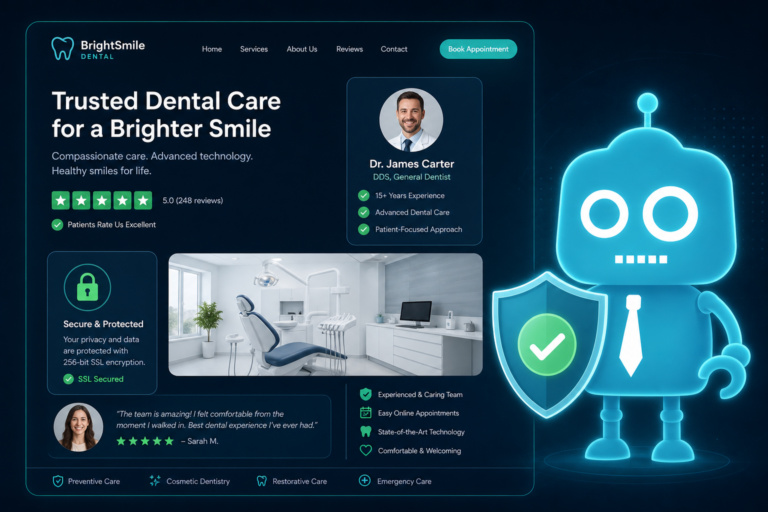
A modern dental website should do more than look professional. It should help your practice attract new patients, reduce front desk friction, and convert website visitors into booked appointments.
For independent dental practice owners, dentists, and office managers, the right question is not simply, “Does our website look good?” The better question is, “Does our website make it easy for a patient to choose us and take action?”
That is where a practical conversion checklist comes in. Every page, button, form, and feature should support one goal: helping the right patient schedule the right appointment with the least amount of effort.
Below are the 10 essential features every modern dental website needs to compete online and support new patient acquisition.

1. Mobile-First Design
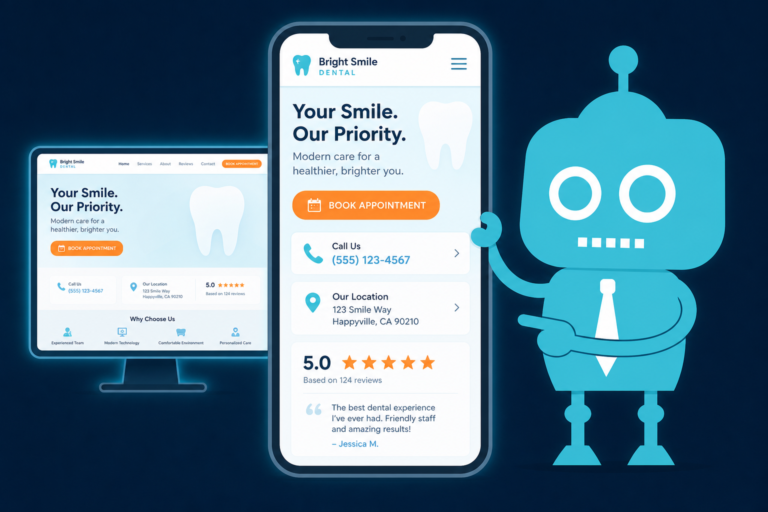
Most patients searching for a dentist are doing it from a phone. They may be looking during lunch, after work, from the car, or while dealing with a dental concern at home.
If your website is hard to read, slow to load, or difficult to navigate on mobile, many potential patients will leave before calling or requesting an appointment.
What mobile-first means for a dental website
- Large, easy-to-tap buttons for calls and appointment requests
- Clear navigation without clutter
- Readable text without pinching or zooming
- Fast-loading pages on cellular connections
- Simple forms that are easy to complete on a phone
For a dental practice, mobile-first design is not just a design preference. It directly affects how many new patient inquiries your website can generate.

2. A Clear Appointment Call-to-Action
Your website should make the next step obvious. A patient should never have to search for how to schedule an appointment.
A clear appointment call-to-action, or CTA, should appear in prominent locations across your website, especially on the homepage, service pages, mobile menu, and contact page.
Effective dental CTA examples
- Request an Appointment
- Schedule a New Patient Visit
- Book a Consultation
- Call to Schedule Today
- Request a Dental Implant Consultation
The best CTA depends on the page. For example, a general dentistry page may use “Request an Appointment,” while an Invisalign page may perform better with “Schedule an Invisalign Consultation.”
Specific CTAs help match patient intent, which can improve conversion rates.
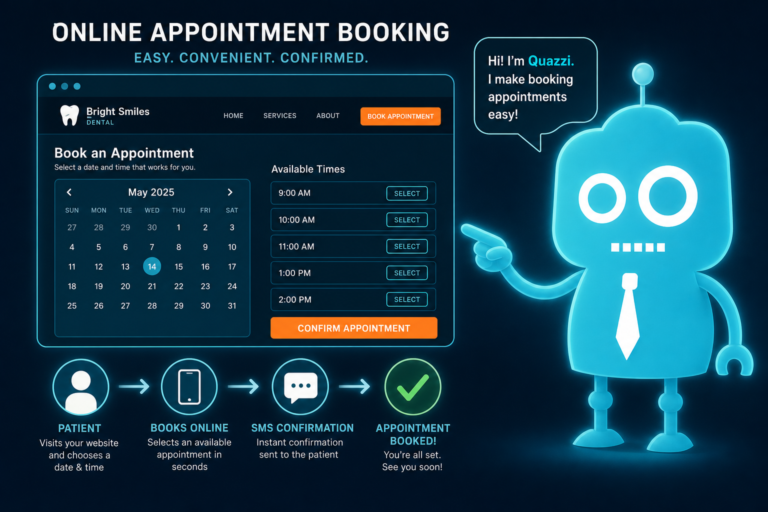
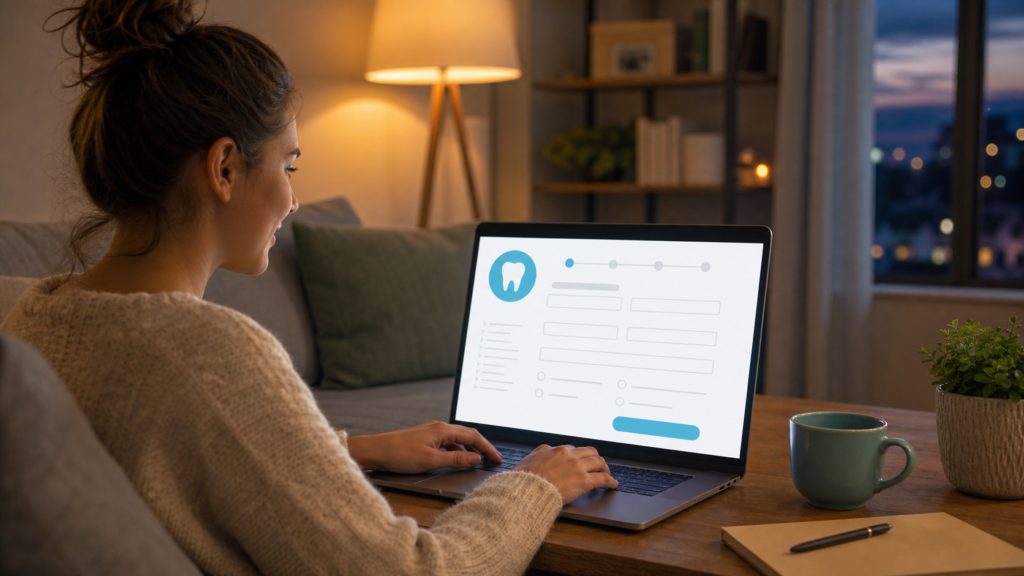
3. Online Scheduling or Appointment Request Form
Not every patient wants to call during business hours. Some are browsing after the office is closed. Others prefer submitting a request rather than speaking with someone immediately.
An online scheduling tool or appointment request form gives those patients a convenient way to take action.
What a strong dental appointment form should include
- Patient name
- Phone number
- Email address
- Preferred appointment type
- Preferred days or times
- New or existing patient status
- Brief message or dental concern
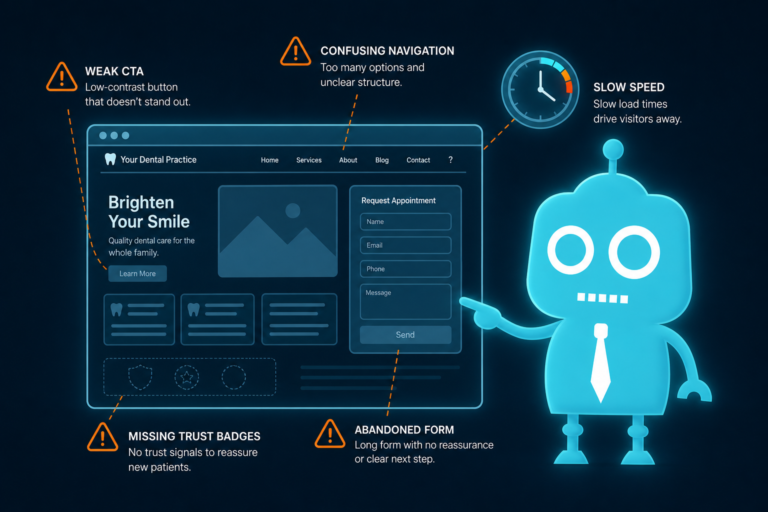
Keep the form simple. If it feels too long, patients may abandon it. Your website only needs enough information for the front desk to follow up efficiently.
For practices using a dental CRM, the form can send inquiries directly into a lead pipeline, trigger internal notifications, and start automated follow-up by SMS or email.
4. Click-to-Call Functionality
Phone calls still matter in dentistry. Many patients want to speak with the office before scheduling, especially for urgent needs, insurance questions, treatment costs, or first-visit expectations.
Click-to-call functionality allows mobile users to tap your phone number and call instantly.
Where click-to-call should appear
- Website header
- Mobile sticky bar
- Contact page
- Emergency dental care page
- Service pages for high-intent treatments
- Footer
For office managers, this feature is especially important because it reduces patient frustration. A visitor should not have to copy and paste your phone number or hunt for contact information.
If your practice wants more calls, make calling effortless.
5. Reviews and Testimonials
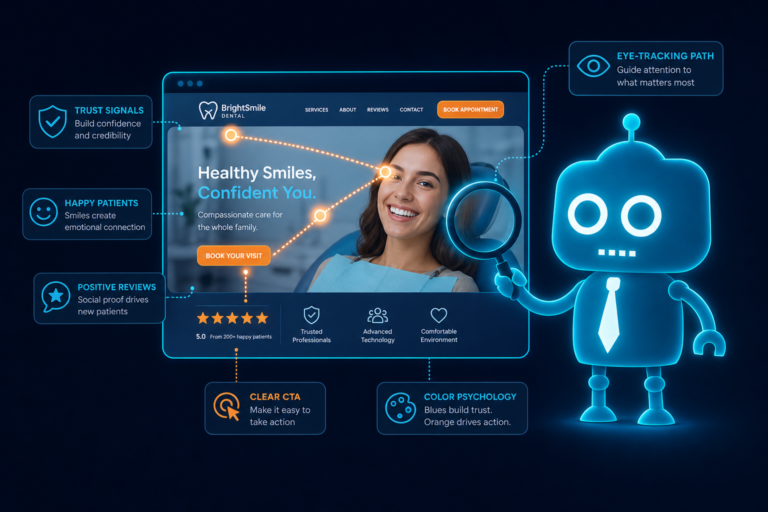
Dental care is personal. Patients want to know they can trust your team before they schedule. Reviews and testimonials provide social proof that helps reduce hesitation.
Your website should highlight real patient feedback in a way that feels credible and easy to find.
How to use reviews effectively
- Feature recent Google reviews on the homepage
- Add testimonials to relevant service pages
- Highlight reviews that mention comfort, friendliness, and professionalism
- Use patient stories where appropriate and compliant
- Link to your Google Business Profile for more reviews
For example, a patient considering cosmetic dentistry may respond well to a testimonial about confidence and smile transformation. A nervous patient may be reassured by reviews mentioning a gentle, calming experience.
Reviews are not just reputation assets. They are conversion tools.

6. Dedicated Service Pages
A single “Services” page with a short list of treatments is no longer enough. Patients search for specific dental services, and your website should have individual pages that match those searches.
Dedicated service pages help with both SEO and patient education.
Important service pages for dental websites
- General dentistry
- Dental cleanings and exams
- Emergency dentistry
- Dental implants
- Cosmetic dentistry
- Teeth whitening
- Invisalign or clear aligners
- Dental crowns and bridges
- Root canal therapy
- Family dentistry
Each service page should explain what the treatment is, who it is for, what patients can expect, and how to schedule. It should also include a clear CTA and relevant trust signals such as reviews, photos, technology, or doctor experience.
For example, an emergency dentistry page should prioritize fast access, same-day availability if offered, click-to-call, and directions. A dental implant page may need more educational content, financing information, FAQs, and consultation CTAs.
7. Insurance and Payment Information
Insurance and cost questions are among the biggest barriers to scheduling. Patients often want to know whether your practice accepts their plan, offers financing, or provides payment options before they call.
A modern dental website should make this information clear without overwhelming the patient.
What to include on your insurance and payment page
- Accepted insurance information
- Whether you are in-network or out-of-network
- Payment methods accepted
- Financing options such as CareCredit or other providers
- Membership plan details if offered
- Instructions for patients with insurance questions
This page can also reduce repetitive calls to the front desk. Instead of answering the same payment questions repeatedly, your team can direct patients to a clear resource or use it as a reference during follow-up.
Transparency builds trust and helps patients feel more comfortable taking the next step.
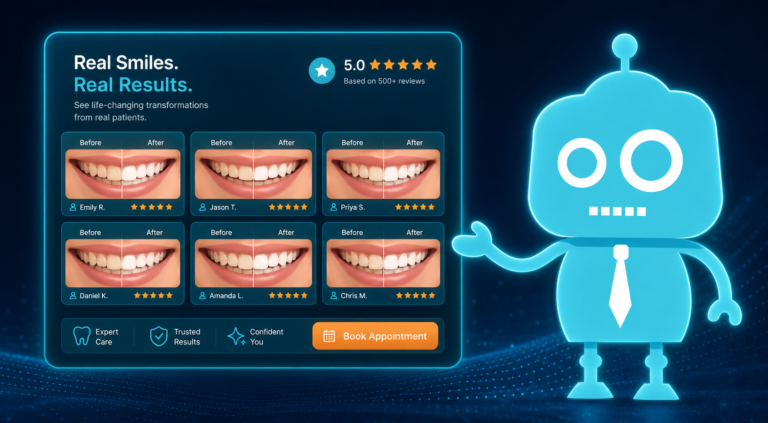
8. Before-and-After Gallery
For cosmetic dentistry, implants, orthodontics, whitening, veneers, and full-mouth rehabilitation, visuals can be extremely persuasive.
A before-and-after gallery helps patients see the quality of your work and imagine what is possible for their own smile.
Best practices for a dental before-and-after gallery
- Use high-quality, consistent photos
- Organize images by treatment type
- Include brief descriptions when appropriate
- Make sure photos load quickly on mobile
- Obtain proper patient consent before publishing
A gallery does not need to be massive to be effective. Even a small collection of strong cases can support patient confidence, especially when paired with testimonials and clear treatment explanations.
For conversion, include a CTA near the gallery such as “Schedule a Cosmetic Consultation” or “Request a Smile Makeover Appointment.”
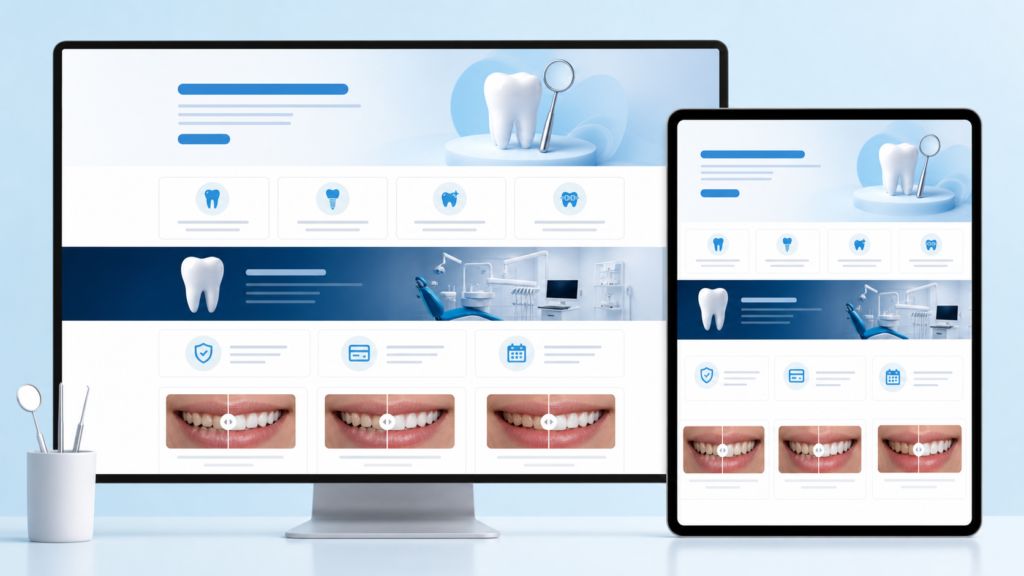
9. Fast Hosting and Website Security
Website speed and security affect patient experience, SEO, and trust. If your website loads slowly, potential patients may leave. If your site appears unsecured, they may hesitate to submit a form.
Modern dental websites need reliable hosting, SSL security, software updates, backups, and ongoing maintenance.
Why speed matters for dental practices
A patient searching for “emergency dentist near me” is unlikely to wait for a slow website. A parent comparing family dentists may open several websites and choose the one that feels easiest to use.
Fast hosting helps your website load quickly and perform well across devices. It also supports SEO because search engines consider page experience as part of overall site quality.
Why security matters
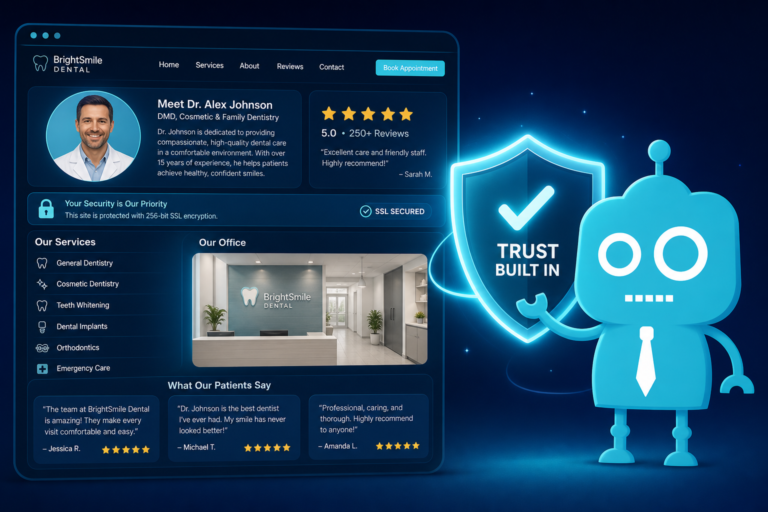
Patients may use your website to submit contact information, appointment requests, or health-related questions. Your website should protect that experience with secure forms, SSL encryption, and responsible data handling.
Security also helps protect your practice from downtime, malware, and technical problems that can interfere with patient inquiries.
10. CRM, SMS, and Email Integration
One of the most valuable features of a modern dental website is what happens after a patient submits a form.
If an appointment request lands in a general inbox and no one responds quickly, the lead can go cold. Patients often contact multiple practices, and the first office to respond professionally may win the appointment.
CRM, SMS, and email integrations help your team manage inquiries more effectively.
How CRM integration supports front desk operations
- New patient inquiries are captured automatically
- Leads can be organized by status
- Front desk staff can see who needs follow-up
- Missed opportunities are easier to track
- Appointment requests do not get buried in email
How SMS and email automation can help
- Send an instant confirmation after a form submission
- Notify the patient that your team will follow up soon
- Remind staff to contact unbooked leads
- Send appointment follow-up messages
- Nurture cosmetic or implant consultation leads who are not ready to book
For example, if a patient requests an Invisalign consultation at 9:30 p.m., an automated message can confirm the request immediately. The next morning, your front desk can see the lead in the CRM and follow up by phone or text.
This creates a smoother experience for the patient and a more organized workflow for your team.

The Modern Dental Website Conversion Checklist
Use this checklist to evaluate whether your current website is built to convert visitors into patients.
Patient experience checklist
- Is the website easy to use on a phone?
- Can patients request an appointment from every major page?
- Is your phone number clickable on mobile?
- Can patients quickly find your location, hours, and contact details?
- Are insurance and payment questions addressed clearly?
Trust and credibility checklist
- Are reviews or testimonials visible?
- Are doctor and team bios up to date?
- Do service pages explain treatments in patient-friendly language?
- Is there a before-and-after gallery for cosmetic or restorative cases?
- Does the website look current and professional?
Lead capture and follow-up checklist
- Do appointment forms send information to the right person or system?
- Does your team receive instant notifications for new inquiries?
- Are leads tracked in a CRM?
- Are SMS or email confirmations sent automatically?
- Is there a follow-up process for patients who do not schedule right away?
If your website is missing several of these items, it may be costing your practice new patient opportunities.
Why These Features Matter for New Patient Acquisition
A dental website is often the first interaction a patient has with your practice. Before they meet your team, sit in your chair, or speak with the front desk, they form an impression online.
A strong website helps answer three patient questions quickly:
- Can this dentist help me?
- Do I trust this practice?
- How easy is it to schedule?
When your website answers those questions clearly, it supports better conversion. It also helps your front desk by reducing confusion, capturing better lead information, and improving follow-up.
Modern dental marketing is not just about getting more website traffic. It is about turning the right traffic into real appointments.
Build a Dental Website That Helps Patients Take Action
Your website should be more than an online brochure. It should function as a patient acquisition system that supports your practice goals, your front desk team, and your patient experience.
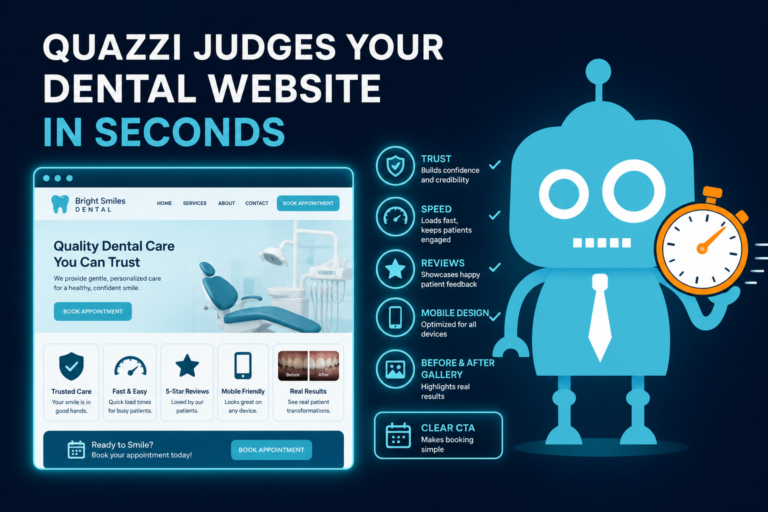
That means mobile-first design, clear appointment CTAs, online forms, click-to-call, reviews, service pages, payment information, galleries, secure hosting, and connected follow-up systems all working together.
When these pieces are in place, your website becomes easier for patients to use and easier for your team to manage.
How CreateTheSite.com Helps Dental Practices
CreateTheSite.com helps dental practices build modern websites designed for visibility, conversion, and day-to-day usability.
Our team supports independent dental practices with professional website design, fast hosting, mobile optimization, lead capture forms, CRM integrations, SMS and email automation, appointment follow-up workflows, and ongoing website support.
Whether your current website is outdated, difficult to update, slow on mobile, or not generating enough appointment requests, CreateTheSite.com can help you create a stronger online presence built around real patient action.
If your dental website needs to do more than simply look good, CreateTheSite.com can help you turn it into a practical conversion tool for new patient growth.
Ready to improve your dental website? Visit CreateTheSite.com to learn how a modern, conversion-focused website can support your practice, your front desk, and your future patients.