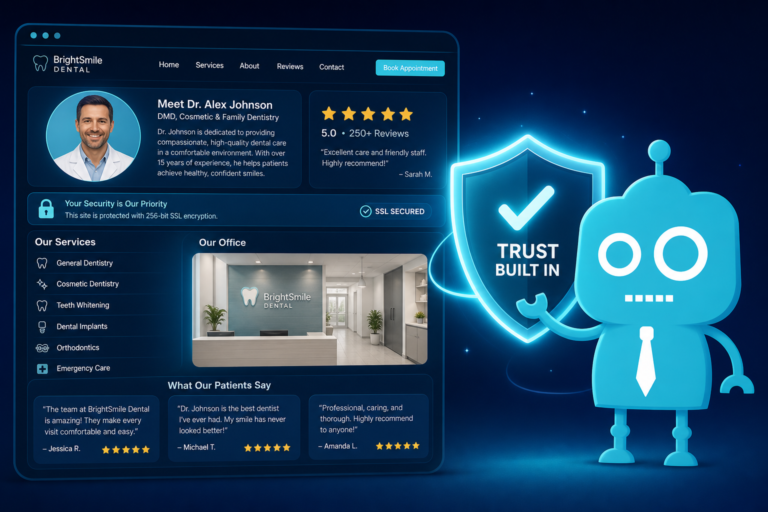
Dental Website Design Mistakes That Cost You Patients
Your dental website may look “good enough” at first glance, but small design mistakes can quietly cost your practice thousands of dollars in missed production every month.
For independent dental practices, the website is often the first front desk interaction a potential patient has with your office. Before they call, schedule, or ask about insurance, they are judging your practice based on how easy your website is to use, how trustworthy it feels, and how quickly they can take the next step.
A hidden phone number, slow page, outdated photo, or unclear call-to-action may seem minor. But if those issues cause even a few prospective patients to leave your site each week, the revenue loss can be significant.
This article breaks down the most common dental website design mistakes that reduce new patient conversions, along with practical fixes your practice can use to improve patient acquisition, front desk efficiency, and follow-up.
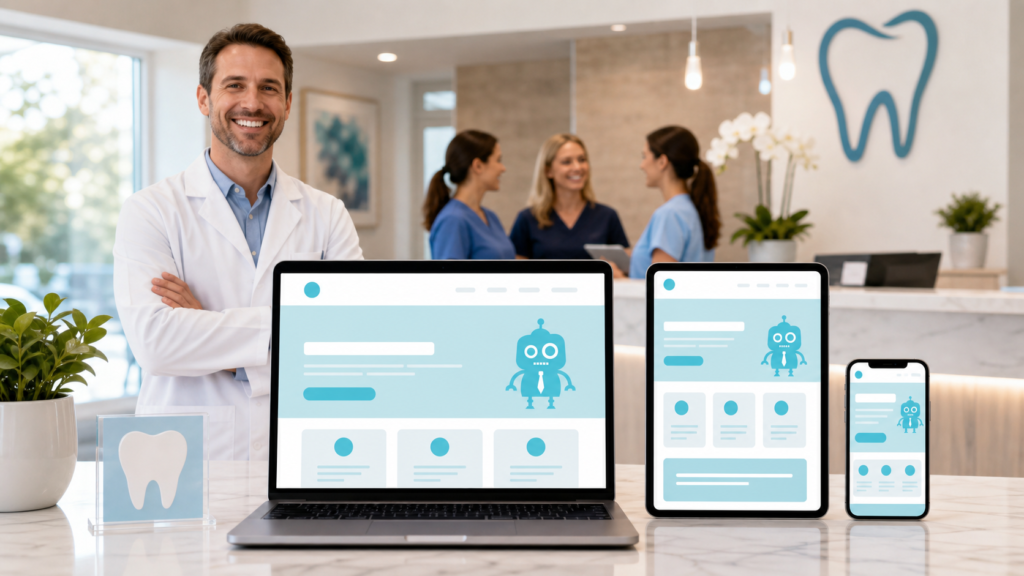
Why Small Dental Website Mistakes Create Large Revenue Losses
Dental websites are not just online brochures. They are patient conversion systems.
Every visitor who lands on your website is making a decision: “Do I trust this practice enough to call, request an appointment, or keep looking?”
Consider the value of one missed new patient. If a new patient schedules an exam, x-rays, hygiene visit, restorative treatment, whitening, Invisalign consultation, implant consultation, or emergency appointment, the lifetime value can be substantial. Losing even 5 to 10 new patient opportunities per month because of poor website design can create a major revenue gap.
The goal is not simply to have a nice-looking website. The goal is to create a website that helps patients take action and helps your front desk convert more inquiries into scheduled appointments.
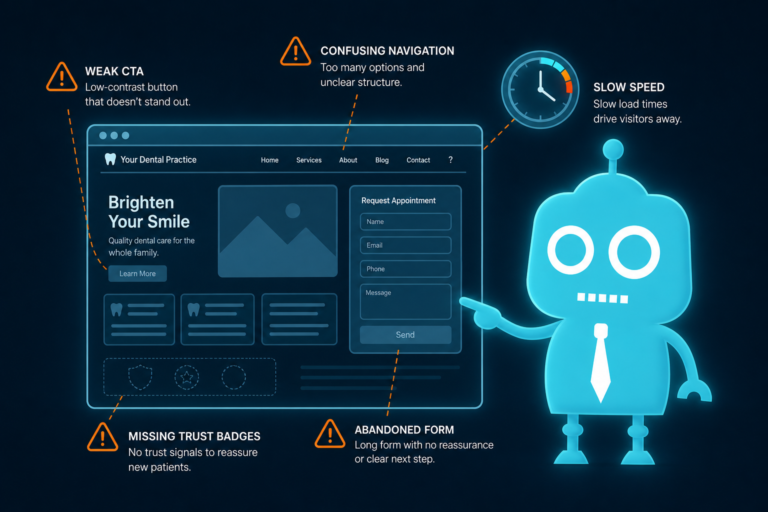
1. Outdated Design That Makes the Practice Feel Behind
An outdated dental website can make a modern practice feel old, even if your technology, team, and clinical care are excellent.
Patients often associate website quality with practice quality. If your site looks like it has not been updated in years, patients may wonder whether your office is also behind in technology, comfort, communication, or treatment options.
Common signs of outdated dental website design
- Small text that is hard to read on mobile devices
- Old color schemes or cluttered page layouts
- Low-quality images or stretched graphics
- Pages that do not fit properly on phones
- Navigation menus with too many choices
- Old staff photos or outdated doctor bios
- Broken links or outdated insurance information
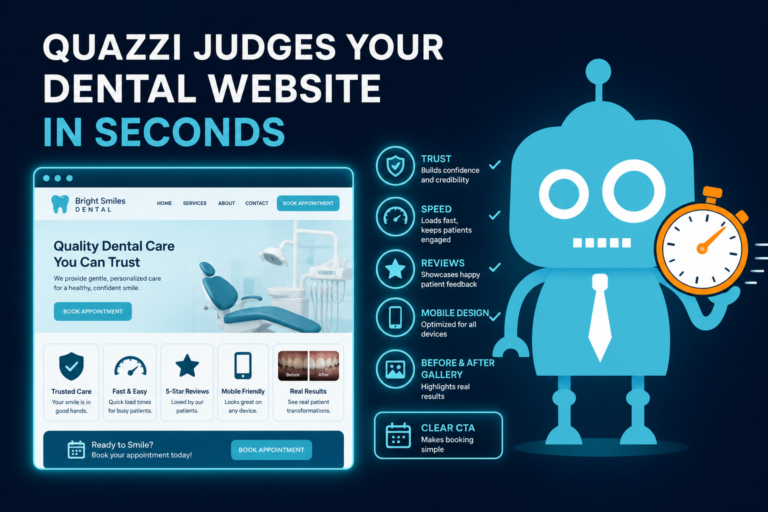
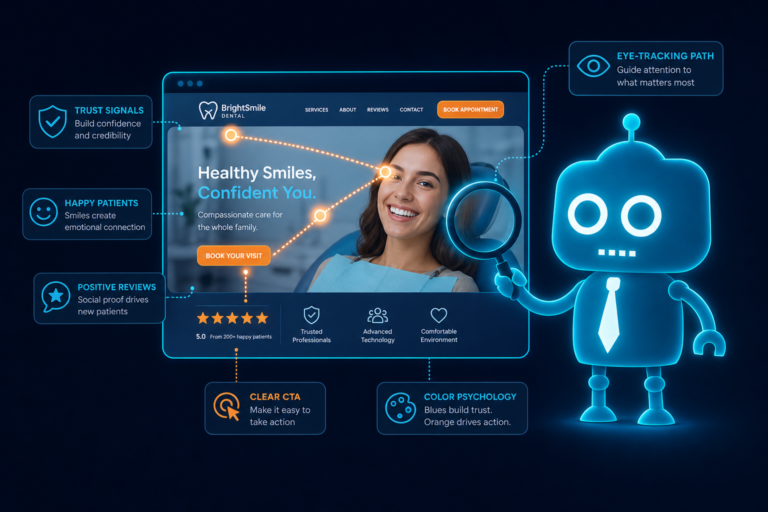
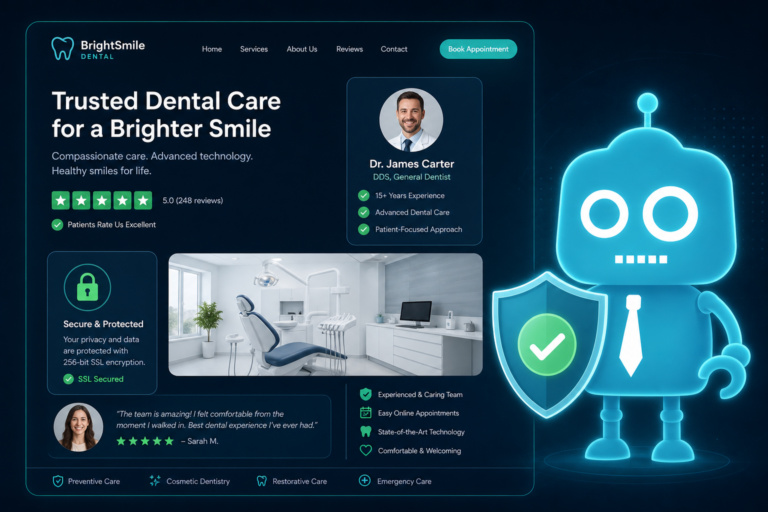
For dental practices, trust is everything. A modern, clean website reassures patients that your office is organized, professional, and patient-focused.
How to fix it
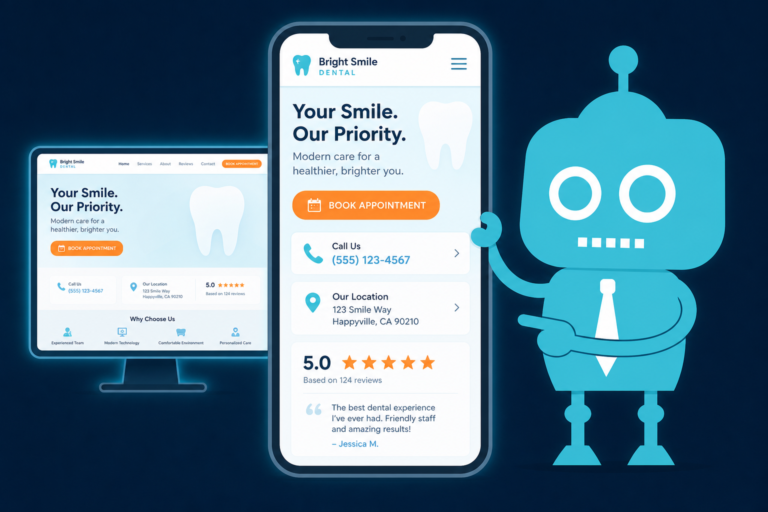
Update your website with a mobile-first layout, clear typography, current branding, professional photography, and simple navigation. Make sure your most important pages are easy to find: new patients, services, insurance, financing, reviews, and contact information.
A good dental website should help a visitor quickly understand who you are, what you offer, why patients trust you, and how to schedule.
2. A Hidden Phone Number That Reduces Calls
One of the most expensive dental website design mistakes is making the phone number hard to find.
Many patients visiting your site are ready to call. They may have a toothache, need a cleaning, want a second opinion, or be comparing cosmetic dentists in their area. If they have to search for your phone number, you are creating friction at the exact moment they are ready to act.
Where your phone number should appear
- Top right corner of the desktop website header
- Clickable button in the mobile header
- Footer of every page
- Contact page
- Emergency dental care page
- New patient page
- Service pages, especially high-intent pages like implants, Invisalign, veneers, and emergency dentistry
On mobile devices, the phone number should be tap-to-call. Patients should not have to copy and paste the number into their phone app.
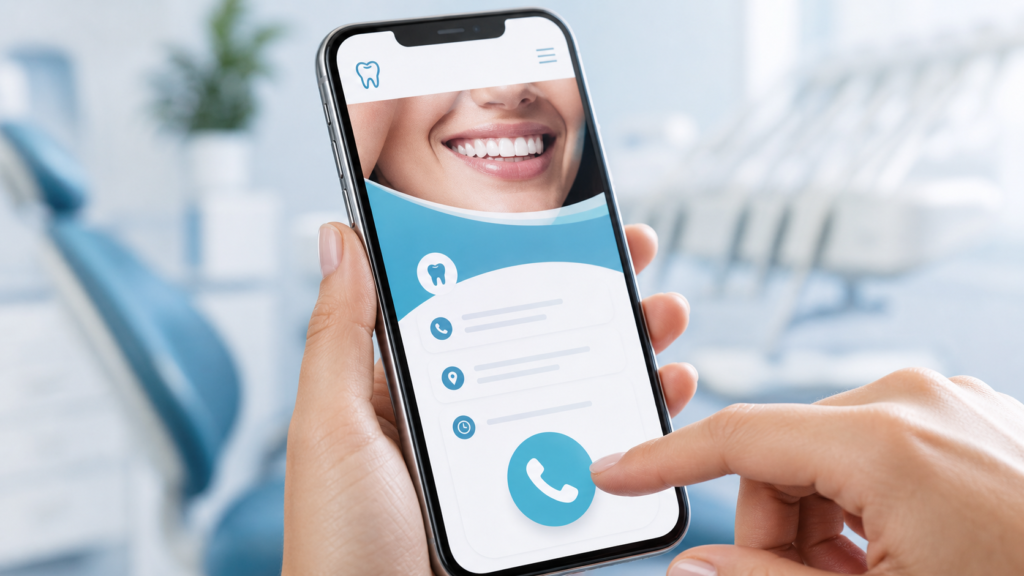
Front desk impact
A visible phone number does more than increase call volume. It helps your front desk receive inquiries from patients who are already informed by your website. If your service pages, insurance details, and financing information are clear, your team spends less time answering basic questions and more time scheduling appointments.
3. No Clear CTA for New Patients
A call-to-action, or CTA, tells website visitors what to do next. Without a clear CTA, patients may browse your site and leave without taking action.
Dental websites often use vague buttons like “Learn More” or “Contact Us.” These can be useful in some places, but they should not be your main conversion points.
Better CTA examples for dental practices
- Request an Appointment
- Call Now to Schedule
- Book a New Patient Visit
- Schedule an Emergency Appointment
- Request an Invisalign Consultation
- Ask About Dental Implant Options
- Check Financing Options
Your CTA should match the patient’s intent. Someone on an emergency dentistry page needs a fast way to call. Someone reading about implants or Invisalign may prefer a consultation request form. Someone reviewing payment information may want to ask about financing.
Where CTAs should appear
Every important page should include a CTA near the top, in the middle, and near the bottom. This is especially important on service pages where patients may need multiple reassurance points before they are ready to contact you.
For example, a dental implant page could include:
- A top button that says “Request a Dental Implant Consultation”
- A mid-page CTA after explaining benefits and candidacy
- A bottom form asking for name, phone, email, and preferred appointment time
The easier you make the next step, the more likely patients are to take it.
4. Slow Pages That Make Patients Leave
Slow websites lose patients. This is especially true on mobile devices, where many people search for dentists while commuting, during lunch breaks, or after hours.
If your website takes too long to load, potential patients may leave before seeing your phone number, reviews, services, or appointment form. They may click the next dental practice in Google and never return.
Common causes of slow dental websites
- Large, uncompressed images
- Too many plugins
- Poor hosting
- Outdated website themes
- Video files loading directly on the homepage
- Excessive tracking scripts
- Unoptimized mobile design
Page speed also affects search engine optimization. Google wants to send users to websites that provide a fast, helpful experience. A slow dental website can hurt both rankings and conversions.

How to fix slow page speed
Compress images, use reliable hosting, remove unnecessary plugins, optimize scripts, and design with mobile performance in mind. Your homepage, service pages, and contact page should load quickly because those are often the highest-value pages for new patient acquisition.
5. Stock Photos That Make the Practice Feel Generic
Stock photos are common on dental websites, but they can weaken trust if they make your practice look like every other office in town.
Patients want to know who will be treating them, what the office looks like, and whether they will feel comfortable there. Generic photos of smiling models do not answer those questions.
Better photo options for dental websites
- Professional photos of the dentist or dentists
- Team photos at the front desk and clinical areas
- Real photos of the reception area and operatories
- Images of technology, such as scanners, CBCT, or same-day crown equipment
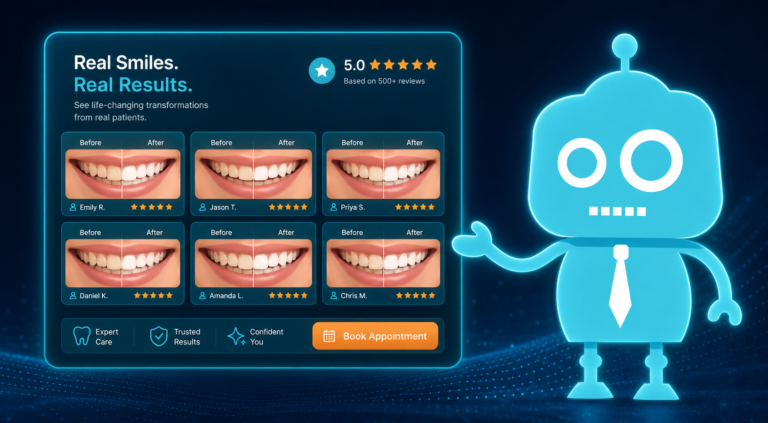
- Before-and-after photos when appropriate and compliant
- Warm lifestyle photos featuring actual team members
Authentic photography helps patients visualize their visit. It also supports your brand. A family dental practice, cosmetic practice, pediatric office, and implant-focused practice should not all look the same online.
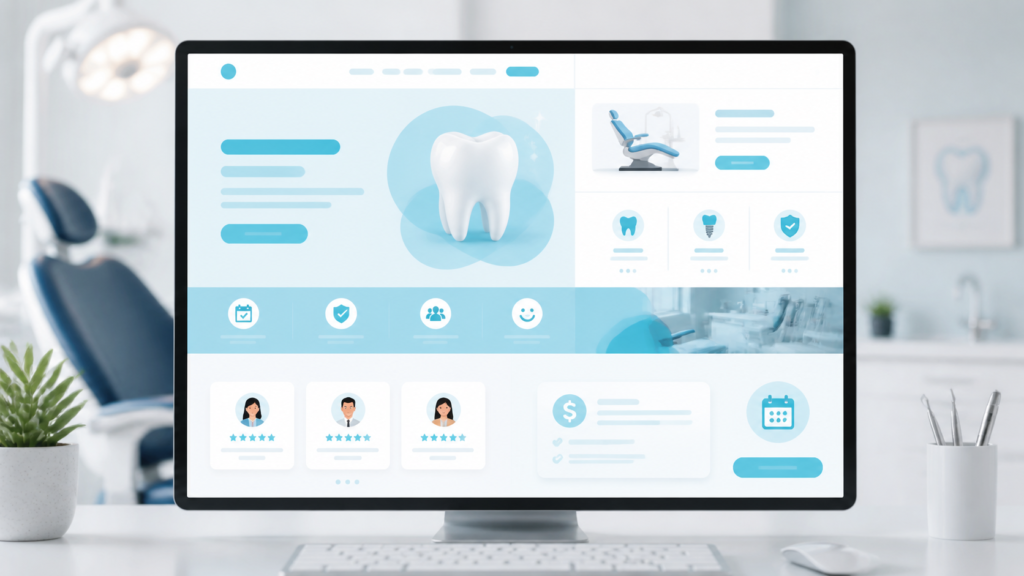
Practical example
If your practice promotes anxiety-free dentistry, show the comfort features of your office: friendly team members, a calm reception area, blankets, TVs, sedation options, or private consultation rooms. These details are more persuasive than a stock image of a patient smiling with perfect teeth.
6. Weak Services Pages That Do Not Convert Search Traffic
Many dental websites list services in a basic dropdown menu but do not provide strong individual pages for those services. This is a major missed opportunity.
Patients searching for “dental implants near me,” “emergency dentist,” “Invisalign dentist,” “teeth whitening,” or “same-day crowns” often land directly on a service page, not the homepage. If that page is thin, vague, or poorly structured, they may not feel confident enough to contact your practice.
What a strong dental service page should include
- A clear explanation of the service
- Who the treatment is for
- Common patient concerns
- Benefits of the treatment
- What to expect during the visit
- Technology or techniques used by your office
- Insurance or financing information when relevant
- Patient reviews or testimonials related to that service
- A clear appointment CTA
Weak service pages often say very little beyond “We offer dental implants. Call us today.” That is not enough for a patient comparing multiple practices.
SEO and conversion work together
Detailed service pages can help your dental website rank for local searches, but ranking is only half the job. The page also needs to convert visitors into calls, form submissions, or consultation requests.
For example, an emergency dentistry page should make it obvious that patients can call immediately, explain common emergencies you treat, mention same-day availability if offered, and include a tap-to-call button throughout the page.
7. Weak Reviews or Poor Review Placement
Reviews are one of the strongest trust signals on a dental website. If your reviews are weak, outdated, hidden, or missing entirely, your website may fail to reassure prospective patients.
Patients want social proof before choosing a dentist. They want to know whether other patients felt heard, whether the team was kind, whether the office was clean, and whether the dentist explained treatment clearly.
Common review mistakes
- No reviews displayed on the website
- Only a small testimonials page that visitors rarely click
- Outdated reviews from several years ago
- No Google review link
- No reviews on high-value service pages
- No automated review request process after appointments
How to use reviews more effectively
Place reviews near important decision points. For example, include patient testimonials near appointment buttons, on the new patient page, and on service pages for treatments such as implants, cosmetic dentistry, Invisalign, dentures, and emergency care.
If your practice has a strong Google rating, make it visible. A simple section that says “Trusted by patients in [City]” with recent reviews can help increase confidence.
Review generation should also be part of your front desk and CRM workflow. After completed appointments, patients can receive an automated SMS or email asking them to leave a review. This keeps your online reputation current without adding manual work for your team.
8. No Financing Information for Cost-Conscious Patients
Many patients delay dental care because they are worried about cost. If your website does not address payment options, insurance, or financing, visitors may assume treatment is unaffordable and leave before contacting you.
This is especially important for higher-value services such as:
- Dental implants
- Invisalign or clear aligners
- Veneers
- Smile makeovers
- Full-mouth reconstruction
- Same-day crowns
- Periodontal treatment
- Dentures
What financing information should include
- Accepted insurance plans or general insurance guidance
- Third-party financing options, if available
- In-house membership plan information
- Payment plan options, if offered
- A clear CTA to ask about financing
You do not need to list exact treatment costs for every procedure. In many cases, that is not clinically appropriate because treatment needs vary. But you should reduce uncertainty by explaining that your team can review options and help patients understand payment choices.
Practical example
On a dental implant page, include a section titled “Dental Implant Financing Options.” Explain that costs depend on the number of implants, bone health, restoration type, and treatment plan. Then add a CTA such as “Request a Consultation and Ask About Financing.”
This helps cost-conscious patients take the next step instead of abandoning the site.
9. No Automated Follow-Up After Website Inquiries
Getting a website lead is not the same as getting a scheduled appointment. Many dental practices lose potential patients after they submit a form because follow-up is too slow, inconsistent, or manual.
If a patient requests an appointment at 8:30 p.m., they may also contact two other dental practices before your office opens the next morning. Without automated follow-up, your practice may lose the opportunity before your front desk ever sees it.

Why manual follow-up is not enough
Front desk teams are busy. They are answering phones, checking patients in and out, verifying insurance, collecting payments, managing hygiene schedules, handling cancellations, and supporting clinical flow.
Even an excellent team can miss or delay website inquiries during a busy day. Automation helps close the gap.
How CRM and automation improve dental website conversion
A dental website should connect to a lead capture system or CRM that tracks form submissions, appointment requests, consultation inquiries, and missed opportunities.
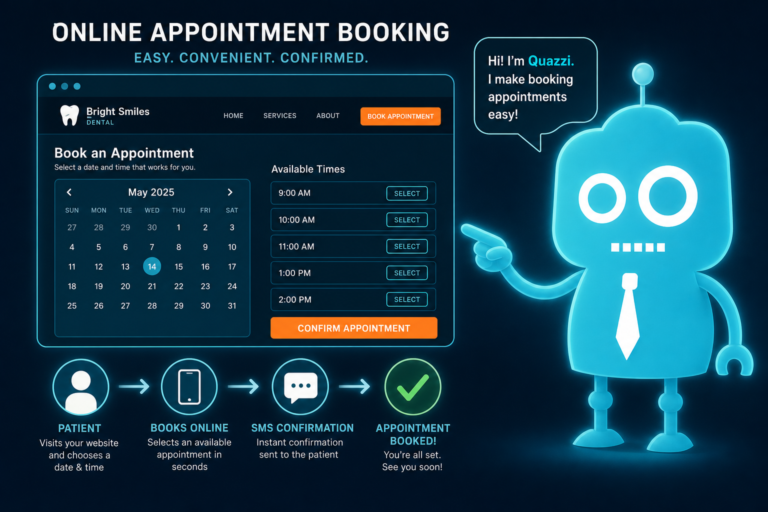
With SMS and email automation, your practice can immediately respond to new leads with messages such as:
- “Thank you for requesting an appointment. Our team will contact you soon.”
- “Need urgent dental care? Call us now at [phone number].”
- “Here is what to expect at your first visit.”
- “Have questions about insurance or financing? Reply to this message.”
Automated follow-up does not replace your front desk. It supports your front desk by keeping patients engaged until a team member can personally respond.
Follow-up opportunities many practices miss
- New patient appointment requests
- Emergency dental inquiries
- Unscheduled treatment consultations
- Implant or Invisalign form submissions
- Missed calls after hours
- Patients who started but did not complete a form
- Post-appointment review requests
- Recall and reactivation campaigns
When your website, CRM, SMS, and email systems work together, your practice can capture more opportunities without overwhelming your team.
How to Know If Your Dental Website Is Costing You Patients
You do not have to guess whether your website is underperforming. Look for signs in your data and daily operations.
Warning signs your website needs improvement
- You get website traffic but few calls or form submissions
- Patients say they had trouble finding your phone number
- Your site looks poor on mobile devices
- Your service pages are short or generic
- Your reviews are not visible on key pages
- Your front desk manually follows up with every web lead
- You have no automated SMS or email response after form submissions
- Your pages load slowly
- Your site does not clearly explain financing or insurance options
- Your competitors’ websites look more modern and easier to use
If any of these apply, your website may be creating unnecessary friction between a prospective patient and a scheduled appointment.
What a High-Converting Dental Website Should Do
A strong dental website should support both marketing and operations. It should help patients feel confident and help your team manage inquiries efficiently.
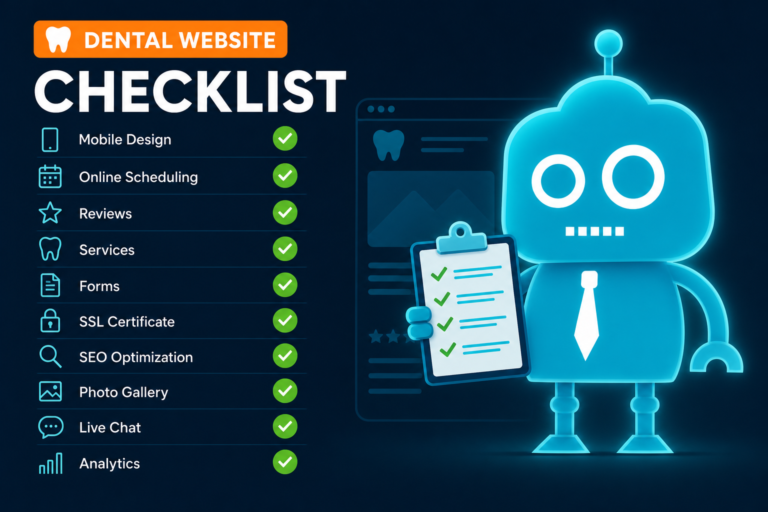
Your dental website should:
- Load quickly on mobile and desktop
- Make the phone number easy to find and tap
- Use clear CTAs for appointments and consultations
- Show real photos of your doctors, team, and office
- Include detailed service pages for important treatments
- Display current patient reviews in strategic places
- Explain insurance, membership plans, and financing options
- Capture leads through simple, mobile-friendly forms
- Connect form submissions to a CRM or lead management system
- Trigger SMS and email follow-up automatically
- Support ongoing updates as your practice grows
The best dental websites are not just attractive. They are designed around patient behavior, local search visibility, front desk workflows, and conversion.
Small Website Fixes Can Lead to More New Patients
You do not always need a massive marketing overhaul to improve new patient acquisition. Sometimes, the biggest gains come from fixing small design and conversion problems.
Making your phone number easier to find, improving your service pages, adding financing information, speeding up mobile pages, and automating follow-up can all increase the number of patients who move from website visitor to scheduled appointment.
For dental practices, every missed inquiry matters. A website that is outdated, slow, unclear, or disconnected from follow-up systems can quietly reduce production month after month. A modern, conversion-focused website helps your practice capture more of the demand you are already generating.

Build a Dental Website That Converts With CreateTheSite.com
If your dental website is not bringing in enough new patients, CreateTheSite.com can help you turn it into a stronger patient acquisition tool.
CreateTheSite.com works with dental practices to build modern, mobile-optimized websites designed for trust, speed, lead capture, and conversion. From clear appointment CTAs to service pages, hosting, and ongoing support, the goal is to help your website support both your marketing and your front desk operations.
CreateTheSite.com helps dental practices with:
- Modern dental website design
- Reliable website hosting
- Mobile optimization
- Fast-loading pages
- Lead capture forms
- CRM integrations
- SMS and email automation
- Appointment follow-up systems
- Review request workflows
- Ongoing website updates and support
Whether you are refreshing an outdated website or building a new one designed to convert, CreateTheSite.com can help your practice make it easier for patients to find you, trust you, and schedule with you.
Ready to stop losing patients to small website mistakes? Visit CreateTheSite.com to learn how a better dental website can support more calls, more appointment requests, and better follow-up.