The Psychology Behind High-Converting Dental Websites
A dental website does not convert new patients simply because it looks modern. It converts when it helps people feel safe, informed, and ready to take the next step.
For independent dental practices, the strongest website conversions are driven by four psychological factors: trust, fear reduction, clarity, and convenience. When these elements work together, your website becomes more than an online brochure. It becomes a new patient acquisition tool that supports your front desk, improves appointment requests, and helps hesitant patients feel confident choosing your office.
This is especially important in dentistry, where many visitors arrive with anxiety, cost concerns, embarrassment, or uncertainty about what treatment they need. A high-converting dental website understands those emotions and responds to them clearly.

Why Dental Website Conversion Is Different
Dental patients are not shopping for a casual service. They may be worried about pain, cost, judgment, insurance, or the unknown. Someone searching for a dentist might be thinking:
- “Will this hurt?”
- “Will they judge me because I have not been to the dentist in years?”
- “Can I afford this treatment?”
- “Do they take my insurance?”
- “Can I get an appointment quickly?”
- “Is this dentist trustworthy?”
Your website needs to answer those questions before the patient ever calls. If it does not, many visitors will leave and choose another practice that feels easier, safer, or more transparent.
Trust: The Foundation of a High-Converting Dental Website
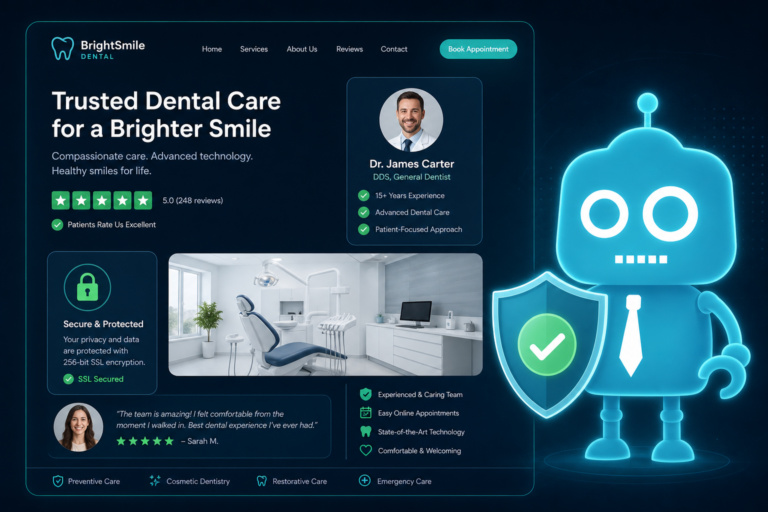
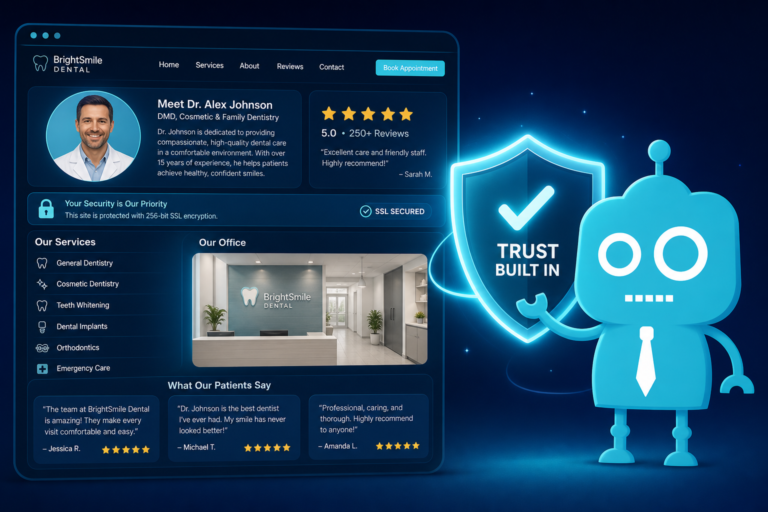
Trust is the first conversion barrier your dental website must overcome. Patients are deciding whether they feel comfortable putting their health, appearance, and family care in your hands.
Show Real People, Not Just Stock Photos
Generic stock photos can make a dental website feel impersonal. Patients want to see the actual dentist, hygienists, assistants, front desk team, and office environment.
Practical examples include:
- A welcoming photo of the dentist and team on the homepage
- Individual provider bios with credentials and personal details
- Photos of the reception area, treatment rooms, and technology
- A short video greeting from the dentist
When visitors can picture themselves walking into your office, the practice feels more familiar before they arrive.

Make Contact Information Easy to Find
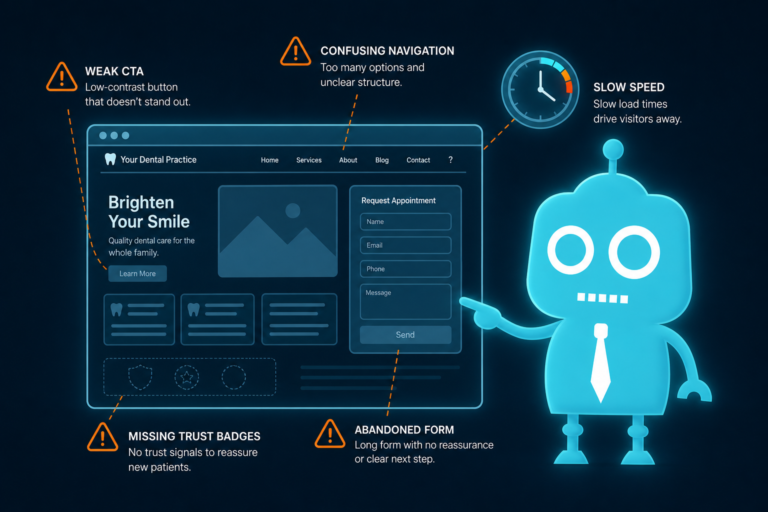
A dental website that hides the phone number or appointment button creates doubt. Patients should never have to search for the next step.
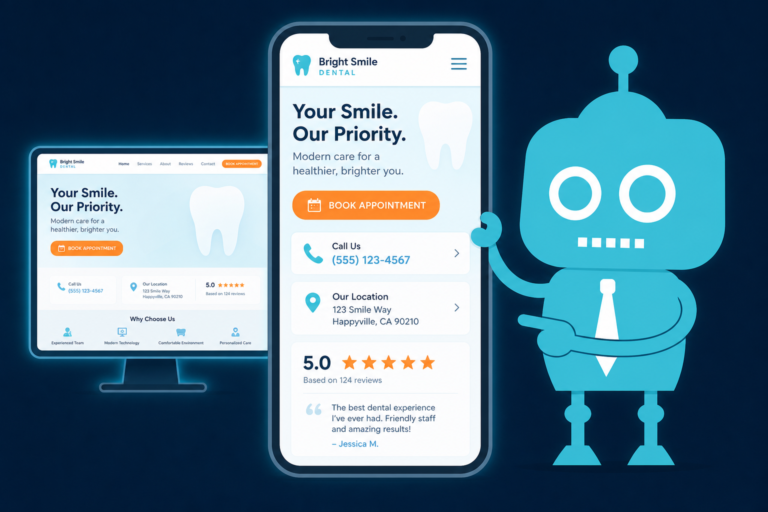
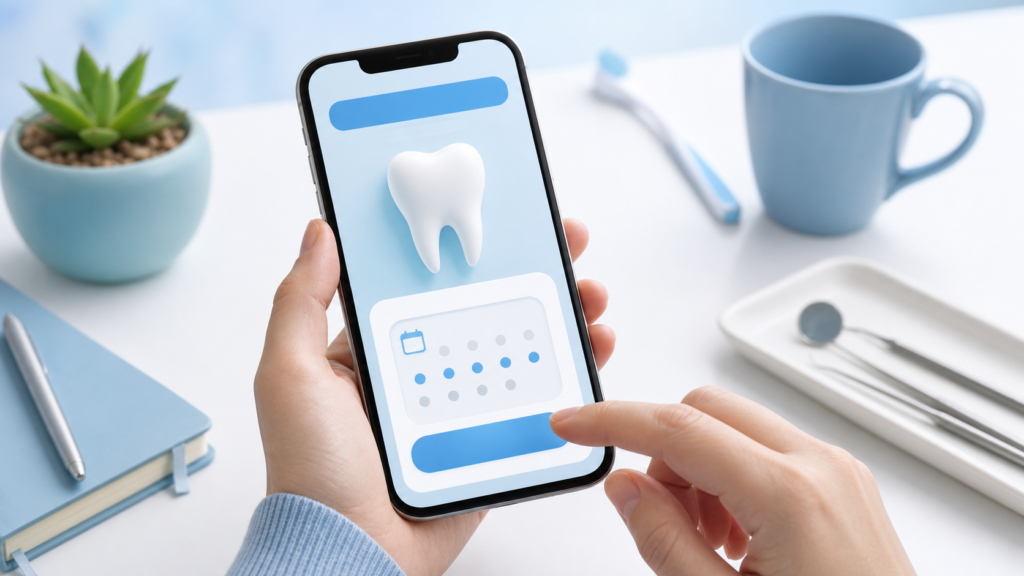
Include your phone number, address, office hours, and appointment button in highly visible locations, especially on mobile. For many practices, a sticky mobile call button or “Request Appointment” button can significantly improve lead capture.
Fear Reduction: Address Dental Anxiety Directly
Dental anxiety is one of the most important psychological factors in dental website conversion. Many patients delay care because they are afraid of discomfort, embarrassment, bad news, or the cost of treatment.
A high-converting dental website does not ignore anxiety. It reassures patients in a calm, specific way.
Use Reassuring Language Throughout the Website
Instead of only saying “comprehensive dental care,” speak to the emotional state of the patient. For example:
- “No judgment if it has been a while since your last visit.”
- “We explain every step before treatment begins.”
- “Our team is experienced in helping nervous patients feel comfortable.”
- “We offer gentle care in a calm, supportive environment.”
This type of patient reassurance is especially effective on pages for emergency dentistry, sedation dentistry, dental implants, extractions, root canals, and new patient exams.
Explain What Happens During the First Visit
Uncertainty creates fear. Clarity reduces it.
A simple “What to Expect at Your First Visit” section can make a major difference. Include details such as:
- How long the visit usually takes
- What forms the patient should complete
- Whether X-rays are taken
- How treatment recommendations are explained
- How insurance and payment options are reviewed
This also helps your front desk team because patients arrive better prepared and with fewer repetitive questions.
Social Proof: Let Happy Patients Reduce Uncertainty
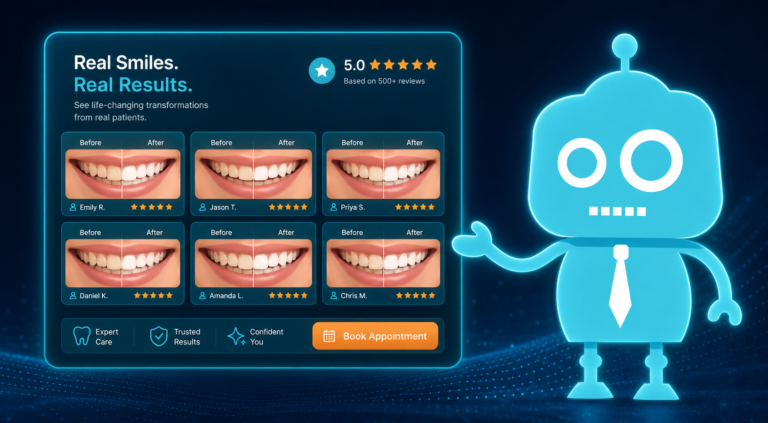
Social proof is one of the strongest conversion tools for dental practices. Patients trust other patients because reviews feel more objective than advertising.
Feature Reviews Where Decisions Happen
Do not place all reviews on a single testimonials page and expect visitors to find them. Instead, use reviews strategically throughout the website.
For example:
- Place a review about gentle care near your new patient section
- Place an implant patient testimonial on your dental implants page
- Place a review about fast scheduling on your emergency dentistry page
- Place family-focused reviews on pediatric or family dentistry pages
The closer the review matches the visitor’s concern, the more powerful it becomes.
Connect Reviews to Your Reputation System
If your practice uses a CRM, patient communication platform, or review management system, your website should support that workflow. After an appointment, SMS or email automation can ask satisfied patients to leave a review. Those reviews can then be featured on your website or linked from key conversion areas.
This creates a cycle: better patient experiences lead to more reviews, more reviews increase trust, and increased trust leads to more appointment requests.
Authority: Show Why Patients Should Choose Your Practice
Authority helps patients feel confident that your practice can solve their problem. This does not mean overwhelming visitors with technical language. It means clearly communicating experience, credentials, technology, and clinical focus.
Highlight Credentials Without Sounding Cold
Patients want to know they are choosing a qualified dentist, but they also want warmth. A strong provider bio balances both.
Include:
- Education and advanced training
- Years of experience
- Professional memberships
- Special areas of interest, such as cosmetic dentistry, implants, or clear aligners
- Personal details that make the dentist approachable
For example, instead of only listing credentials, add a sentence such as: “Dr. Smith enjoys helping patients who feel nervous about dental care and takes time to explain treatment in simple, pressure-free language.”
Use Service Pages to Build Confidence
Each core service should have its own page. A single “Services” list is usually not enough for search engine optimization or patient conversion.
Strong dental service pages often include:
- Who the service is for
- Common symptoms or reasons patients need it
- How the procedure works
- Comfort options
- Cost and financing guidance
- Frequently asked questions
- A clear appointment button
This structure improves SEO while also helping patients feel more informed and ready to schedule.

Visual Comfort: Design That Helps Patients Feel Calm
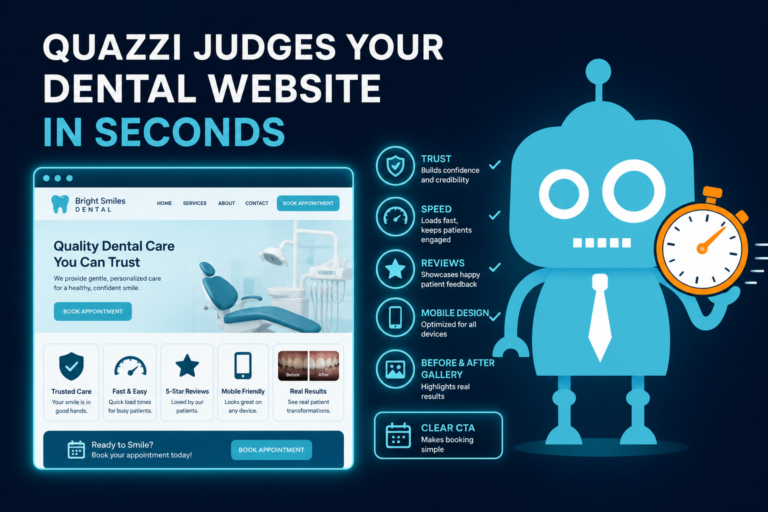
Website design affects emotion. A cluttered, outdated, or confusing website can create the same feeling as a disorganized office. A clean, modern, calming website suggests professionalism and care.
Use Calm Colors and Clean Layouts
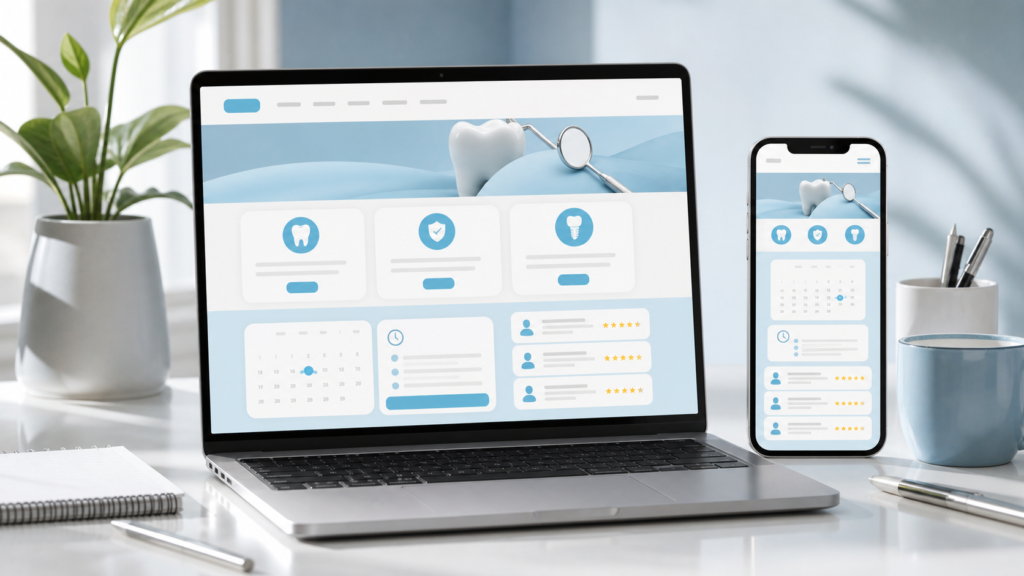
Dental websites often perform best when they use a clean layout, soft color palette, readable fonts, and plenty of white space. The goal is not to look flashy. The goal is to make the visitor feel comfortable and in control.
A visually comfortable dental website should:
- Load quickly
- Look polished on mobile devices
- Use clear headings and short sections
- Avoid overwhelming patients with too many choices
- Use real office photos whenever possible
Make Treatment Pages Easy to Scan
Patients rarely read every word at first. They scan. Your website should make important information easy to find quickly.
Use sections such as:
- “Is this treatment right for me?”
- “What to expect”
- “How we keep you comfortable”
- “Payment and financing options”
- “Request an appointment”
This gives patients a sense of control, which reduces anxiety and increases conversion.
Clarity: Confused Patients Do Not Schedule
Clarity is one of the most overlooked parts of dental website conversion. If patients cannot quickly understand who you serve, what you offer, where you are located, and how to book, they are less likely to take action.
Use Simple, Patient-Friendly Language
Dental terminology can create friction. Use plain language first, then explain clinical terms when needed.
For example:
- Instead of “endodontic therapy,” say “root canal treatment to save an infected tooth.”
- Instead of “edentulism,” say “missing teeth.”
- Instead of “periodontal disease,” say “gum disease.”
The goal is not to oversimplify care. The goal is to make patients feel informed instead of intimidated.
Clarify Insurance and Payment Expectations
Cost uncertainty prevents many patients from scheduling. Your website does not need to list every exact fee, but it should explain how your office handles insurance, financing, and payment discussions.
Helpful sections include:
- Accepted insurance information
- Whether you are in-network or out-of-network
- Membership plan details, if available
- Third-party financing options
- Payment methods accepted
- A note that your team will review costs before treatment begins
This is not just helpful for patients. It also reduces phone calls from visitors who are trying to determine whether they can afford care.
Financing Information: Remove the Cost Barrier Early
Financing information is a conversion tool, especially for higher-value services like dental implants, veneers, clear aligners, crowns, dentures, and full-mouth restoration.
Many patients assume treatment is unaffordable before they ever contact the office. If your website clearly explains financing options, you can keep those patients engaged.
Where to Place Financing Details
Financing information should appear in more than one place. Consider adding it to:
- The main navigation
- New patient pages
- High-value treatment pages
- FAQ sections
- Appointment request forms
For example, on a dental implants page, include a section that says: “Dental implant costs vary based on your needs. Our team will review your options and discuss financing before treatment begins.”
This message reassures patients that they can start the conversation without committing immediately.
Reduced Friction: Make It Easy to Take the Next Step
Every extra step on your website can reduce conversions. Patients should not have to work hard to schedule, call, ask a question, or request information.
Use Easy Appointment Buttons
Your appointment buttons should be visible, specific, and repeated naturally throughout the website.
Strong button text includes:
- “Request an Appointment”
- “Schedule a New Patient Visit”
- “Book a Consultation”
- “Call Our Office”
- “Request Emergency Dental Care”
Avoid vague buttons like “Submit” or “Learn More” when the patient is ready to act.
Keep Forms Short and Practical
Long forms can hurt dental lead conversion. Ask only for the information your front desk needs to follow up effectively.
A strong appointment request form may include:
- Name
- Phone number
- Email address
- Preferred appointment time
- Reason for visit
- New or existing patient status
If your form connects to a CRM, make sure submissions are routed properly so the front desk can respond quickly. A lead that sits unnoticed for hours may become a booked appointment at another practice.
CRM Systems and Automation: Speed Matters After the Click
Website conversion does not end when someone fills out a form. The follow-up process often determines whether that lead becomes a patient.
For dental practices, CRM systems and SMS/email automation can help ensure no new patient inquiry gets missed.
Automate the First Response
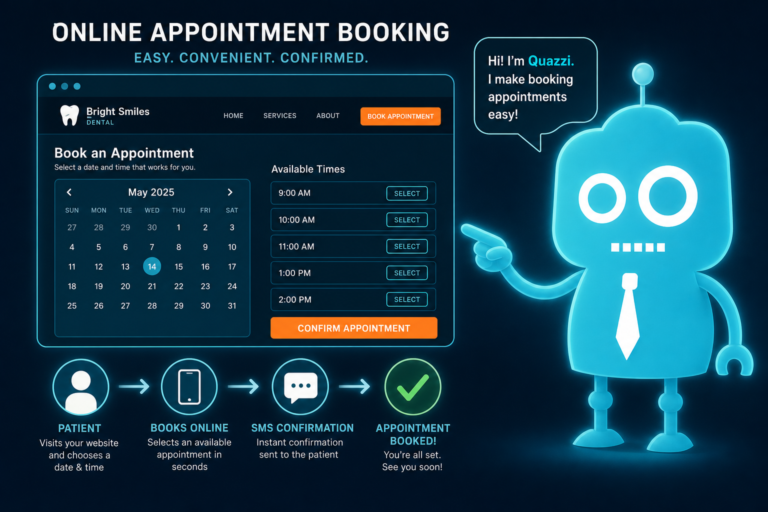
When a patient requests an appointment, they should receive an immediate confirmation by email or text. This reassures them that the request was received and sets expectations for next steps.
For example:
“Thank you for requesting an appointment with Bright Smile Dental. Our team will contact you shortly to confirm availability. If you are experiencing a dental emergency, please call us directly at [phone number].”
This simple automation reduces uncertainty and supports your front desk team.
Use Follow-Up Workflows
If a new patient lead does not answer the first call, your CRM can trigger a follow-up sequence:
- Immediate confirmation text
- Front desk call attempt
- Follow-up SMS if there is no answer
- Email with office information and appointment instructions
- Reminder task for the team
This process improves lead handling without forcing your front desk to manually track every inquiry from memory.

FAQs: Answer Questions Before They Become Objections
Frequently asked questions are valuable for both SEO and conversion. They help patients resolve doubts before contacting your office.
Dental Website FAQ Topics That Convert
Useful dental FAQs include:
- Do you accept new patients?
- Do you take my insurance?
- What if I have not been to the dentist in years?
- Do you offer emergency appointments?
- Do you provide financing?
- Are dental X-rays safe?
- What should I bring to my first visit?
- Do you offer options for nervous patients?
- How soon can I schedule treatment?
FAQs work especially well near appointment forms, on service pages, and on new patient pages. They reduce uncertainty at the exact moment a visitor is deciding whether to schedule.
Patient Reassurance: Small Details That Increase Confidence
Patient reassurance should be built into the entire website. Small details can make the difference between hesitation and action.
Reassurance Elements to Add to Your Dental Website
- “New patients welcome” messaging
- Clear office hours and location details
- Parking or arrival instructions
- Insurance and financing explanations
- Comfort-focused language
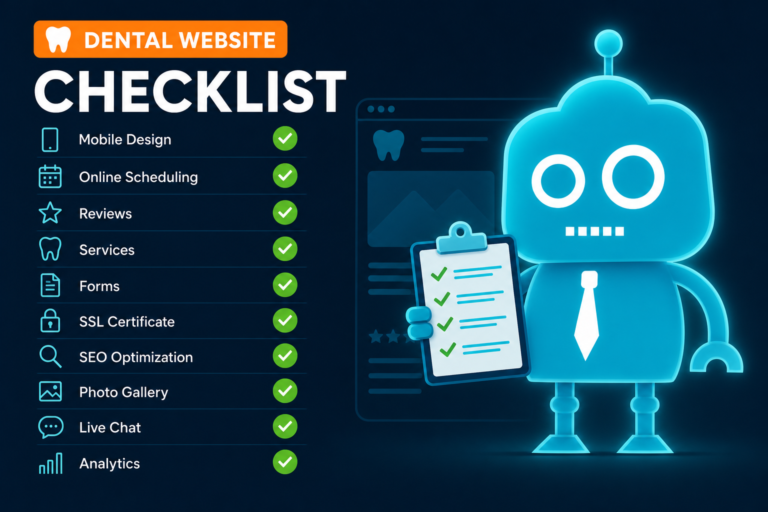
- Before-and-after photos where appropriate and compliant
- Real patient reviews
- Team photos and provider bios
- Emergency dental care instructions
- HIPAA-conscious forms and secure website hosting
These details show that your practice understands patient concerns and has already thought through the experience.
Front Desk Operations: Your Website Should Support Your Team
A high-converting dental website should not create chaos for the front desk. It should reduce repetitive questions, improve lead quality, and make follow-up easier.
When your website clearly explains services, insurance, financing, forms, and scheduling expectations, your front desk can spend less time answering basic questions and more time helping patients book care.
Website Features That Help the Front Desk
- Appointment request forms that send leads to the right inbox or CRM
- New patient forms linked from confirmation emails
- Clear emergency instructions
- Insurance and payment information pages
- Automated SMS/email confirmations
- Call tracking for marketing campaigns
- Review request automation after visits
Better website systems create smoother operations, faster response times, and a more professional patient experience.
What a High-Converting Dental Website Looks Like in Practice
Imagine a potential patient searching for “dentist near me” after avoiding care for several years. They click on your website and immediately see:
- A warm photo of your real team
- A clear “New Patients Welcome” message
- A visible phone number and appointment button
- Reviews mentioning gentle, judgment-free care
- A simple explanation of what happens at the first visit
- Insurance and financing information
- FAQs that answer their biggest concerns
- A short appointment request form
That experience reduces fear, builds trust, provides clarity, and makes scheduling convenient. That is the psychology behind dental website conversion.

Build a Dental Website That Turns Visitors Into Patients
Your website should do more than look good. It should help patients feel confident choosing your practice, make it easy to schedule, and support your team after the lead comes in.
CreateTheSite.com helps dental practices build modern, high-converting websites designed around trust, fear reduction, clarity, and convenience. Our services include dental website design, secure hosting, mobile optimization, lead capture forms, CRM integrations, SMS and email automation, appointment follow-up systems, and ongoing website support.
Whether you are updating an outdated website or building a stronger new patient acquisition system, CreateTheSite.com can help your practice create a better online experience from the first click to the first appointment.
Ready to make your dental website easier to trust, easier to use, and easier to convert? Visit CreateTheSite.com to learn how we can support your practice.