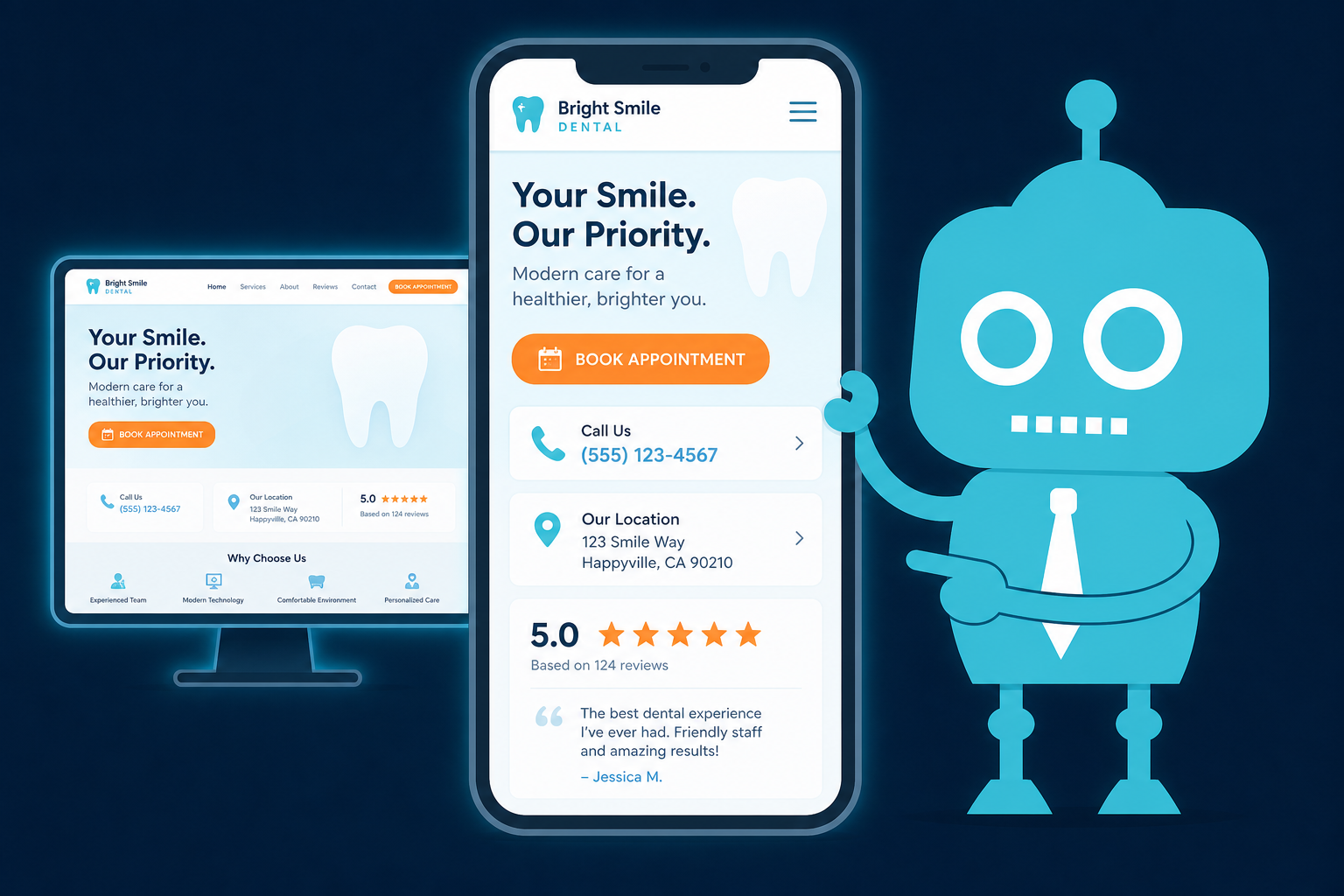
Why Mobile Optimization Matters for Dental Practices
For dental practices, mobile optimization is not just a website design preference. It directly affects how many new patient calls, appointment requests, emergency visits, and online bookings your office receives.
Many dental searches happen on phones in urgent or convenient moments. A patient may be dealing with a toothache at 9 p.m., searching for “emergency dentist near me” during a lunch break, or checking reviews from the parking lot before calling. If your website is slow, difficult to use, or hard to contact from a phone, that patient may choose another practice within seconds.
Independent dental practice owners, dentists, and office managers should think of the mobile website as an extension of the front desk. It should help patients call, book, ask questions, find directions, read reviews, and take action without friction.
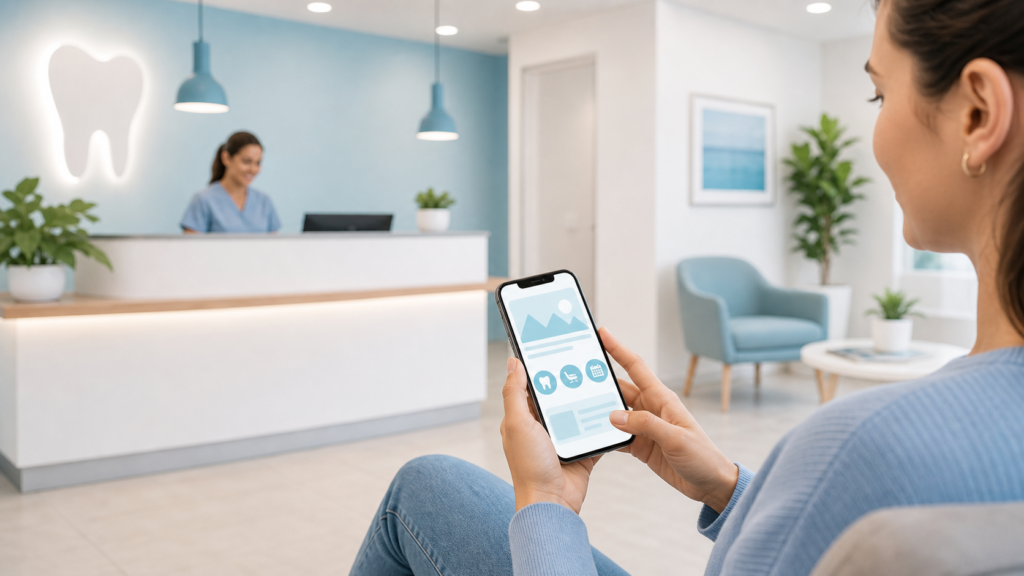
Mobile Dental Searches Often Happen in High-Intent Moments
Dental patients are not always casually browsing. Many are searching because they need help soon or want to make a decision quickly.
Common mobile search scenarios include:
- A patient with sudden tooth pain searches “emergency dentist near me.”
- A parent looks for a pediatric dentist while waiting at school pickup.
- A new resident searches for “dentist accepting new patients near me.”
- A patient compares reviews before scheduling a cleaning.
- Someone checks office hours and directions from Google Maps.
- A patient clicks a link from an email or SMS appointment reminder.
These moments are valuable because the patient is already motivated. The goal of your mobile website is to make the next step easy.
Click-to-Call Behavior Is Critical for Dental Practices
On mobile, many patients do not want to fill out a long form. They want to tap a button and call your office.
This is especially true for:
- Emergency dental visits
- Same-day appointments
- Insurance questions
- New patient scheduling
- Questions about availability, pricing, or procedures
Your phone number should be visible, clickable, and easy to find on every mobile page. A patient should not have to pinch, zoom, copy, paste, or hunt through your website just to call.
Practical Example: Make the Phone Number Thumb-Friendly
Instead of placing your phone number only in tiny header text, use a clear mobile call button such as:
- “Call Now”
- “Call for Same-Day Appointment”
- “Call Our Front Desk”
- “Emergency? Call Now”
For dental practices, click-to-call buttons should be especially prominent on pages for emergency dentistry, dental implants, clear aligners, tooth extractions, and new patient appointments.
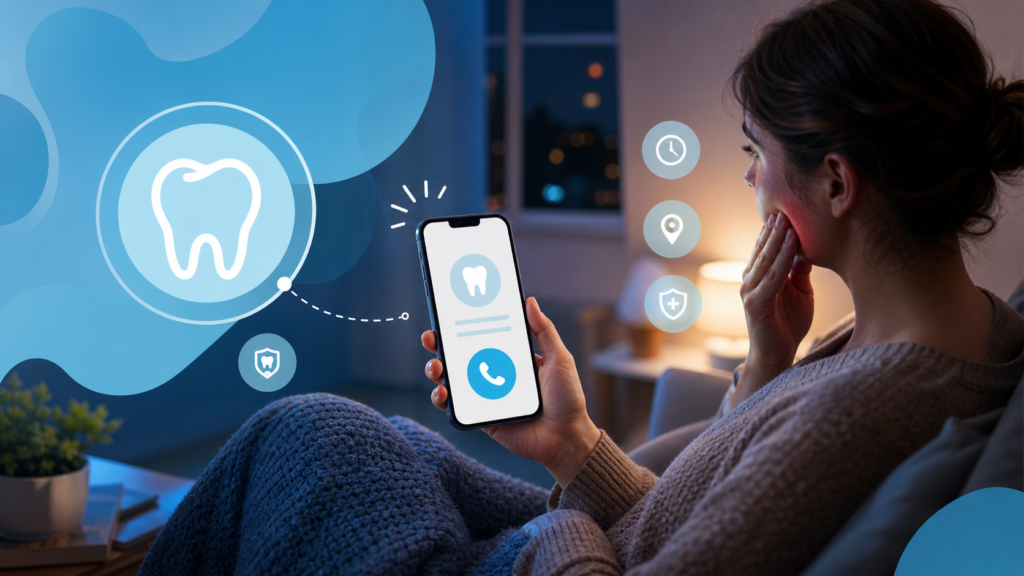
Emergency Searches Can Turn Into Same-Day Patients
Emergency dental searches are some of the highest-intent searches your practice can receive. Patients searching from their phones may be in pain, anxious, and ready to schedule immediately.
If your mobile site does not quickly answer their most important questions, they may call the next practice in the search results.
Emergency dental patients often want to know:
- Do you offer same-day emergency appointments?
- Are you open now?
- Can I call immediately?
- Where are you located?
- Do you treat broken teeth, swelling, toothaches, or lost crowns?
- Do you accept new patients?

What an Emergency Dental Mobile Page Should Include
A strong mobile emergency dentistry page should include a clear call button, concise service details, office hours, location information, and a simple path to contact the front desk.
For example, instead of a generic paragraph about emergency care, use direct language:
“Tooth pain, broken tooth, swelling, or dental injury? Call our office now to check same-day availability.”
This type of messaging matches the urgency of the mobile search and helps the patient take action faster.

Slow Mobile Pages Cost Dental Practices New Patients
Speed matters. If your dental website takes too long to load on a phone, many visitors will leave before they ever see your services, reviews, or appointment options.
Slow mobile pages can be caused by:
- Oversized images
- Outdated website themes
- Too many plugins
- Poor hosting
- Unoptimized videos
- Heavy tracking scripts
- Old page builders
For a dental practice, a slow website does more than create frustration. It can reduce calls, lower form submissions, hurt online booking activity, and weaken local SEO performance.
Practical Example: A Slow Implant Page Can Reduce Conversion
Imagine a patient searching for “dental implants near me” from their phone. They click your website, but the page takes several seconds to load. Before they read about your implant consultation, financing options, or dentist experience, they return to Google and choose another office.
That lost visitor may have represented a high-value treatment opportunity. Mobile performance directly affects new patient acquisition.
Hard Forms Create Friction for Mobile Patients
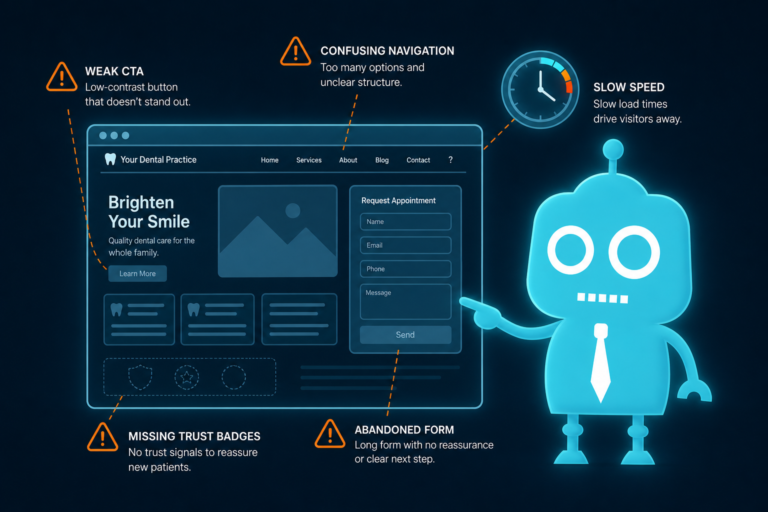
Contact forms can be useful, but many dental websites make them too difficult on mobile. Long forms, tiny fields, unclear error messages, and unnecessary required questions can cause patients to abandon the process.
Mobile patients usually want speed and simplicity. If your form asks for too much too soon, it may reduce conversion.
Mobile-Friendly Dental Form Best Practices
- Ask only for essential information at the first step.
- Use large, easy-to-tap form fields.
- Make phone number and email fields simple.
- Use dropdowns sparingly.
- Include a clear submit button such as “Request an Appointment.”
- Confirm what happens next after submission.
- Route form leads into your CRM or front desk workflow.
A simple new patient lead form might ask for:
- Name
- Phone number
- Email address
- Preferred appointment type
- Preferred day or time
The goal is not to collect every detail immediately. The goal is to start the conversation and make it easy for your team to follow up.
Google Maps Behavior Is Mobile-First
Many dental patients never start on your homepage. They start in Google Maps.
A patient may search “dentist near me,” compare a few local offices, read reviews, check photos, look at hours, tap for directions, or click to call directly from your Google Business Profile.
This means your mobile presence includes more than your website. Your Google Business Profile and website should work together.
What Patients Look for in Google Maps
- Distance from their current location
- Star rating and review count
- Office hours
- Photos of the office and team
- Services offered
- Call button
- Directions
- Website link
- Appointment link if available
If a patient clicks from Google Maps to your website, the mobile experience should continue smoothly. Your location page should show your address, embedded map, parking details, nearby landmarks, office hours, phone number, and appointment options.

Reviews Are Often Read on Mobile Before Patients Call
Online reviews play a major role in dental decision-making. Patients often compare reviews on their phones before choosing a dentist, especially if they are new to the area or considering a higher-value treatment.
Mobile users may quickly scan for comments about:
- Pain-free treatment
- Friendly staff
- Clean office
- Clear communication
- Insurance help
- Emergency availability
- Good experiences with children
- Comfort with anxious patients
How to Support Review-Driven Mobile Decisions
Your website should make reviews easy to find and easy to act on. Consider adding review highlights on key mobile pages, such as your homepage, emergency dentistry page, cosmetic dentistry page, and new patient page.
For front desk operations, reviews should also be part of your follow-up process. After a successful appointment, your team can use SMS or email automation to send a polite review request. This helps build social proof while reducing manual work for staff.
A consistent review generation process can improve trust, increase calls, and support local SEO visibility.

Online Booking Must Work Smoothly on Phones
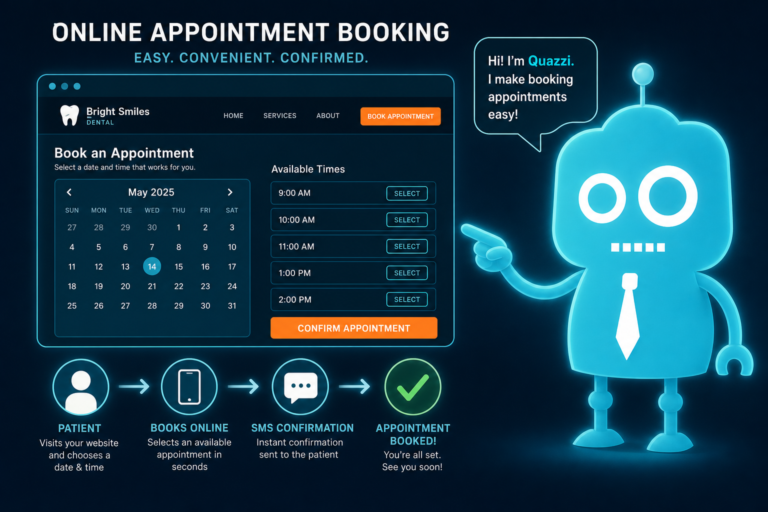
Online booking is no longer just a convenience. For many patients, it is the preferred way to schedule, especially after hours.
A patient may visit your site at 10 p.m. after finally getting time to search for a dentist. If your office only offers “Call us during business hours,” you may lose that patient to a competitor with online scheduling.
Mobile Online Booking Should Be Simple
A mobile-friendly online booking process should:
- Load quickly
- Show available appointment options clearly
- Work without pinching or zooming
- Limit unnecessary steps
- Confirm the request or appointment immediately
- Send data to your CRM or practice workflow
- Trigger SMS or email confirmations when appropriate
If your practice does not offer real-time scheduling, you can still provide a streamlined appointment request form. The key is to capture the patient’s interest while they are ready to act.
Thumb-Friendly CTAs Improve Dental Website Conversion
Mobile users navigate with their thumbs. That sounds simple, but many dental websites still use small links, crowded menus, and buttons that are difficult to tap.
Thumb-friendly calls-to-action help patients move from browsing to contacting your office.
Strong Mobile CTAs for Dental Websites
Effective dental CTAs include:
- “Call Now”
- “Book Online”
- “Request an Appointment”
- “Get Directions”
- “Text Our Office”
- “Schedule a Consultation”
- “Emergency Dental Care”
These buttons should be large enough to tap, visually clear, and placed where patients naturally pause. On mobile, a sticky call or booking button can be especially effective because it keeps the next step visible as the patient scrolls.
Mobile Optimization Supports Your Front Desk, Not Just Your Marketing
A well-optimized mobile website can reduce unnecessary phone friction and help your front desk operate more efficiently.
For example, your mobile site can help answer common questions before a patient calls:
- Do you accept new patients?
- What services do you offer?
- Where is the office located?
- What are your hours?
- Do you offer emergency appointments?
- Can patients request appointments online?
- What insurance or payment options are available?
When your website provides clear answers, your team receives better-qualified calls and appointment requests. When forms connect to a CRM, leads are easier to track. When SMS and email automation are connected, follow-up becomes more consistent.
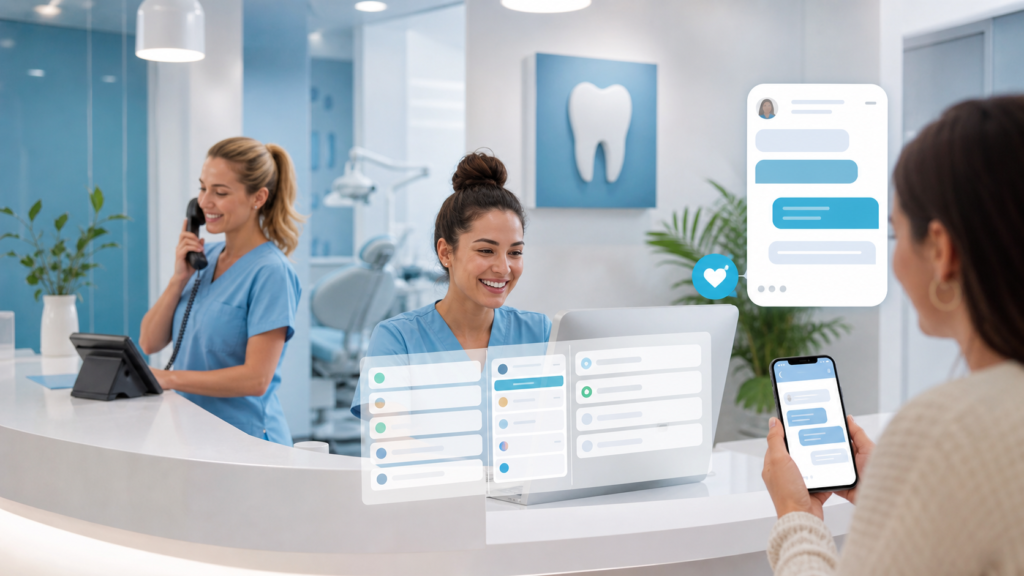
CRM, SMS, and Email Automation Help Capture More Mobile Leads
Mobile optimization does not stop at the website. Once a patient calls, submits a form, or requests an appointment, your practice needs a reliable follow-up process.
That is where CRM systems and automation can make a major difference.
How CRM Integrations Help Dental Practices
A CRM can help your team track new patient inquiries, appointment requests, missed opportunities, and follow-up status. Instead of relying on sticky notes or inbox searches, your front desk can see where each lead stands.
For example, if a patient submits a mobile form asking about clear aligners, that lead can be routed into a CRM and assigned for follow-up. Your team can call, text, or email the patient based on your office process.
How SMS and Email Automation Improve Follow-Up
SMS and email automation can help with:
- Appointment request confirmations
- New patient follow-up
- Missed call recovery
- Treatment consultation reminders
- Post-visit review requests
- Reactivation campaigns
- Appointment follow-up messages
For mobile-first patients, SMS is especially useful because it matches how they already communicate. A fast, professional follow-up can be the difference between a booked appointment and a lost opportunity.
What Dental Practices Should Check on Their Mobile Website
If you are a practice owner, dentist, or office manager, review your website from a patient’s perspective. Do not only check it from a desktop computer in the office. Open it on your phone and test the experience like a new patient would.
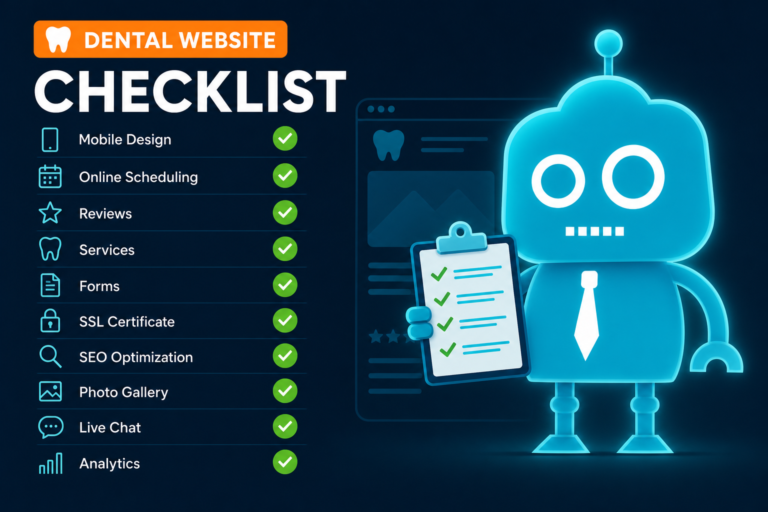
Mobile Website Checklist for Dental Practices
- Does the homepage load quickly on cellular data?
- Is the phone number clickable?
- Is there a clear call button near the top of the page?
- Can patients request or book an appointment from mobile?
- Are forms short and easy to complete?
- Are emergency dental options easy to find?
- Does the site show office hours and location clearly?
- Is there a “Get Directions” button?
- Are reviews visible and easy to access?
- Are service pages easy to read without zooming?
- Do CTAs remain easy to tap throughout the site?
- Does each form submission go to the right person or CRM?
- Are follow-up texts or emails sent promptly?
If any of these steps feel clunky, patients are likely noticing too.
Mobile Optimization Can Improve New Patient Acquisition
Dental marketing is not only about getting more traffic. It is about converting the right traffic into scheduled patients.
A mobile-optimized dental website helps turn local searches into real actions: phone calls, direction requests, appointment bookings, form submissions, and reviews. It also supports your team by making patient communication more organized and timely.
When mobile experience is strong, your practice is better positioned to capture patients during the exact moments they are ready to act.

Need a Better Mobile Website for Your Dental Practice?
CreateTheSite.com helps dental practices build modern, mobile-optimized websites designed for new patient acquisition and better conversion.
Our services include dental website design, secure hosting, mobile optimization, lead capture forms, CRM integrations, SMS and email automation, appointment follow-up, review-focused workflows, and ongoing website support.
Whether your current site is slow, difficult to update, hard to use on phones, or not connected to your front desk process, CreateTheSite.com can help you create a better digital experience for patients and a more efficient system for your team.
If your dental website is not turning mobile visitors into calls, bookings, and appointment requests, it may be time to improve the patient experience. Visit CreateTheSite.com to learn how we can support your practice with a modern website and mobile-first growth tools.