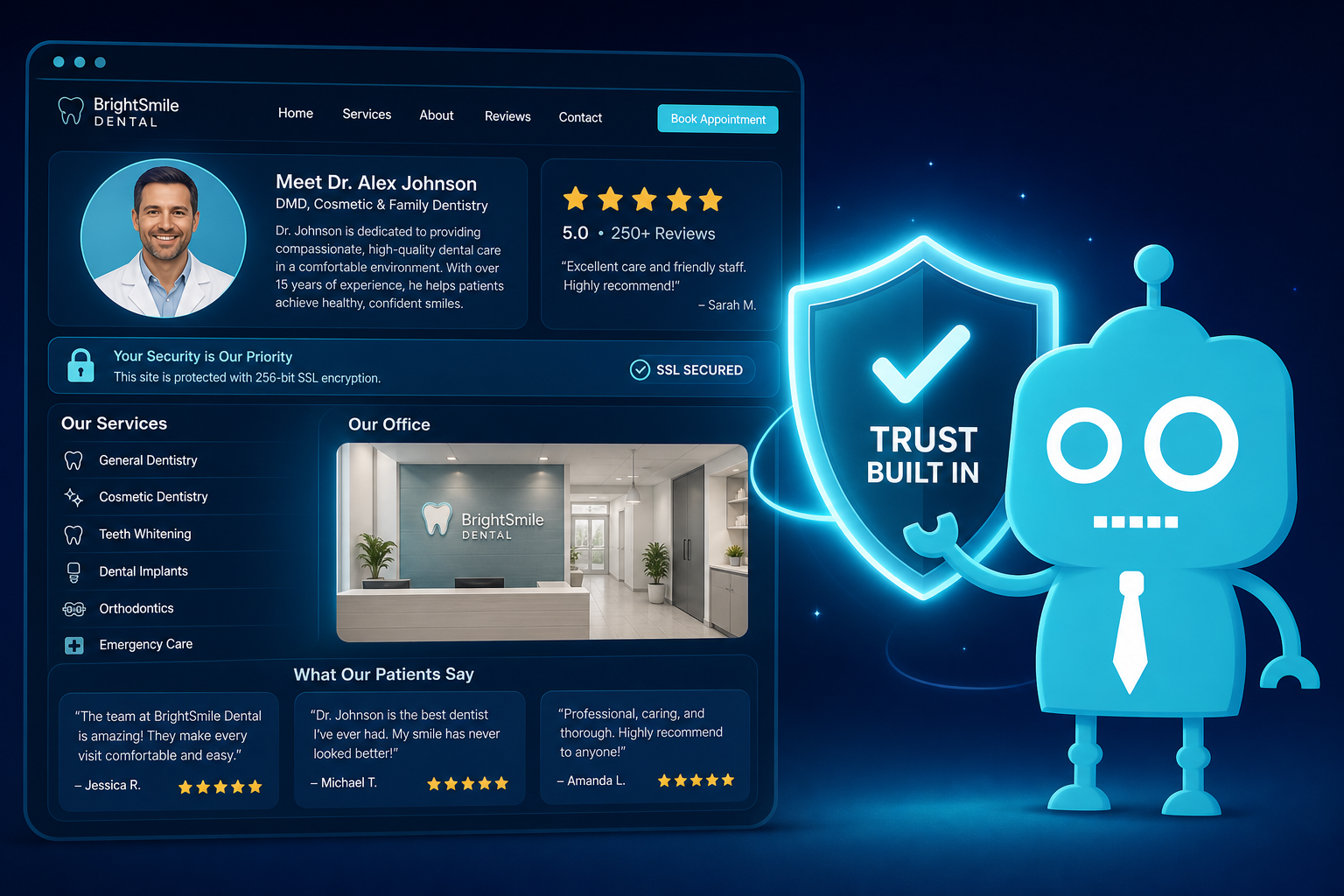
What Makes a Dental Website Feel Trustworthy
A trustworthy dental website is not built from one big statement like “We care about our patients.” It is built from dozens of small credibility signals that make a visitor feel safe, informed, and ready to take the next step.
For independent dental practices, this matters because most new patients compare you before they ever call. They look at your website, reviews, photos, services, insurance information, and contact options. If anything feels outdated, confusing, or impersonal, they may move on to another office.
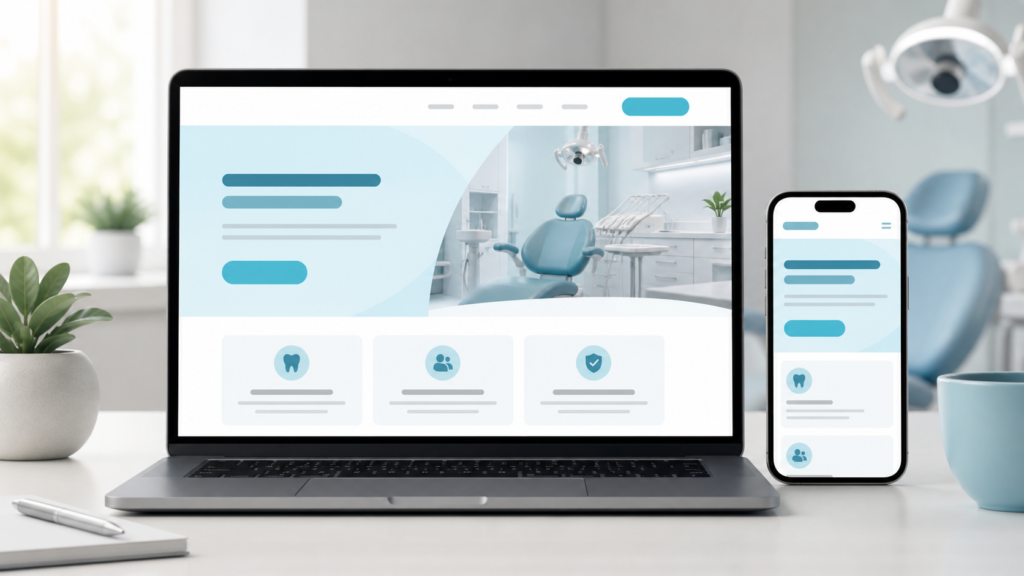
The good news is that trust can be improved in practical, measurable ways. A strong dental website helps patients answer three questions quickly:
- Is this office professional and credible?
- Can they help with my specific dental need?
- Is it easy to schedule or ask a question?
Below are the small but powerful credibility signals that make a dental website feel trustworthy and help turn website visitors into new patient appointments.
Clean Design Creates an Immediate First Impression
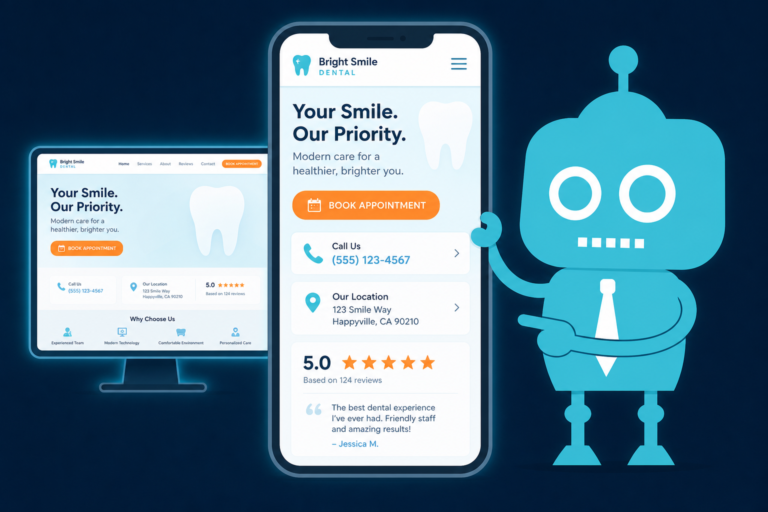
Your website design is often the first experience a patient has with your practice. Before they read about your services or check your reviews, they notice whether the site feels clean, modern, and easy to use.
A clean dental website does not need to be flashy. In fact, overly complicated designs can make patients feel lost. The goal is to create a calm, organized experience that reflects the professionalism of your practice.
What Clean Design Looks Like for a Dental Practice
- Simple navigation with clear menu items such as Services, About, Reviews, Insurance, and Contact
- Consistent colors that match your dental brand
- Easy-to-read fonts and strong contrast
- Plenty of spacing between sections
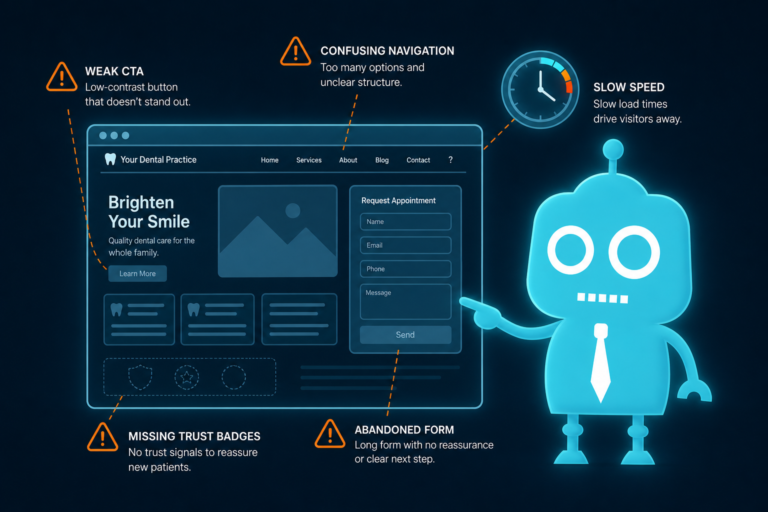
- Clear calls to action such as “Request an Appointment” or “Call Our Office”
- Mobile-friendly layouts that work well on phones
For a dental practice, clean design also helps reduce front desk friction. When patients can quickly find your phone number, hours, insurance information, and appointment form, your team spends less time answering repetitive questions.
Real Photos Make the Practice Feel Human
Stock photos can make a dental website look polished, but they rarely create real trust. Patients want to know who they will meet, what the office looks like, and whether the environment feels welcoming.
Real photos are one of the strongest credibility signals on a dental website because they prove there is a real team behind the practice.
Photos That Build Trust
- The exterior of the office so patients know what to look for when they arrive
- The reception area and treatment rooms
- The dentist and clinical team
- The front desk team patients will speak with
- Candid but professional images of team members interacting naturally
For patients with dental anxiety, real photos can lower uncertainty. Seeing a clean, friendly environment before scheduling can make the decision to call feel easier.
Dentist and Team Bios Help Patients Feel Connected
Dental care is personal. Patients are trusting your team with their health, comfort, appearance, and often their family’s care. A strong bio page gives them a reason to feel confident before they step into the office.
Many dental websites make the mistake of listing only credentials. Credentials matter, but patients also want to understand your approach to care.

What to Include in a Strong Dentist Bio
- Education and professional training
- Years of experience
- Clinical interests such as cosmetic dentistry, implants, Invisalign, family dentistry, or sedation dentistry
- Professional memberships or continuing education
- A short explanation of your patient care philosophy
- A personal detail that makes the bio feel human
For example, instead of saying, “Dr. Smith provides comprehensive dental care,” a more trustworthy version would be:
“Dr. Smith focuses on helping patients feel informed and comfortable at every visit. She enjoys explaining treatment options clearly, especially for patients who have avoided the dentist because of anxiety or past negative experiences.”
This type of language helps patients imagine what their visit will feel like.
Reviews Provide Social Proof at the Right Moment
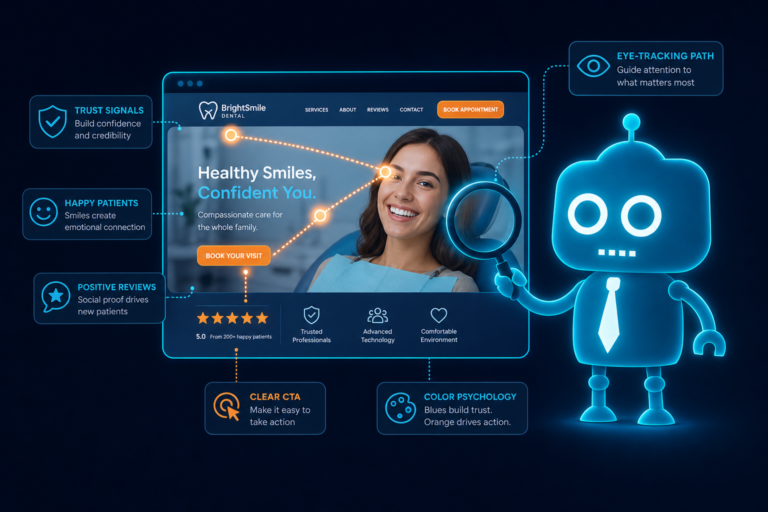
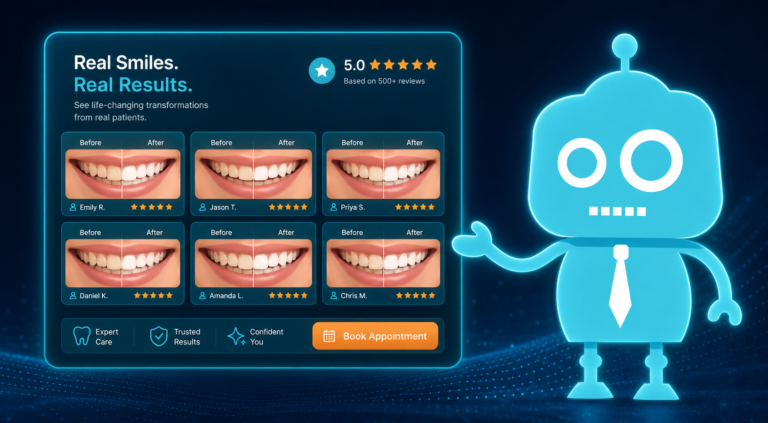
Reviews are one of the most important trust signals for new patient acquisition. A prospective patient may not know your dentist, but they can relate to other patients who have already visited your office.
Your website should not make people leave the site to discover what others think. Reviews should be visible on key pages where patients are making decisions.
Where to Feature Reviews on a Dental Website
- Homepage
- New patient page
- Service pages, especially high-value services like dental implants, veneers, clear aligners, and emergency dentistry
- Contact or appointment request page
- Dedicated reviews or testimonials page
Reviews are especially powerful when they mention specific patient concerns, such as gentle cleanings, friendly front desk staff, painless treatment, clear pricing, or help with insurance.
For dental practices using CRM systems, review generation can also become part of the patient follow-up process. After an appointment, an automated SMS or email can ask satisfied patients to leave a review. This helps your practice build a steady flow of fresh social proof without adding more manual work for the front desk.
Patient-Friendly Language Reduces Confusion
Patients are not looking for dental textbook language. They want to understand what is happening, why it matters, and what they should do next.
Using patient-friendly language does not mean oversimplifying care. It means explaining dental services in a way that is clear, respectful, and easy to act on.
Instead of Clinical-Only Language, Use Clear Explanations
Less helpful: “We provide endodontic therapy for irreversible pulpitis.”
More patient-friendly: “If you have a severe toothache or an infected tooth, a root canal may help save the tooth and relieve pain.”
Less helpful: “We offer prosthodontic rehabilitation.”
More patient-friendly: “We restore missing or damaged teeth with options such as crowns, bridges, dentures, and dental implants.”
Clear language supports website conversion because it helps patients recognize their own problem and understand that your practice can help.
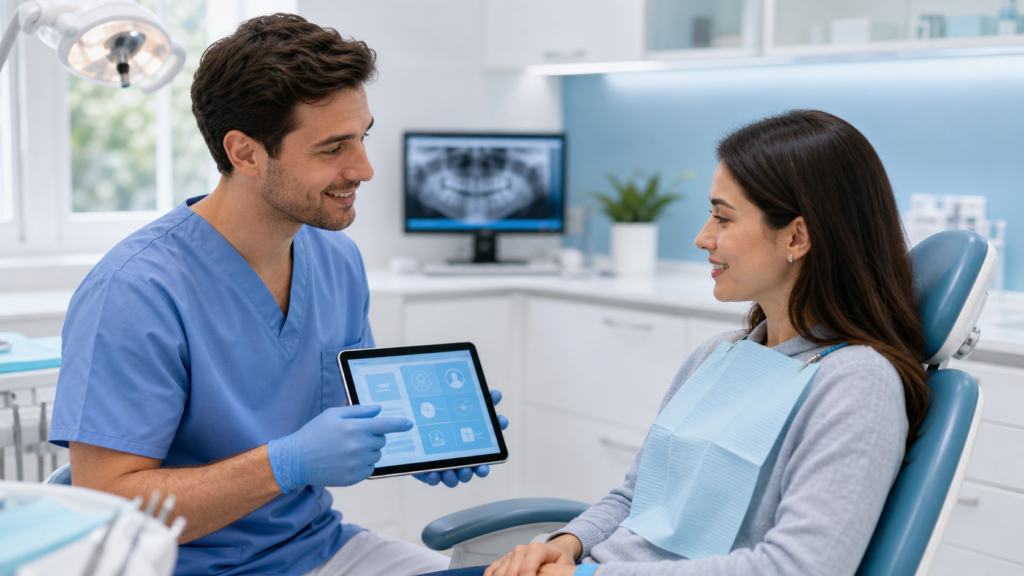
Service Clarity Helps Patients Choose You
A dental website should make your services easy to understand and easy to navigate. If a patient is looking for emergency dentistry, Invisalign, dental implants, teeth whitening, or pediatric care, they should not have to dig through vague pages to find it.
Each important service should have its own page with specific information. This helps both search engine optimization and patient decision-making.
What a Dental Service Page Should Explain
- What the service is
- Who may need it
- Common symptoms or reasons to schedule
- What the appointment may involve
- Benefits of treatment
- Insurance or payment considerations when relevant
- Clear next steps for scheduling
For example, an emergency dentistry page should clearly mention issues such as toothaches, broken teeth, knocked-out teeth, swelling, lost crowns, and same-day appointment availability if offered.
Specific service clarity helps patients feel understood. It also helps your front desk because patients submit better appointment requests when they know they are in the right place.
Location and Hours Should Be Impossible to Miss
Basic information can become a major trust signal when it is easy to find. Patients often visit a dental website with practical questions:
- Where are you located?
- Are you near my home, work, or child’s school?
- Are you open early, late, or on certain weekdays?
- Is parking available?
- How do I get there?
Your address, phone number, and hours should appear in the footer, contact page, and preferably near appointment calls to action. On mobile, the phone number should be clickable.
Helpful Location Details to Include
- Full practice address
- Embedded Google Map
- Clickable driving directions
- Parking instructions
- Nearby landmarks
- Service areas or neighborhoods you commonly serve
- Holiday or special hours when applicable
This is especially important for local SEO. Search engines and patients both look for consistent location information across your website, Google Business Profile, directories, and review platforms.
Insurance and Payment Information Removes Barriers
Cost uncertainty is one of the biggest reasons patients delay dental care. Your website does not need to list every possible fee, but it should explain how your practice handles insurance and payment options.
When patients cannot find this information, they often call the office with basic questions or leave the website entirely.
Insurance and Payment Details That Build Confidence
- Whether you accept dental insurance
- Examples of major insurance plans accepted, if applicable
- Whether your team helps patients understand benefits
- Payment methods accepted
- Financing options such as CareCredit or other third-party financing
- In-house membership plans, if offered
- New patient specials, if appropriate and compliant
A practical example:
“Our front desk team is happy to help you understand your dental benefits before treatment. We accept many major insurance plans and offer flexible payment options for patients without insurance.”
This type of message reassures patients while also supporting front desk operations by setting expectations before the first call.
Security Signals Make Patients Feel Safe
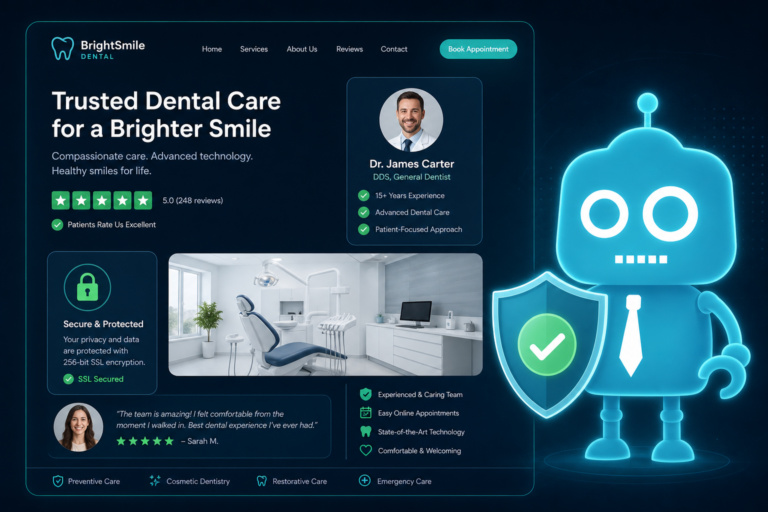
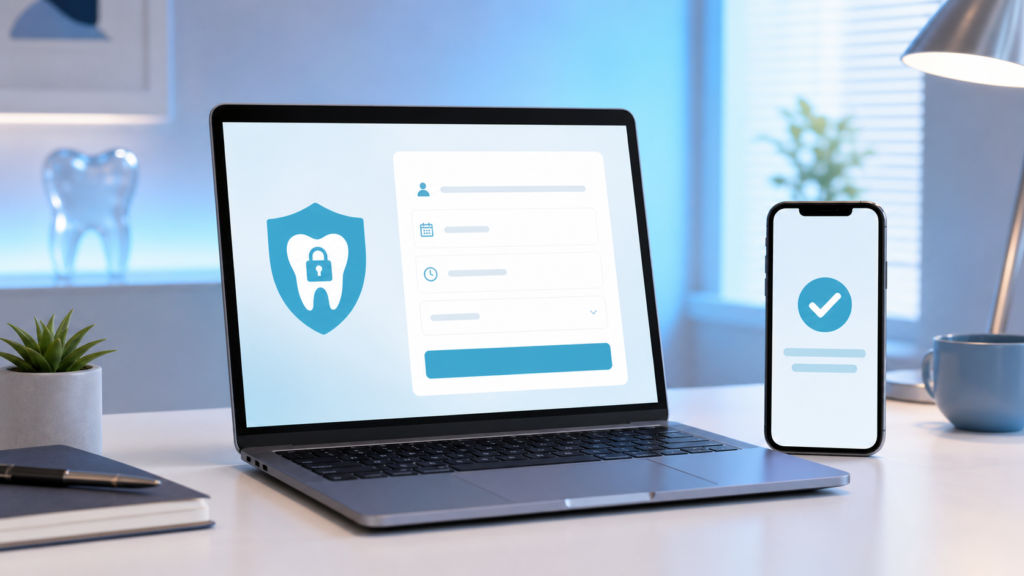
Dental websites often collect sensitive information through appointment forms, new patient forms, payment links, or CRM-connected lead capture forms. Patients need to feel that their information is handled responsibly.
Security is both a technical requirement and a trust signal.
Important Website Security Signals
- SSL certificate so the website loads with HTTPS
- Secure contact and appointment request forms
- Clear privacy policy
- HIPAA-conscious handling of patient information
- Trusted form tools and integrations
- Regular website updates and maintenance
If your website shows a “Not Secure” warning in the browser, it can immediately damage trust. Patients may hesitate to submit forms, and search engines may view the site less favorably.
Fast Loading Keeps Patients From Leaving
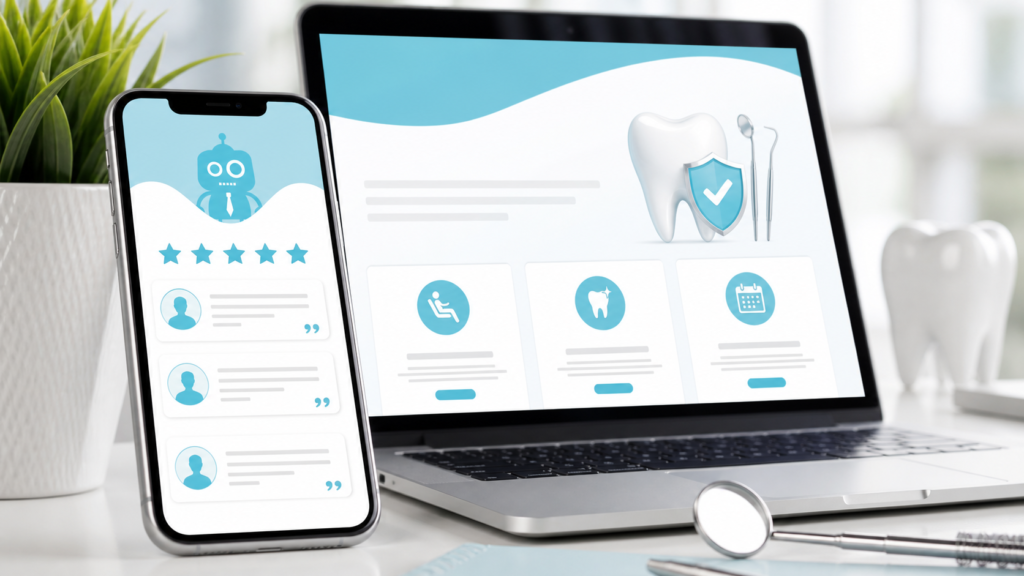
Speed is a quiet credibility signal. Patients may not consciously think, “This website loads quickly, so I trust this dentist.” But they do notice frustration when pages are slow.
A slow website can hurt new patient conversion, especially on mobile devices. Many dental searches happen during short moments: a lunch break, after a child complains of tooth pain, or while someone is comparing nearby offices.
What Can Slow Down a Dental Website
- Oversized images
- Outdated themes or plugins
- Poor hosting
- Too many pop-ups or scripts
- Unoptimized video files
- Old website code
Fast loading supports SEO, improves user experience, and increases the chances that patients will complete an appointment request form instead of abandoning the site.
Easy Contact Options Turn Trust Into Action
Once a patient trusts your practice, the next step should be obvious. A dental website should make it easy to call, request an appointment, send a message, or get directions.
Many practices lose potential new patients because contact options are hidden, forms are too long, or calls to action are unclear.
Contact Features That Improve Dental Website Conversion
- Clickable phone number on mobile
- Visible “Request an Appointment” buttons
- Short lead capture forms
- After-hours appointment request options
- Clear confirmation message after form submission
- SMS or email follow-up automation
- CRM integration so leads are tracked and assigned
A form submission should not disappear into an inbox that no one checks regularly. For better front desk operations, website leads should flow into a CRM or patient communication system where your team can respond quickly.
Speed matters. If a patient requests an appointment from three dental offices, the practice that responds first often wins. Automated SMS and email confirmations can reassure the patient immediately while your team follows up personally.
How Small Credibility Signals Work Together
Trustworthy dental websites are not created by one feature. They are built through the combined effect of many small details.
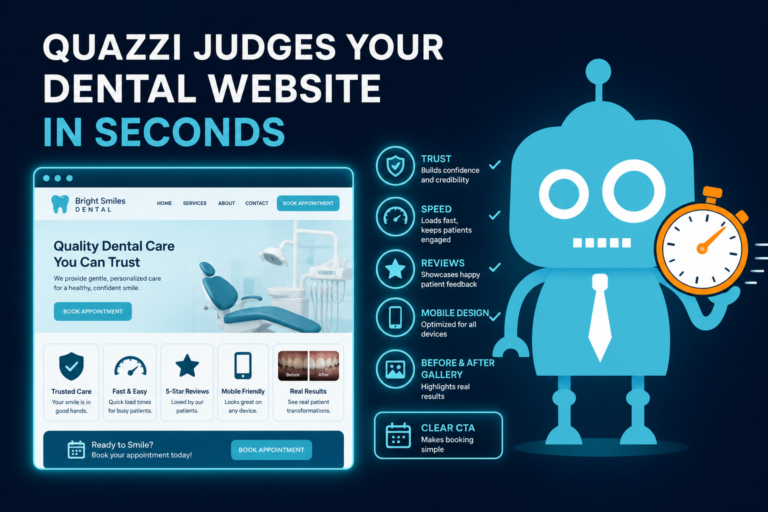
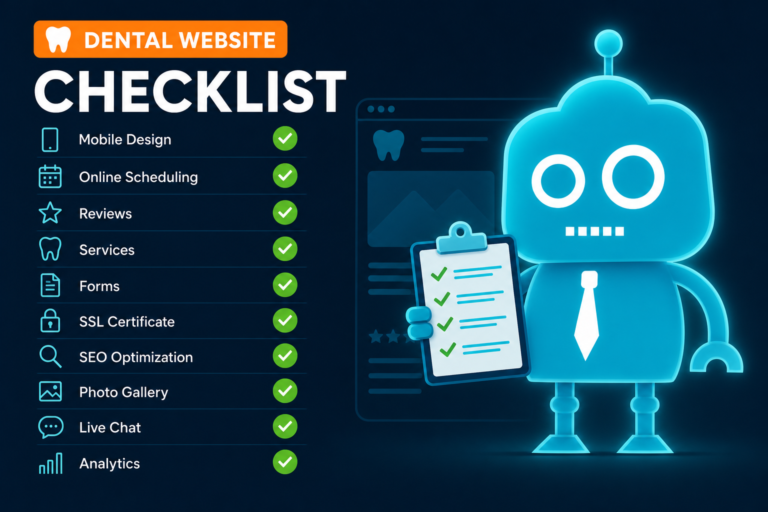
A patient may not consciously notice every trust signal, but the overall experience shapes their decision. A clean design, real photos, clear service pages, strong reviews, secure forms, fast loading, and simple contact options all work together to reduce hesitation.
A Trust-Building Patient Journey Might Look Like This
- A patient searches for “dentist near me” or “emergency dentist in [city].”
- They click your website and it loads quickly on their phone.
- They immediately see your location, phone number, and appointment button.
- They notice real photos of the office and team.
- They read a short, clear explanation of the service they need.
- They see recent reviews from patients with similar concerns.
- They check insurance or payment information.
- They submit a short appointment request form.
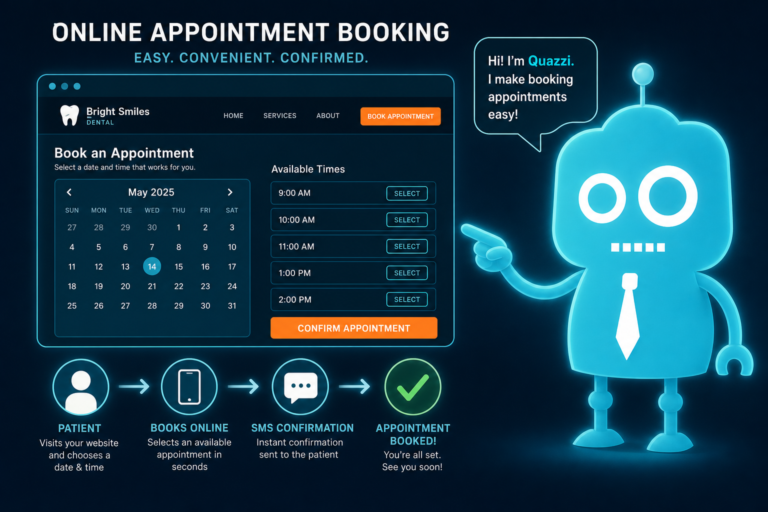
- They receive an automated confirmation by SMS or email.
- Your front desk follows up and schedules the visit.
That is website trust in action. It is not just about looking professional. It is about helping patients move from uncertainty to confidence.
Common Trust Gaps on Dental Websites
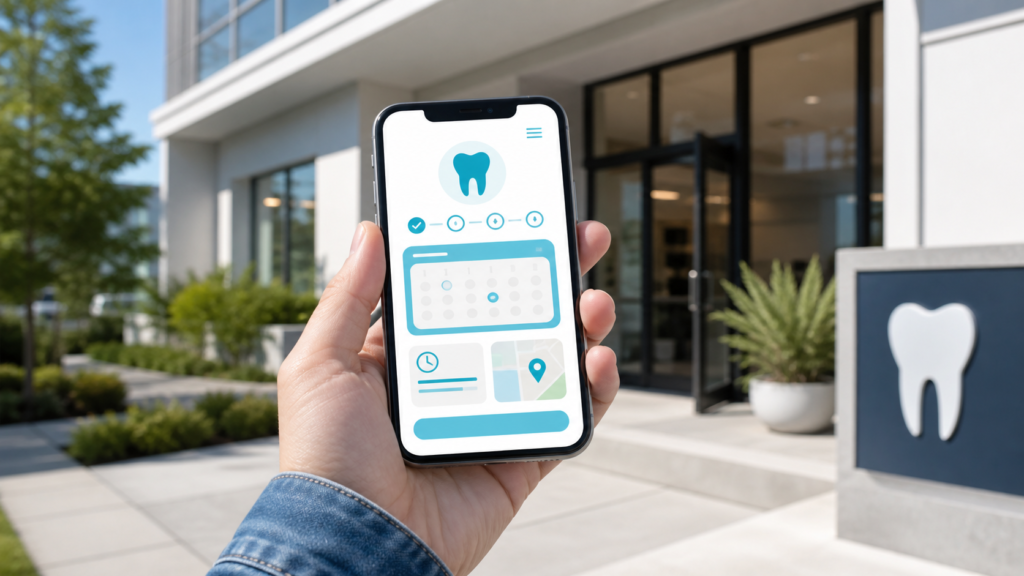
Many independent dental practices already have strong clinical care and a loyal patient base, but their websites do not fully reflect that quality. Common trust gaps include:
- Outdated design that makes the practice look less current than it is
- No real photos of the dentist, team, or office
- Generic service descriptions copied from other dental websites
- Reviews that are hidden or not featured near calls to action
- Missing insurance and payment information
- Appointment forms that are too long or hard to use on mobile
- No CRM connection or lead tracking process
- Slow page speed due to old hosting or unoptimized images
- Unclear follow-up process for new patient inquiries
Fixing these issues can improve more than the look of your website. It can directly support new patient acquisition, reduce missed opportunities, and make life easier for your front desk team.
Build a Dental Website That Earns Patient Trust
Your dental website should do more than exist online. It should help patients feel confident choosing your practice.
Every detail matters: the photo of your front desk team, the way you explain root canals, the visibility of your phone number, the speed of your pages, the security of your forms, and the follow-up message a patient receives after requesting an appointment.
When those small credibility signals are thoughtfully built into the website, patients are more likely to trust your practice and take action.
How CreateTheSite.com Helps Dental Practices Build Trust Online
CreateTheSite.com helps dental practices create modern, patient-friendly websites designed to build credibility and convert visitors into appointment requests.
Our team supports independent dental practices with website solutions that align with real front desk operations, new patient acquisition, and patient communication workflows.
CreateTheSite.com Can Help With:
- Modern dental website design
- Reliable website hosting
- Mobile optimization for patients searching on phones
- Lead capture forms for appointment requests and inquiries
- CRM integrations so new leads are easier to track
- SMS and email automation for faster follow-up
- Appointment follow-up workflows
- Review-focused website sections that support social proof
- Ongoing website support, updates, and improvements
If your current dental website feels outdated, unclear, or disconnected from your patient follow-up process, CreateTheSite.com can help you turn it into a stronger trust-building asset for your practice.
Visit CreateTheSite.com to learn how a modern dental website can help your practice attract more new patients, improve communication, and make it easier for your team to convert website visitors into scheduled appointments.