What Patients Judge in the First 5 Seconds of Visiting Your Dental Website
Before a new patient reads your bio, compares services, or studies your financing options, they have already made a quick judgment about your dental practice.
In the first five seconds of visiting your dental website, patients are deciding whether your office feels modern, trustworthy, convenient, and safe. They may not say it out loud, but they are asking themselves:
- Does this practice look professional?
- Can I find the phone number quickly?
- Is it easy to book an appointment?
- Do other patients trust this office?
- Does this feel like a place I would be comfortable visiting?
This matters because your website is often the first interaction a patient has with your practice. Even if they were referred by a friend, found you on Google, or clicked from a dental insurance directory, your website must confirm their decision quickly.
For independent dental practice owners, dentists, and office managers, those first few seconds can directly affect new patient acquisition, call volume, appointment requests, and front desk efficiency.
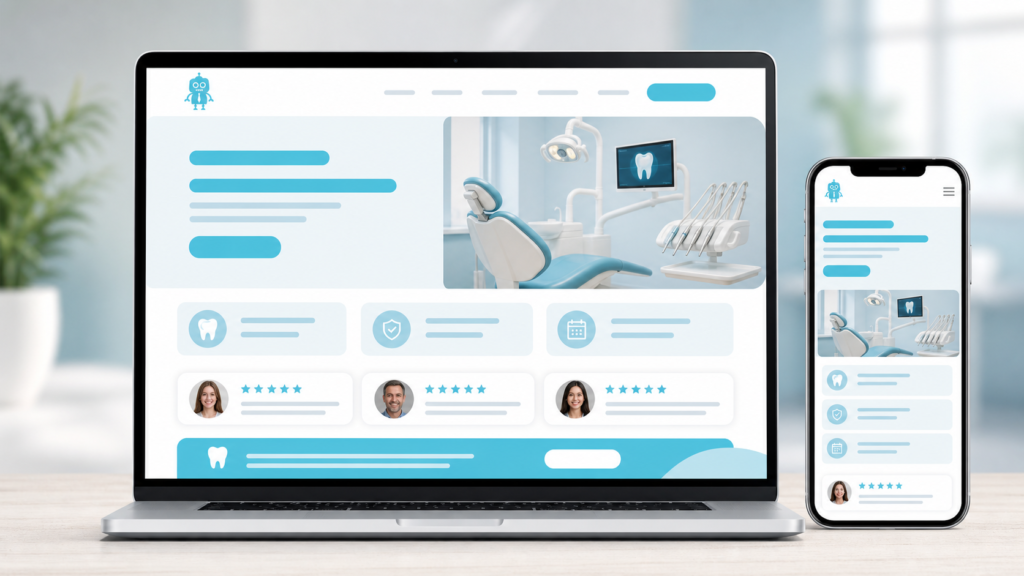
Why the First 5 Seconds Matter for Dental Websites
Most patients do not begin by reading your entire homepage. They scan. They look for visual cues, reassurance, and a clear next step.
A patient with a toothache may want the fastest way to call. A parent looking for a family dentist may want to see friendly staff photos and reviews. Someone considering cosmetic dentistry may judge whether your website feels polished enough to trust with a smile makeover.
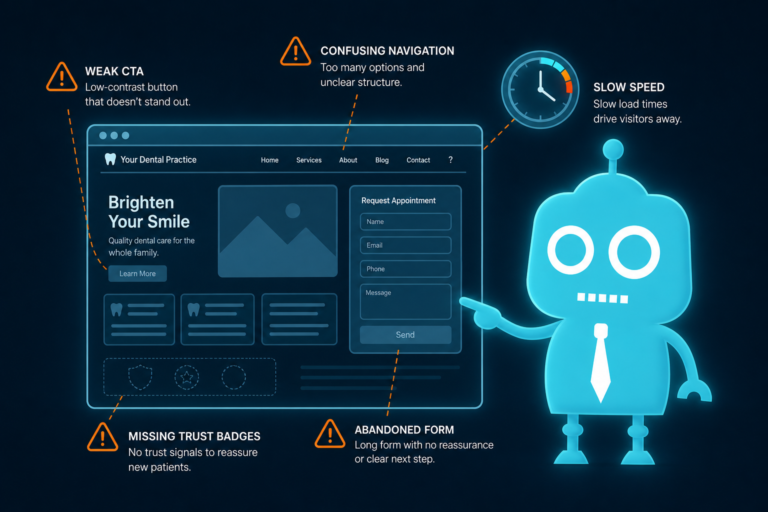
If your dental website feels outdated, slow, confusing, or hard to use, patients may leave before your front desk ever gets a chance to speak with them.
The goal is not just to have a website. The goal is to have a dental website that builds confidence immediately and helps patients take action.
1. Visual Design: Does Your Practice Look Modern and Trustworthy?
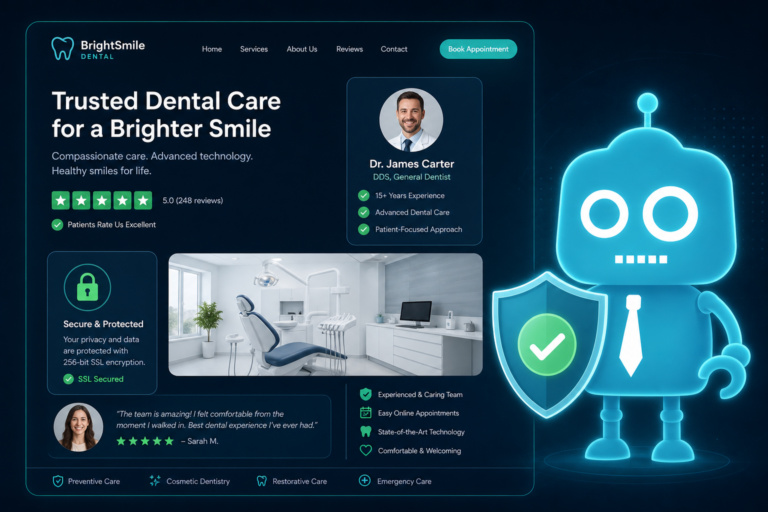
Patients judge the quality of your dental practice partly by the quality of your website design. Fair or not, an outdated website can make a modern clinical office feel behind the times.
Your website design should communicate cleanliness, professionalism, comfort, and confidence. Dental care is personal. Patients are choosing someone to work inside their mouth, manage pain, improve their smile, or care for their children. Visual trust matters.
What Patients Notice Immediately
- Is the website clean and uncluttered?
- Do the colors feel professional and calming?
- Are images sharp and high-quality?
- Does the design look current on desktop and mobile?
- Does the homepage feel organized or overwhelming?
For example, a dental website with tiny text, stock photos, outdated colors, and crowded menus can create hesitation. A modern site with clear messaging, real photos, visible calls to action, and a calm layout helps patients feel more comfortable moving forward.
Good dental website design is not just about looking nice. It supports conversion by helping patients quickly understand who you are, what you offer, and how to contact you.
2. Mobile Loading: Does the Website Load Fast on a Phone?
Many new patients visit your dental website from a smartphone. They may be sitting in their car, searching during lunch, or comparing offices after receiving a referral.
If your website takes too long to load, patients may never see your homepage. Slow mobile loading can quietly reduce appointment requests and increase missed opportunities.
Why Mobile Speed Matters for Dental Practices
Patients searching for dental care often have immediate intent. They may be looking for:
- Emergency dental appointments
- A dentist near their home or workplace
- Insurance-friendly dental offices
- Same-week hygiene appointments
- Cosmetic dentistry consultations
- Pediatric or family dental care
If your site is slow, they may return to Google and call the next practice listed. This is especially important for competitive local search terms such as “dentist near me,” “emergency dentist,” or “family dentist in [city].”
Mobile optimization should include compressed images, reliable hosting, responsive design, fast-loading appointment forms, and click-to-call phone numbers.
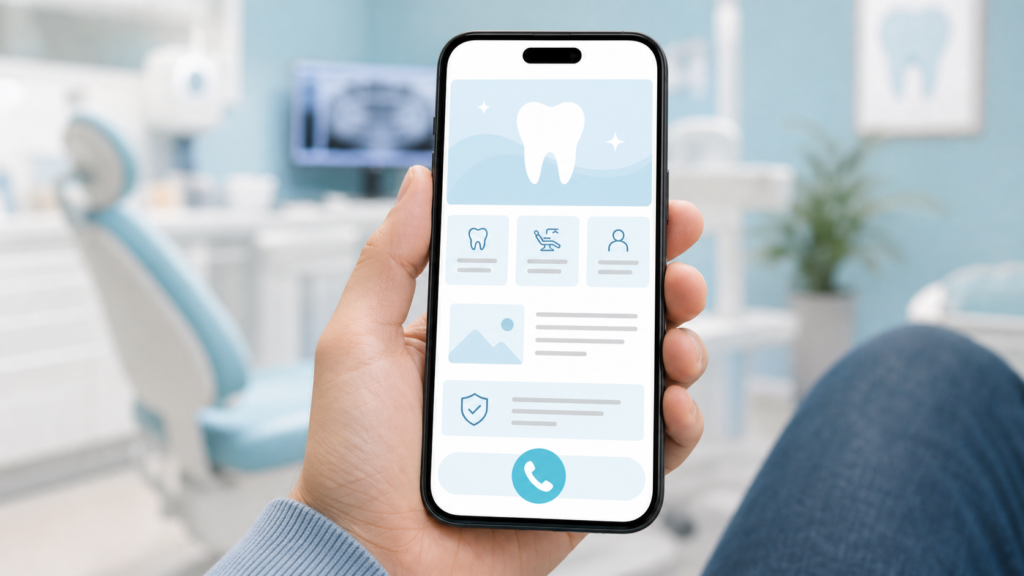
3. Phone Number Visibility: Can Patients Call Without Searching?
For dental practices, the phone number is one of the most important conversion elements on the website. Patients should not have to hunt for it.
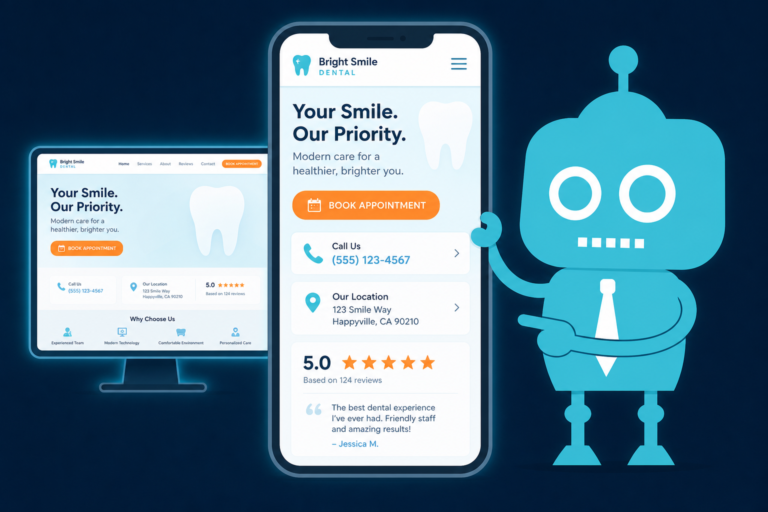
Your phone number should be visible at the top of the website, especially on mobile. It should also be clickable so patients can tap once to call your office.
Best Practices for Phone Number Placement
- Place the phone number in the header on desktop.
- Use a click-to-call button on mobile.
- Repeat the phone number near appointment forms.
- Include it in the footer with office hours and address.
- Make emergency contact instructions clear if you offer urgent care.
This is where website design and front desk operations overlap. If your website generates more calls, your front desk needs to know where those calls are coming from, what services patients are asking about, and how to follow up if someone does not schedule immediately.
Connecting your website to a CRM system or call tracking workflow can help your team manage new patient inquiries more effectively.
4. Appointment Button: Is the Next Step Obvious?
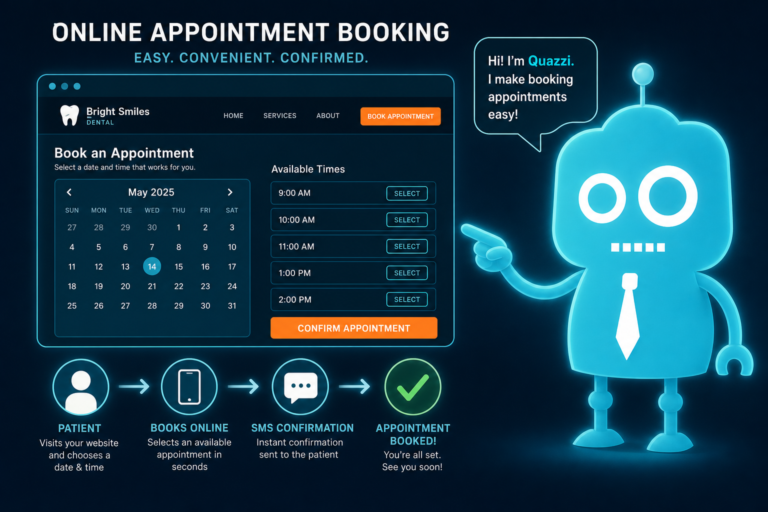
A dental website should make scheduling feel easy. If patients are interested but cannot quickly find how to request an appointment, they may leave.
Your appointment button should be clear, visible, and repeated throughout the site. Common labels include:
- Request an Appointment
- Book a Visit
- Schedule a Consultation
- Call to Schedule
- New Patient Appointment
The wording should match your office workflow. If your practice does not offer true online scheduling, avoid misleading patients with “Book Now.” Instead, use “Request an Appointment” and route submissions to your front desk or CRM.
Make Appointment Requests Easy to Manage
An effective appointment request form should collect enough information for follow-up without overwhelming the patient. For example:
- Name
- Phone number
- Email address
- Preferred appointment time
- Reason for visit
- New or existing patient status
Once submitted, the form should trigger a clear internal process. Your front desk should receive the inquiry quickly, and the patient should get an immediate confirmation by email or SMS letting them know the office will follow up.
This is where SMS and email automation can improve conversion. A patient who submits a form at 9:00 p.m. should not feel like their request disappeared. A simple automated message can reassure them and reduce the chance they call another office the next morning.
5. Reviews and Testimonials: Do Other Patients Trust You?
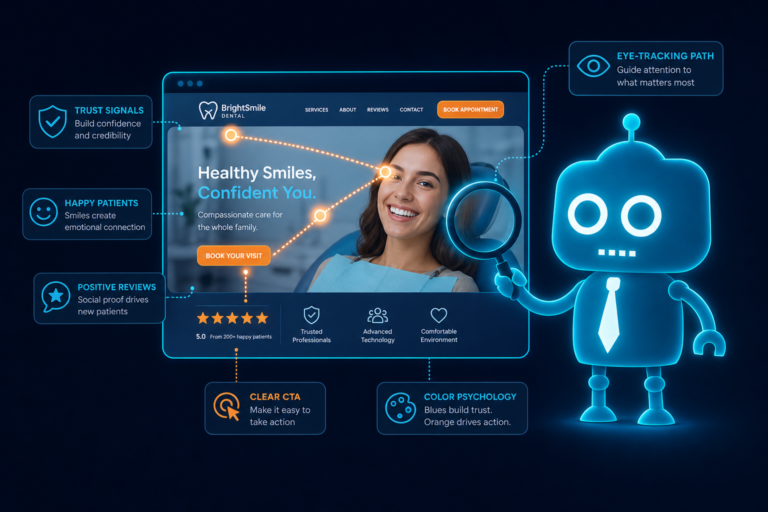
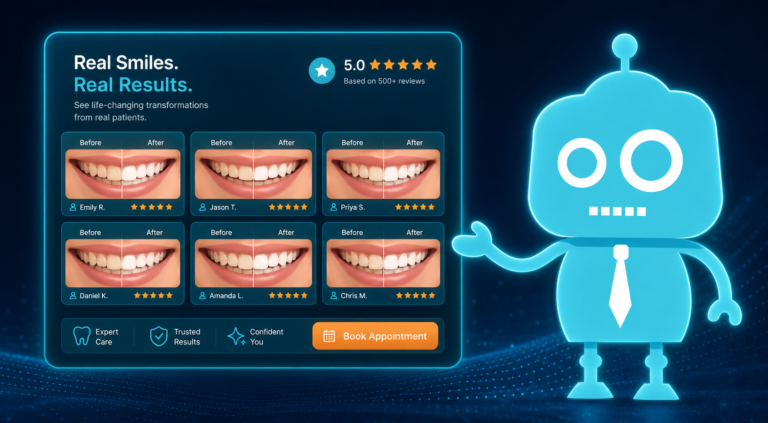
Reviews are one of the fastest trust signals on a dental website. Patients want proof that other people had a positive experience with your office.
For dental practices, reviews are especially powerful because many patients feel nervous about treatment. They want to know if your team is gentle, friendly, honest, and organized.

What Dental Patients Look for in Reviews
- Friendly front desk interactions
- Gentle hygienists
- Clear explanations from the dentist
- Help with insurance questions
- Comfort during procedures
- Good experiences with children or anxious patients
- Efficient appointment scheduling
Place strong testimonials on your homepage, service pages, and new patient page. If possible, include a link to your Google reviews or display recent review highlights.
Reviews also support local SEO. A website that connects your reputation, location, services, and patient experience can help turn search visibility into actual appointment requests.
6. Staff Photos: Does the Practice Feel Human?
Dental care is relationship-based. Patients are not only choosing a service; they are choosing people.
Real staff photos can make your website feel more personal and trustworthy. This is especially important for independent dental practices competing against larger dental groups or corporate brands.

Use Real Photos When Possible
Stock photos can make a dental website look polished, but they do not build the same level of trust as real images of your dentist, hygienists, assistants, front desk team, and office environment.
Consider adding:
- A professional photo of the dentist or doctors
- A team photo on the homepage or About page
- Photos of the reception area and operatories
- Friendly front desk images
- Photos that show your office personality
Patients often feel more comfortable scheduling when they can picture who they will meet. Staff photos also help reduce anxiety for new patients who are nervous about their first visit.
7. Navigation: Can Patients Find What They Need Quickly?
Patients judge your dental website by how easy it is to use. If your navigation is confusing, they may assume the appointment process will be frustrating too.
Your menu should be simple and organized around the way patients think. Avoid overcrowding the navigation with too many options.
Recommended Dental Website Navigation
- Home
- About
- Services
- New Patients
- Reviews
- Insurance / Financing
- Contact
- Request Appointment
Service pages should be easy to find. A patient looking for dental implants, Invisalign, emergency dentistry, teeth whitening, crowns, or cleanings should not have to click through multiple pages to confirm you offer the service.
Good navigation also helps your front desk. When patients can find answers to common questions online, your team spends less time repeating basic information and more time helping patients schedule.
8. Service Clarity: Do Patients Immediately Know What You Offer?
One common mistake on dental websites is using broad language without clearly listing services. Patients want to know if you can solve their specific problem.
Instead of only saying “Comprehensive Dental Care,” be specific. Show the main services your practice wants to attract.
Examples of Clear Dental Service Messaging
- Family dentistry for adults and children
- Emergency dental appointments
- Dental implants and implant restorations
- Invisalign and clear aligners
- Cosmetic dentistry and veneers
- Teeth whitening
- Dental crowns and bridges
- Preventive cleanings and exams
- Periodontal care
- Root canal therapy
Each important service should have its own page with clear explanations, patient-friendly language, FAQs, and a strong appointment call to action.
This helps both patients and search engines. Service clarity improves dental SEO by giving Google specific pages to rank for relevant local searches.
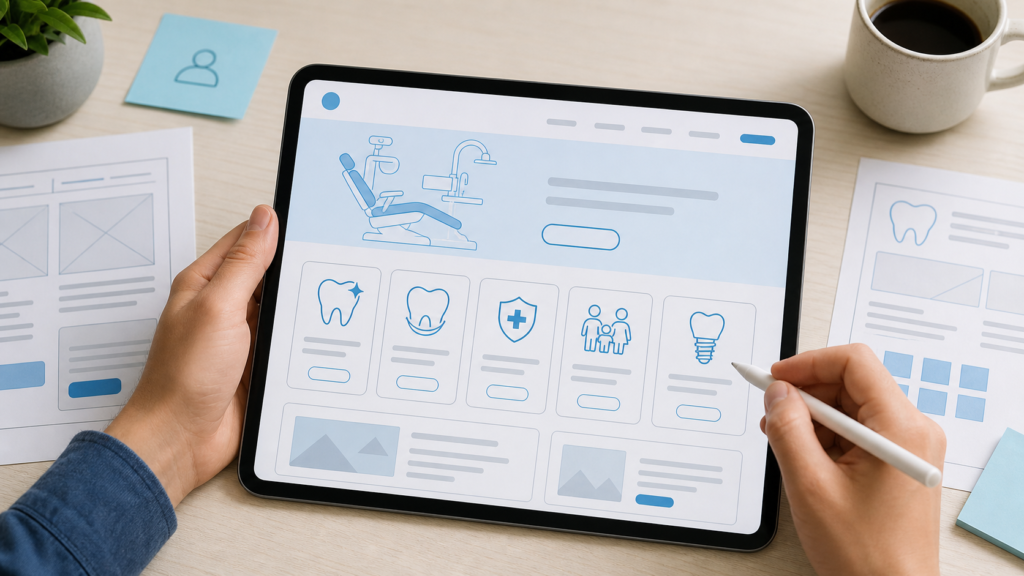
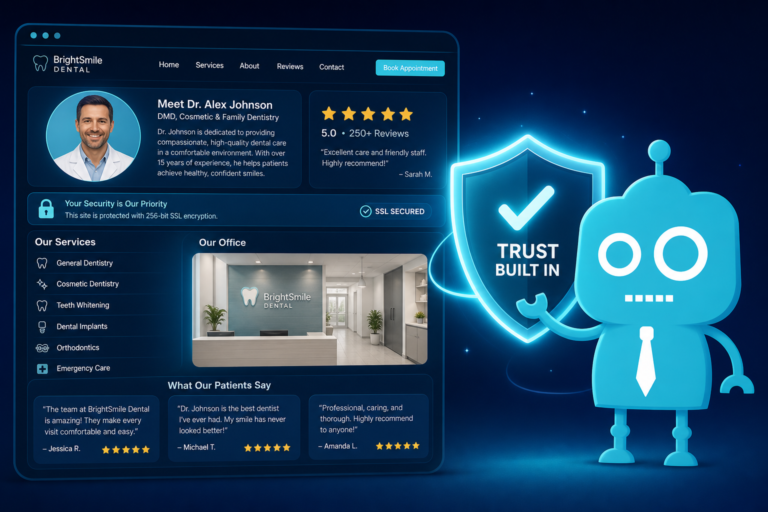
9. Trust and Safety Signals: Does the Website Reduce Anxiety?
Trust and safety signals are especially important in dentistry because many patients arrive with anxiety, cost concerns, or past negative experiences.
Your website should quickly answer the unspoken question: “Am I safe choosing this office?”
Important Trust Signals for Dental Websites
- Dentist credentials and professional memberships
- Years in practice or community experience
- Before-and-after photos where appropriate and compliant
- Patient reviews and testimonials
- Insurance and financing information
- Clear office hours and location
- HIPAA-conscious forms and privacy messaging
- Sterilization, cleanliness, and safety information
- Technology highlights, such as digital X-rays or intraoral scanners
For example, a patient considering implants may want to see credentials, technology, testimonials, and financing options. A parent choosing a family dentist may care more about gentle care, staff friendliness, and scheduling convenience.
Your website should give each type of patient enough reassurance to take the next step.
How the First 5 Seconds Affect New Patient Conversion
A strong dental website does more than look professional. It supports your entire patient acquisition process.
When the first impression is strong, patients are more likely to:
- Call the office
- Submit an appointment request
- Read service pages
- Check reviews
- Ask about insurance or financing
- Respond to follow-up messages
- Show up better informed for their first visit
When the first impression is weak, your marketing becomes less efficient. You may spend money on Google Ads, SEO, postcards, social media, or referral campaigns, only to lose patients when they land on a slow or outdated website.
Your website should work like a digital extension of your best front desk team member: welcoming, clear, organized, and focused on helping patients schedule.

Practical Website Improvements Dental Offices Can Make
You do not always need a complete rebuild to improve website performance. Start by looking at your site the way a new patient would.
Run a 5-Second Website Test
Open your website on a phone and ask:
- Can I tell this is a dental practice immediately?
- Can I see the city or service area?
- Can I call with one tap?
- Can I request an appointment without searching?
- Do I see reviews or trust signals quickly?
- Does the site load fast?
- Does the design feel current?
- Are the main services obvious?
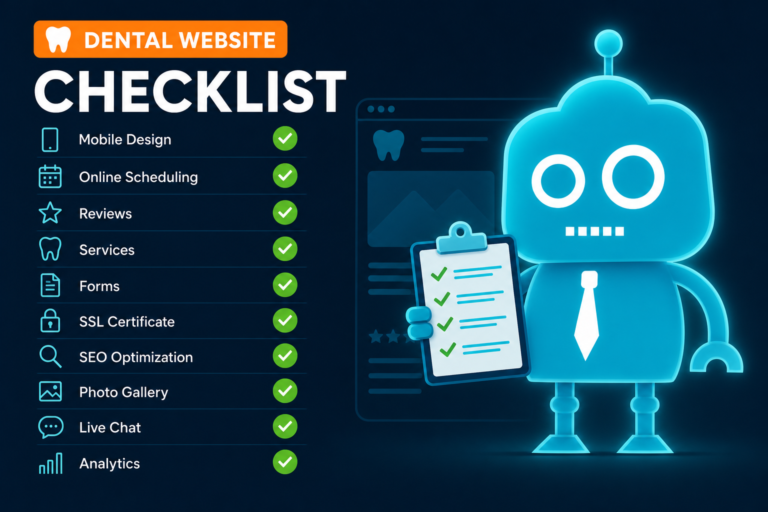
If the answer is no to several of these questions, your website may be costing you new patient opportunities.
Align the Website With Front Desk Follow-Up
A good dental website should not just collect leads. It should help your team respond quickly and consistently.
Consider how appointment requests are handled:
- Where do form submissions go?
- Who is responsible for follow-up?
- How quickly are new patient inquiries contacted?
- Are missed calls tracked?
- Are SMS or email reminders used for unscheduled inquiries?
- Are reviews requested after completed visits?
When your website, CRM, SMS/email automation, and front desk workflow are connected, fewer opportunities fall through the cracks.
Your Dental Website Should Earn Trust Before Patients Read Everything
Patients may eventually read your About page, compare services, check insurance details, and browse reviews. But their first opinion forms almost instantly.
In those first five seconds, they are judging your visual design, mobile speed, phone number visibility, appointment button, reviews, staff photos, navigation, service clarity, and trust signals.
For dental practices, this is not just a design issue. It is a new patient growth issue.
A modern, mobile-friendly, conversion-focused dental website helps patients feel confident, helps your front desk capture more opportunities, and helps your practice turn online visitors into scheduled appointments.
How CreateTheSite.com Helps Dental Practices Improve Website Conversions
CreateTheSite.com helps independent dental practices build modern websites that make a strong first impression and support real patient acquisition.
Our team helps dental offices with:
- Modern dental website design
- Fast, secure website hosting
- Mobile optimization
- Clear appointment request forms
- Lead capture and CRM integrations
- SMS and email automation
- Appointment follow-up workflows
- Review and testimonial placement
- Ongoing website updates and support
Whether your current site feels outdated, loads slowly on mobile, or is not generating enough appointment requests, CreateTheSite.com can help you create a website that looks professional, works smoothly, and supports your front desk team.
If you want your dental website to build trust in the first five seconds and make it easier for patients to schedule, visit CreateTheSite.com to learn how we can help your practice grow online.