Why Most Dental Websites Fail to Convert
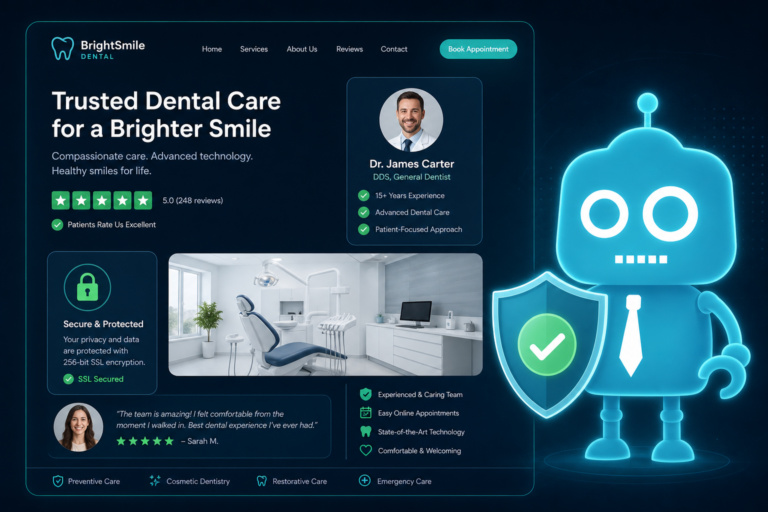
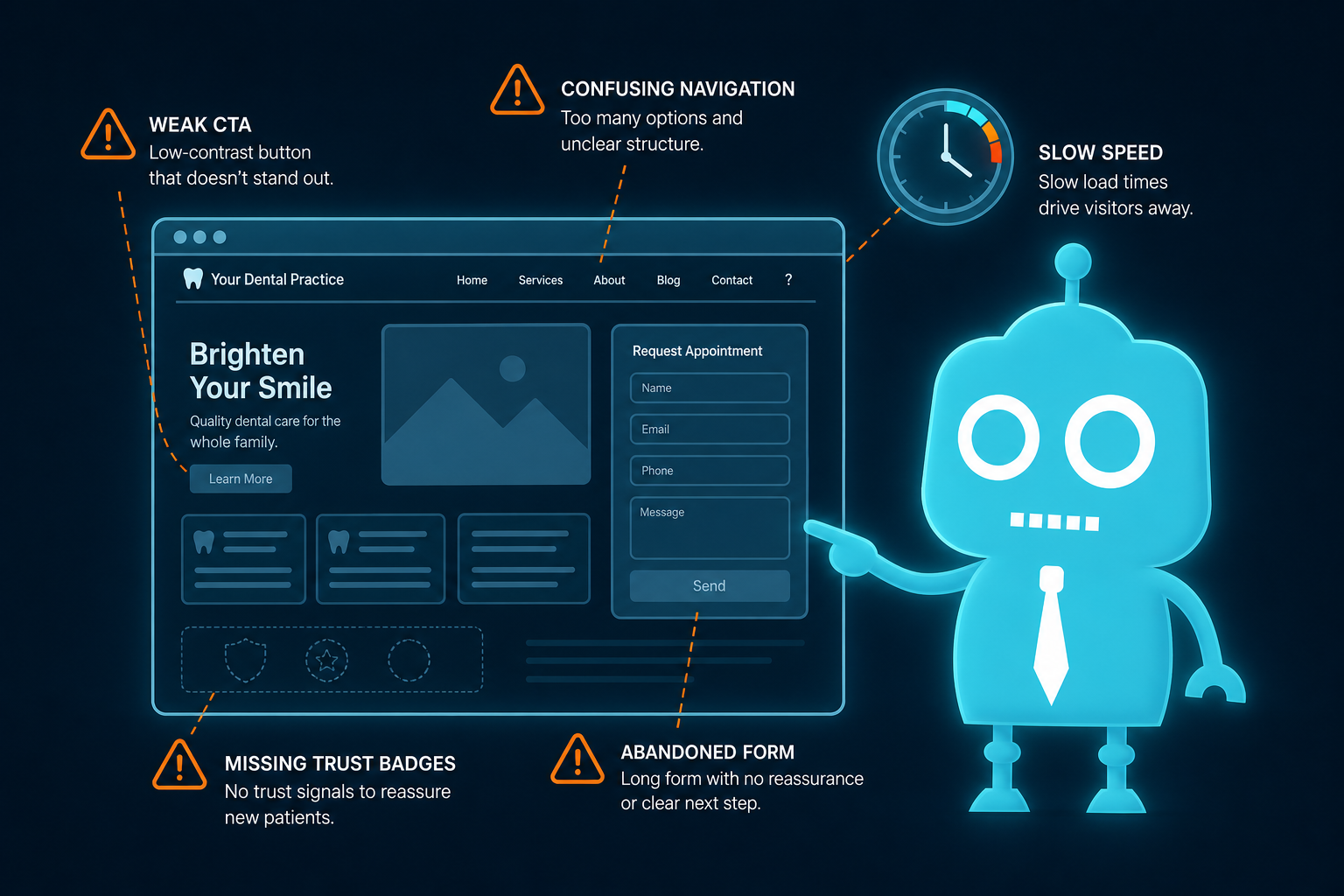
Most dental websites are built like digital brochures.
They explain who the dentist is, list a few services, show a phone number, and maybe include a contact form. That may look professional, but it does not automatically turn visitors into new patients.
A high-performing dental website should work like a conversion system. It should guide patients from “I need a dentist” to “I just booked an appointment” with as little friction as possible.
For independent dental practices, this matters. Your website is often the first interaction a potential patient has with your office. If it is confusing, slow, generic, or difficult to use on a phone, that patient may choose another practice within seconds.
Here are the most common reasons dental websites fail to convert — and how to fix them.
1. Weak CTAs Leave Patients Unsure What to Do Next
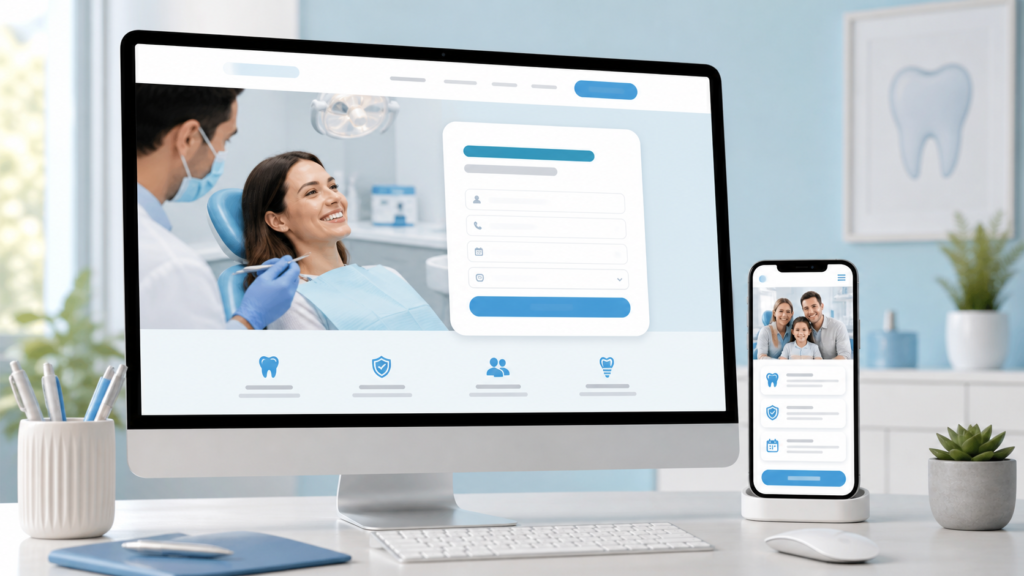
A call-to-action, or CTA, tells visitors what step to take next. Many dental websites use vague CTAs like:
- “Contact Us”
- “Learn More”
- “Submit”
- “Click Here”
These do not create momentum. A patient with a toothache, a parent looking for a family dentist, or someone comparing cosmetic dentistry options needs clear direction.
Better CTA examples for dental websites
- “Book a New Patient Appointment”
- “Request an Emergency Dental Visit”
- “Schedule a Free Implant Consultation”
- “Call Now for Same-Day Dental Care”
- “Ask About Invisalign Availability”
Your CTAs should match patient intent. Someone visiting an emergency dentistry page should not see the same CTA as someone reading about teeth whitening.
Place strong CTAs in obvious locations, including:
- The top header
- The hero section of the homepage
- Every service page
- After insurance or financing information
- At the bottom of blog posts
- In sticky mobile buttons
If your website does not clearly answer “What should I do next?” you are losing potential new patients.
2. Poor Mobile Design Costs You New Patient Calls
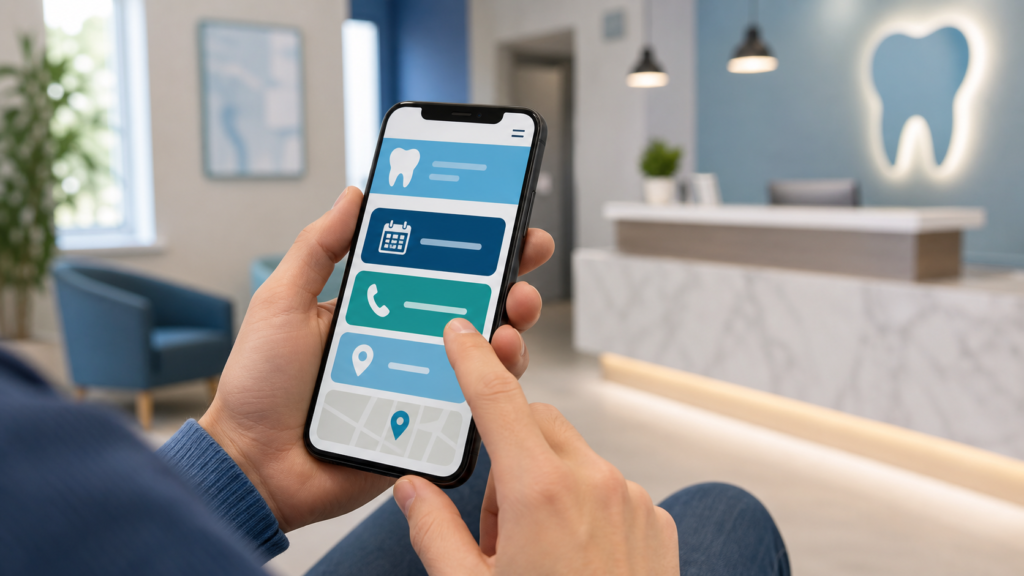
Most dental website traffic now comes from mobile devices. Patients search for dentists while sitting in their car, at work, at home, or during a dental emergency.
If your website is hard to use on a phone, your practice may be losing high-intent leads.
Common mobile design problems on dental websites
- Phone numbers that are not click-to-call
- Small buttons that are difficult to tap
- Menus that hide important pages
- Forms that are too long for mobile users
- Slow-loading images
- Text that is difficult to read
- No sticky “Call” or “Book Now” button
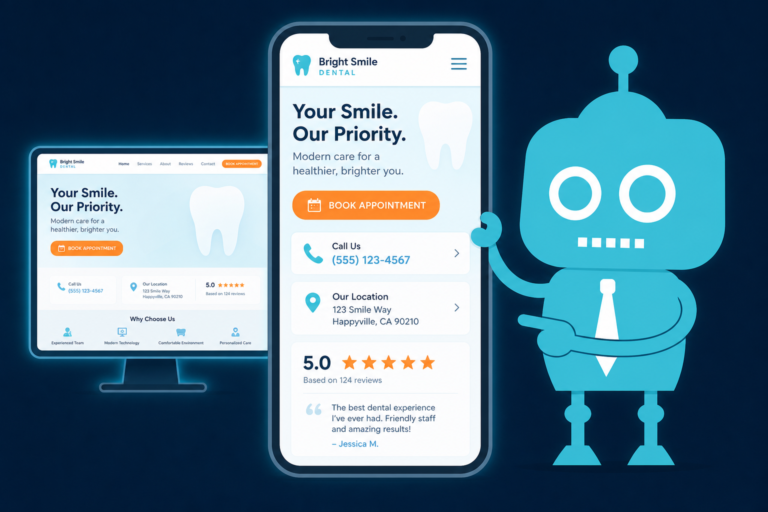
A mobile dental website should make it easy to take action immediately. If someone searches “emergency dentist near me,” they should be able to call your office in one tap.
For a dental practice, mobile optimization is not just a design issue. It directly affects call volume, appointment requests, and front desk workload.
3. No Online Booking Creates Unnecessary Friction
Many dental websites still force every patient to call the office during business hours. That creates a problem.
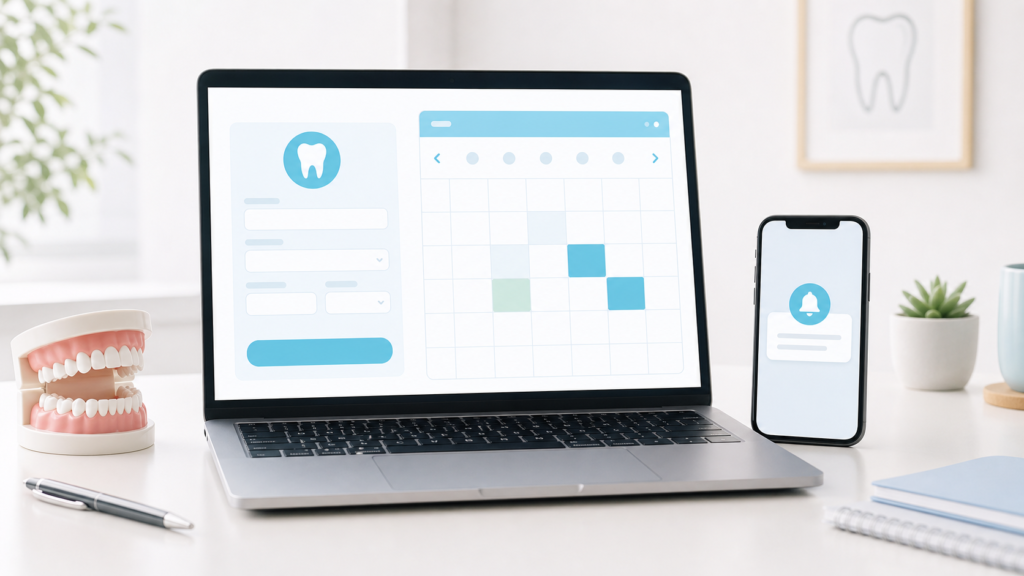
Patients often search for dentists at night, on weekends, or during work breaks when they cannot make a phone call. If your website only says “Call us to schedule,” some patients will move on to a practice that allows online booking or appointment requests.
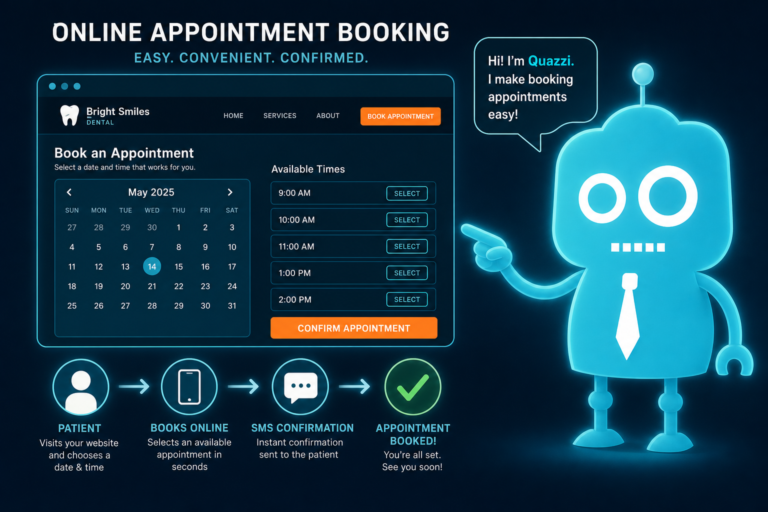
Online booking does not have to replace your front desk
Some dentists worry that online scheduling will create chaos in the calendar. But online booking does not have to mean giving patients full control over your schedule.
You can use:
- Online appointment request forms
- New patient booking forms
- Emergency visit request forms
- Consultation request forms
- Integration with dental scheduling or CRM systems
The goal is to capture patient intent when it is highest.
For example, a visitor reading your dental implant page at 9:30 p.m. may not call. But they may complete a form that says, “Request an implant consultation.” That lead can then be followed up by your front desk the next morning.
Without online booking or appointment requests, your website is asking patients to work around your office hours. A conversion-focused website meets patients when they are ready.
4. Emergency Patients See No Urgency
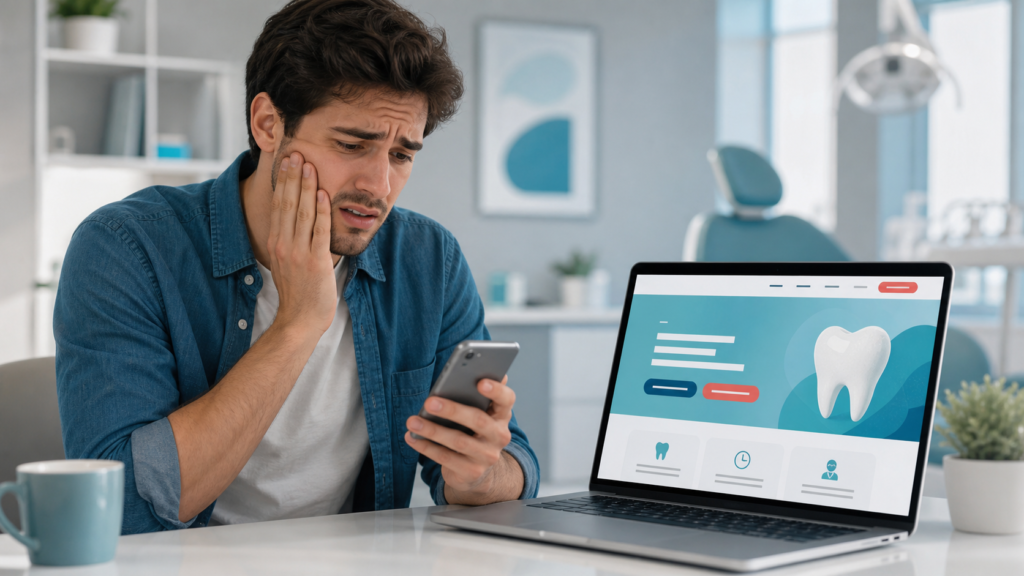
Emergency dental patients behave differently from routine cleaning patients. They are often in pain, anxious, and looking for immediate help.
If your website treats emergency dentistry like just another service page, it may fail to convert some of your highest-intent visitors.
What emergency dental patients need to see
- Clear “Call Now” buttons
- Same-day appointment messaging if available
- Information about common emergencies
- Instructions for what to do next
- Office hours and after-hours guidance
- Location and parking information
- Reassurance that the practice handles urgent cases
Compare these two examples:
Weak emergency CTA: “Contact our office for more information.”
Strong emergency CTA: “Tooth pain or swelling? Call now to request a same-day emergency dental appointment.”
The second CTA speaks directly to the patient’s situation. It creates urgency and makes the next step obvious.
If your practice offers emergency dentistry, your website should make that unmistakable on both desktop and mobile.
5. Generic Copy Makes Your Practice Sound Like Everyone Else
Many dental websites use copy that could belong to any practice in any city.
Examples include:
- “We provide quality dental care.”
- “Our friendly team is here for you.”
- “We use the latest technology.”
- “Your smile is our priority.”
These statements are not necessarily wrong, but they are too broad to persuade a patient. Generic copy does not explain why someone should choose your practice over the dentist down the street.
Dental website copy should answer real patient questions
Patients want to know:
- Do you accept my insurance?
- Can I get in quickly?
- Do you treat anxious patients?
- Are you good with children?
- Do you offer payment plans?
- How experienced are you with implants, Invisalign, or cosmetic cases?
- What happens during the first visit?
- Will I feel pressured into treatment?
Strong copy addresses these concerns clearly.
For example, instead of saying:
“We offer comprehensive dental care for the whole family.”
Say:
“From your child’s first cleaning to crowns, implants, and emergency visits, our office helps families in [City] get practical dental care in one convenient location.”
The second version is more specific, more local, and more useful to a patient deciding whether to call.
6. Poor Trust Signals Make Patients Hesitate
Dental care is personal. Patients are not just buying a product. They are trusting someone with their health, comfort, appearance, and finances.
If your website does not quickly build trust, visitors may hesitate before scheduling.
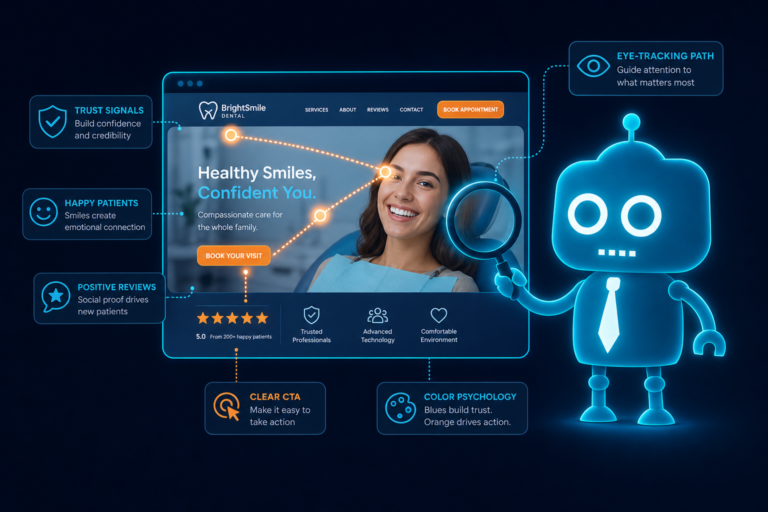
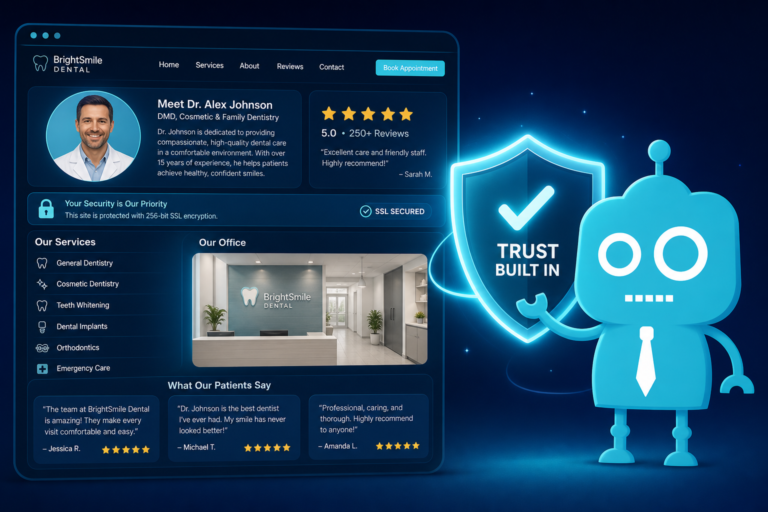
Important trust signals for dental websites
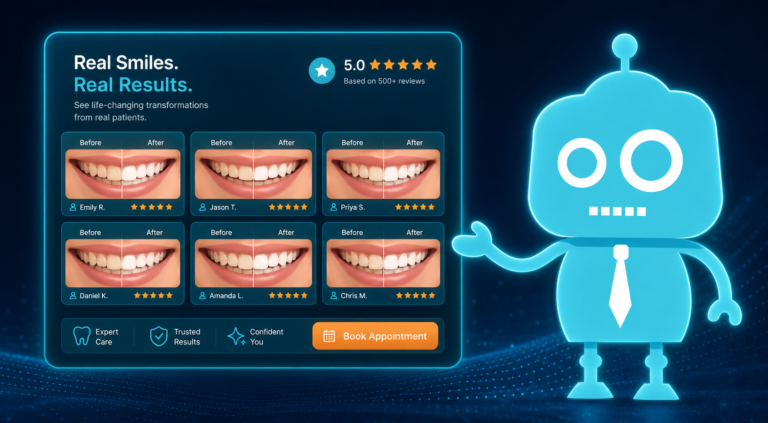
- Google reviews and star ratings
- Patient testimonials
- Before-and-after photos where appropriate
- Dentist bios with credentials and experience
- Team photos
- Insurance information
- Financing options
- Professional memberships
- Technology explanations
- Clear privacy and HIPAA-conscious form practices

A website with no reviews, no real photos, and no dentist bio feels incomplete. Patients may wonder who they will see, what the office is like, and whether the practice is reputable.
For independent dental practices, authentic trust signals are especially valuable. You may not have the brand recognition of a large dental group, but you can show the real people, patient experience, and local reputation behind your office.
7. Weak Service Pages Fail to Capture High-Intent Searches
Many dental websites have one general “Services” page with a long list of treatments. This is a missed opportunity.
Patients often search for specific services, such as:
- “dental implants near me”
- “emergency dentist in [City]”
- “Invisalign dentist near me”
- “teeth whitening [City]”
- “same day crowns dentist”
- “family dentist accepting new patients”
If your website does not have dedicated pages for these services, it is harder to rank in search engines and harder to convert visitors once they arrive.
What a strong dental service page should include
- A clear headline focused on the service and location
- Who the service is for
- Symptoms or problems the patient may be experiencing
- How the treatment works
- Benefits and realistic expectations
- Insurance or financing information if relevant
- FAQs based on common patient questions
- Reviews or testimonials related to that service
- A strong CTA to call, book, or request a consultation
For example, a dental implant page should not simply say, “We offer dental implants.” It should explain who is a candidate, what the process involves, how consultations work, and how patients can take the next step.
Good service pages support both dental SEO and new patient conversion.
8. No Automation After Form Submission Lets Leads Go Cold
Getting a patient to submit a form is not the finish line. It is the beginning of the follow-up process.
Many dental websites send form submissions to a general office email inbox. If the front desk is busy checking in patients, answering phones, verifying insurance, and managing cancellations, that form may not receive immediate attention.
That delay matters.
A new patient who requests an appointment from your website may also contact two other dental offices. The practice that responds first often wins the appointment.
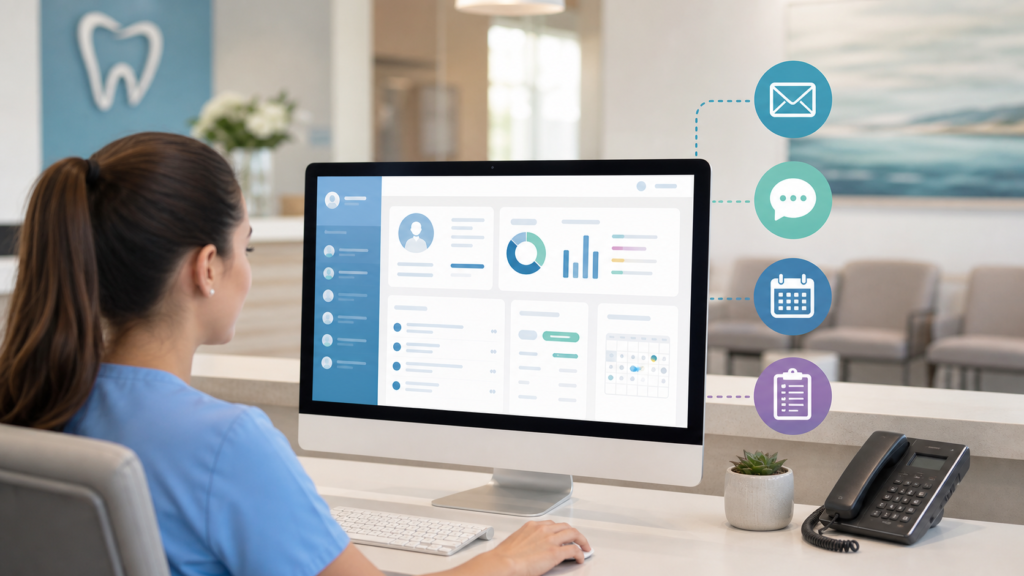
What should happen after a dental website form is submitted?
A conversion-focused website should trigger an organized follow-up process, such as:
- Instant confirmation message on the website
- Email notification to the front desk
- SMS alert to the office or assigned team member
- Automatic confirmation email to the patient
- Automatic text message acknowledging the request
- CRM entry with patient name, contact information, and requested service
- Task reminder for the team to follow up
- Appointment follow-up sequence if the patient does not respond
This is where CRM systems and SMS/email automation become valuable for dental practices.
For example, after a patient submits a “Request an Emergency Appointment” form, they could immediately receive a text saying:
“Thanks for contacting [Practice Name]. We received your emergency dental request. If you are in severe pain or swelling, please call us now at [Phone Number]. Our team will follow up as soon as possible.”
That kind of response reassures the patient and reduces the chance that they keep searching.
Automation does not replace your front desk. It supports your front desk by making sure no lead is ignored, delayed, or buried in an inbox.
Your Dental Website Should Be a Conversion System, Not a Brochure
A brochure-style website is passive. It provides information and hopes the patient takes action.
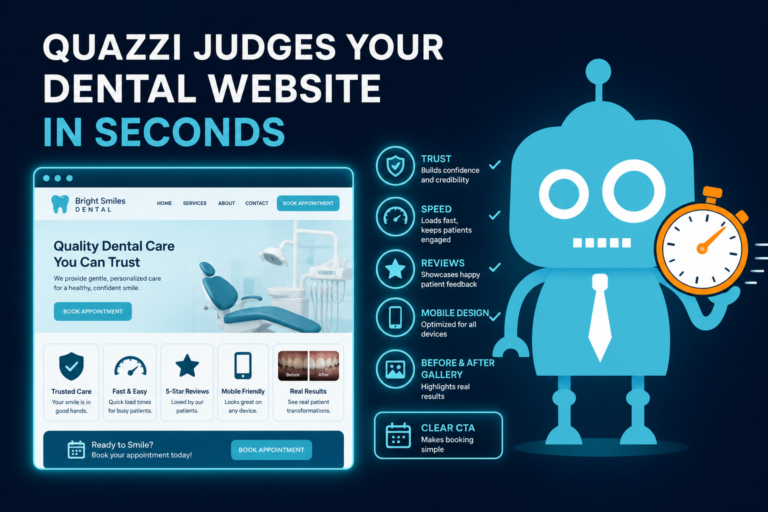
A conversion-focused dental website is active. It guides visitors, answers questions, builds trust, captures leads, and helps your team follow up quickly.
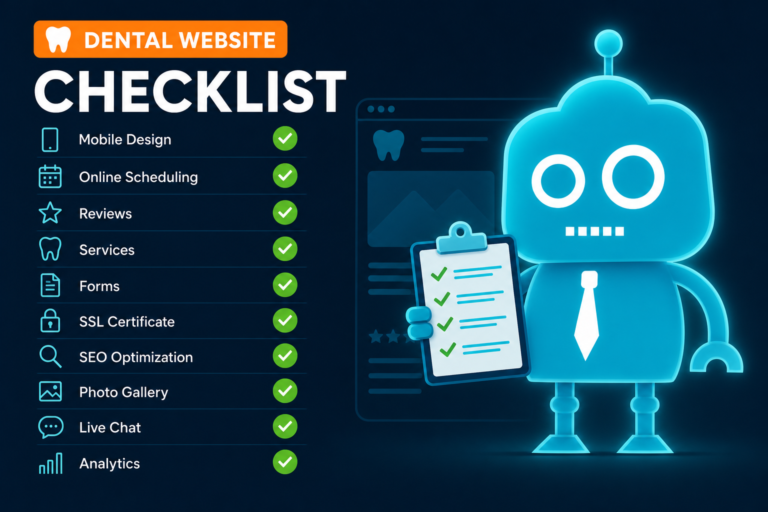
A strong dental website should:
- Make phone calls and appointment requests easy
- Work perfectly on mobile devices
- Include clear CTAs on every important page
- Support online booking or appointment requests
- Create urgency for emergency dental patients
- Use specific copy written for your services and local market
- Show reviews, testimonials, bios, and real trust signals
- Have dedicated service pages for high-value treatments
- Connect form submissions to CRM, SMS, and email follow-up
If your website looks nice but does not generate calls, appointment requests, or new patient leads, the problem may not be traffic. The problem may be conversion.
How CreateTheSite.com Helps Dental Practices Convert More Visitors
CreateTheSite.com helps dental practices build modern websites designed to support new patient acquisition, not just look good online.
Our team helps independent dental offices with:
- Modern dental website design
- Secure website hosting
- Mobile optimization
- Lead capture forms
- CRM integrations
- SMS and email automation
- Appointment follow-up workflows
- Ongoing website support
Whether your practice needs a better mobile experience, stronger service pages, online appointment requests, or automated follow-up after form submissions, CreateTheSite.com can help turn your website into a more effective conversion system.
If your dental website feels more like a brochure than a new patient engine, visit CreateTheSite.com to learn how we can help modernize your online presence and support your front desk with better lead capture and follow-up.