How Before-and-After Galleries Increase Dental Conversions
Patients considering cosmetic dentistry, dental implants, Invisalign, veneers, or a full smile makeover are often making a high-trust, high-value decision. They are not just comparing prices. They are asking themselves, “Can this dentist help someone like me?”
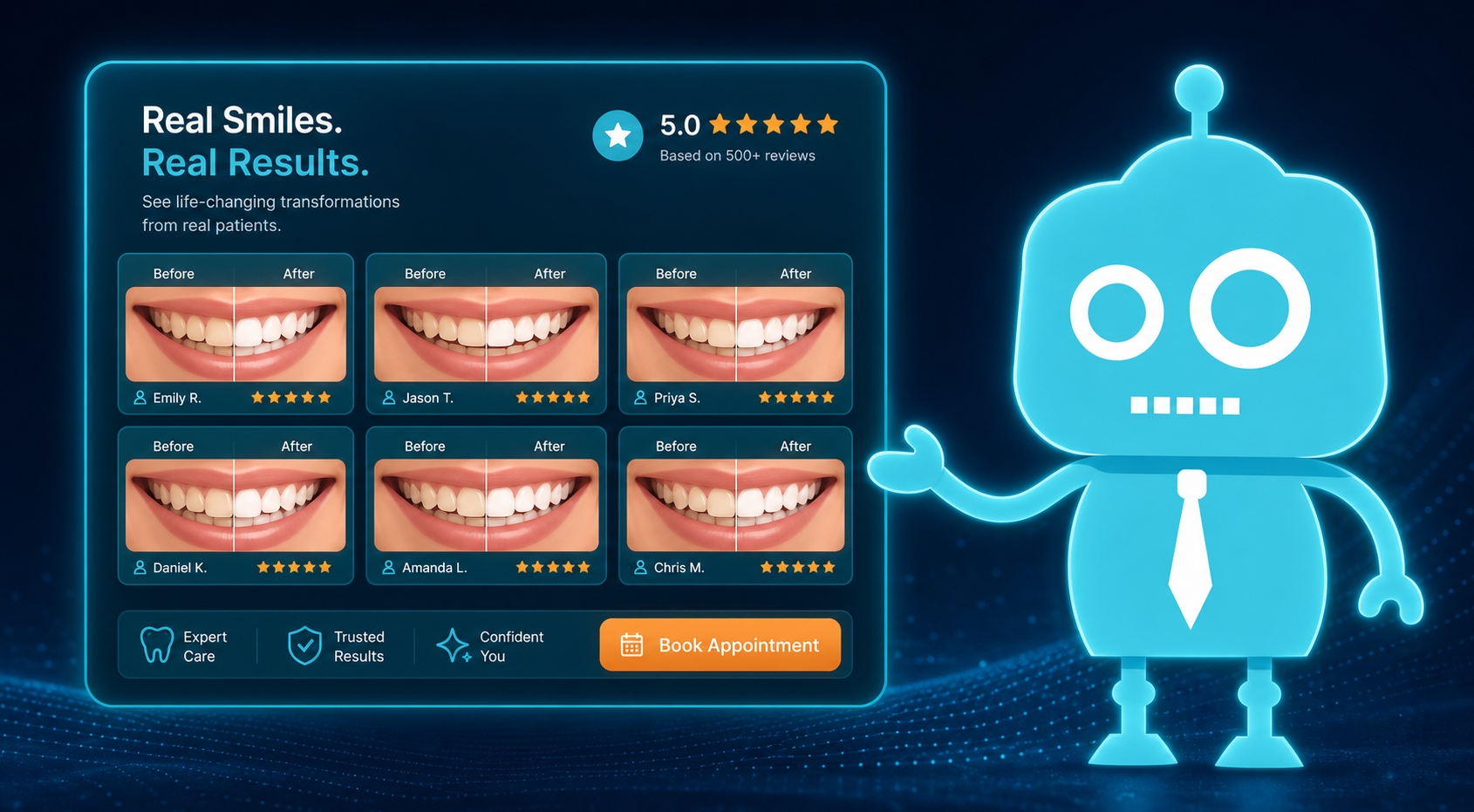
A well-organized before-and-after gallery answers that question visually.
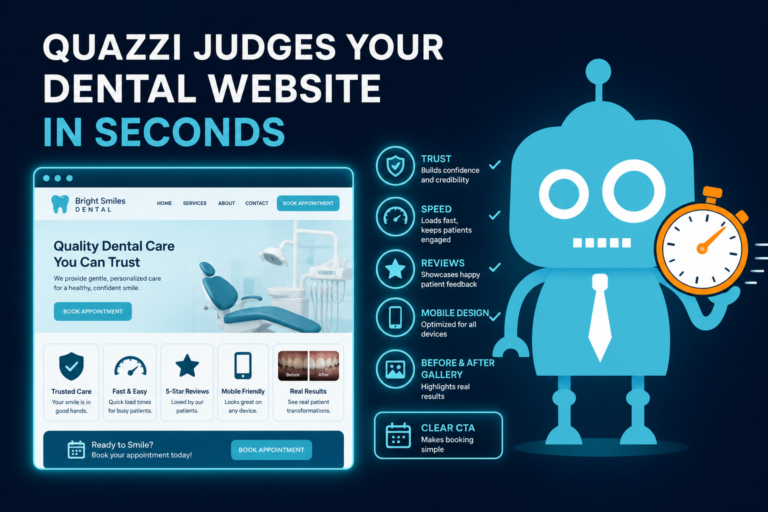
For independent dental practices, before-and-after photos can be one of the most effective website conversion tools because they provide visual proof. They help prospective patients feel more confident, understand what is possible, and take the next step toward scheduling a consultation.
When used ethically and strategically, a dental smile gallery can support new patient acquisition, improve consultation request rates, strengthen follow-up campaigns, and help your front desk team have more productive conversations with interested patients.
Why Visual Proof Matters in High-Value Dental Care
Many dental services require a patient to overcome uncertainty before booking. Cosmetic dentistry and restorative care can involve questions about appearance, cost, time, comfort, and trust.
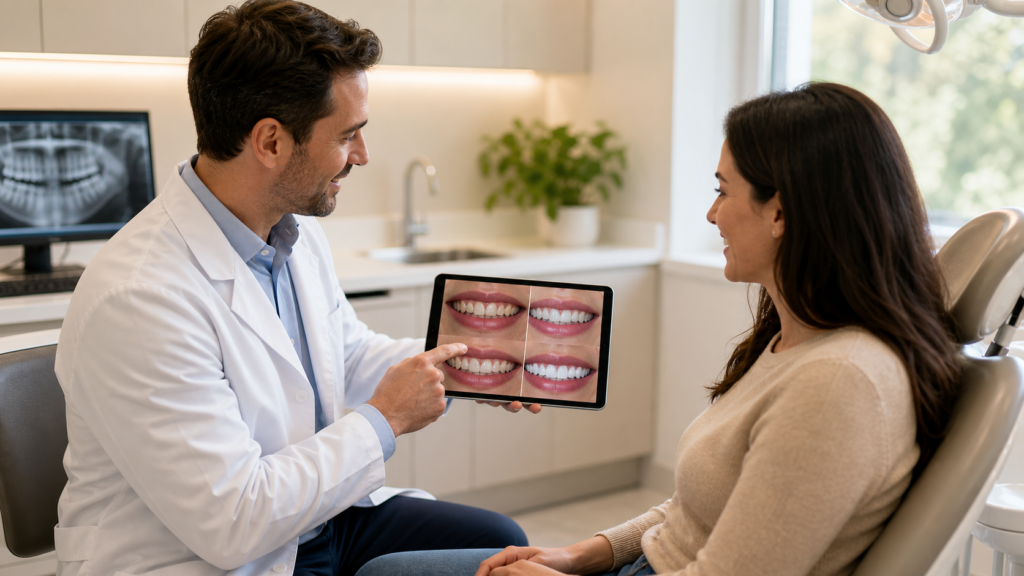
Before-and-after galleries reduce that uncertainty by showing real examples of treatment outcomes. Instead of only reading about veneers or implants, patients can see how a smile changed.
This is especially important for services such as:
- Cosmetic dentistry
- Dental implants
- Invisalign and clear aligner treatment
- Porcelain veneers
- Teeth whitening
- Smile makeovers
- Full-mouth rehabilitation
- Replacement of missing, worn, chipped, or discolored teeth
For many patients, visual proof creates emotional confidence before they ever call the office.
How Before-and-After Galleries Improve Website Conversions
A dental website conversion happens when a visitor takes a meaningful action, such as calling the office, requesting an appointment, completing a consultation form, or clicking to text the practice.
Before-and-after galleries can improve those actions because they make treatment outcomes easier to understand and easier to believe.
They Build Trust Faster
Most patients do not know how to evaluate clinical skill from a website. They may not understand the difference between bonding, veneers, crowns, implants, or aligners.
But they can understand a visible transformation.
For example, a patient with chipped front teeth may see a veneer case that looks similar to their own smile. That recognition can quickly shift their mindset from “I’m not sure this is for me” to “I should schedule a consultation.”
They Make Premium Services Feel More Tangible
High-value services often require more explanation. A page about dental implants may explain titanium posts, abutments, crowns, bone grafting, and healing timelines. That information is useful, but it can feel overwhelming.
A before-and-after implant photo gives the patient a simple visual takeaway: missing teeth can be replaced with a natural-looking result.
The same applies to Invisalign, veneers, and smile makeovers. Photos make the outcome feel real.
They Support Better Leads
Patients who view specific before-and-after cases before contacting the office may be more informed and more motivated. This can lead to better conversations with your front desk team.
Instead of asking only, “How much does Invisalign cost?” the patient may say, “I saw the Invisalign case on your website and want to know if I’m a candidate.”
That is a stronger consultation lead.
Using Galleries for Cosmetic Dentistry Conversions
Cosmetic dentistry is one of the strongest categories for before-and-after content because the visual outcome is often the main reason patients seek treatment.
Your gallery can help patients understand different cosmetic options, such as:
- Teeth whitening for discoloration
- Bonding for chips or minor gaps
- Veneers for shape, color, and alignment improvements
- Crowns for damaged or heavily restored teeth
- Gum contouring for uneven gumlines
- Smile makeovers combining multiple treatments
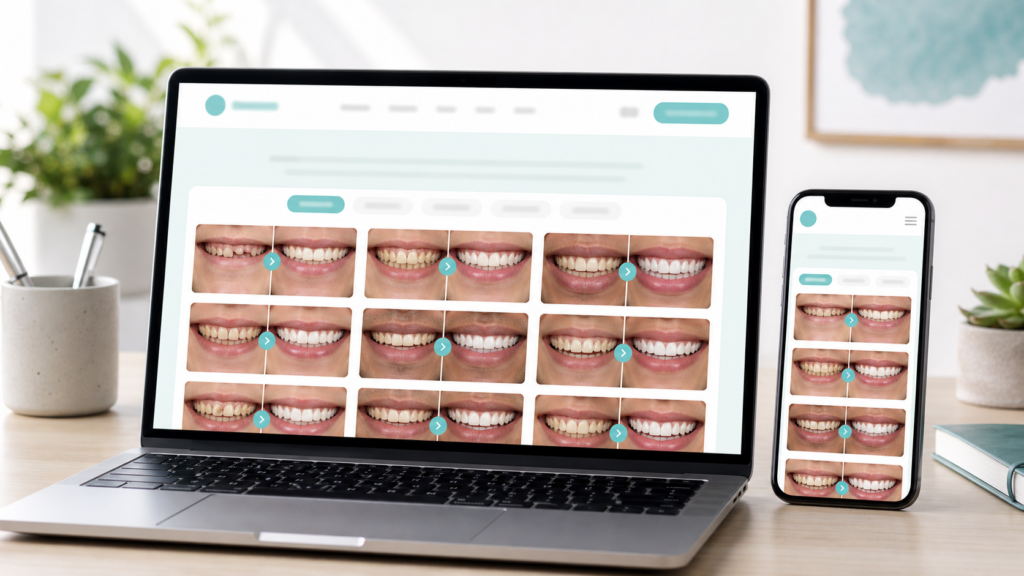
A practical example: create a gallery category called “Cosmetic Dentistry” and include filters for “Veneers,” “Bonding,” “Whitening,” and “Smile Makeovers.” This helps patients quickly find cases that match their concerns.
When patients can self-identify with a case, they are more likely to request a consultation.

Dental Implant Galleries Help Patients Picture Tooth Replacement
Dental implants are a major investment, and many patients researching implants are comparing multiple practices. They may also be anxious about surgery, healing, cost, and whether their final smile will look natural.
Before-and-after implant galleries can help by showing:
- Single-tooth implant replacement
- Multiple implant restorations
- Implant bridges
- Full-arch implant solutions
- Implants replacing removable dentures
For implant cases, captions are especially important. Patients often need context to understand what they are seeing.
For example:
Before: Patient was missing two lower molars and had difficulty chewing comfortably.
After: Two implant-supported crowns restored chewing function and helped preserve the patient’s bite. Individual results vary.
This type of caption educates without overpromising. It also helps the patient understand that implants are not only cosmetic; they can improve function, comfort, and quality of life.
Invisalign Galleries Can Address Common Patient Objections
Many adults considering Invisalign or clear aligners wonder whether treatment will work for their level of crowding, spacing, or bite issues. They may also worry about treatment time and whether they are “too old” for orthodontic care.
A clear aligner gallery can show cases such as:
- Crowded lower front teeth
- Spacing between front teeth
- Relapse after previous braces
- Mild bite correction
- Adult Invisalign cases
Consider including captions that mention treatment length when appropriate and permitted.
Before: Adult patient wanted to correct mild crowding before cosmetic bonding.
After: Clear aligner treatment improved tooth position in approximately 8 months, followed by minor cosmetic bonding.
This gives prospective patients a more realistic understanding of treatment planning. It can also encourage them to book an Invisalign consultation instead of waiting another year to decide.
Veneer Galleries Help Patients Visualize a Natural Smile
Veneers are highly visual, but they also come with patient concerns. Many people worry that veneers will look bulky, too white, or unnatural.
Your veneer gallery should help patients see that treatment can be personalized. Include a range of outcomes if possible:
- Subtle shade improvements
- Closing small gaps
- Lengthening worn teeth
- Improving symmetry
- Correcting discoloration that whitening cannot fix
- Replacing older cosmetic work
A helpful caption might say:
Before: Patient was unhappy with worn edges and uneven tooth shape.
After: Porcelain veneers were used to improve symmetry, tooth length, and overall smile balance while maintaining a natural shade.
This type of language appeals to patients who want noticeable improvement without an artificial-looking result.
Smile Makeover Galleries Show the Full Possibility
Smile makeovers are often the highest-value cosmetic cases on a dental website. They may involve veneers, crowns, whitening, Invisalign, gum contouring, implants, or restorative dentistry.
A smile makeover gallery can help patients understand how multiple treatments work together to create a comprehensive result.
For example, one case might include:
- Invisalign to improve alignment
- Whitening to brighten natural teeth
- Veneers on upper front teeth
- Bonding on lower front teeth
Instead of listing this only on a service page, show the transformation in your gallery and link it to a consultation form.
Patients considering smile makeovers often need a confidence boost before calling. A strong gallery gives them a reason to believe the process may be worth exploring.
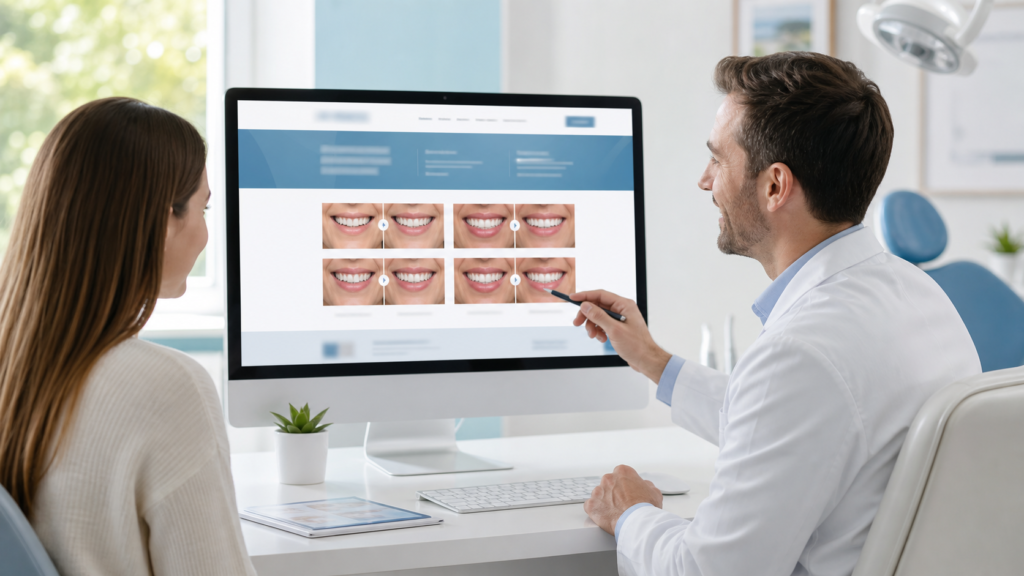
Ethical Gallery Organization for Dental Websites
Before-and-after galleries should be designed to help patients make informed decisions, not pressure them or create unrealistic expectations.
Ethical organization makes your gallery more useful and more trustworthy.
Organize by Treatment Type
Create separate gallery sections for major services, such as:
- Dental Implants
- Invisalign
- Veneers
- Cosmetic Bonding
- Teeth Whitening
- Smile Makeovers
- Full-Mouth Rehabilitation
This helps patients find relevant examples quickly. It also improves the SEO structure of your website because each gallery category can support related service pages.
Organize by Patient Concern
Some patients do not know what treatment they need. They only know what bothers them.
Consider adding filters or sections based on common concerns:
- Missing teeth
- Chipped teeth
- Crooked teeth
- Gaps between teeth
- Worn teeth
- Discolored teeth
- Old dental work
This approach is patient-friendly because it mirrors how people search online. A patient may type “fix chipped front tooth” before they ever search for “porcelain veneers.”
Use Consistent Photography
Consistency matters. Galleries are more persuasive when photos are clear, comparable, and professional.
Whenever possible, use similar angles, lighting, framing, and photo size for before and after images. Avoid overly edited images. Patients are looking for authenticity.
If your practice takes intraoral and portrait photos, decide which format works best for each gallery. Smile design cases may benefit from full-smile images, while implant or restorative cases may need close-up intraoral photos.

How Captions Turn Photos Into Conversion Tools
Photos create interest. Captions create understanding.
A before-and-after image without a caption may look impressive, but the patient may not know what treatment was performed, how long it took, or whether their situation is similar.
Strong dental gallery captions should include:
- The patient’s initial concern
- The treatment or combination of treatments used
- A realistic summary of the outcome
- A note that results vary when appropriate
- A consultation-focused next step
Example Caption for Veneers
Concern: Uneven front teeth, discoloration, and worn edges.
Treatment: Porcelain veneers were placed on the upper front teeth.
Result: The patient achieved a brighter, more balanced smile while maintaining a natural appearance. Results vary by patient.
Example Caption for Implants
Concern: Missing upper front tooth affecting appearance and confidence.
Treatment: Dental implant with a custom implant crown.
Result: The missing tooth was replaced with a stable, natural-looking restoration. A consultation is needed to determine implant candidacy.
Example Caption for Invisalign
Concern: Mild crowding and rotated lower front teeth.
Treatment: Clear aligner therapy.
Result: Improved alignment and easier maintenance. Treatment time and results vary depending on the case.
These captions do more than describe the image. They help the patient imagine the consultation conversation.

Where to Place Consultation CTAs in a Dental Gallery
A beautiful gallery is not enough. If patients feel inspired but do not know what to do next, the website may lose the lead.
Every before-and-after gallery should include clear consultation calls to action.
Place CTAs Above and Below the Gallery
At the top of the page, include a simple CTA for patients who are ready to act:
Ready to explore your options? Request a cosmetic dentistry consultation today.
At the bottom of the gallery, include a CTA for patients who have just viewed the results:
See what is possible for your smile. Schedule a consultation with our dental team.
Add CTAs After High-Value Case Sections
If your gallery is organized by treatment, place specific CTAs within each section.
- After implant cases: “Find out if dental implants are right for you.”
- After Invisalign cases: “Request an Invisalign consultation.”
- After veneer cases: “Talk with us about a custom veneer smile design.”
- After smile makeover cases: “Start planning your smile transformation.”
Specific CTAs usually convert better than generic buttons because they match the patient’s intent.
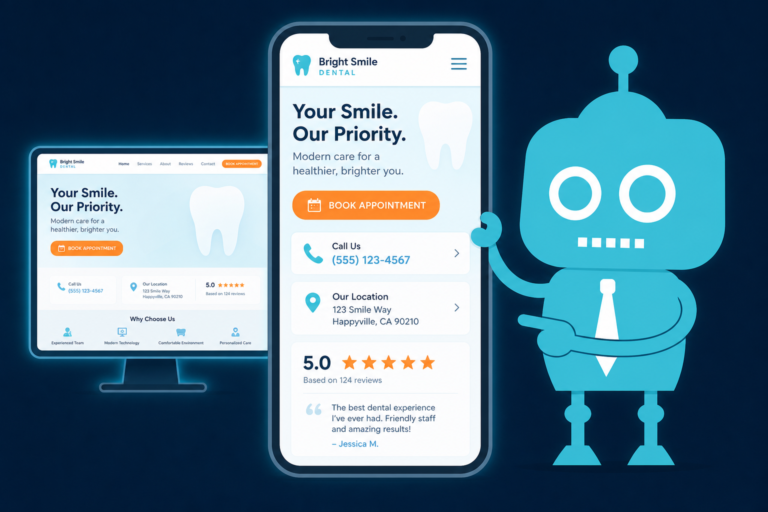
Use Mobile-Friendly CTA Buttons
Many prospective patients view dental websites on mobile devices. Your gallery should include easy-to-tap buttons such as:
- Call Now
- Request a Consultation
- Text Our Office
- Ask About Invisalign
- Book a Smile Makeover Consultation
If your website connects to your CRM system, these form submissions can automatically trigger follow-up workflows, reminders, and task assignments for your front desk team.
Connect Gallery Leads to Your CRM, SMS, and Email Automation
Before-and-after galleries become even more powerful when they are connected to your practice’s lead management process.
If a patient completes a form from your veneer gallery, your CRM should ideally record that interest. Your team can then follow up with relevant messaging instead of a generic response.
For example:
- A veneer lead receives an email explaining what to expect during a cosmetic consultation.
- An implant lead receives a text confirming the office will contact them to discuss implant options.
- An Invisalign lead receives a reminder to schedule a scan or consultation.
- A smile makeover lead is tagged for a personalized front desk follow-up call.
This makes your marketing more efficient and your patient communication more relevant.
Practical CRM Workflow Example
A patient visits your smile makeover gallery and submits a consultation form. The form asks, “What would you like to improve about your smile?” The patient selects “worn teeth” and “discoloration.”
Your CRM automatically:
- Tags the lead as “Smile Makeover”
- Sends an SMS confirmation
- Emails a consultation preparation guide
- Creates a front desk follow-up task
- Notifies the treatment coordinator
This is how a gallery moves from being a nice visual page to a real conversion system.
How Before-and-After Galleries Support Front Desk Operations
Your front desk team plays a major role in converting online interest into scheduled appointments. A well-built gallery can make their job easier.
When prospective patients call after viewing a gallery, the team can ask more focused questions:
- “Was there a specific case on our website that caught your attention?”
- “Are you interested in veneers, Invisalign, implants, or a full smile makeover?”
- “What would you most like to improve about your smile?”
- “Would you like to schedule a cosmetic consultation with the doctor?”
This helps turn a general inquiry into a consultative conversation.
Your gallery can also be used during phone calls and follow-up emails. If a patient asks about implants, the front desk can send a link to the implant gallery along with the consultation booking link.

Pair Galleries With Reviews for Stronger Trust
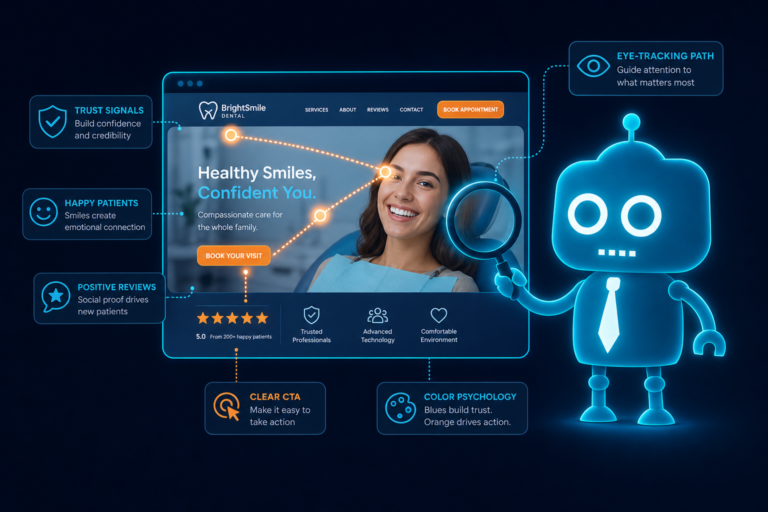
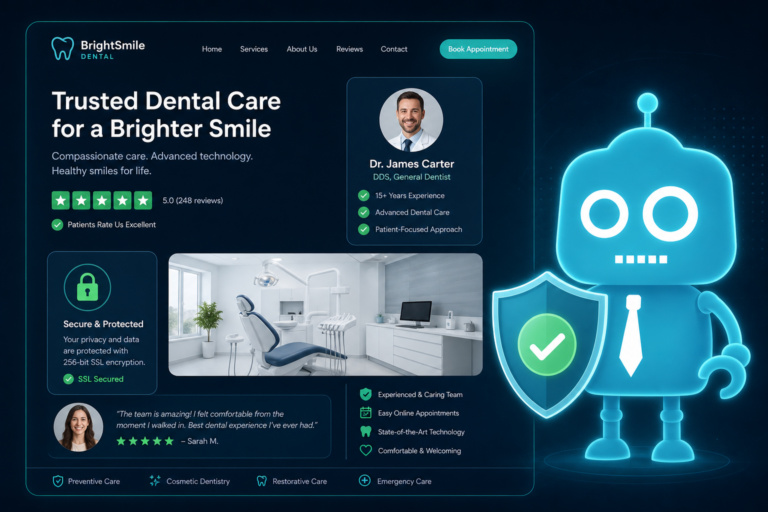
Before-and-after photos show results. Reviews show patient experience. Together, they create a stronger trust signal.
On cosmetic and implant service pages, consider pairing gallery previews with review snippets related to the same service.
For example, an Invisalign page might include:
- A few clear aligner before-and-after cases
- A patient review about the Invisalign process
- A CTA to schedule an Invisalign consultation
This helps prospective patients evaluate both the outcome and the experience of working with your practice.
Reviews can also support front desk follow-up. If a lead hesitates, your team can send a link to relevant reviews and gallery examples to help the patient feel more confident.
Privacy and Consent Considerations for Dental Galleries
Before-and-after galleries must be handled carefully. Patient photos are sensitive, and dental practices need clear policies for consent, privacy, and compliance.
Always consult your legal and compliance advisors regarding HIPAA, state dental board rules, advertising regulations, and consent requirements in your area.
Get Written Patient Consent
Do not publish patient images without documented written consent. Consent should explain where the photos may be used, such as:
- Your dental website
- Social media
- Email marketing
- Printed materials
- Digital ads
- In-office presentations
Patients should understand how their images may appear and whether identifying features will be included.
Use De-Identification When Appropriate
Some patients may agree to close-up smile photos but not full-face images. Others may prefer that names, ages, or identifying details not be shared.
You can often create effective galleries using cropped smile images, intraoral photos, or non-identifying captions.
Avoid Overpromising Results
Every patient is different. Bone structure, gum health, tooth condition, bite, budget, habits, and treatment goals all affect the final outcome.
Use language such as:
- “Individual results vary.”
- “A consultation is required to determine treatment options.”
- “Treatment recommendations depend on oral health and clinical evaluation.”
This protects patient trust and keeps your marketing educational instead of misleading.
Respect Patient Comfort
Some patients are excited to share their results. Others are more private. Make participation optional and avoid making patients feel pressured.
A respectful consent process can actually improve relationships. Patients appreciate knowing that your practice takes privacy seriously.
SEO Benefits of a Dental Before-and-After Gallery
A well-structured gallery can support dental SEO when it is built properly. Search engines need context to understand your images and pages.
To improve SEO value, consider:
- Creating dedicated gallery pages for major services
- Using descriptive page titles and headings
- Adding helpful captions with treatment details
- Using image alt text where appropriate
- Linking gallery cases to related service pages
- Optimizing image file sizes for fast loading
- Ensuring mobile-friendly design
For example, your implant gallery page can link to your main dental implants service page, your consultation form, and your financing information. This helps both patients and search engines understand the relationship between the content.
Common Gallery Mistakes That Reduce Conversions
Not every gallery improves results. Some galleries create confusion or even reduce trust.
Avoid these common mistakes:
- No captions: Patients cannot tell what treatment was done.
- Poor image quality: Blurry or inconsistent photos can weaken credibility.
- No CTA: Interested patients are not guided to the next step.
- Too few examples: One or two cases may not be enough to build confidence.
- Overly edited images: Patients may question authenticity.
- Unclear consent: This creates privacy and compliance risk.
- Slow-loading galleries: Large images can hurt mobile performance and lead conversion.
- No CRM connection: Leads may get lost or followed up too slowly.
The goal is not simply to display attractive photos. The goal is to help patients understand their options and take action.
Practical Ways to Start Building Your Dental Gallery
If your practice does not currently have a before-and-after gallery, start with a simple process.
1. Choose Your Priority Services
Begin with the services you most want to grow, such as implants, Invisalign, veneers, or cosmetic dentistry.
2. Create a Photo Protocol
Train your team on consistent angles, lighting, and storage. Make sure photo capture becomes part of the clinical workflow when appropriate.
3. Update Consent Forms
Work with your compliance advisor to ensure your consent forms clearly cover website and marketing use.
4. Write Patient-Friendly Captions
Use plain language. Avoid overly technical descriptions that patients may not understand.
5. Add Strong Consultation CTAs
Make it easy for patients to call, text, or request an appointment from the gallery page.
6. Connect Forms to Follow-Up
Route gallery leads into your CRM, email automation, SMS system, or front desk task list so inquiries are handled quickly.
A Strong Gallery Helps Patients Say Yes With Confidence
Before-and-after galleries work because dental decisions are personal. Patients want to trust the dentist, understand the treatment, and feel confident that their investment can lead to a meaningful result.
For cosmetic dentistry, implants, Invisalign, veneers, and smile makeovers, visual proof can reduce hesitation and increase consultation requests. When combined with ethical organization, clear captions, privacy-conscious consent, CRM integration, SMS/email follow-up, and strong front desk processes, your gallery becomes more than a portfolio. It becomes a conversion asset.
Build a Dental Website That Turns Visual Proof Into New Patient Consultations
CreateTheSite.com helps independent dental practices turn their websites into modern, conversion-focused marketing systems.
Our team supports dental practices with professional website design, secure hosting, mobile optimization, lead capture forms, CRM integrations, SMS and email automation, appointment follow-up, and ongoing website support.
If your practice wants to showcase cosmetic dentistry, implants, Invisalign, veneers, or smile makeovers more effectively, CreateTheSite.com can help you build a website experience that makes it easy for patients to view results, request a consultation, and stay connected with your team.
Ready to improve your dental website and capture more high-value consultation leads? Visit CreateTheSite.com to learn how we can help your practice grow with a modern, patient-friendly website.